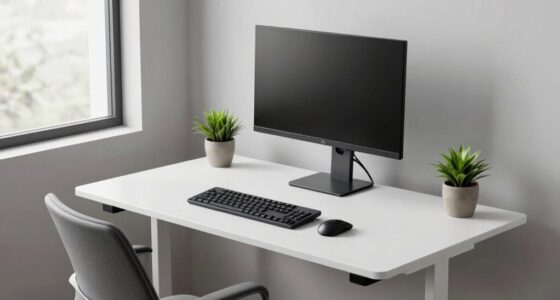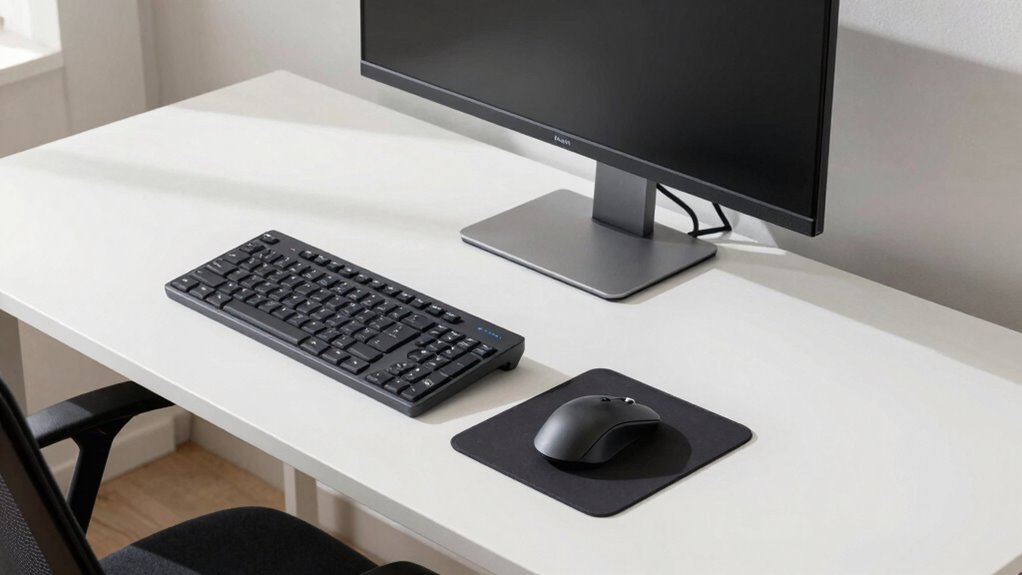

If you’re left-handed, ergonomic setup rules flip to favor your dominant side. You should position your mouse and keyboard on your left, keep frequently used tools within easy reach on that side, and make certain your monitor is placed for comfortable viewing without twisting your neck. Adjust your chair and desk height for natural posture and support. Following these tailored tips can boost comfort and reduce strain—continue to discover how to optimize your left-handed workspace effectively.

Get comfort and recovery gear delivered free with Prime
- Fast, free delivery on millions of items
- Prime Video, Amazon Music and more included
- Member-only deals all year
Key Takeaways
- Flip the typical right-handed workspace layout to position tools, keyboard, and mouse on the left side for natural access.
- Use left-handed ergonomic devices designed to support neutral wrist posture and reduce strain.
- Adjust monitor placement to be on the left side at eye level, ensuring comfortable viewing angles.
- Reorganize frequently used items and supports on the left to minimize reaching and twisting.
- Customize chair and desk settings to accommodate left-handed movements and promote proper posture.
As an affiliate, we earn on qualifying purchases.
What Challenges Do Left-Handed Workers Face in Ergonomics?
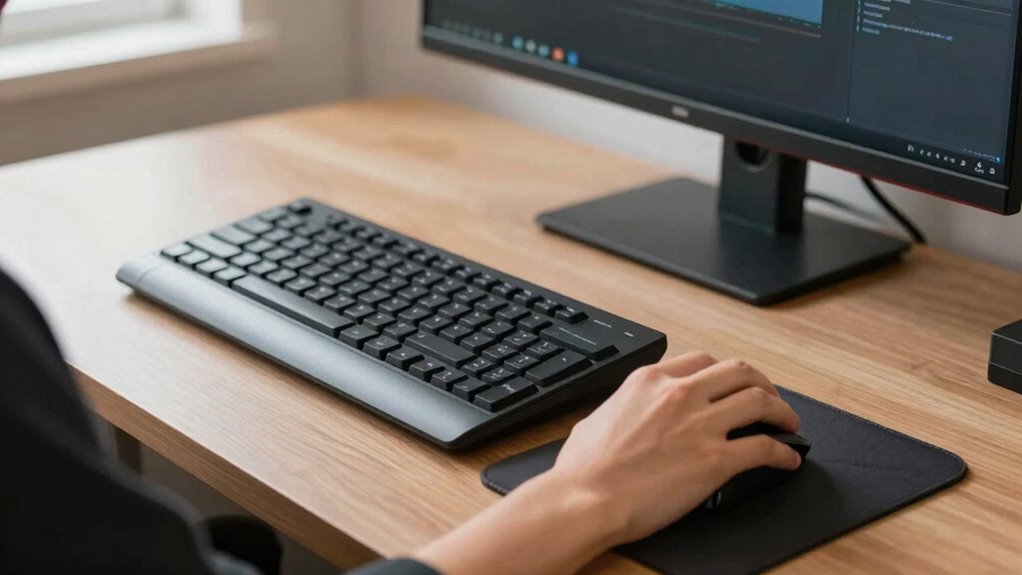
Left-handed workers often encounter ergonomic challenges because most equipment and workspace designs cater to right-handed users. This lack of handedness awareness can lead to discomfort, strain, and even injury over time. For example, desks, mouse setups, and tool placements are typically optimized for right-handed individuals, forcing left-handed people to adapt awkwardly. Ergonomic research highlights that improper setup can cause repetitive stress injuries and reduce productivity. You might find yourself constantly adjusting your position or experiencing discomfort because the workspace isn’t tailored to your needs. Without intentional design considerations, left-handed workers become more prone to musculoskeletal issues. Addressing these challenges requires understanding handedness awareness and ensuring ergonomic principles are applied to create more inclusive, comfortable work environments. Design considerations play a crucial role in preventing long-term health issues for left-handed employees, especially when ergonomic adaptations are thoughtfully implemented. Recognizing handedness differences in workspace design can significantly improve comfort and safety for left-handed workers. Additionally, incorporating ergonomic tools specifically designed for left-handed users can further enhance comfort and reduce strain over time.
As an affiliate, we earn on qualifying purchases.
How to Choose Ergonomic Equipment Designed for Left-Handed Use
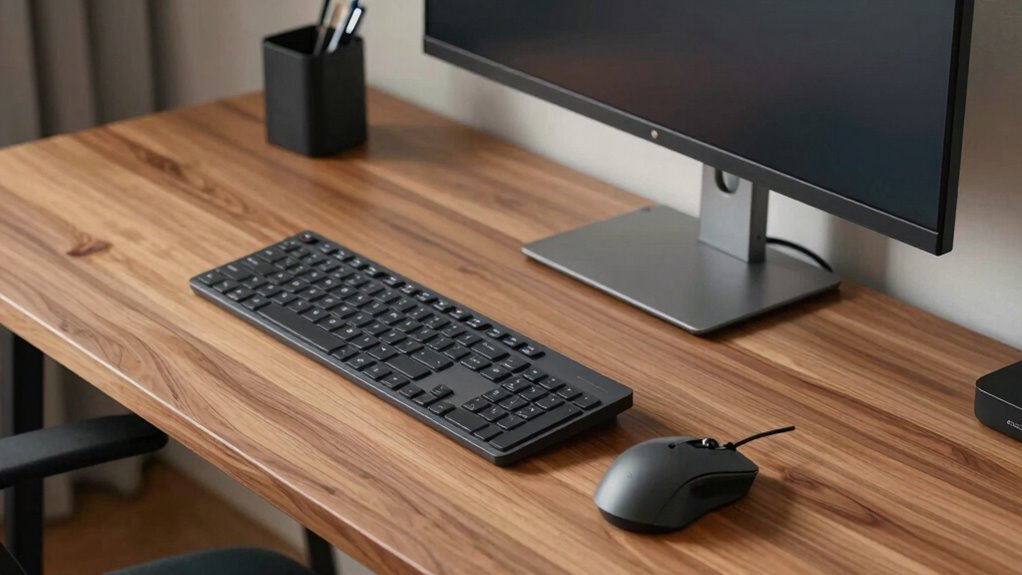
Choosing ergonomic equipment that suits your dominant hand is essential for comfort and productivity. When selecting tools, look for options specifically designed for left-handed use to avoid strain. These left-handed tools feature ergonomic design principles that support natural hand positions, reducing fatigue. These designs often incorporate natural grip considerations that align with the anatomy of the left hand, making tasks easier and more comfortable. To find the right equipment, consider these tips: 1. Opt for left-handed tools like scissors, mouse, or keyboard layouts that mirror standard designs. 2. Prioritize ergonomic design that promotes neutral wrist posture and easy access. 3. Test equipment to ensure it feels comfortable and minimizes awkward movements. Additionally, understanding how contrast ratio impacts visual clarity can help you choose equipment that reduces eye strain during extended use. Incorporating ergonomic principles supported by scientific research can further enhance comfort and efficiency.
As an affiliate, we earn on qualifying purchases.
Set Up Your Desk for Left-Handed Comfort
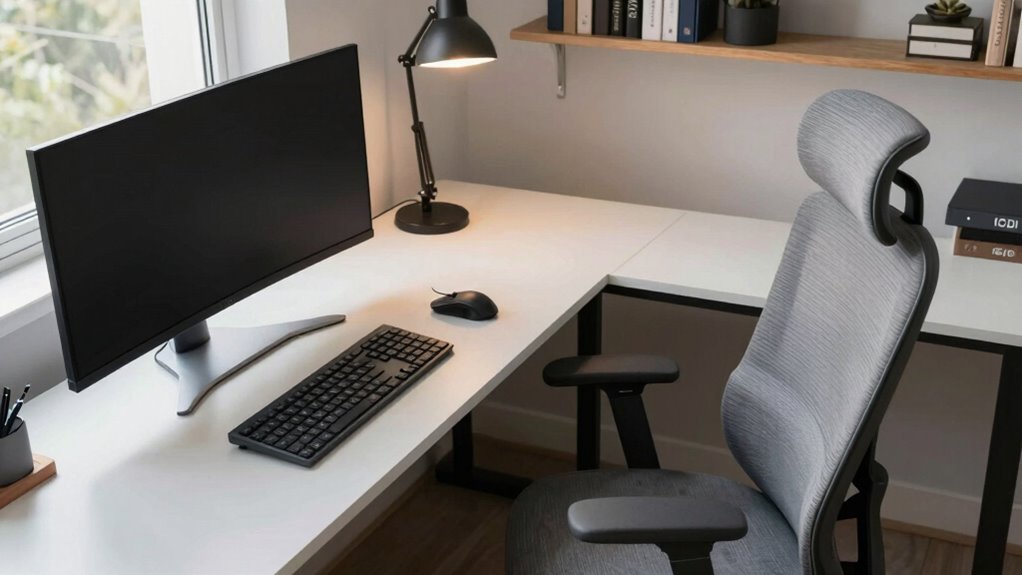
To set up your desk for left-handed comfort, start by arranging essential tools within easy reach on your dominant side. This minimizes unnecessary movement and helps maintain good posture. Consider your writing habits and position your pen, notepad, or keyboard on the left side where you naturally work. An ergonomic assessment can identify other adjustments, like monitor height or chair position, that support comfort and reduce strain. Keep frequently used items close to avoid stretching or twisting. Use a left-handed mouse or keyboard to further optimize your workspace. Organizing your desk this way creates an efficient environment that aligns with your natural movements, reducing fatigue. Additionally, understanding ergonomic principles can help you design a workspace that promotes long-term comfort and productivity. Incorporating adjustable accessories, like ergonomic supports, can further enhance your setup and prevent discomfort. Paying attention to workstation ergonomics is essential for maintaining comfort during long work hours. Being mindful of proper posture ensures you stay comfortable and productive throughout your workday. Proper setup guarantees you stay comfortable and productive throughout your workday.
As an affiliate, we earn on qualifying purchases.
Adjust Office Devices for Left-Handed Use
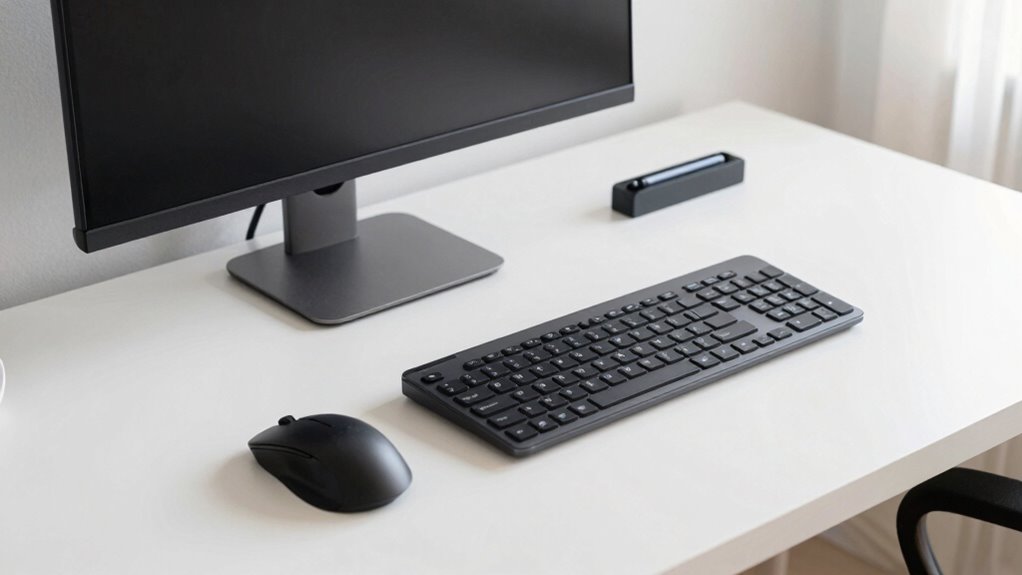
Adjusting your office devices for left-handed use can considerably boost comfort and efficiency. Start by customizing your desk height to guarantee your keyboard and mouse are at a comfortable level, reducing strain. Then, focus on ergonomic chair adjustments to support proper posture while reaching for devices. Finally, reposition your mouse and other peripherals to the left side, ensuring easy access without overreaching. Incorporating ergonomic device setup can further enhance your comfort and prevent strain. Here are three key steps: 1. Adjust your desk height for ideal reach and posture. 2. Set your ergonomic chair to support your back and align your shoulders. 3. Reconfigure your mouse and keyboard placement to the left side for natural movement. Additionally, considering home automation protocols can streamline device adjustments and improve overall workspace ergonomics. Using ergonomic principles during setup helps create a more comfortable and health-conscious workspace. Implementing customizable workspace solutions can also optimize your environment for left-handed use, making daily tasks more seamless. Paying attention to ergonomic standards ensures your workspace remains safe and supportive for prolonged use. These simple changes make left-handed device use seamless and comfortable, promoting better ergonomics throughout your workday.
Ergonomic Tips to Improve Left-Handed Posture
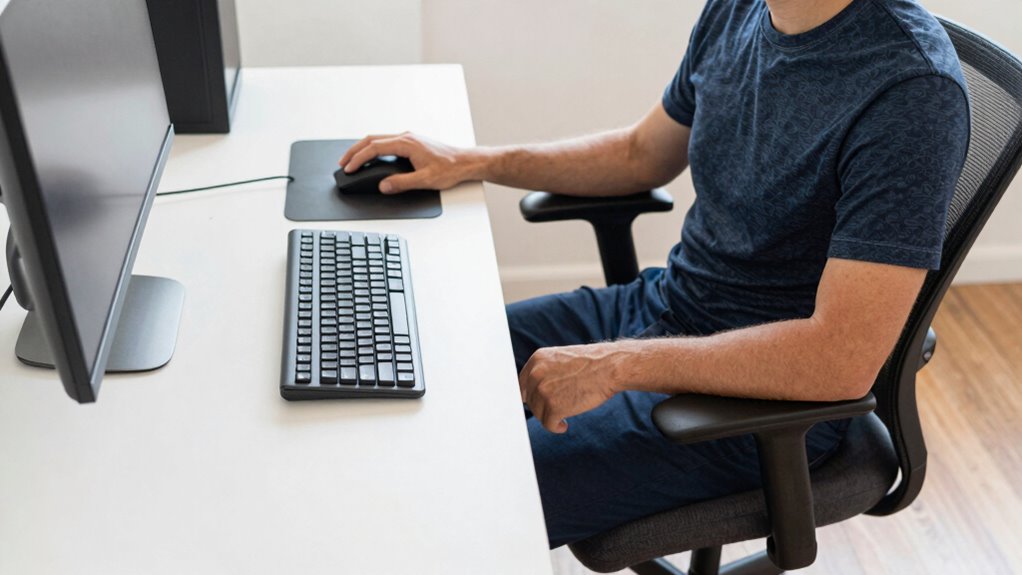
Proper posture is key to preventing discomfort and long-term strain when using left-handed devices. Handedness awareness helps you recognize how your dominant side influences your positioning, allowing for ergonomic adaptation. Keep your monitor at eye level to avoid neck strain, and position your keyboard and mouse within easy reach to maintain relaxed shoulders. Sit with your back supported and feet flat on the floor to promote proper alignment. Avoid twisting your torso or leaning to one side, which can cause imbalance. Regularly switch hands or adjust your grip to reduce repetitive stress. Additionally, understanding ergonomic principles tailored for your left-handed needs can significantly improve comfort and prevent injury. Incorporating adjustable equipment designed for left-handed users can further enhance your ergonomic setup. Being mindful of Handedness awareness helps in customizing your workspace for optimal comfort. Paying attention to ergonomic best practices empowers you to create a healthier workspace. By consciously applying ergonomic principles tailored for your left-handed needs, you’ll improve posture, reduce fatigue, and foster long-term comfort. Understanding ergonomic assessments ensures your workspace remains aligned with your unique needs.
Organize Your Workspace to Minimize Strain
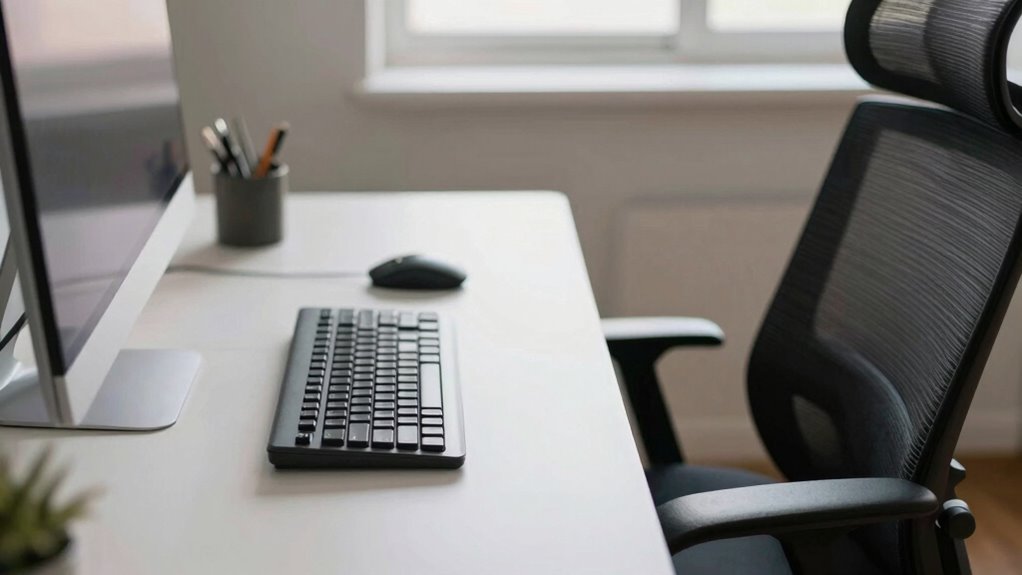
Organizing your workspace effectively can considerably reduce strain and enhance comfort for left-handed users. Proper desk organization keeps essential tools within easy reach, reducing unnecessary stretching or twisting. Focus on cable management to prevent clutter and accidental pulls, which can cause discomfort or even injury. Additionally, maintaining a clean and dry environment can prevent water damage to your equipment, ensuring longevity and safety. Incorporating Water damage prevention is an important aspect of workspace maintenance that many overlook. Incorporating ergonomic accessories can further improve comfort and support for left-handed individuals, promoting better posture and reducing fatigue. Paying attention to workspace layout can optimize your setup and further minimize strain. Including water-resistant covers can also provide an extra layer of protection against water exposure, safeguarding your devices from spills or leaks.
Best Left-Handed Mouse and Keyboard Placement
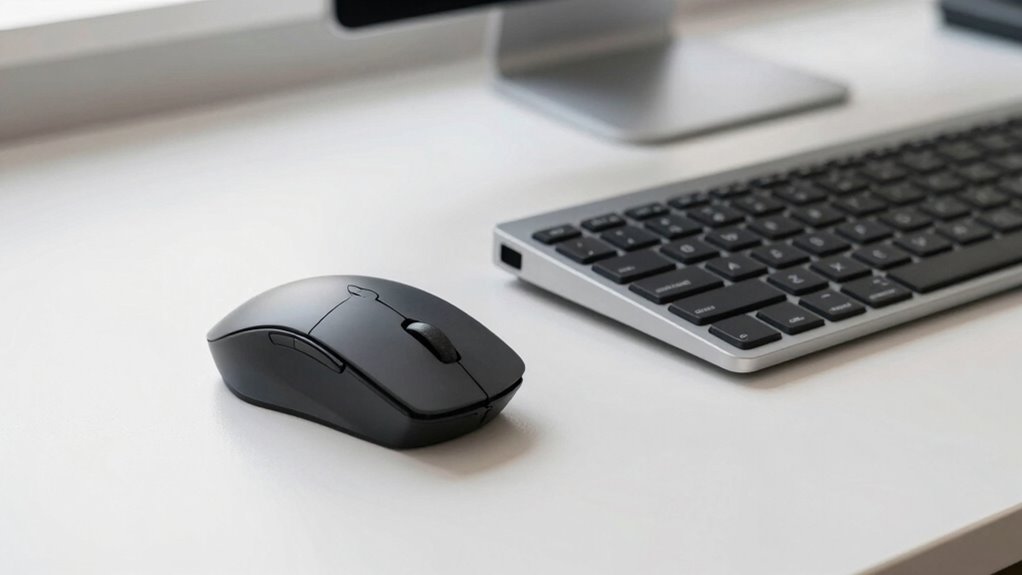
To guarantee comfort and efficiency while working, placing your mouse and keyboard correctly is key. Handedness awareness helps you position these tools to minimize strain and maximize productivity. For left-handed users, this means placing the mouse on the left side of your workspace and adjusting your keyboard layout to suit your natural hand movement. Ergonomic adaptability involves choosing a mouse designed for left-handed use or a symmetrical model you can switch sides easily. Your keyboard should be positioned so your elbows remain close to your body, with wrists in a neutral position. Keep everything within easy reach to prevent overstretching. Additionally, selecting ergonomically designed accessories can further enhance comfort and reduce fatigue. By consciously adjusting your setup with these principles, you create a comfortable environment that supports your unique needs as a left-hander. Incorporating proper wall surfaces and finishes can also contribute to a more ergonomic workspace by reducing glare and improving lighting conditions.
Troubleshooting Common Ergonomic Issues for Left-Handers
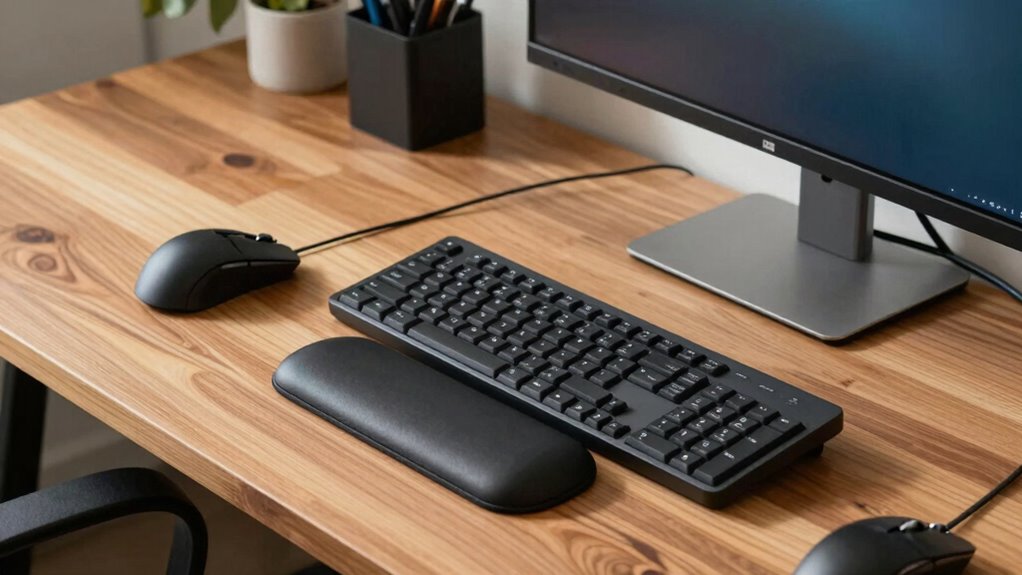
Left-handed users often face specific ergonomic challenges that can lead to discomfort or strain if not addressed promptly. Many ergonomic myths suggest that ambidextrous design always works for left-handers, but that’s not true—custom adjustments are often necessary. To troubleshoot common issues:
- Verify your workspace setup matches your dominant hand, avoiding awkward angles and strain.
- Challenge ergonomic myths by exploring left-specific tools, rather than relying solely on ambidextrous options.
- Adjust your chair, keyboard, and mouse positions to promote natural movement, reducing fatigue.
Resources and Products for Left-Handed Ergonomics
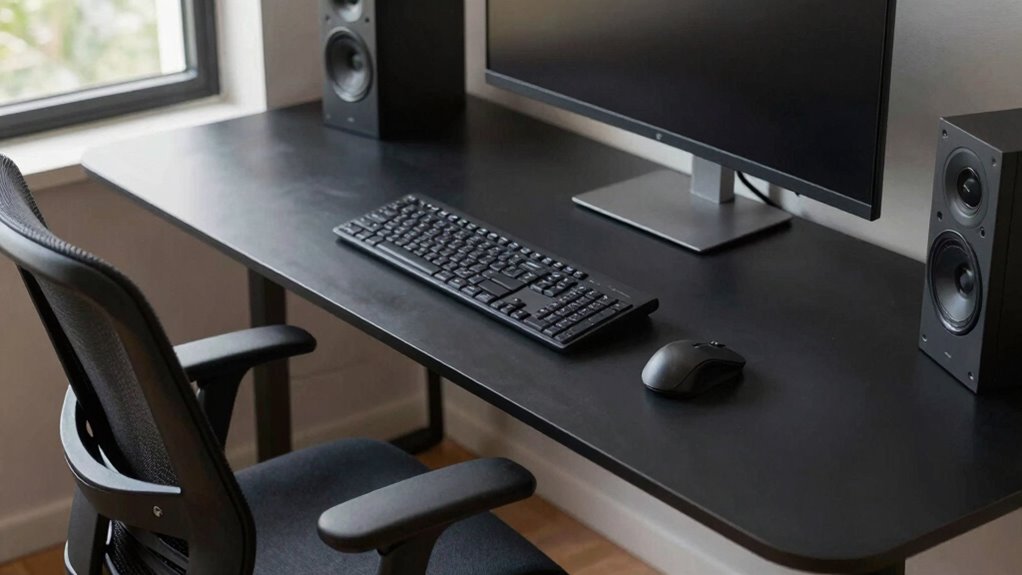
There are many resources and products designed specifically to support your ergonomic needs as a left-handed person. You can find specialized equipment, ergonomic accessories, and workspace solutions that suit your unique setup. Exploring these options helps you create a more comfortable and efficient environment.
Left-Handed Equipment Options
Finding the right tools can make a significant difference in improving comfort and productivity for left-handed users. Fortunately, there are many options designed with ergonomic design in mind. These tools help reduce strain and improve efficiency during daily tasks.
Here are some top left-handed equipment options:
- Left-handed scissors with ergonomic handles that fit your grip comfortably.
- Left-handed mice featuring ergonomic design to support natural hand positioning.
- Left-handed notebooks or desks with reversed layouts to suit your writing angle and workspace needs.
Specialized Ergonomic Accessories
To enhance comfort and reduce strain, specialized ergonomic accessories for left-handed users offer tailored support that standard tools often can’t provide. These ergonomic accessories, including left-handed gadgets, improve functionality and reduce discomfort during daily tasks. Whether it’s a mouse designed specifically for left-hand use or ergonomic wrist rests, these tools cater to your unique needs. Here’s a quick overview:
| Accessory Type | Purpose | Example |
|---|---|---|
| Left-handed mice | Reduce wrist strain | Vertical ergonomic mouse |
| Wrist supports | Prevent repetitive strain injuries | Gel wrist rest |
| Keyboard accessories | Improve typing comfort | Left-handed ergonomic keyboard |
Investing in these ergonomic accessories ensures better posture and increased productivity.
Customizable Workspace Solutions
Creating a comfortable and efficient workspace requires customizing your environment to suit your left-handed needs. One of the best ways is investing in adaptive furniture designed specifically for left-handed users. These pieces allow you to work naturally without straining. Additionally, ergonomic assessments can identify areas where your setup needs improvement, ensuring you avoid discomfort. Consider these options:
- Adjustable desks that can flip or tilt to accommodate left-handed positioning.
- Left-handed ergonomic mice and keyboards for better control and comfort.
- Customizable storage solutions that keep tools and supplies within easy reach on your dominant side.
Final Tips for Creating an Efficient Left-Handed Workspace
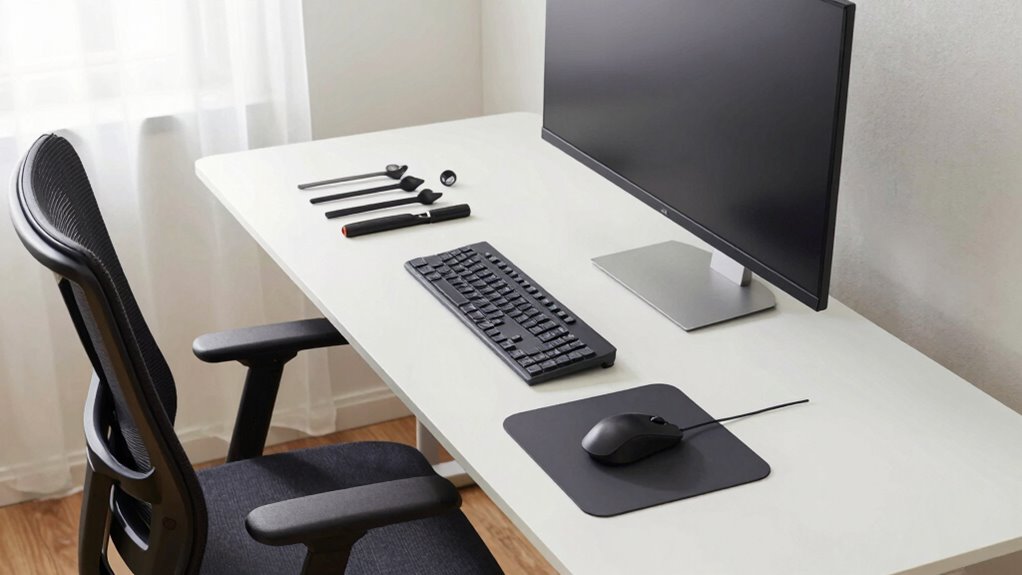
Designing an efficient left-handed workspace involves thoughtful adjustments to your setup so you can work comfortably and productively. Prioritize left-handed comfort by positioning your monitor to the left of your dominant hand, reducing strain and awkward movements. Use ergonomic insights to arrange your keyboard and mouse in a way that minimizes wrist stress—consider a left-specific mouse or a keyboard tray that supports natural hand positioning. Keep frequently used items within easy reach to avoid unnecessary stretching. Ensure your chair supports good posture, with feet flat on the ground and back well-supported. Take regular breaks to prevent fatigue. These small but impactful changes create a workspace that promotes comfort, efficiency, and long-term ergonomic health tailored to your needs.
Frequently Asked Questions
Are There Universal Ergonomic Guidelines for Both Left- and Right-Handed Workers?
Yes, there are universal ergonomic principles you can follow, regardless of handedness. Focus on maintaining good posture, keeping your monitor at eye level, and supporting your arms comfortably. Customization strategies are key—adjust your workspace to fit your specific needs, whether you’re left- or right-handed. By applying these universal principles and tailoring your setup, you can reduce strain and boost comfort and productivity in any workspace.
How Can I Convert Existing Right-Handed Ergonomic Setups for Left-Handed Use?
Did you know about 10% of people are left-handed? To convert your right-handed ergonomic setup, start by mirror adjusting your monitor to face your dominant hand. Switch controls like mouse buttons and keyboard shortcuts to your left side. This simple swap helps reduce strain and improves comfort, making your workspace more natural. Reflect on your current layout and make these adjustments to create an ergonomic environment tailored for left-handed use.
What Are the Best Practices for Training Employees on Left-Handed Ergonomic Setups?
You should start by providing ergonomic training that emphasizes understanding hand dominance and proper setup techniques for left-handed users. Demonstrate how to adjust desks, chairs, and equipment to support comfort and productivity. Encourage hands-on practice and offer visual aids tailored for left-handed ergonomics. Reinforce these habits regularly, ensuring employees feel confident in their ergonomic setups, which ultimately reduces strain and boosts efficiency for left-handed workers.
Do Left-Handed Ergonomic Tools Differ by Industry or Job Type?
Imagine wielding a tiny, left-handed spatula in a professional kitchen or trying to craft with industry-specific tools designed for right-handed folks—awkward, right? Yes, left-handed ergonomic tools differ by industry and job type. You’ll find industry-specific tools and job type adaptations that make tasks smoother. Whether you’re in manufacturing, graphic design, or healthcare, these custom setups help left-handed workers perform comfortably and efficiently, flipping the script on standard right-handed designs.
How Does Left-Handed Ergonomics Impact Long-Term Health Outcomes?
Your long-term health benefits from proper ergonomic adjustments designed for left-handed users. These adjustments help prevent musculoskeletal health issues like strains, repetitive stress injuries, and chronic pain. By ensuring your workspace supports your dominant hand, you reduce the risk of discomfort and injury over time. Prioritizing ergonomic solutions tailored for left-handed individuals promotes better posture, comfort, and overall well-being throughout your career and daily activities.
Conclusion
Now, picture your workspace as a tailored sanctuary where every tool feels natural in your hand. By flipping the setup, you create a seamless flow, like a well-oiled machine designed just for you. When your desk, mouse, and keyboard align perfectly with your left-handed rhythm, work becomes smoother, less tiring, and more comfortable. Embrace these simple changes, and transform your office into a haven where productivity and comfort flow effortlessly, just like a graceful dance.
Halloween Picks
halloween
As an affiliate, we earn on qualifying purchases.