
For lasting longer at your desk, using seat tilt and recline together offers the best support. Seat tilt helps maintain proper posture and even weight distribution during active work, reducing fatigue. Recline allows you to relax, alleviate lower back pressure, and boost circulation during breaks, keeping you energized. Tailoring both features to your needs guarantees comfort and focus all day. Keep going to discover how to adjust and optimize these settings for extended productivity.
Key Takeaways
- Seat tilt promotes active sitting and better posture during focused tasks, reducing fatigue over long periods.
- Recline relaxes muscles, alleviates pressure, and supports circulation, helping you stay comfortable longer during breaks.
- Combining both features allows dynamic adjustments, minimizing stiffness and supporting endurance throughout the workday.
- Proper use of tilt for active work and recline for relaxation optimizes comfort and reduces fatigue accumulation.
- Regularly switching between tilt and recline maintains ergonomic support, helping you work longer without discomfort.
What Are Seat Tilt and Recline in Ergonomic Chairs?

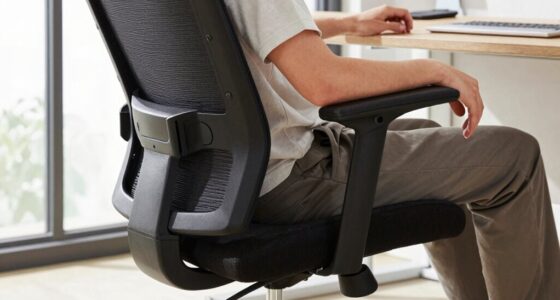
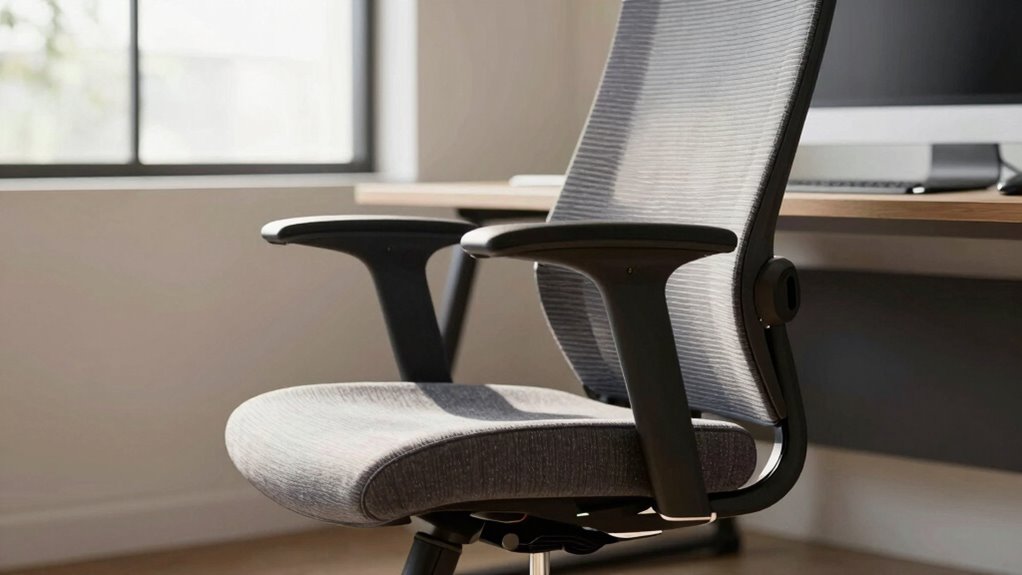
Seat tilt and recline are two key features in ergonomic chairs that help you find a comfortable and supportive sitting position. These functions are rooted in ergonomic design, which considers seating biomechanics to promote proper posture and reduce strain. Seat tilt allows you to adjust the angle of the seat pan, helping to evenly distribute your weight and improve circulation. Recline, on the other hand, lets you lean back while maintaining support for your back and neck. Both features work together to accommodate your body’s natural movements, reducing fatigue during long hours at your desk. Additionally, understanding how seat adjustability influences your seating biomechanics ensures you can customize your chair for maximum comfort and support throughout the day. Proper posture is essential for preventing discomfort and long-term musculoskeletal issues, and selecting the right combination of tilt and recline can significantly enhance your ergonomic sitting. Incorporating adjustable features also allows for better spinal alignment, which is critical for overall back health. Being aware of how these features impact your overall sitting posture can help you make more informed ergonomic choices.
How Seat Tilt Supports Good Posture During Long Work Sessions
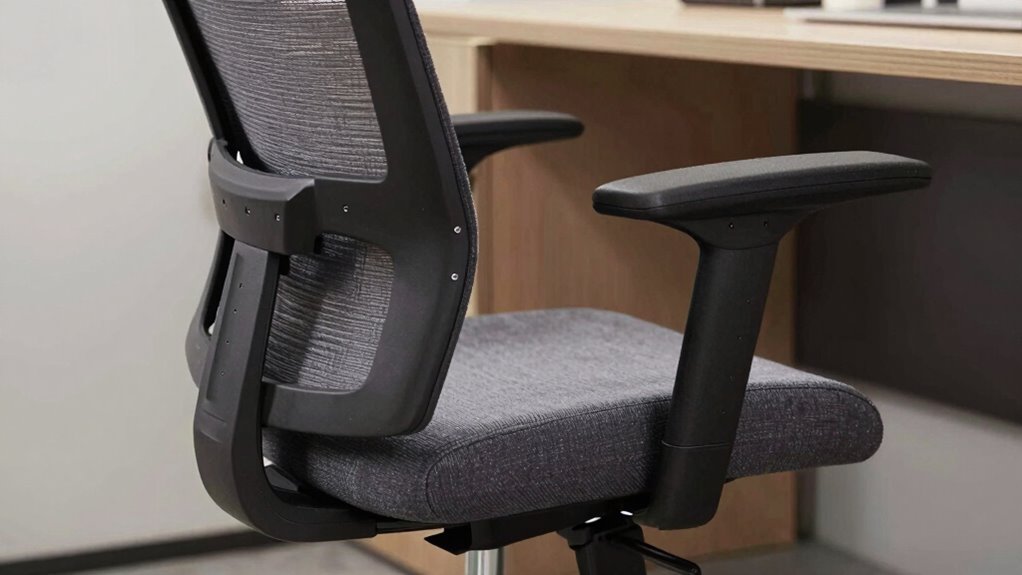
When you sit for extended periods, maintaining good posture becomes essential to prevent discomfort and long-term strain. Seat tilt offers ergonomic benefits by helping you find a natural, comfortable position that promotes proper posture alignment. By tilting the seat, you can reduce pressure on your lower back and hips, encouraging a more neutral spine position. This adjustment keeps your pelvis properly aligned, which supports your overall posture during long work sessions. Proper seat tilt also encourages slight forward or backward movement, preventing stiffness and promoting circulation. When your posture stays aligned, you’re less likely to experience fatigue or pain, allowing you to focus longer and work more comfortably. Additionally, early detection of metabolic disorders can help prevent chronic discomfort related to systemic health issues that may affect posture. Implementing ergonomic principles in your workspace can further enhance comfort and overall well-being. Incorporating natural light and wellness touches into your workspace can further enhance comfort and overall well-being. Recognizing individual differences in body mechanics allows for more personalized ergonomic adjustments, optimizing comfort and support. Ultimately, seat tilt plays a vital role in sustaining ergonomic benefits throughout your workday.
How Seat Tilt and Recline Affect Your Spinal Health
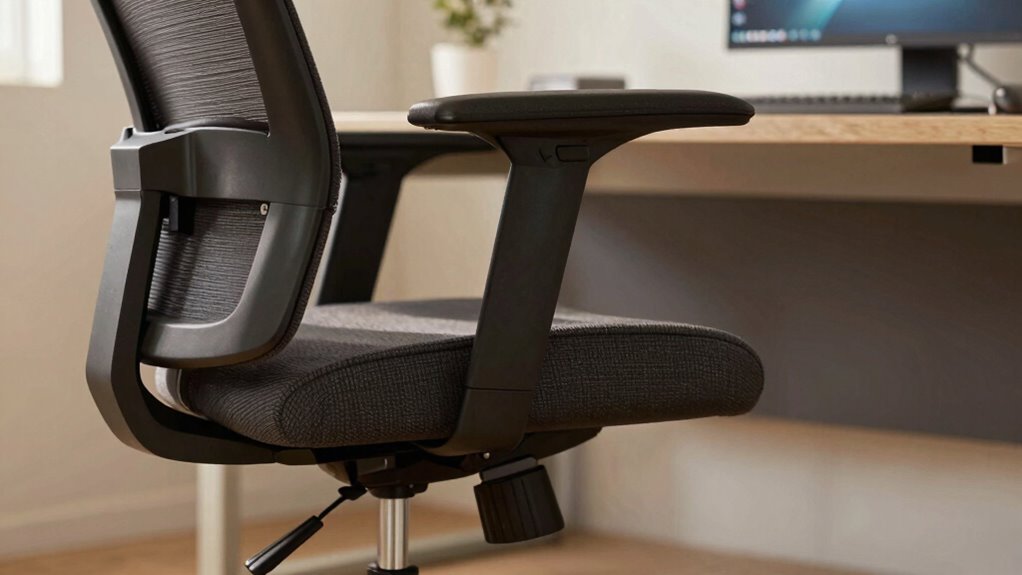
Adjusting the seat tilt and recline positions directly influences your spinal health by promoting proper alignment and reducing strain. An ergonomic desk setup depends on your ability to fine-tune these adjustments, ensuring your spine stays supported and balanced during long hours. Proper tilt and recline help distribute your body weight evenly, preventing pressure points and muscle fatigue. Regular office chair maintenance, like checking for loose parts or worn-out components, keeps these features functioning correctly, maintaining ideal support. When your chair supports natural spinal curves, you decrease the risk of back pain and long-term issues. Additionally, incorporating smart lock technology into your workspace can enhance security, allowing you to focus more on ergonomic comfort without worry. Maintaining adjustable features ensures your chair continues to support your spinal health effectively. Small adjustments in seat tilt and recline can significantly improve posture support and reduce discomfort, helping you work longer without pain or discomfort. Furthermore, understanding how these adjustments influence spinal alignment empowers you to create a more comfortable and health-conscious workspace. Regularly reviewing and adjusting your chair settings can also help prevent muscle strain from prolonged poor posture.
How Reclining Helps Reduce Fatigue and Promote Relaxation
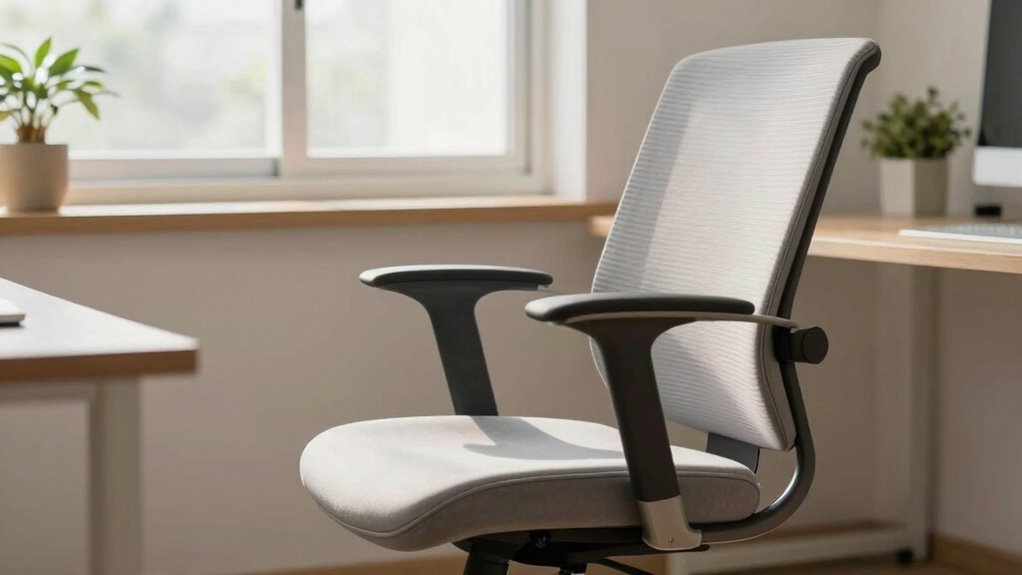
When you recline, you ease pressure on your spine, which helps prevent fatigue from building up. This position also boosts circulation, keeping your body energized and alert. Additionally, reclining promotes mental relaxation, making it easier to unwind and reduce stress. Incorporating mindful room design practices can further enhance your comfort and relaxation during work breaks. Maintaining an ergonomic workspace can also support proper posture and overall well-being. To ensure safety, it’s important to consider proper cable management to prevent heat buildup and reduce fire hazards in your workspace. Proper positioning of your desk and chair can help you maintain good posture, which is essential for preventing discomfort and long-term health issues.
Alleviates Spinal Pressure
Reclining your seat effectively reduces pressure on your spine, allowing your muscles to relax and alleviating discomfort caused by prolonged sitting. This position helps maintain proper spinal alignment, which is essential for reducing strain. When you recline, consider these benefits:
- Decreases lumbar pressure, easing lower back pain.
- Supports lumbar support, preventing slouching.
- Distributes weight evenly across your spine for comfort.
- Reduces muscle fatigue by minimizing tension in your back.
- Understanding ergonomic principles can further enhance your sitting posture and comfort during long periods at your desk. Incorporating proper ergonomic practices can also promote better circulation and reduce the risk of musculoskeletal issues. Additionally, adjusting your seat tilt can help optimize blood flow and prevent stiffness during extended work sessions. Being mindful of your posture can significantly improve endurance and reduce fatigue over time.
- Proper seat tilt adjustments can also help prevent stiffness and improve overall comfort during extended periods of sitting.
Enhances Circulation Flow
By shifting your seat to a reclined position, you can considerably improve circulation throughout your body. This adjustment promotes blood flow enhancement, reducing fatigue and helping you stay relaxed longer. When you recline, pressure on your lower back decreases, allowing blood to circulate more freely. Enhanced circulation benefits your overall comfort and stamina during long work hours. To better understand, consider this:
| Seat Position | Circulation Benefits | Impact on Fatigue |
|---|---|---|
| Upright | Moderate blood flow | Higher fatigue risk |
| Slight recline | Improved blood flow | Reduced fatigue |
| Fully reclined | Ideal blood flow | Least fatigue |
| Tilted forward | Restricted blood flow | Increased fatigue |
Choosing a reclined seat position supports circulation benefits, helping you last longer at your desk.
Promotes Mental Relaxation
Adjusting your seat to a reclined position doesn’t just benefit your circulation; it also plays a significant role in calming your mind. When you lean back, you create space for mental relaxation by easing tension and reducing stress. This position encourages you to practice mindfulness exercises and breathing techniques more effectively. To maximize these benefits, consider:
- Taking slow, deep breaths to lower stress levels
- Focusing on sensations during mindfulness exercises
- Using the recline to detach from screen glare and distractions
- Incorporating gentle stretches to release muscle tension
These practices help you unwind mentally, reduce fatigue, and improve overall focus. Reclining offers a simple yet powerful way to promote mental relaxation, making it easier to stay productive and engaged at your desk.
Choosing the Right Seat Tilt or Recline Mechanism for Your Needs
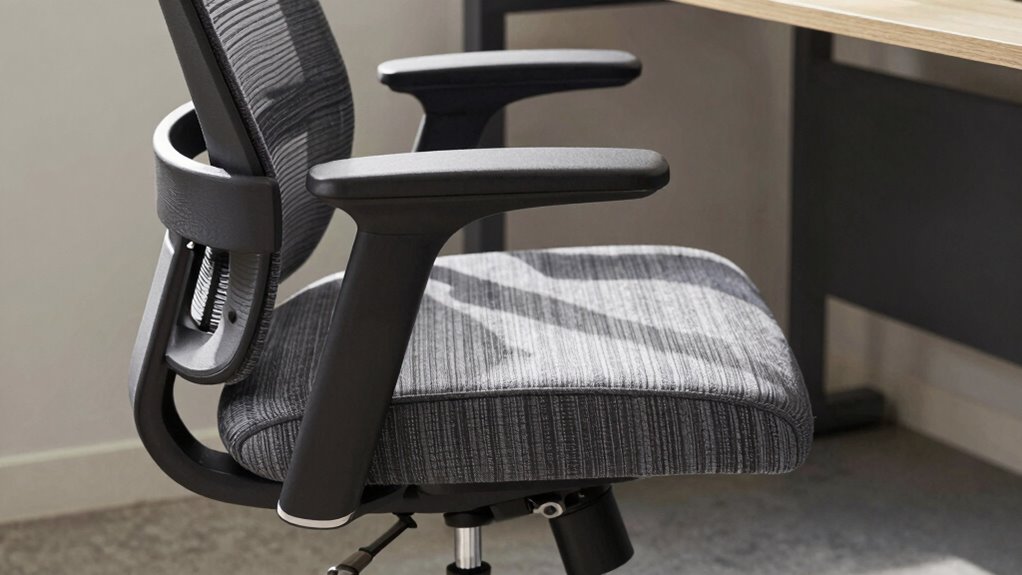
When selecting a seat tilt or recline mechanism, consider how adjustability options can improve your comfort and support. Think about your work style and specific needs—whether you prefer quick adjustments or a more fixed position. Finding the right mechanism guarantees your chair adapts to you, helping you stay comfortable and productive all day.
Adjustability Options for Comfort
Choosing the right seat tilt or recline mechanism depends on your specific comfort needs and how you use your chair. Look for options that offer adjustable features to customize your support. Focus on ergonomic design to guarantee proper posture, and consider material durability for long-term use. Key adjustability options include:
- Lumbar support adjustments for lower back comfort
- Seat height controls to match your desk height
- Tilt tension to set resistance when reclining
- Locking mechanisms for stable positioning
These features allow you to find a balance between support and flexibility, helping you stay comfortable longer. The right adjustments can reduce fatigue and improve focus, making your workspace more ergonomic and durable over time.
User Needs and Work Style
Your work style and daily tasks play a crucial role in determining the best seat tilt or recline mechanism for you. If you spend long hours focused and need to maintain an upright posture, a seat with a tilt lock might suit you best. Conversely, if your tasks involve frequent breaks and relaxation, a recline feature provides comfort and reduces fatigue. Consider your office aesthetics—sleek designs blend better with modern spaces, while ergonomic features prioritize comfort. Budget considerations also matter; basic models offer essential functions, while advanced seats include multiple recline options. Here’s a quick comparison:
| Work Style | Ideal Mechanism | Office Aesthetics & Budget |
|---|---|---|
| Focused tasks | Tilt lock for stability | Sleek, cost-effective options |
| Frequent breaks | Fully recline for relaxation | Stylish, higher-budget choices |
| Collaborative work | Adjustable tilt for versatility | Balance between design and cost |
Common Mistakes to Avoid When Using Seat Tilt and Recline Features
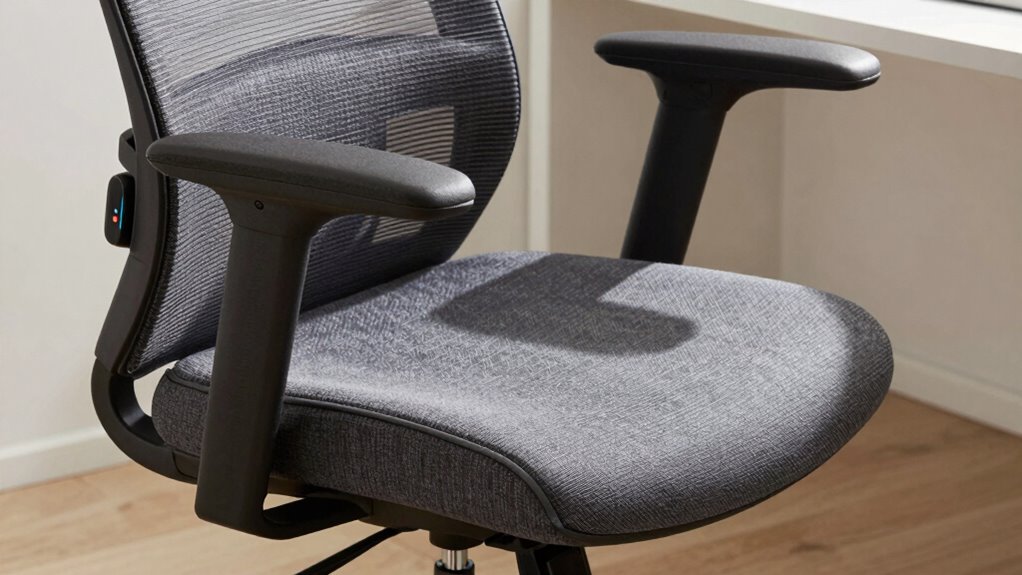
Many users make the mistake of adjusting their seat tilt or recline without considering their posture, which can lead to discomfort or long-term health issues. Common seat tilt mistakes include tilting too far back, which strains your lower back, or too far forward, causing poor support. Recline misuse often involves staying in a reclined position for extended periods, reducing focus and circulation. To avoid these issues:
- Always keep your hips and knees at roughly 90 degrees.
- Limit recline to 100-110 degrees for ideal support.
- Avoid excessive tilt that misaligns your spine.
- Regularly adjust your seat to maintain proper posture throughout the day.
Steering clear of these mistakes helps prevent discomfort and promotes better ergonomic habits.
Which Helps You Focus Longer: Seat Tilt or Recline?
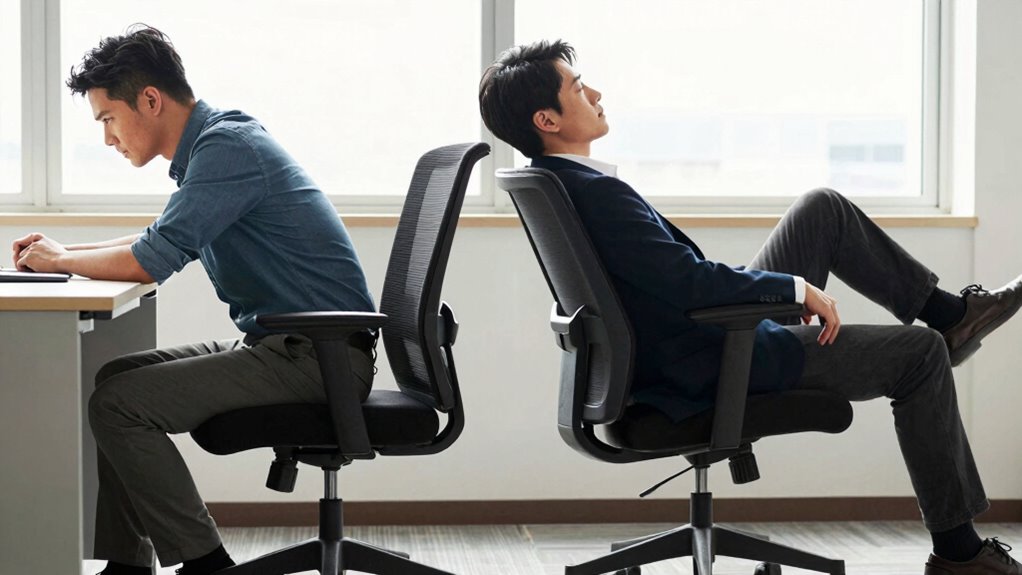
When it comes to focusing longer, your comfort and posture stability play vital roles. A seat tilt can help reduce fatigue and keep you alert, while reclining might support better concentration through relaxed muscles. Understanding how each feature affects your focus helps you choose the right position for sustained productivity.
Focus and Concentration
Choosing the right seat position can considerably impact your ability to focus and stay attentive. An ergonomic design considers how seat tilt or recline affects your mental clarity. For better focus, consider these factors:
- Proper alignment reduces physical distractions, helping you stay engaged.
- A slight tilt forward encourages alertness by keeping your posture active.
- Reclining too far back might cause you to feel sleepy or disengaged.
- Adjustments that support your natural posture enhance concentration by minimizing discomfort.
Ultimately, the best position balances ergonomic benefits with your personal focus needs. A seat that promotes good posture helps prevent fatigue, so you can maintain attention longer without discomfort disrupting your flow. Design considerations play a vital role in choosing the seat tilt or recline that keeps you sharp.
Comfort and Fatigue
Finding the most comfortable seat position is essential for reducing fatigue and maintaining focus over extended periods. An ergonomic design supports your body’s natural curves, preventing strain and discomfort that can cause fatigue. Whether you choose a tilt or recline feature, look for a chair that balances support with flexibility, so you can shift positions without sacrificing comfort. Chair aesthetics also play a role; a visually appealing chair can boost your mood and motivation, making it easier to stay engaged. When your seat promotes comfort, you’ll naturally feel less tired, allowing you to concentrate longer. Prioritizing ergonomic features and a pleasing design ensures your workspace remains comfortable, helping you sustain focus without the distraction of discomfort or exhaustion.
Posture Stability
Posture stability is essential for maintaining focus during long periods of sitting, and the way your chair supports this can depend on whether it has a tilt or recline feature. An ergonomic design promotes better movement dynamics, helping you stay steady. Seat tilt generally offers a more grounded position, enhancing your core engagement and reducing sway. Recline, on the other hand, allows for subtle shifts that prevent stiffness but may compromise stability if not well-designed. To maximize posture stability, consider:
- How well the chair supports your lumbar region
- The range of movement options for your hips and pelvis
- The firmness of the seat cushion
- The responsiveness of the tilt or recline mechanism
Choosing the right feature ensures you maintain a stable posture, helping you focus longer.
How to Adjust Seat Tilt and Recline for Maximum Comfort

Adjusting your seat tilt and recline can markedly boost your comfort, especially during long periods of sitting. Start by setting your seat tilt to support a natural, slight forward angle, which helps maintain good posture. Use the recline feature to find a relaxed position that reduces pressure on your lower back. While adjusting, make sure you’re also customizing armrests to support your arms comfortably, preventing shoulder strain. Properly adjusting lumbar support is critical; it should fill the curve of your lower back to prevent slouching. Experiment with small adjustments to find the sweet spot where your hips, back, and neck are aligned. Regularly readjust during long work sessions to stay comfortable and maintain focus.
When to Use Seat Tilt Versus Recline: Practical Tips
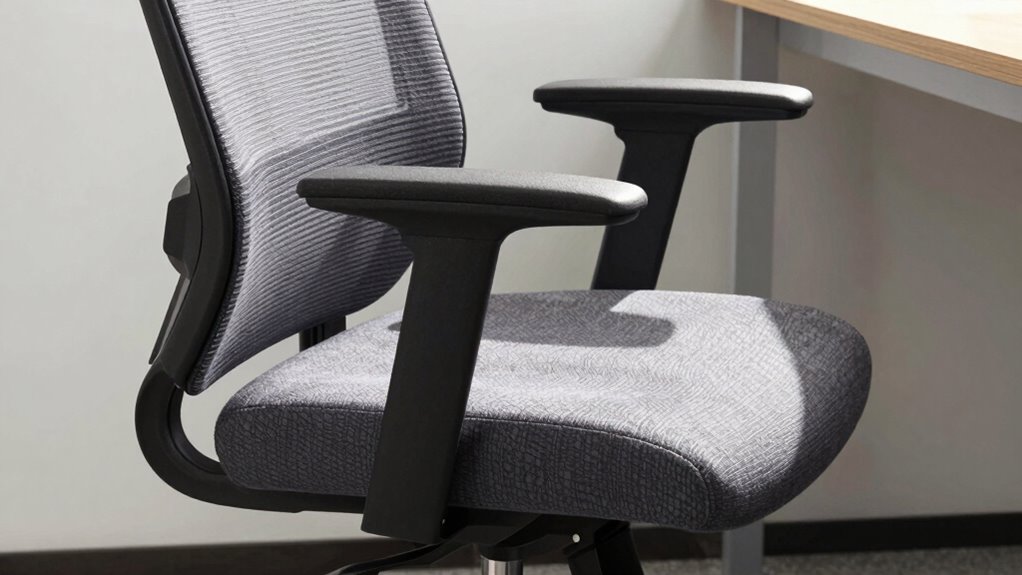
Knowing when to use seat tilt versus recline can make a big difference in your comfort and productivity. Use seat tilt when you need better ergonomic benefits during tasks that require focus and active sitting. Opt for recline when you want to relax and reduce pressure on your lower back. Here are practical tips:
- Switch to seat tilt when typing or working at your desk for improved posture.
- Use recline during breaks to stretch your back and enhance seating comfort.
- Adjust to recline for tasks that don’t require precise movements, like reading or reviewing documents.
- Return to seat tilt when returning to active work to maintain ergonomic benefits throughout the day.
Knowing these cues helps you optimize your chair settings for long-lasting comfort and better productivity.
Tips to Optimize Your Ergonomic Chair Settings for Extended Workdays
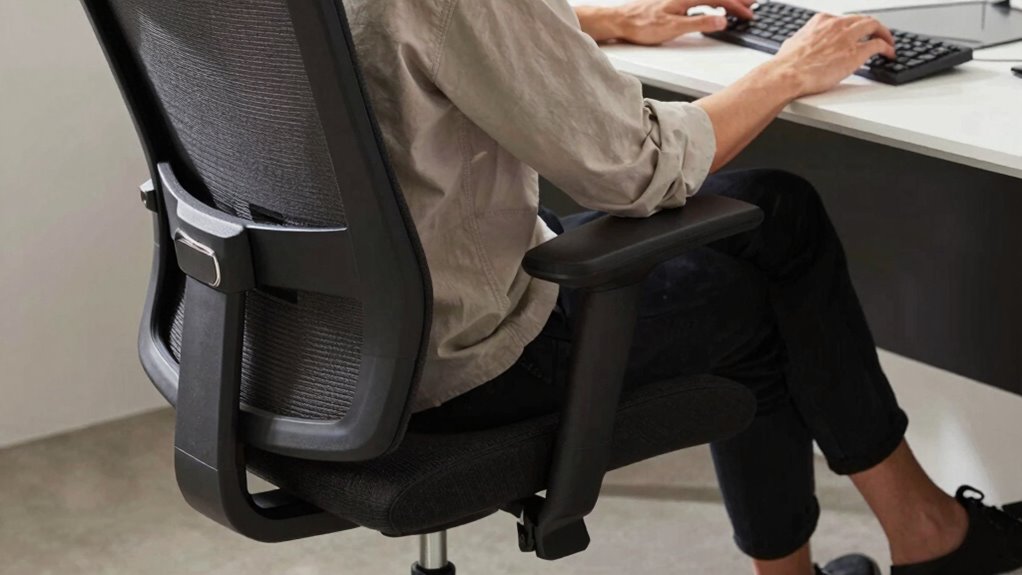
To stay comfortable and productive during long workdays, it’s essential to fine-tune your ergonomic chair settings. Start by adjusting your seat tilt and recline to support your lower back and promote good posture. Proper keyboard ergonomics are vital; keep your keyboard at elbow height and maintain a neutral wrist position to reduce strain. Organize your desk to guarantee everything is within easy reach, minimizing unnecessary reaching or twisting. Use lumbar support and adjust the chair height so your feet are flat on the floor. Regularly switch between sitting upright and reclining slightly to prevent stiffness. These adjustments help maintain circulation, reduce fatigue, and improve focus during extended hours at your desk.
Frequently Asked Questions
Can Seat Tilt or Recline Prevent Long-Term Back Pain?
Yes, seat tilt and recline can help prevent long-term back pain if your chair has good lumbar support and an ergonomic design. By adjusting the tilt or recline, you reduce strain on your lower back, promoting better posture throughout the day. Make sure your chair supports your lumbar region and allows smooth adjustments, so you stay comfortable and avoid long-term back issues while working at your desk.
Which Feature Is Better for Maintaining Energy Levels?
Reclining features are better for maintaining energy levels because they promote ergonomic comfort and better posture support. When you lean back, you reduce strain on your spine and muscles, helping you stay alert longer. Adjusting your chair to a comfortable recline position encourages movement and prevents fatigue, so you can focus on your tasks without feeling drained. Prioritizing ergonomic comfort keeps you energized throughout your workday.
Do Seat Tilt or Recline Affect Blood Circulation?
Think of your circulation as a gentle stream—unchoked, it flows smoothly. Seat tilt and recline substantially impact blood circulation by promoting ergonomic support and proper posture alignment. When you adjust your chair wisely, you prevent pressure points and enhance blood flow, reducing fatigue. Both features, when used correctly, help keep your blood circulating freely, so you stay energized and comfortable longer at your desk.
Are There Specific Jobs That Benefit More From Tilt or Recline?
Certain jobs benefit more from ergonomic posture with seat tilt, like those requiring frequent movement or dynamic tasks, as tilt encourages better blood flow and comfort. For job-specific seating, recline works well for roles involving prolonged sitting or focus-intensive work, helping reduce fatigue. You should choose based on your task demands, ensuring your seating supports sustained comfort and proper posture, ultimately boosting productivity and reducing discomfort during long work hours.
How Often Should I Change Chair Positions During Work?
Like a good time traveler, you should shift your chair positions every 30 to 60 minutes. This keeps your ergonomic adjustments effective and promotes posture consistency, preventing stiffness and fatigue. Moving between tilt and recline helps avoid static strain, ensuring you stay comfortable and productive longer. Listen to your body, and don’t be afraid to change positions frequently—your back and focus will thank you!
Conclusion
Choosing between seat tilt and recline can substantially boost your endurance at work. Did you know that proper ergonomic adjustments can reduce fatigue by up to 25%? By understanding how each feature supports your posture and comfort, you’ll stay focused longer and work more efficiently. Experiment with your chair settings, and you’ll find the perfect balance to help you last through even the longest days without discomfort. Your productivity and well-being will thank you!