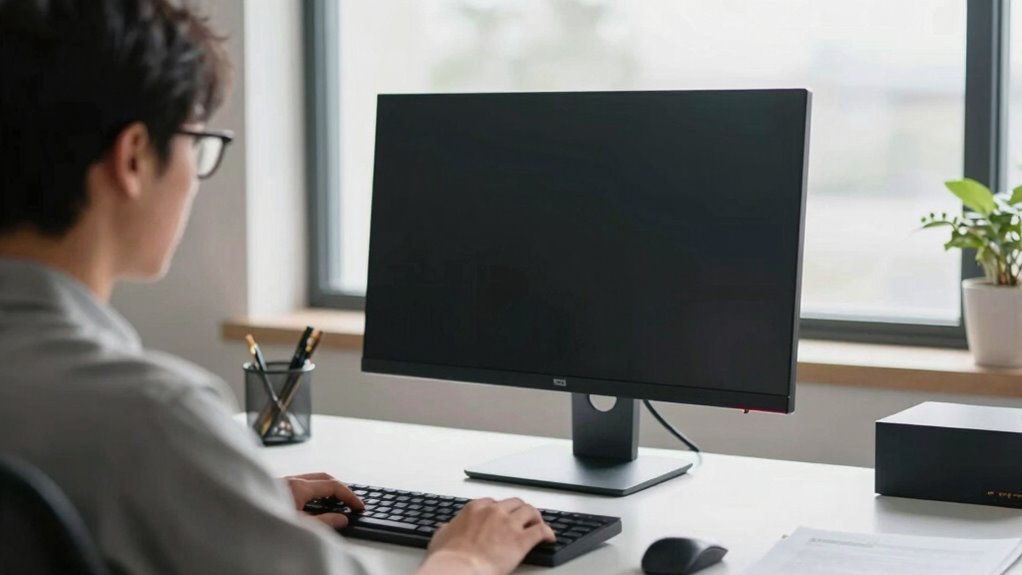

To make monitor placement simple for bifocal wearers, adjust your screen so the top is at or just below eye level. Keep it an arm’s length away and angle it to promote comfortable focus on both near and distance zones. Use adjustable stands or monitor arms to fine-tune height and tilt, reducing neck strain. Maintaining proper lighting and posture further helps. Keep going to discover more tips for a comfortable, strain-free workspace tailored to your needs.
Key Takeaways
- Position the monitor so the top is at or below eye level to reduce head tilting and neck strain.
- Keep the screen about an arm’s length away for comfortable focus and minimal eye fatigue.
- Adjust monitor tilt and angle to align with your natural gaze, easing focus between near and distance zones.
- Use adjustable stands or monitor arms to fine-tune height and angle, supporting proper posture.
- Minimize glare and reflections through lighting adjustments and anti-glare screens to prevent eye strain.
What Problems Do Bifocal Wearers Face When Using a Computer?
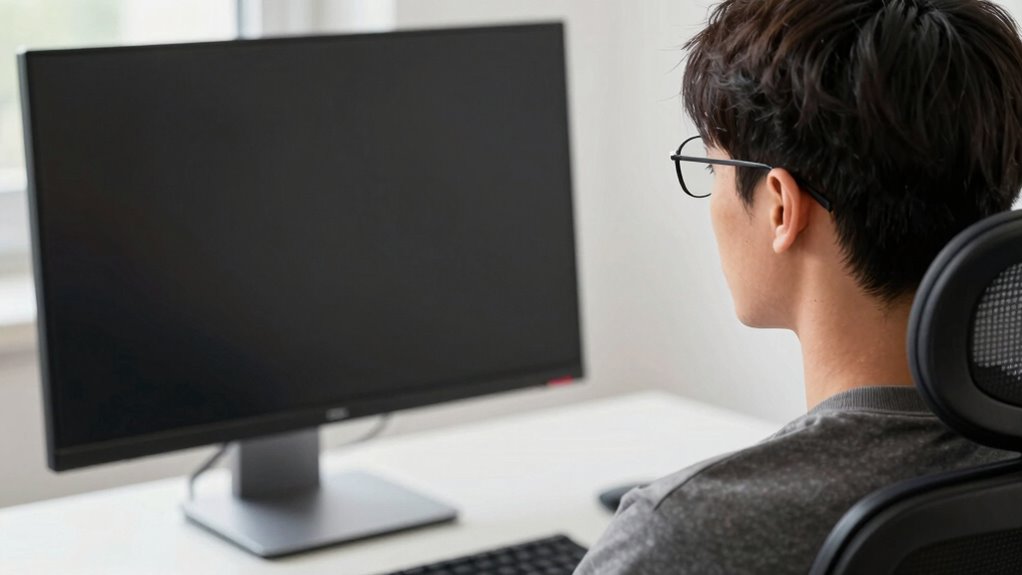
Bifocal wearers often struggle with computer use because the different lens zones can cause visual discomfort and strain. This challenge stems from bifocal adaptation, as your eyes must constantly switch between the distance and near vision segments, making it hard to focus comfortably on screen content. Poor vision correction in the upper part of your lenses can lead to head tilting or awkward positioning, increasing neck and shoulder tension. Additionally, the narrow viewing zone for intermediate tasks can cause eye fatigue and headaches. Without proper adjustments, you might find yourself frequently adjusting your posture or squinting, which worsens discomfort. Recognizing these issues is the first step to improving your work setup and ensuring your bifocal lenses support comfortable, effective computer use. Incorporating Free Floating lens technology can help create a more seamless visual transition, reducing strain and enhancing comfort during prolonged screen time. Proper lens design can further optimize your visual experience, making extended computer use more comfortable and less tiring. Understanding the importance of ergonomic monitor placement can also significantly reduce the strain experienced by bifocal wearers. Being aware of visual ergonomics principles can further help in customizing your workspace for better comfort. Additionally, consulting with an eye care professional about customized bifocal prescriptions can provide personalized solutions to improve your computer experience.
How Does Bifocal Use Impact Monitor Placement and Viewing?

As a bifocal wearer, your near and distance focus can affect how you position your monitor. You may need to adjust the screen height and angle to reduce strain and see clearly without tilting your head. Proper monitor placement helps you comfortably switch between close-up and distant views throughout the day. Incorporating ergonomic principles into your workspace setup can further enhance comfort and prevent discomfort during extended periods of use. Additionally, considering visual ergonomics can help optimize your monitor setup for your specific visual needs, reducing eye fatigue and improving overall comfort. Recognizing the importance of posture alignment can also support your neck and shoulder health while working. Paying attention to adjustable equipment can enable you to customize your workspace to suit your bifocal needs more effectively. Being aware of zodiac traits and their influence on personality can also help you develop better work habits and ergonomic awareness.
Near and Distance Focus
Because bifocals require you to switch focus between near and distant objects, your monitor placement needs careful adjustment to reduce eye strain. You should position your monitor so that the primary reading distance aligns with your focal zone, typically 20 to 30 inches from your eyes. When viewing the screen, your gaze should naturally fall within this zone, minimizing the need to tilt your head or strain your eyes. If your monitor is too high or low, you’ll constantly shift focus between the screen and your reading material, causing fatigue. Keep the monitor at a height where you can look straight ahead, with your eyes slightly downward. This setup helps balance your near and distance focus, reducing discomfort during extended use. Incorporating ergonomic accessories like monitor risers can further optimize your viewing comfort and support healthy posture during long work sessions. Additionally, adjusting your monitor angle can help ensure your gaze remains within the optimal focal zone, promoting comfort and reducing eye strain. Proper monitor placement also takes into account the ergonomic principles that prevent musculoskeletal issues and enhance overall comfort. When using bifocals, the right monitor setup can make a significant difference in managing visual fatigue, especially when combined with appropriate lighting conditions, which can further reduce eye strain and improve productivity.
Adjusting Screen Position
Since bifocal wearers need to see clearly at both near and distance, adjusting your monitor position is essential to reduce strain. Position your screen so that the top of the monitor is at or slightly below eye level, minimizing the need to tilt your head. Use ergonomic accessories like adjustable stands or monitor arms to fine-tune height and angle comfortably. Make lighting adjustments to reduce glare and reflections that can cause eye fatigue, especially important for bifocal users. Keep the monitor about an arm’s length away to maintain proper focus. Remember, the goal is to create a setup that allows you to switch focus effortlessly between screen and nearby objects. Proper monitor placement helps prevent neck and eye strain, making your workday more comfortable. Additionally, considering ergonomic workspace design can further improve comfort and reduce fatigue during long periods of computer use. Incorporating proper lighting into your workspace can also significantly minimize glare and eye discomfort. Being mindful of visual ergonomics ensures that your work environment supports healthy viewing habits and reduces long-term strain.
How to Choose the Best Monitor Height and Distance for Bifocals
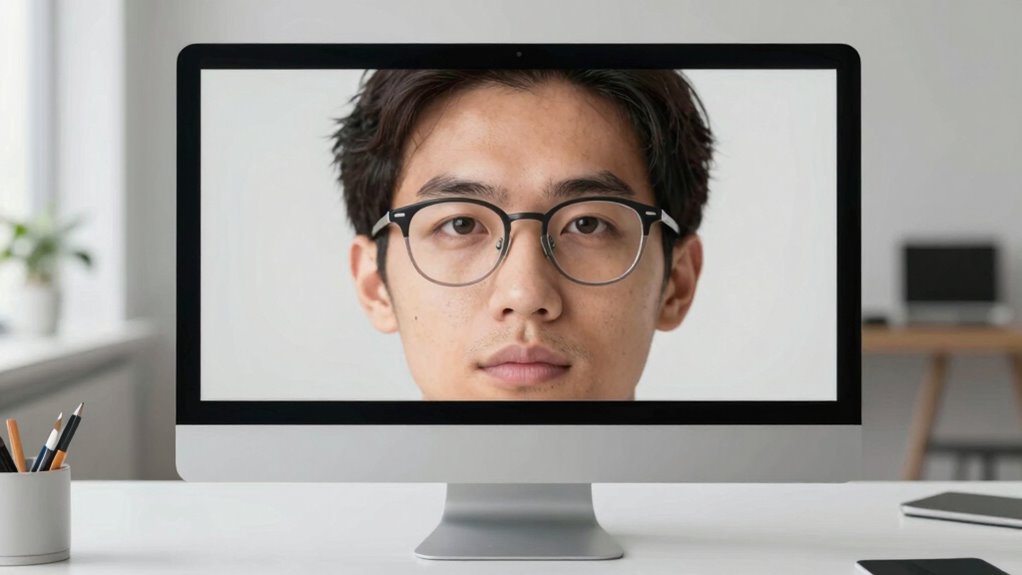
Choosing the right monitor height and distance is essential for bifocal wearers to minimize eye strain and maintain comfortable vision. Proper positioning helps you see clearly without tilting your head or straining your eyes. To optimize your setup, consider these tips:
- Adjust your monitor to slightly below eye level to reduce neck strain.
- Keep the screen about an arm’s length away for clear focus.
- Use ergonomic accessories like monitor risers for precise height adjustments.
- Regularly calibrate your monitor to ensure accurate color and brightness, reducing eye fatigue.
- Incorporate ergonomic workspace setup principles to further enhance comfort and prevent strain during long periods of use. Additionally, paying attention to visual ergonomics can help prevent long-term eye problems associated with improper monitor positioning. Maintaining proper screen distance is crucial for reducing the need to refocus and strain your eyes over time. Being mindful of ergonomic design can also improve overall comfort and promote better posture during extended use. Including proper lighting in your workspace can reduce glare and reflections, further supporting comfortable viewing conditions.
Adjust Your Desk and Chair for Comfortable Bifocal Use
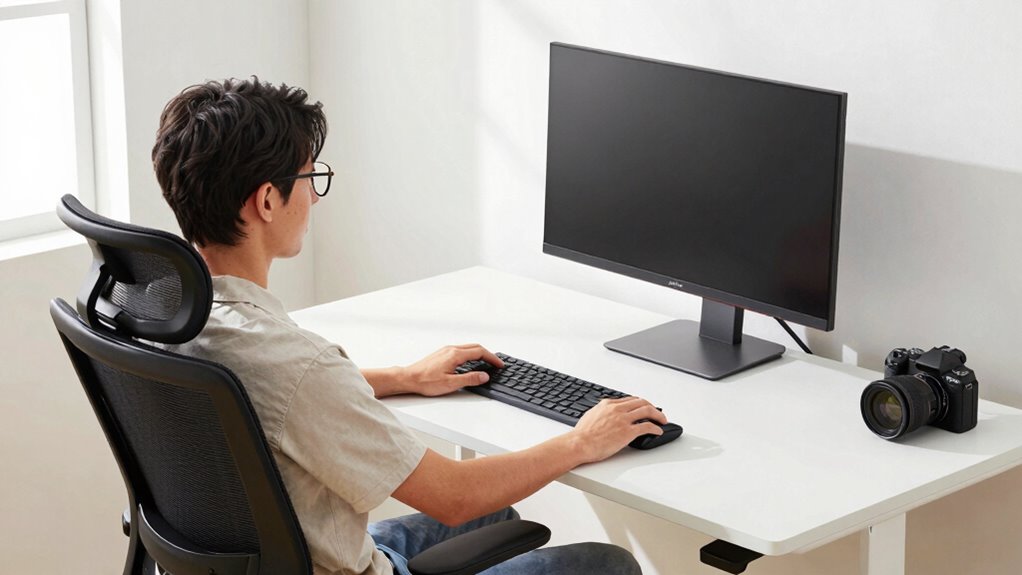
To stay comfortable with bifocals, you need to set your chair height so your feet rest flat and your knees are at a 90-degree angle. Adjust your desk position so your work surface is at elbow height when sitting upright. Making these small changes can reduce strain and improve your posture throughout the day. Additionally, consider ergonomic principles to optimize your workspace for better comfort and support. Incorporating proper workstation setup can further enhance your ergonomic environment and prevent discomfort. Remember that support networks can also provide helpful tips and encouragement for maintaining good ergonomic habits. Paying attention to piercing care and hygiene can help prevent discomfort caused by improper maintenance and reduce the risk of irritation. Incorporating natural light into your workspace can also boost your mood and overall well-being during work hours.
Chair Height Optimization
Adjusting your chair height is essential for comfortable bifocal use, as it guarantees your eyes are properly aligned with your work surface and screen. An ergonomic chair with lumbar support helps maintain good posture and reduces strain. To optimize your chair height:
- Sit with your feet flat on the floor.
- Adjust the seat so your knees are at a 90-degree angle.
- Ensure your hips are level or slightly higher than your knees.
- Keep your lower back supported by the lumbar support to avoid slouching.
Proper chair height allows you to look straight ahead or slightly downward without straining your neck or eyes. This setup minimizes discomfort and makes bifocal use more natural, keeping your head and neck in a healthy, relaxed position.
Desk Positioning Tips
Since your desk height directly affects your viewing angle, setting it correctly is essential for comfortable bifocal use. Adjust your desk so your elbows are at a 90-degree angle when typing, promoting proper posture. Use ergonomic accessories like a keyboard tray or monitor riser to optimize workspace organization and reduce strain. Keep your monitor at eye level, which may mean raising or lowering your desk or monitor stand. A well-organized workspace minimizes unnecessary movements, helping you maintain a natural head position. Remember, a clutter-free desk improves focus and comfort, especially when wearing bifocals. Regularly review your setup to ensure it supports your viewing needs, reducing neck and eye strain. Proper desk positioning is a key step toward ergonomic comfort during your workday.
How to Set Up Your Monitor to Reduce Eye and Neck Strain
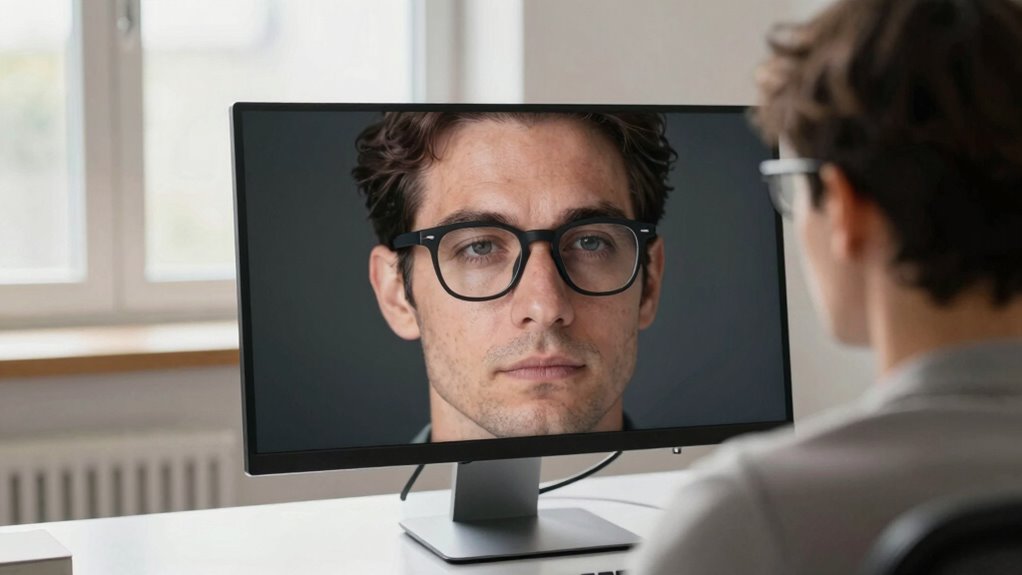
Setting up your monitor correctly is essential for reducing eye and neck strain, especially if you wear bifocals. Proper positioning can prevent discomfort and improve your posture. To optimize your setup, consider these steps:
- Position your monitor directly in front of you, about an arm’s length away.
- Adjust the height so the top of the screen is at or slightly below eye level.
- Use ergonomic accessories like monitor stands or adjustable arms to fine-tune height and angle.
- Maintain a comfortable, upright posture with shoulders relaxed and back supported to support posture correction.
Implementing these tips ensures your bifocal needs are accommodated, reducing strain and promoting better ergonomic habits.
What Monitor Features Can Help Minimize Bifocal Discomfort?
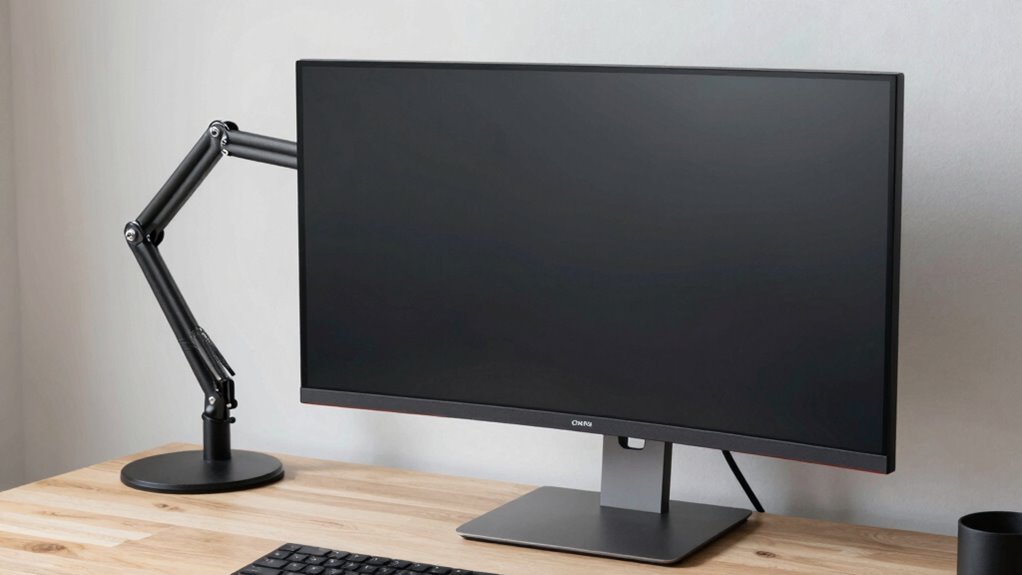
Choosing the right monitor features can make a crucial difference in minimizing bifocal discomfort. Look for screens with adjustable brightness and contrast settings to reduce eye strain. A blue light filter or blue light reduction mode can help lessen eye fatigue caused by prolonged exposure, especially during late hours. Anti-glare coatings or matte screens are essential for minimizing screen glare, which can force you to squint or adopt awkward head positions. An ergonomically designed monitor with height, tilt, and swivel adjustments allows you to position the best possible, reducing the need to strain your neck or eyes. These features combined can greatly improve comfort, helping you work longer without discomfort or fatigue related to bifocal wear.
Tips to Keep Your Eyes and Neck Comfortable During Long Work Sessions
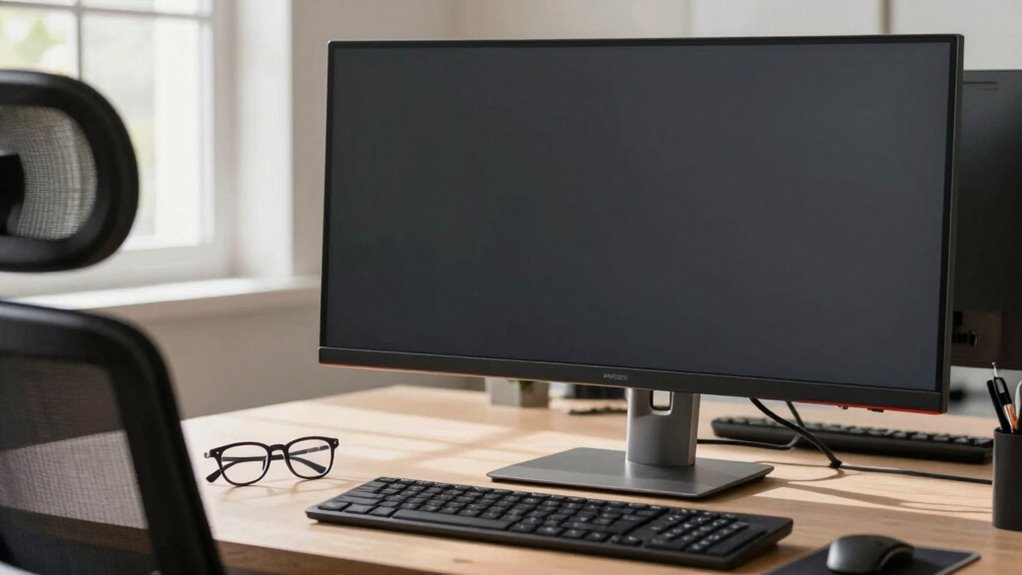
To stay comfortable during long work sessions, it’s important to take regular breaks and incorporate simple stretches into your routine. This helps maintain visual comfort and reduces neck strain. Additionally, ergonomic accessories can make a big difference. Here are some tips:
- Use an adjustable monitor stand to keep your screen at eye level, minimizing neck tilt.
- Blink frequently to prevent dry eyes and maintain visual comfort.
- Incorporate a document holder to keep reference materials at eye level.
- Practice neck stretches and shoulder rolls every hour to relieve tension.
These small adjustments help prevent discomfort, making long work hours more comfortable and productive for bifocal wearers.
Frequently Asked Questions
Can Specific Monitor Types Reduce Bifocal Strain Effectively?
Yes, specific monitor types can reduce bifocal strain effectively. Choose monitors with adjustable height and screen angle, allowing you to position the top of the screen at or just below eye level. This minimizes neck and eye strain by aligning the monitor properly. An ergonomic monitor promotes a comfortable viewing position, making it easier to see without tilting your head or straining your eyes, especially when wearing bifocals.
How Often Should Bifocal Wearers Take Eye Breaks While Working?
You should take eye breaks every 20 minutes to reduce eye strain and maintain good eye health. During these breaks, look away from your monitor and focus on something distant for at least 20 seconds. Maintaining an appropriate break frequency helps prevent discomfort and fatigue, especially for bifocal wearers who may experience more strain from prolonged close-up work. Consistent breaks keep your eyes comfortable and reduce long-term vision problems.
Are There Ergonomic Accessories That Help Bifocal Users?
Sure, ergonomic accessories like bifocal support stands or adjustable monitor arms are your new best friends. They help you maintain proper posture, reduce neck strain, and keep your bifocals at the perfect viewing angle. No more awkward craning or squinting—just simple, effective solutions that make work easier. These accessories turn your desk into a haven for comfort, proving once again that good ergonomics isn’t just a luxury, it’s a necessity.
How Does Lighting Impact Bifocal Comfort at the Monitor?
Lighting plays a vital role in your bifocal comfort at the monitor. You should minimize glare by adjusting your lighting to reduce harsh reflections on the screen. Natural illumination is ideal, so position your workspace near windows but avoid direct sunlight. Proper lighting reduces eye strain, prevents headaches, and helps you see clearly through your bifocals, making your work more comfortable and efficient.
What Posture Adjustments Improve Bifocal Viewing Comfort?
Did you know that improper posture can cause eye strain for bifocal wearers? To improve comfort, adjust your desk height so your monitor is at eye level, reducing downward or upward gaze. Keep your chair aligned with your desk, supporting a relaxed neck and shoulders. Sit back fully in your chair, maintaining a natural spine curve, and avoid leaning forward. These small changes can considerably ease bifocal viewing discomfort.
Conclusion
By adjusting your workspace for your bifocals, you’re giving your eyes and neck a much-needed break, like easing a heavy load from your shoulders. When you set your monitor at the right height and distance, it’s as if you’re giving your vision a clear, open window rather than a foggy mirror. Keep these tips in mind, and you’ll work comfortably and effortlessly—turning your desk into a well-oiled machine that works with you, not against you.