
Lift recliner controls are essential for easy, safe adjustments, helping you find comfort and independence. You’ll mainly use buttons or remote controls to recline, lift, or position your chair just right. Safety features like auto-stop and child locks prevent accidents, while choosing between wired or wireless remotes impacts convenience and setup. Learning how each control works guarantees smooth operation every day. If you want to master these features, you’ll find plenty of helpful tips ahead.
Key Takeaways
- Essential controls include buttons for recline, lift, and footrest adjustments to customize comfort easily.
- Remote controls or control panels allow effortless operation from a distance or integrated on the chair.
- Safety features like emergency stops and child locks prevent accidents during use.
- Power options, wired or wireless, affect ease of use, portability, and reliability of control features.
- Regular maintenance of remote and control system ensures smooth, safe, and responsive operation.
What Are Lift Recliner Controls and Why Do They Matter
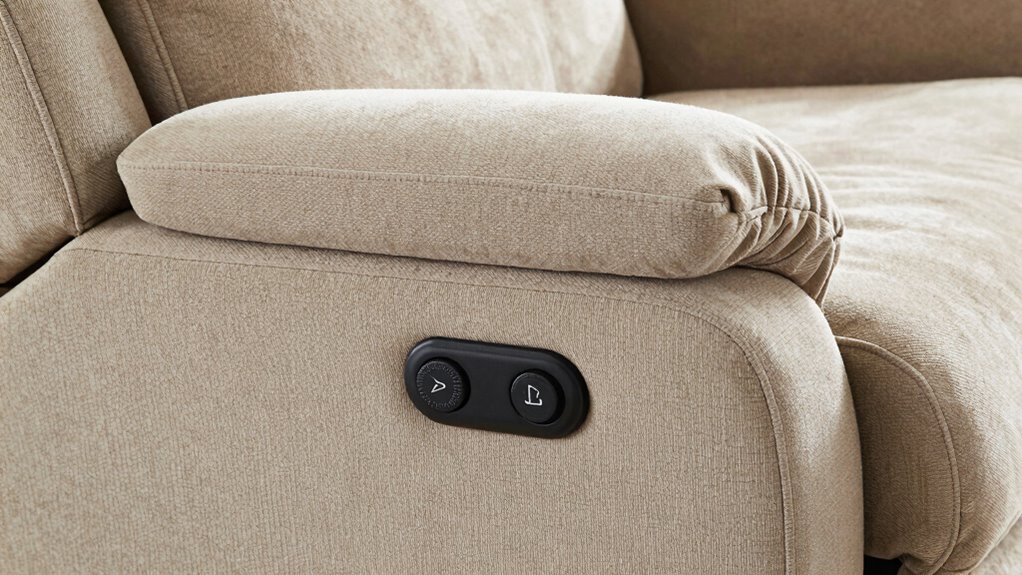
Lift recliner controls are essential because they allow you to easily adjust the chair to your preferred position. With well-designed controls, you can optimize remote ergonomics, making it simple to find comfort without strain. These controls often feature buttons or switches that are intuitively placed, giving you control customization options tailored to your needs. Whether you want to recline fully, elevate your legs, or sit upright, the controls enable smooth, precise adjustments. This ease of use is especially important if you have mobility challenges or need specific positioning for health reasons. Understanding how these controls work can also help you prevent damage to your chair, ensuring its longevity and continued comfort. Properly functioning controls can also contribute to regulatory compliance by maintaining safe operation standards. Additionally, selecting the right controls can improve user independence, making daily adjustments easier without assistance. By understanding how these controls work, you can enhance your comfort and independence, ensuring your recliner fits your lifestyle perfectly. Being familiar with control mechanisms can also help you troubleshoot issues early, avoiding unnecessary repairs. Regular maintenance and understanding of control functions can extend the lifespan of your lift recliner and improve user satisfaction.
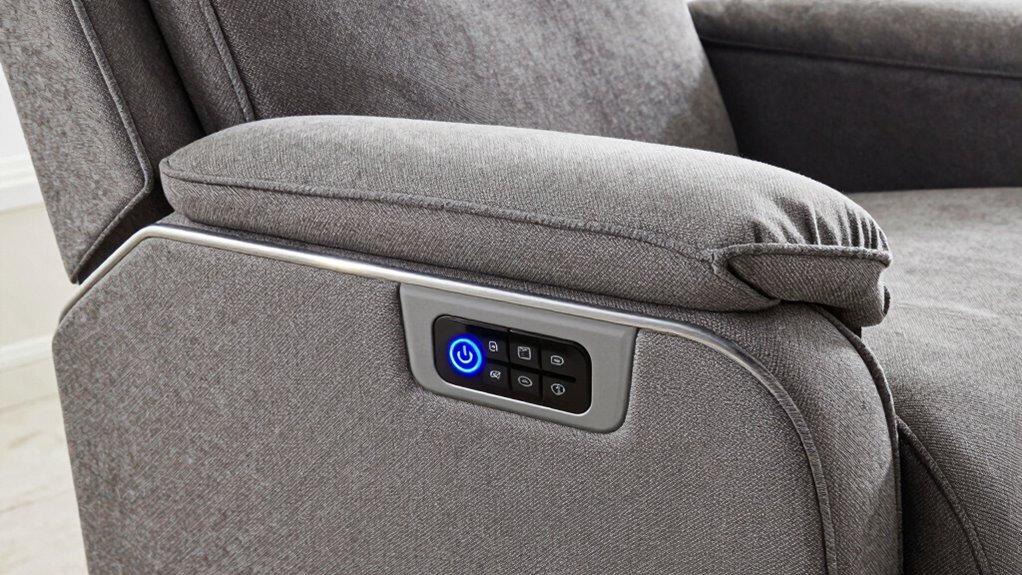
To turn your lift recliner on or off, start by locating the power button, which is usually on the side or underneath the chair. Once you’ve found it, simply press the button to power the chair on or off. This quick step makes operating your recliner straightforward and hassle-free. For added convenience, some models also feature a control panel that allows you to customize your seating position easily. Additionally, many lift recliners are equipped with remote controls for effortless operation from a distance. Ensuring your chair has a reliable power source can help prevent unexpected interruptions during use. It’s also helpful to periodically check the battery life of wireless controls to ensure consistent operation. Regularly inspecting the electrical components can help maintain safe and reliable functionality.
Locating the Power Button
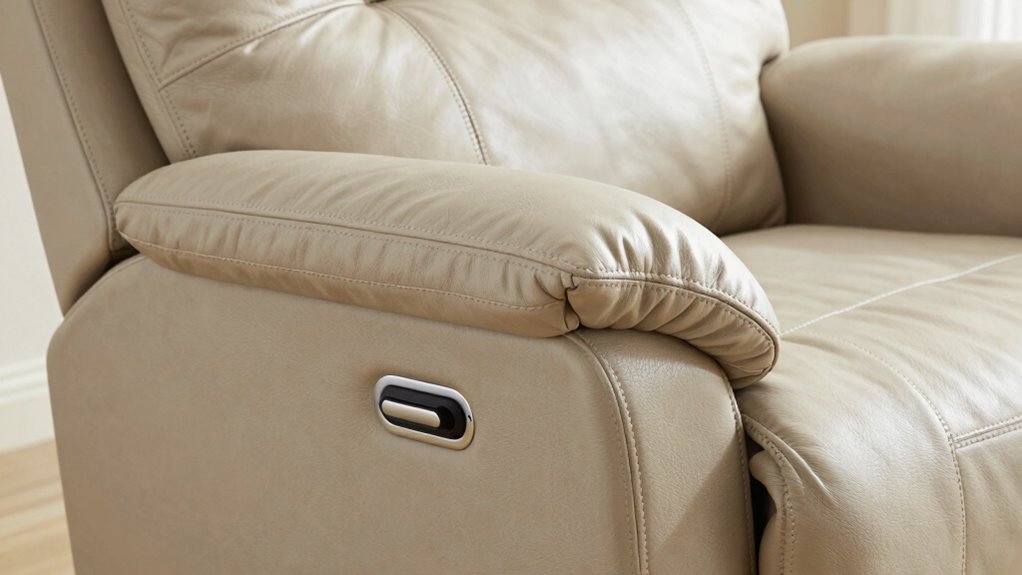
Finding the power button on your lift recliner is usually straightforward, but its location can vary depending on the model. Common button placement options include the side of the chair, the armrests, or a control panel near the seat. To guarantee easy control accessibility, check these areas first. Some recliners feature a small, clearly labeled button, while others may have a discreet switch. If you’re unsure, consult the user manual or look for symbols indicating power or on/off functions. Clear button placement helps you quickly turn the chair on or off without hassle. Remember, the location is designed for convenience, so take a moment to familiarize yourself with where it’s placed for effortless operation.
Turning the Recliner On/Off
Once you’ve located the power button, turning your lift recliner on or off is usually a simple process. The ergonomic design of the control panel makes this straightforward, often requiring just a press or hold of the button. Some models feature a dedicated power button with intuitive symbols, enhancing ease of use. To help you understand, here’s a quick glance:
| Action | Description |
|---|---|
| Turning On | Press the power button briefly. |
| Turning Off | Hold the power button until it shuts down. |
| Safety Tip | Always ensure the recliner is stable before turning off. |
The ergonomic design ensures your comfort and accessibility, making control effortless. Additionally, being aware of the Free Floating feature can help you better understand the flexibility and safety of your recliner. Understanding the control features can also assist in troubleshooting common issues and maintaining your recliner properly. For example, some models include adjustable headrest settings to customize your comfort.
Exploring the Main Controls: Seat Position, Leg Rest, and More
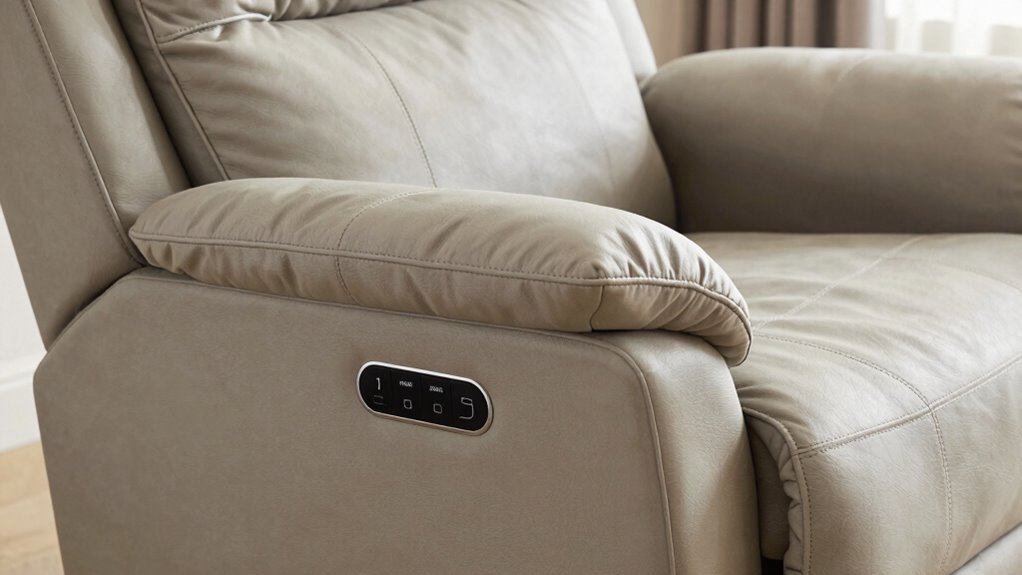
Understanding the main controls on a lift recliner is essential for customizing your comfort. These controls typically include buttons for adjusting the seat position, leg rest, and sometimes additional features like tilt or massage. When using your remote, ensure it’s properly paired to avoid frustration. Keep an eye on the battery life, especially if your recliner operates wirelessly, as low power can affect function. Here’s what to focus on:
- Seat positioning for ideal comfort
- Leg rest elevation for relaxation
- Additional controls for tilt or massage features
Being familiar with control features can help you operate your recliner more efficiently and enhance your overall comfort. Mastering these controls helps you find the perfect position quickly, making your recliner more enjoyable and easier to operate daily. Additionally, some models include pest resistance features to maintain cleanliness and longevity of the mechanism. Regularly checking remote functionality can prevent operational issues and prolong the life of your recliner controls. For optimal performance, it’s also helpful to understand the mechanism maintenance requirements to keep everything working smoothly over time.
How to Use Recline and Lift Functions for Comfort and Independence
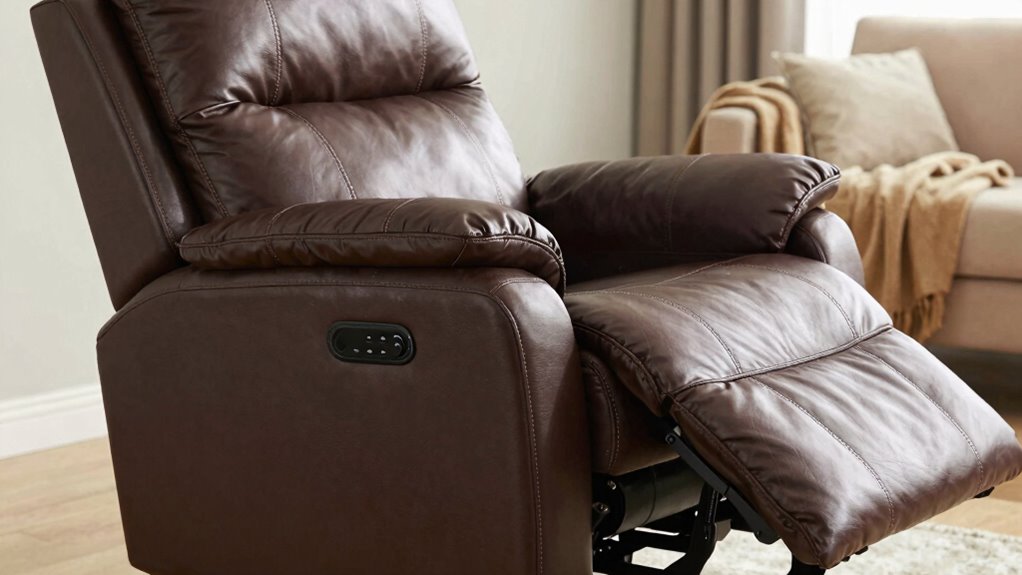
To maximize comfort and maintain your independence, mastering the recline and lift functions on your chair is essential. Start by familiarizing yourself with the remote controls or buttons, which typically activate these features smoothly. When reclining, lean back slowly to find your ideal position, and adjust the leg rest for added support. For the lift function, press the button to gently elevate or lower the chair, helping you stand or sit with ease. Keep in mind that your chair’s fabric options influence upholstery cleaning — choose easy-to-maintain materials if you want simple upkeep. Regularly clean the upholstery according to manufacturer instructions to keep it looking fresh. Understanding the safety features of your lift recliner can prevent accidents and ensure reliable operation. Additionally, knowing how to operate the control mechanisms properly can extend the lifespan of your chair. Being aware of the upholstery maintenance needs can also help you preserve the appearance and comfort of your recliner over time. Proper use of these functions enhances comfort and ensures your lift recliner serves you reliably and safely. For example, understanding the nail biology can be helpful if you need to perform maintenance or repairs on the upholstery or structure of your chair. Moreover, familiarizing yourself with adjustment tips can help optimize the chair’s performance for your specific needs.
Wired vs. Wireless Remote Controls: Which Is Right for You?
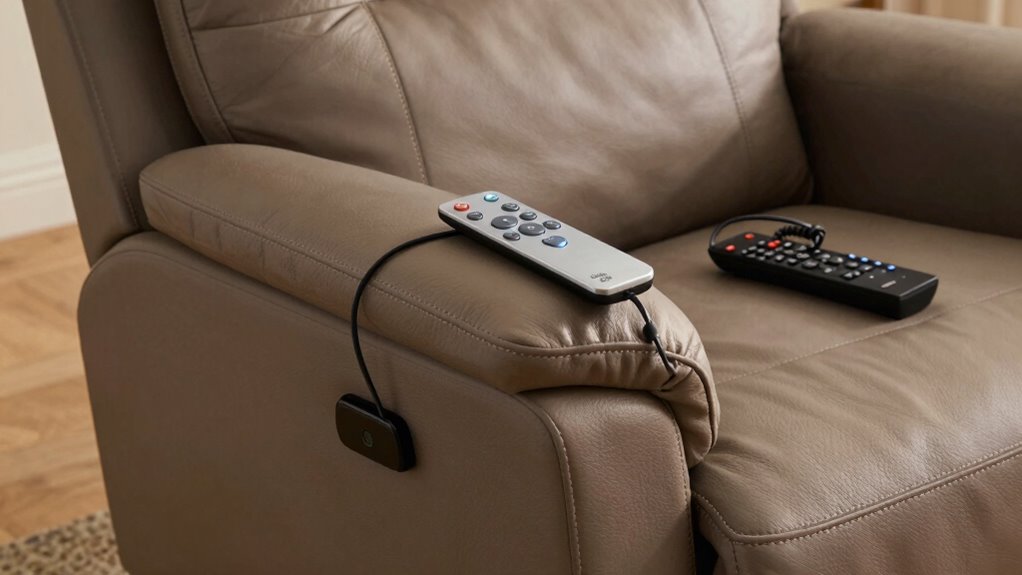
When choosing between wired and wireless remote controls, you should consider how each option fits your connectivity needs and setup space. Think about portability and power requirements—wireless remotes offer more freedom but need charging or batteries. Also, evaluate which control type is easier for you to use and access based on your comfort and mobility. Additionally, consider the support networks available for troubleshooting and assistance with your recliner’s features. Opting for a wireless remote may also introduce possible interference issues from other electronic devices, which is worth considering for uninterrupted operation.
Connectivity Options and Setup
Choosing the right remote control setup can substantially impact your comfort and convenience. Wireless options like Bluetooth connectivity allow you to sync your recliner with smart devices, enabling features like voice command integration. This setup is ideal if you want hands-free control and seamless technology integration. On the other hand, wired controls offer simplicity and reliability, with fewer connectivity issues. To decide, consider these factors:
- Ease of setup — wireless is usually easier but may require pairing.
- Technology preferences — if you value voice commands, wireless with Bluetooth is better.
- Reliability — wired controls tend to be more dependable with fewer connection hiccups.
Ultimately, your choice depends on your tech comfort level and desired features.
Portability and Power Needs
Wired remote controls often provide a more reliable and straightforward option, especially if you prefer a simple setup that doesn’t depend on batteries or wireless signals. When considering transportability options, think about how easy it is to move or position your recliner. Wireless remotes offer more flexibility, but they rely on power source types like batteries, which need replacing. Wired controls are tethered, limiting mobility but ensuring constant power. Here’s a quick comparison:
| Feature | Wired Remote | Wireless Remote | Ideal For |
|---|---|---|---|
| Power source types | Direct connection to chair | Batteries or rechargeable | Flexibility and convenience |
| Transportability options | Less flexible, fixed position | More flexible, portable | Easy movement around room |
| Reliability | Very reliable, no signal loss | Possible signal interference | Dependence on power/battery |
Choose based on your mobility needs and power preferences.
Ease of Use and Accessibility
Selecting the right remote control depends on how you prefer to interact with your recliner. For ease of use and accessibility, contemplate whether a wired or wireless remote suits your needs. Wireless remotes often feature ergonomic design, making them comfortable to hold and operate, especially for those with limited dexterity. They also offer a cleaner aesthetic appeal, reducing clutter and enhancing the chair’s look. Wired remotes, on the other hand, provide a reliable connection with no concern about batteries or signal interference. Here are some key points to consider:
- Wireless remotes offer greater freedom of movement and a sleek appearance.
- Wired remotes tend to be more straightforward and dependable.
- Your choice should align with your comfort preferences and physical needs.
Customizing Your Experience: Adjusting Speed and Sensitivity Settings
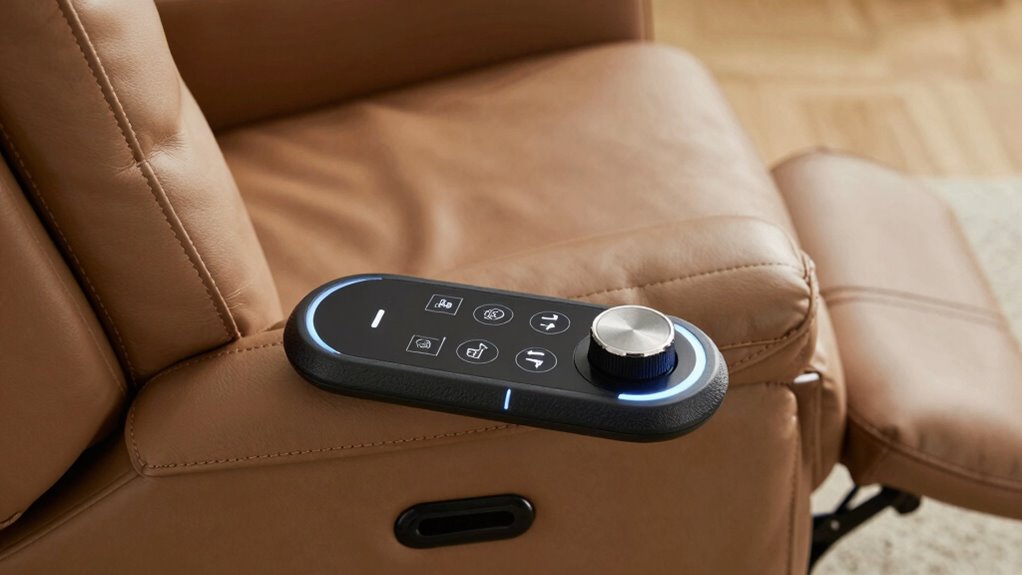
Adjusting the speed and sensitivity settings on your lift recliner allows you to customize its performance for maximum comfort and convenience. You can fine-tune how quickly it moves or how sensitive it is to commands, making it easier to operate. Whether you prefer voice commands or app control, these settings help match the recliner’s responsiveness to your needs. For example, faster speed might be perfect for quick adjustments, while lower sensitivity prevents accidental movements. Use the control panel or digital app to make adjustments easily. Here’s a quick guide:
| Setting | Description | Best For |
|---|---|---|
| Speed | How fast the recliner moves | Quick adjustments |
| Sensitivity | Response to voice/app commands | Prevents accidental triggers |
| Custom Profiles | Save preferred settings | Multiple users |
| Manual Override | Use physical controls for adjustments | Backup control |
| Reset Settings | Restore defaults | Troubleshooting |
Safety Features in Lift Recliner Controls You Should Know
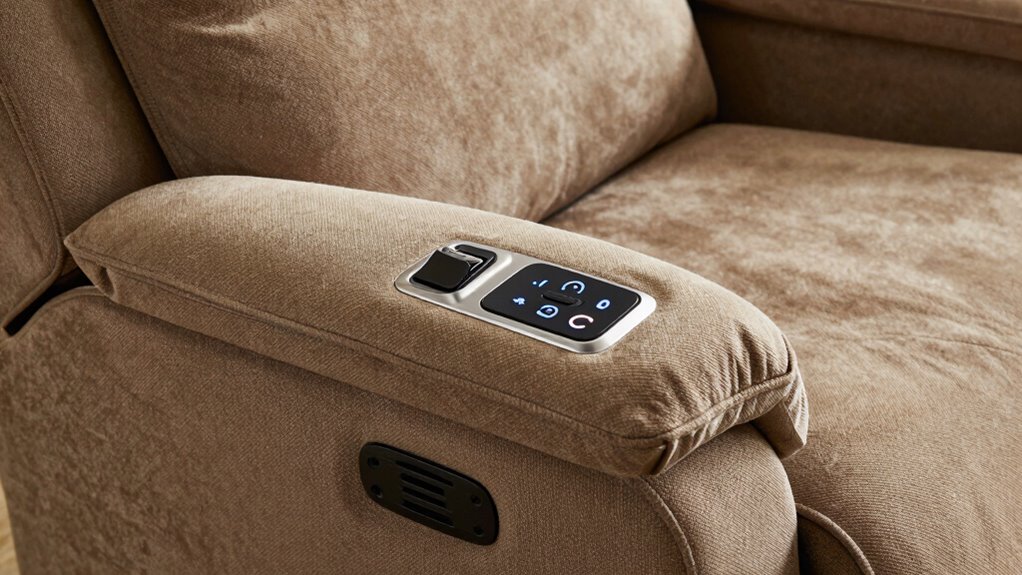
Safety features in lift recliner controls are essential for preventing accidents and ensuring user confidence. These features help protect you and your loved ones from potential harm. Key safety options include:
- Emergency Stop – Quickly halts the recliner’s movement if needed, preventing injuries during unexpected issues.
- Child Safety Locks – Prevent children from accidentally operating the recliner, reducing safety risks.
- Auto-Stop Function – Stops the recliner at a preset position, avoiding overextension or sudden movements.
Knowing these safety features allows you to operate your recliner securely. Always check that your control panel includes these options to promote safe use and peace of mind.
Troubleshooting Common Control Problems: What to Do When Things Go Wrong
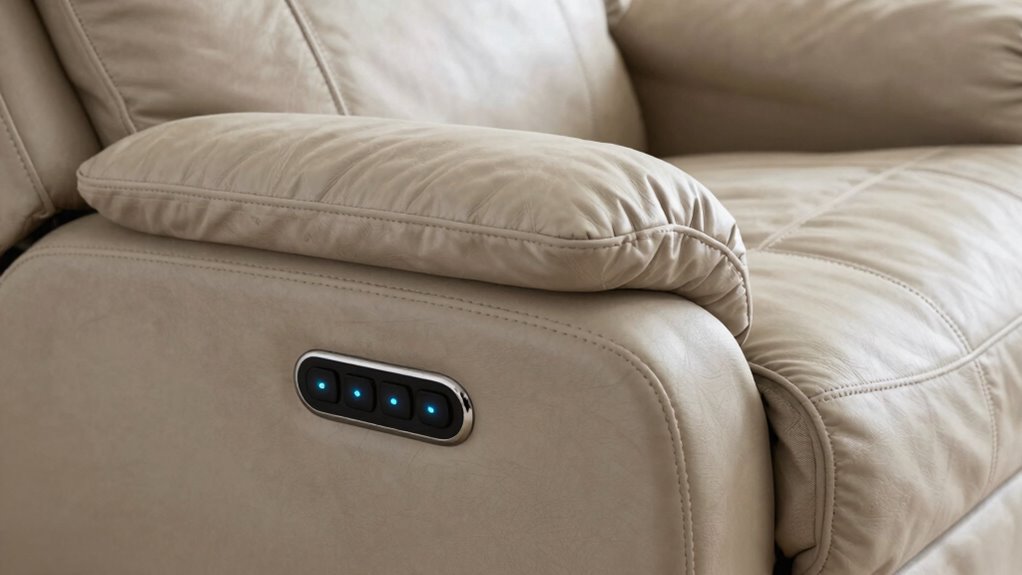
When your lift recliner isn’t responding as expected, it can be frustrating, but many control issues are straightforward to troubleshoot. First, check the control panel placement—make sure it’s accessible and not obstructed. If you’re using a remote, verify the remote battery life; a weak battery can cause unresponsiveness. Replace the batteries if needed and see if that resolves the issue. Also, make sure the remote is pointed correctly toward the control panel and that there’s no interference from nearby electronics. If the recliner still doesn’t respond, reset the power or unplug it for a few minutes, then try again. These simple steps often fix common control problems without needing professional help.
Tips for Maintaining Your Lift Recliner’s Control System
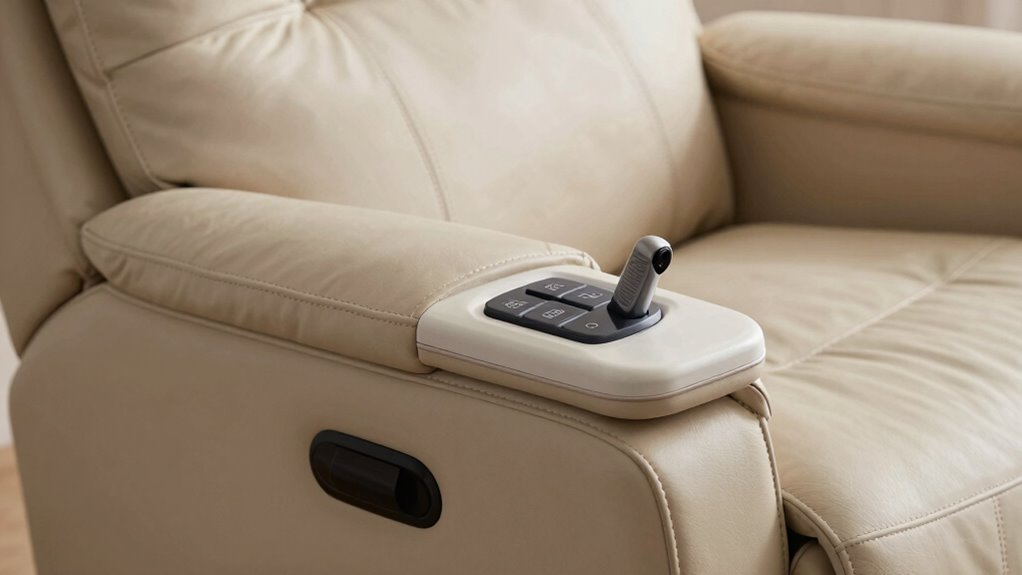
Regular maintenance is key to keeping your lift recliner’s control system functioning smoothly. To guarantee reliable operation, focus on control maintenance and remote customization. First, regularly clean the control panel and remote with a soft, damp cloth to prevent dust buildup. Second, check for any loose or damaged wires connecting the control system, and tighten or replace as needed. Third, update the remote’s firmware if your model supports software updates; this can improve functionality and fix bugs. Maintaining the control system also involves testing its responsiveness periodically and avoiding exposure to moisture or extreme temperatures. Proper care ensures your remote remains responsive and your lift recliner operates seamlessly, providing comfort and convenience when you need it most.
How to Choose a Lift Recliner With the Features You Need
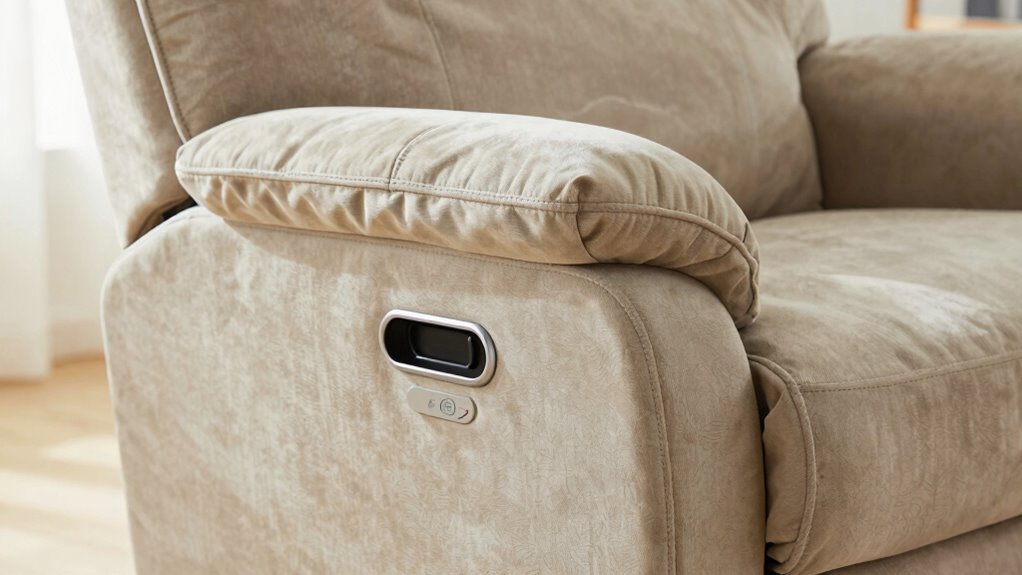
Choosing the right lift recliner starts with identifying the features that best suit your needs and lifestyle. Think about the control options you prefer, whether manual or motorized, and verify they’re easy for you to use. Consider aesthetic options that match your decor, from fabric to leather finishes, and focus on material choices that offer durability and comfort. If you have specific requirements, like heat or massage functions, prioritize those in your selection. Measure your space carefully so the recliner fits comfortably. Test different models to see how intuitive their controls are and if the style and materials align with your preferences. Ultimately, selecting a lift recliner with the features you need will enhance both your comfort and independence.
Frequently Asked Questions
Can I Operate My Lift Recliner Without Using the Remote?
Yes, you can operate your lift recliner without using the remote by utilizing alternative controls. Many models offer manual operation options, such as a control panel, side buttons, or a wall switch. These features allow you to adjust the recline and lift functions even if the remote isn’t available or working. Check your chair’s manual to identify the specific alternative controls designed for your lift recliner.
Are There Child Safety Locks on Lift Recliner Controls?
Think of the child lock on your lift recliner controls like a secret door that keeps little hands away. Many models include safety features such as child lock options to prevent accidental operation, ensuring your loved ones stay safe. These child locks typically disable remote controls or control buttons, giving you peace of mind. Always check your chair’s manual to see if your model offers these safety features and how to activate them.
How Long Does the Battery Last in Wireless Remote Models?
The battery in wireless remote models usually lasts around 6 to 12 months, depending on usage and battery quality. You’ll want to keep an eye on the remote’s battery longevity, as frequent use can shorten the remote lifespan. To guarantee consistent performance, replace batteries regularly, and consider rechargeable options if available. Proper maintenance helps you enjoy smooth, reliable control over your lift recliner without interruptions.
Can I Customize Control Settings for Different Users?
Yes, you can customize control settings for different users by adjusting the lift recliner’s user preferences. Most models with control customization let you program buttons or settings tailored to individual needs. This way, each person can easily access their preferred positions without hassle. Check your chair’s manual for specific instructions on how to set up user profiles, ensuring everyone enjoys personalized comfort and convenience.
Is There a Manual Override if Controls Fail?
Think of the manual override as your safety net, ready to catch you if controls falter. If the electronic controls fail, you can activate the emergency stop or manually adjust the recliner using accessible levers or backup mechanisms. These features guarantee you’re never left stranded, giving you peace of mind that, no matter what, you’re in control—whether through the electronic system or a simple manual intervention.
Conclusion
Mastering your lift recliner controls is like learning a new dance—once you get the steps down, it moves smoothly with you. By understanding how to operate, troubleshoot, and maintain these features, you’ll enjoy greater comfort and independence every day. Choose controls that suit your needs and keep them in good shape, so your recliner continues to serve you well—like a trusted partner guiding you effortlessly through each day.