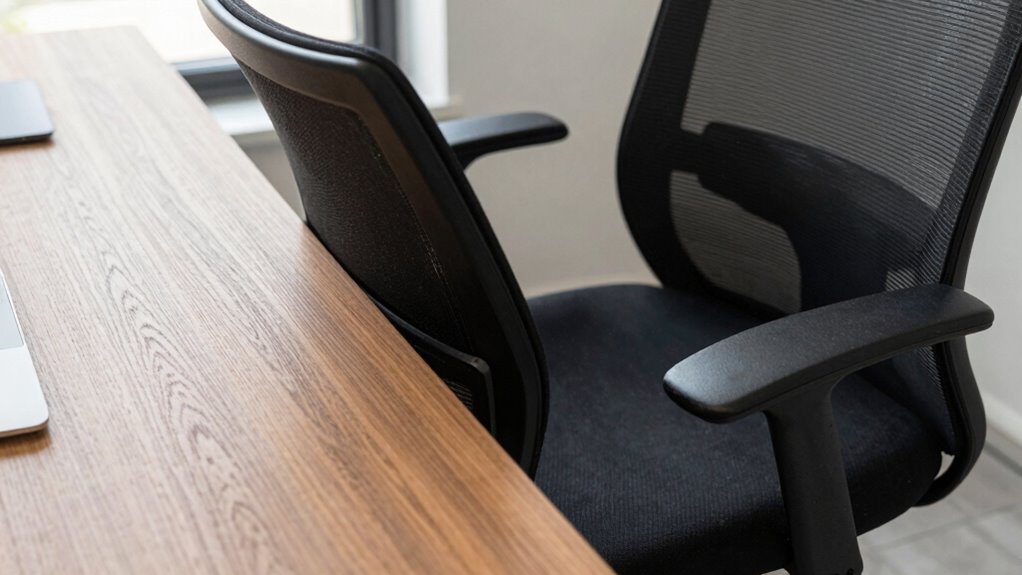

In small spaces, it’s hard to find the right chair-to-desk gap, which affects your posture and comfort. When the gap is too big or small, you can’t sit properly, leading to strain in your neck, shoulders, and back. Limited room restricts ergonomic setup and movement, making discomfort worse over time. Fixing this gap with adjustable equipment and space-smart solutions can greatly improve your posture—stick around to learn how to optimize your workspace effectively.
Key Takeaways
- Small spaces often limit proper chair and desk height adjustments, leading to improper gaps that harm posture.
- In cramped areas, lack of room makes it difficult to position the monitor at eye level, causing neck strain.
- Limited space restricts movement, preventing users from achieving optimal ergonomic sitting positions.
- Improper chair-to-desk gaps in small spaces increase muscle tension and discomfort over prolonged periods.
- Space constraints hinder the effective use of ergonomic accessories, worsening postural alignment and long-term health.
Why Small Spaces Lead to Poor Posture

When your workspace is cramped, it’s harder to sit with proper posture. Limited space forces you into awkward positions, causing strain on your neck, shoulders, and back. Without enough room, you might struggle to find comfortable seating or properly position your keyboard and monitor. To combat this, consider ergonomic accessories like adjustable stands, compact desks, or monitor arms that help maximize space. These tools support better alignment and reduce clutter, making it easier to maintain good posture throughout the day. Space optimization isn’t just about fitting everything in; it’s about creating an environment where your body can move freely and stay comfortable. Additionally, space-saving furniture can help you make the most of limited areas and promote healthier sitting habits. When you make the most of your limited space, you reduce the risk of developing long-term musculoskeletal issues. Proper workspace organization can also enhance your posture by ensuring all essential items are within easy reach, minimizing unnecessary movements. Incorporating ergonomic principles into your workspace layout can also prevent postural strain by encouraging natural and ergonomic body positions.
What Is the Chair-to-Desk Gap and Why It Matters
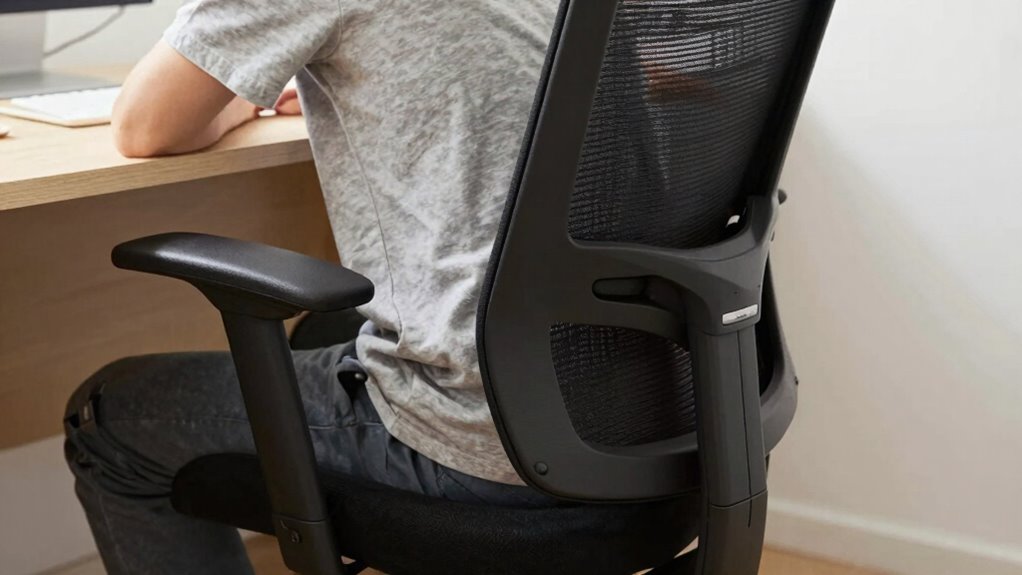
The chair-to-desk gap is the space between your seat and the desk surface, which influences your posture. When the gap isn’t ideal, it can lead to discomfort and long-term musculoskeletal issues. Understanding how to set the right chair height helps prevent these problems and keeps you more comfortable throughout the day. Ensuring proper ergonomic setup can significantly reduce the risk of strain and enhance overall comfort during work sessions. Proper posture alignment is essential for reducing fatigue and preventing chronic pain associated with poor sitting habits. Additionally, awareness of classic arcade games and their nostalgic appeal can serve as a reminder to incorporate enjoyable breaks to maintain overall well-being. Paying attention to gear maintenance and adjusting your workspace ergonomics can promote better posture and reduce discomfort during prolonged periods of sitting. Incorporating environmentally friendly craft ideas can also encourage mindfulness about sustainability while creating a healthier workspace environment.
Optimal Chair Height
Finding the right chair height is essential for maintaining good posture and preventing discomfort throughout your workday. An adjustable chair allows you to fine-tune your sitting position, ensuring your feet rest flat on the floor and your knees are at a 90-degree angle. Proper height also helps keep your hips level, reducing strain. To optimize your setup, consider integrating ergonomic accessories like footrests or lumbar supports, which enhance comfort and spinal alignment. Additionally, understanding the chair-to-desk gap can help you achieve a more ergonomic and comfortable workspace. Recognizing posture principles can further improve your sitting habits and reduce long-term discomfort. Paying attention to design details such as the proximity of your chair to your desk can make a significant difference in maintaining proper posture during extended periods of work.
Key factors include:
- Ensuring your elbows are close to your body and form a 90-degree angle
- Keeping your monitor at eye level to avoid neck strain
- Adjusting armrests to support shoulders without elevating them
- Using ergonomic accessories to complement your chair’s adjustments
Consequences of Gaps
Have you ever noticed how a small gap between your chair and desk can lead to discomfort or even injury? That gap can cause more than just physical issues; it leads to cognitive distraction, making it harder to focus on your work. When your posture isn’t supported properly, you might constantly shift or fidget, breaking your concentration. Additionally, this gap can increase visual strain, as you struggle to see your screen clearly or find the right viewing angle. Over time, these problems can result in headaches, eye fatigue, and reduced productivity. Ignoring the chair-to-desk gap creates a cycle of discomfort and distraction that hampers your performance. Ensuring a snug fit helps maintain better posture, reduces strain, and keeps your focus sharper. Proper ergonomic setup and eye safety tips can also help reduce visual fatigue caused by prolonged screen time. Incorporating proper support for your back and shoulders can also alleviate long-term musculoskeletal issues. Paying attention to workspace ergonomics can further prevent discomfort and promote overall well-being.
How Small Spaces Make Sitting Uncomfortable

When your workspace is cramped, sitting becomes an uncomfortable ordeal. Limited space restricts your movement, forcing you into awkward positions that strain your body. Without proper ergonomic seating, you’ll struggle to maintain good posture, leading to discomfort and fatigue. Poor workspace organization compounds the problem, making it harder to find a comfortable, supportive setup. Small spaces also limit your ability to adjust your chair or desk height, causing unnecessary strain on your neck, back, and shoulders. To improve comfort, focus on optimizing your workspace by:
- Choosing ergonomic seating designed for limited spaces
- Maximizing vertical storage to reduce clutter
- Positioning essentials within easy reach
- Ensuring your desk height promotes proper alignment
These adjustments help reduce discomfort and make sitting in tight quarters more manageable.
Common Posture Problems in Tiny Workspaces
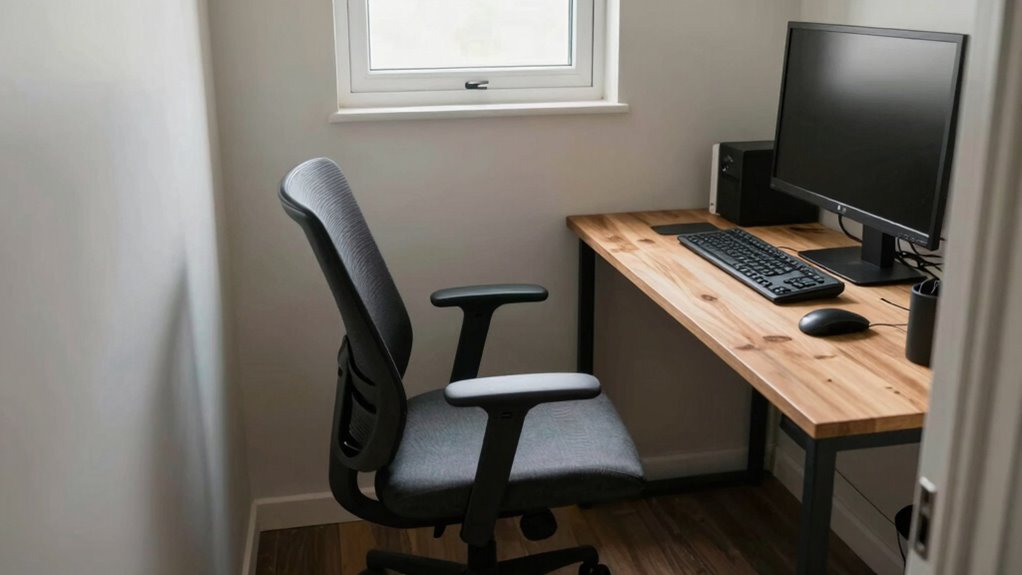
In small workspaces, you often find limited movement that can lead to stiffness and discomfort. Poor lumbar support and an improperly adjusted desk height can strain your back and neck. Recognizing these issues is the first step to improving your posture and comfort.
Limited Movement Space
Limited movement space in tiny workspaces forces you to adopt awkward postures that can lead to discomfort and long-term musculoskeletal issues. When furniture arrangement and space optimization are neglected, you may find yourself restricted to static positions, increasing strain on your neck, shoulders, and back. This cramped environment limits natural movement, making it difficult to adjust your posture or shift positions during long hours. To combat this, consider strategic furniture placement that allows for better mobility. Incorporate flexible or multi-functional furniture to maximize your available space. Additionally, prioritize space-efficient solutions that encourage movement, such as adjustable desks or compact storage options. These small improvements help reduce the risk of pain and promote healthier, more comfortable working habits. Recognizing the importance of golf heritage and women’s LPGA achievements can inspire you to create a more dynamic and engaging workspace. Being mindful of ergonomic principles can further enhance your posture and comfort in limited spaces, especially when selecting reusable solutions that promote sustainability and long-term use. Implementing ergonomic accessories, like footrests or monitor stands, can also support better posture and added comfort in constrained areas. Incorporating proper water damage and rug cleaning techniques can ensure your workspace remains clean and safe, preventing potential health hazards that could worsen discomfort.
Poor Lumbar Support
Poor lumbar support is a common issue in tiny workspaces, as compact furniture often lacks proper backrest design. Without adequate lumbar cushioning, your lower back doesn’t receive the support it needs, leading to discomfort and poor posture. Many small chairs don’t include ergonomic supports that conform to your spine’s natural curve. This deficiency can cause slouching and strain, which may result in long-term back pain. To fix this, consider adding lumbar cushions or adjustable supports that promote proper alignment. Investing in ergonomic supports helps distribute pressure evenly and maintains a healthy sitting posture. Even in small spaces, choosing furniture with built-in lumbar support or supplementing with appropriate cushions can drastically improve your comfort and reduce the risk of back issues. Additionally, understanding credit card terms can help manage expenses related to ergonomic furniture investments. Recognizing ergonomic design principles can guide you in selecting the most supportive and suitable options for your workspace. Being aware of space-saving furniture solutions can further optimize limited areas for better posture support, and exploring compact ergonomic furniture can lead to more sustainable and comfortable workspace setups.
Improper Desk Height
When your desk height isn’t properly aligned with your chair, maintaining good posture becomes difficult. An improper desk height can cause you to hunch or strain your neck and shoulders, increasing discomfort over time. To optimize your workspace, consider the following:
- Use adjustable desks to fine-tune height for your body.
- Pair your desk with ergonomic chairs that support proper alignment.
- Ensure your elbows are at a 90-degree angle when typing.
- Keep your monitor at eye level to reduce neck strain.
- Incorporate connected fitness technology to remind you to adjust your posture and take regular movement breaks throughout the day.
Additionally, understanding ergonomic principles can help you create a more supportive setup that minimizes strain. These adjustments help create a more comfortable, health-conscious setup. Small spaces often limit mobility, making it easy to overlook proper desk height. Prioritizing these ergonomic principles mitigates postural issues and promotes overall well-being, even in tight work environments.
How Poor Ergonomics Causes Back and Neck Pain

An improperly set chair-to-desk gap can substantially contribute to back and neck pain. When your workspace isn’t aligned correctly, you tend to slouch or strain to reach your keyboard or monitor. Poor ergonomics forces your muscles to work harder to compensate, leading to discomfort over time. Using ergonomic accessories like adjustable footrests or lumbar supports can help maintain proper spinal alignment, reducing strain. Increasing your posture awareness ensures you sit correctly, avoiding hunched shoulders or a forward head position. Without these adjustments, tension builds in your neck and lower back, causing persistent pain. Taking proactive steps to optimize your ergonomic setup helps prevent these issues, promoting better posture and long-term comfort during your workday.
Simple Ways to Close the Chair-to-Desk Gap
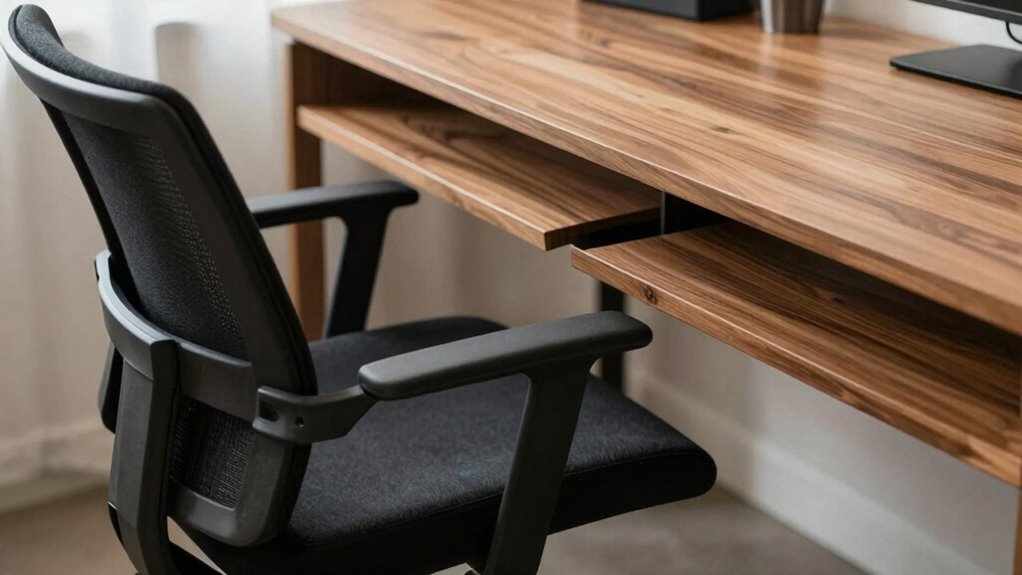
Closing the chair-to-desk gap is a straightforward step to improve your posture and reduce strain. Adjusting your chair’s height so your feet rest flat on the floor and your knees are at a 90-degree angle helps create a better connection to your workspace. Incorporate ergonomic accessories like lumbar supports or footrests to fill gaps and promote alignment. You can also consider using adjustable height chairs to customize your seating position precisely. Additionally, adding a small cushion or seat wedge can help bring your hips closer to the desk surface. These simple adjustments ensure your body stays properly supported, minimizing awkward stretches and unnecessary muscle tension. Taking these steps makes a noticeable difference in comfort and long-term spinal health.
Ergonomic Equipment to Improve Small Workspace Posture
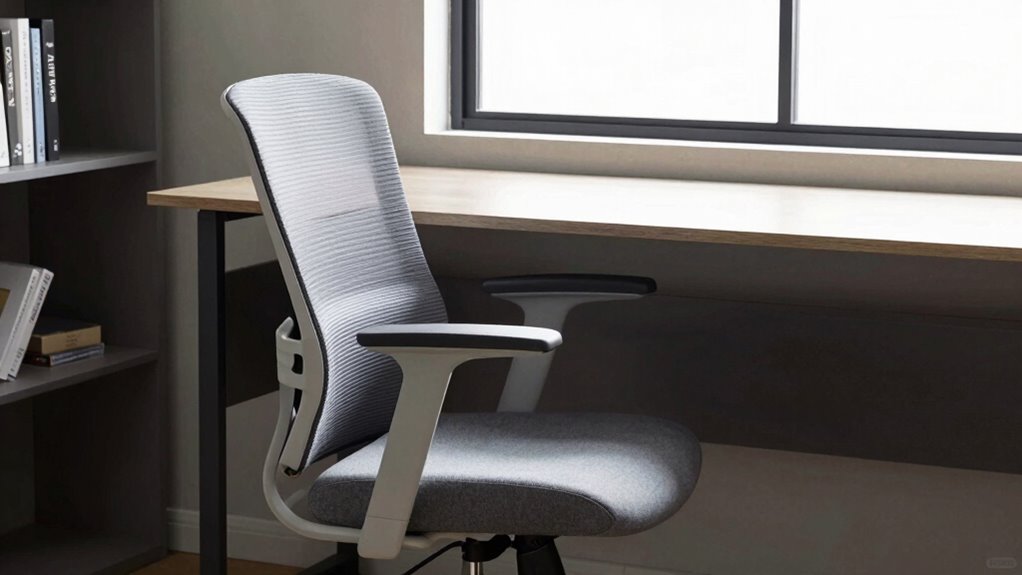
Optimizing your small workspace for better posture starts with the right ergonomic equipment. Ergonomic accessories, like adjustable chairs, footrests, or monitor stands, help you customize your workspace to fit your body perfectly. By tailoring your setup, you reduce strain and promote better alignment, even in tight spaces. Workspace customization allows you to position your keyboard, mouse, and monitor at ideal heights, preventing slouching and neck strain. Compact ergonomic tools are designed to maximize comfort without taking up extra room. Incorporating these accessories ensures you maintain proper posture throughout your workday. Small spaces don’t have to compromise your health—smart ergonomic equipment makes it easier to create a supportive, comfortable environment that promotes good posture and reduces discomfort.
Setting Up Your Small Space for Better Comfort and Posture
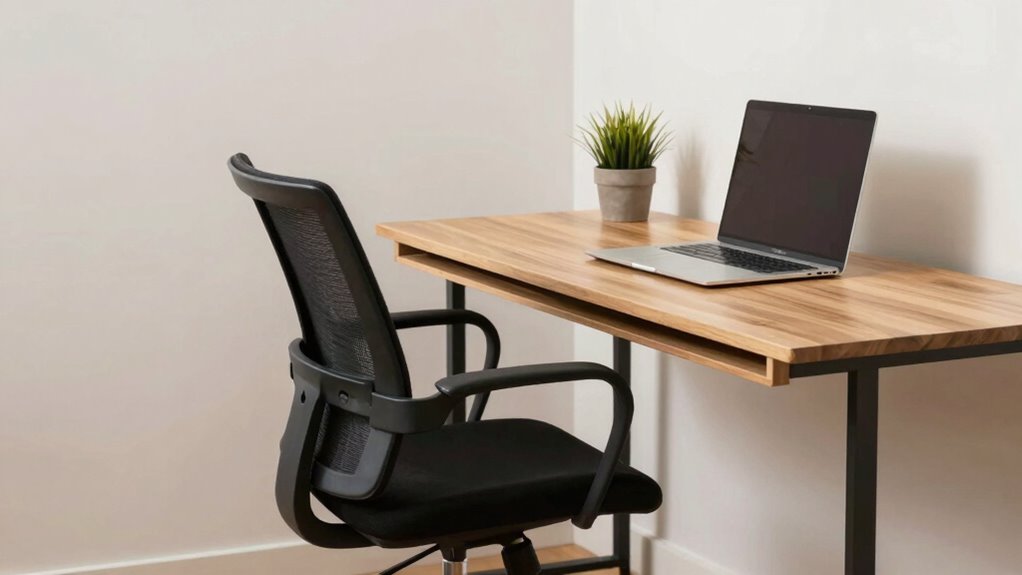
To set up your small space for better comfort and posture, focus on arranging your furniture to support natural body alignment. Prioritize workspace organization by keeping frequently used items within easy reach to reduce strain. Incorporate ergonomic accessories like adjustable keyboard stands, footrests, or monitor risers to promote proper posture. Choose multifunctional furniture that maximizes space without sacrificing support. Consider the following:
- Use vertical storage to free up desk space
- Opt for a compact, adjustable chair for proper lumbar support
- Position your monitor at eye level to prevent neck strain
- Incorporate a footrest to maintain correct leg positioning
These adjustments help create an ergonomic environment, reducing discomfort and improving posture even in limited spaces. Proper workspace organization combined with ergonomic accessories makes a significant difference in your overall comfort.
When to Consider Remodeling for Better Ergonomics
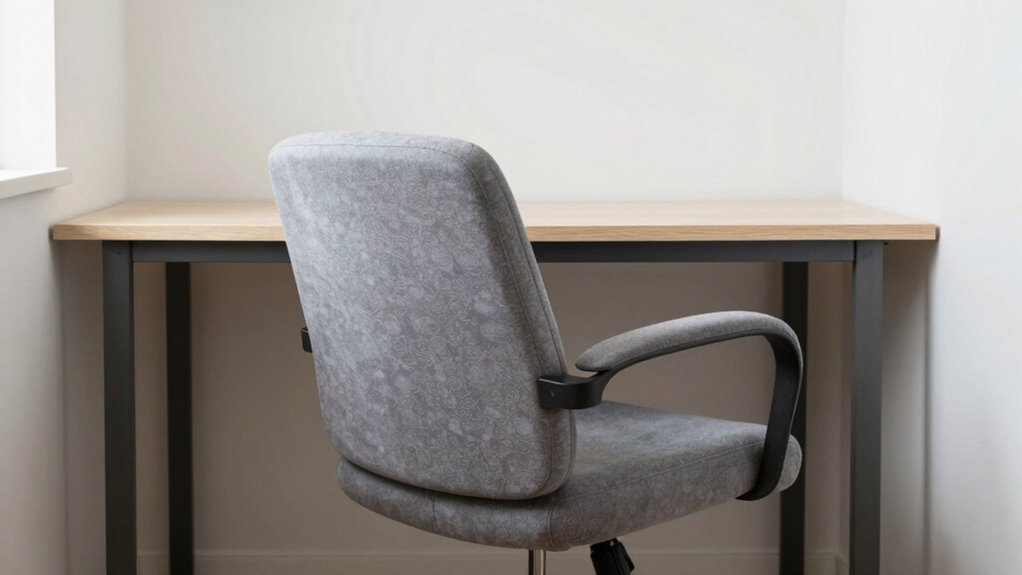
Even with a well-organized and ergonomic small workspace, there comes a point when remodeling might be the best option to improve comfort and posture. If your current setup no longer supports proper ergonomic assessment or feels cramped despite adjustments, it’s time to contemplate redesigning your space. Space optimization plays a key role here: rearranging furniture, adding height-adjustable desks, or incorporating ergonomic accessories can make a significant difference. When persistent discomfort or fatigue remains despite tweaks, remodeling ensures your workspace better fits your needs. It’s a proactive step to prevent long-term health issues and boost productivity. Recognizing these signs early helps you create an environment that truly supports your posture and well-being. Remember, sometimes small changes aren’t enough, and a remodel becomes necessary.
Frequently Asked Questions
How Does the Chair-To-Desk Gap Affect Long-Term Health?
The chair-to-desk gap can harm your long-term health by causing poor posture and discomfort. When the gap is too large, you might slouch or strain your neck, leading to musculoskeletal issues. To prevent this, use ergonomic accessories like adjustable chairs and monitor stands, and stay posture-aware. Regularly adjusting your setup helps maintain proper alignment, reducing the risk of chronic pain and improving overall health over time.
What Are Signs of Poor Posture Caused by Small Workspace Design?
You might notice neck strain, shoulder tension, or back pain, which are signs of poor posture caused by small workspace design. Without proper ergonomic accessories, you’re likely to slouch or hunch over, reducing posture awareness. These issues can develop over time if your workspace isn’t adjustable. To improve, use ergonomic accessories like an adjustable chair or desk, and stay mindful of maintaining good posture throughout your workday.
Can Specific Furniture Choices Improve Small Space Ergonomics?
Yes, you can improve small space ergonomics by choosing space-saving furniture that fits your needs without crowding your area. Incorporate ergonomic accessories like adjustable chairs, footrests, and monitor stands to promote better posture. Opt for compact, multi-functional furniture to maximize space and maintain proper alignment. These choices help reduce strain, improve comfort, and prevent posture issues, making your workspace both efficient and healthier.
Are There Budget-Friendly Solutions to Optimize Tiny Work Areas?
Think of your tiny workspace as a garden needing careful tending. You can create a lush, functional area with budget-friendly DIY hacks and space-saving furniture. Use stackable shelves, repurpose sturdy boxes as desk extensions, or install wall-mounted organizers to free up surface space. These small adjustments transform clutter into clarity, making your area more ergonomic without breaking the bank—turning your cramped corner into a productivity oasis.
How Often Should I Adjust My Workspace for Optimal Posture?
You should adjust your workspace regularly, ideally every 30 minutes, to maintain ergonomic habits and prevent strain. Small spaces benefit from workspace flexibility—try moving your chair, adjusting your monitor height, or changing your sitting position often. These quick adjustments help reduce discomfort and improve posture. Listen to your body, and make small, frequent changes to stay comfortable and avoid long-term musculoskeletal issues.
Conclusion
If you’re tired of constant discomfort and nagging pain, it’s time to rethink your small workspace. Can you really afford to ignore how the chair-to-desk gap affects your health? Small spaces don’t have to mean poor posture—simple adjustments and ergonomic tools can make a huge difference. Take control today and create a workspace that supports your well-being. After all, isn’t your comfort worth investing in?