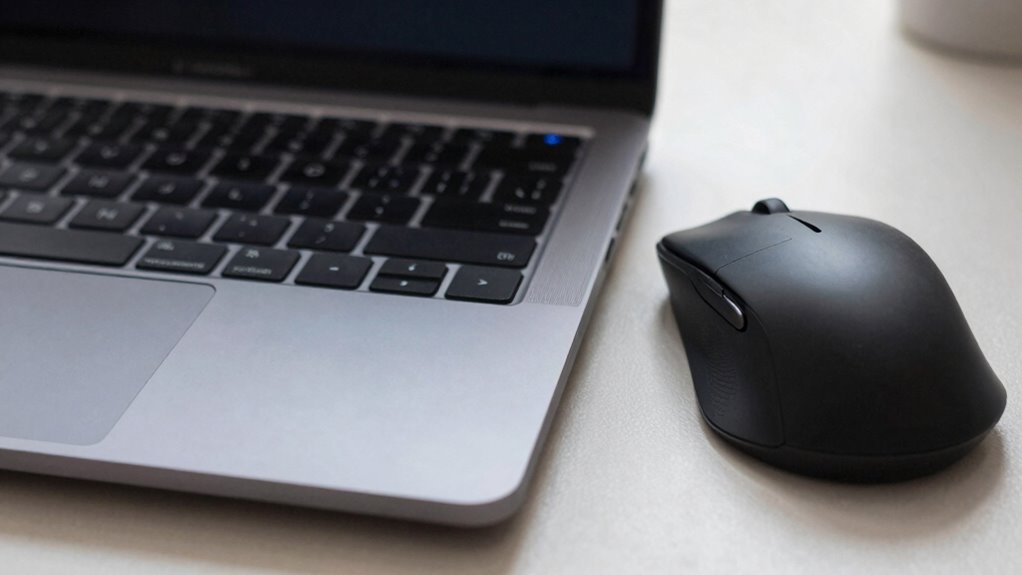
Using a mouse usually causes more hand fatigue over extended periods compared to a trackpad. Mice require your hand to grip and stay in a fixed, sometimes awkward position, which can increase tension and strain. Trackpads typically allow for lighter, more natural finger movements and less gripping. To reduce discomfort, adopting better ergonomics helps. If you want to understand how to minimize fatigue and find the best setup, there’s more to explore.
Key Takeaways
- Trackpads often cause finger tension due to tapping and swiping, potentially increasing fatigue over time.
- Mice may lead to wrist strain if held in awkward positions during prolonged use.
- Trackpads generally produce less fatigue because they require minimal grip and wrist movement.
- Proper ergonomic habits and accessories can significantly reduce fatigue for both devices.
- Extended use without breaks or ergonomic support tends to increase hand and wrist discomfort regardless of device type.
How Do Trackpads and Mice Differ in Ergonomic Design?
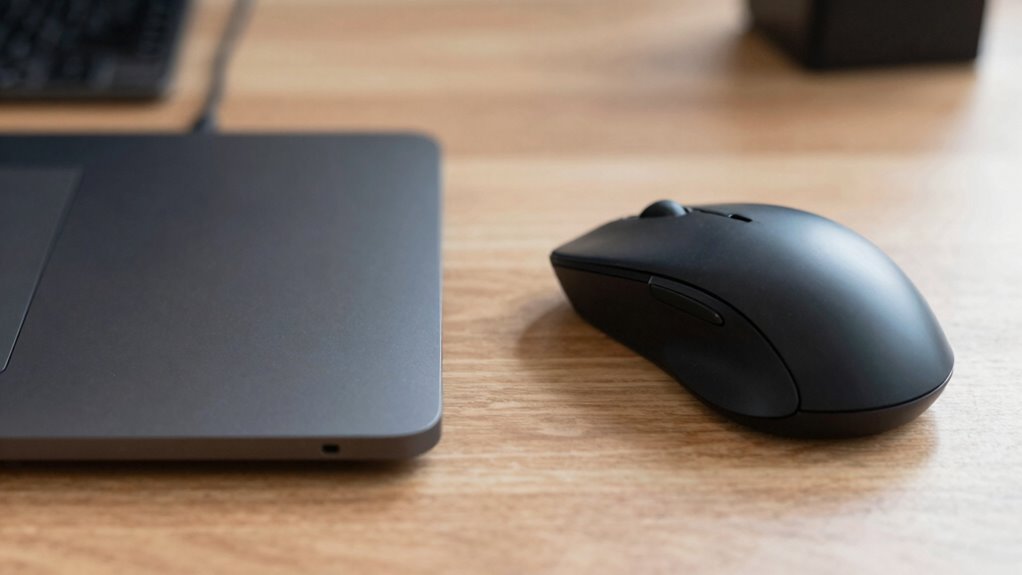
While both trackpads and mice are designed to improve your computer interaction, they differ markedly in their ergonomic design. Trackpads typically feature flat, smooth surfaces that conform to your hand’s natural resting position, emphasizing ergonomic shapes that reduce strain. Their size allows for wrist and finger movements without excessive extension. In contrast, mice are often contoured to fit the shape of your hand, supporting a more natural grip and minimizing tension. Button placement on mice is strategically positioned for easy access with minimal finger movement, reducing fatigue during extended use. Trackpads rely on surface gestures rather than physical buttons, which can decrease repetitive motion. Overall, each device’s ergonomic shapes and button placement directly influence comfort, but their differing designs cater to varying hand positions and movement styles.
Where Do Your Hands Feel the Most Strain With Trackpads and Mice?

Your hands tend to feel the most strain at different points depending on whether you’re using a trackpad or a mouse. With a trackpad, finger tension often increases as you tap and swipe repeatedly, forcing your fingers to maintain a constant grip. Wrist posture can also become compromised if you stretch your hand awkwardly to reach the device’s surface. On the other hand, using a mouse can lead to strain in your wrist if you keep it in a fixed, awkward position for extended periods. Your fingers may also tighten around the mouse, especially if you grip it tightly. Both devices can cause discomfort if your hand isn’t well-aligned, so paying attention to finger tension and ergonomic design is essential to minimize fatigue. Incorporating ergonomic accessories like wrist supports or adjustable stands can further help support your hands and prevent long-term discomfort. Adjusting your hand positioning can significantly reduce strain and improve comfort during extended use. Additionally, considering the type of device and its design features can influence overall comfort and fatigue levels.
Which Device Causes Less Fatigue During Long Use?
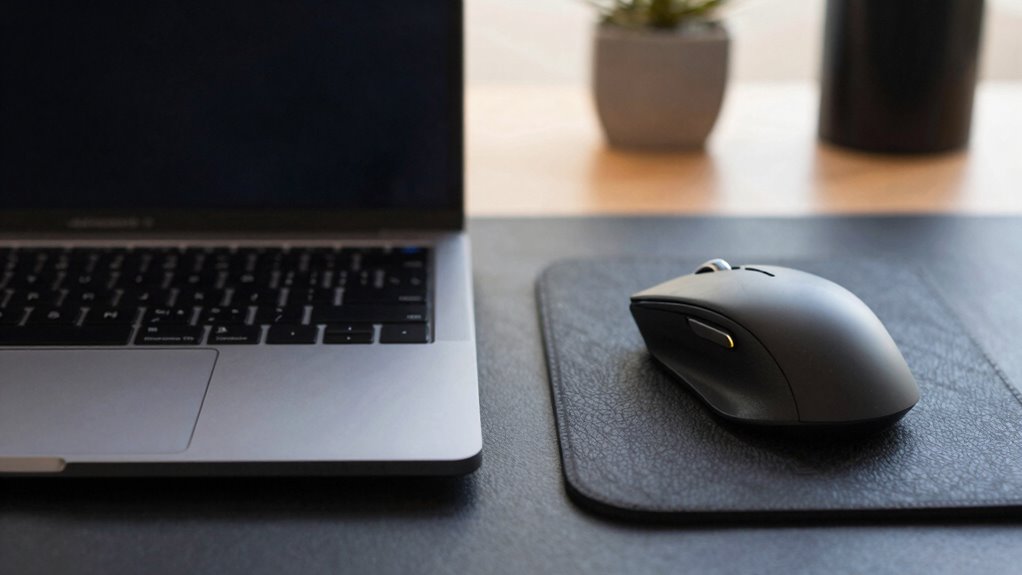
When using a device for extended periods, a trackpad generally causes less fatigue than a mouse. Its design requires minimal grip and wrist movement, reducing strain. Ergonomic accessories, like wrist rests or adjustable stands, can further enhance comfort with either device, but trackpads often benefit from their more natural hand positioning. Plus, device customization options, such as touch sensitivity or gestures, allow you to tailor the experience to your needs, decreasing unnecessary effort. This adaptability helps prevent fatigue during long sessions. While a mouse may offer precise control, prolonged use can lead to increased tension. Additionally, ergonomic design features in both devices can significantly reduce muscle strain and discomfort. Incorporating body-friendly features into your setup can further improve comfort during extended use. For example, adjustable ergonomic settings can help customize the device to fit your hand size and motion preferences, further reducing fatigue. Moreover, understanding muscle engagement can guide you in choosing the most comfortable device for prolonged use. Practicing proper posture while working can also lessen overall fatigue and prevent discomfort. Overall, if comfort during extended use is your priority, a well-adjusted trackpad combined with ergonomic accessories and customization tends to cause less fatigue than a traditional mouse.
How Do Work Habits Impact Hand Fatigue From Trackpads and Mice?
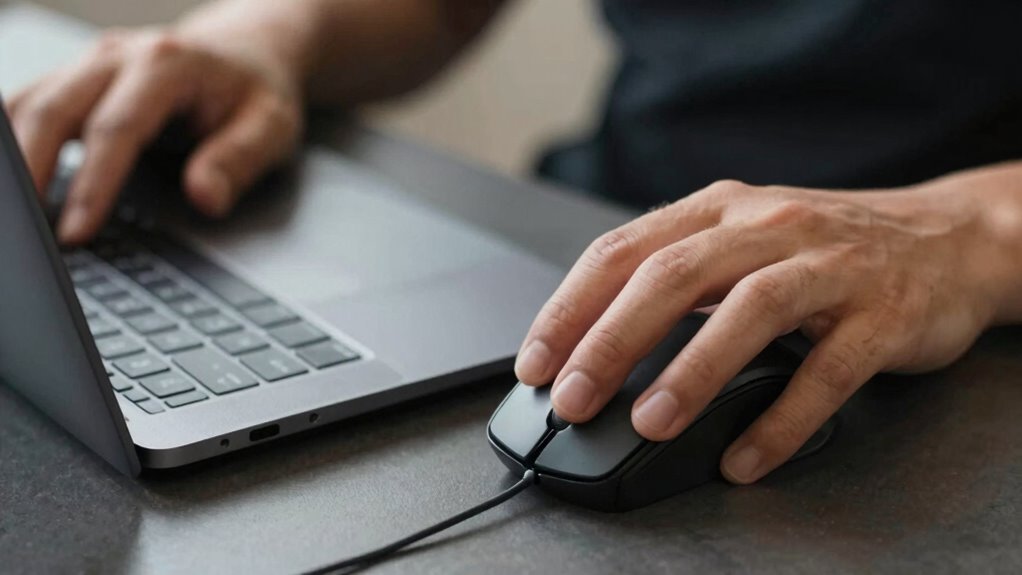
Work habits substantially influence how quickly you experience hand fatigue when using trackpads or mice. Poor habits, like neglecting ergonomic accessories or ignoring posture adjustments, can increase strain. Your daily routines shape fatigue levels considerably. For example, you might:
Poor work habits and neglecting ergonomic practices accelerate hand fatigue over time.
- Keep your wrists bent or unsupported during work
- Use a trackpad or mouse for prolonged, unbroken periods
- Lack ergonomic accessories like wrist rests
- Maintain poor posture, hunched over your desk
- Frequently switch between devices without adjusting hand positions
These habits lead to increased muscle tension and repetitive strain. Incorporating ergonomic accessories helps reduce stress, while regular posture adjustments prevent overuse. Being mindful of your work habits, such as maintaining proper wrist alignment, can make a big difference in minimizing hand fatigue over time, especially when adopting proper ergonomic practices. Paying attention to workstation setup can further minimize strain and improve overall comfort during extended computer use.
Tips to Reduce Hand Fatigue When Using Your Trackpad or Mouse
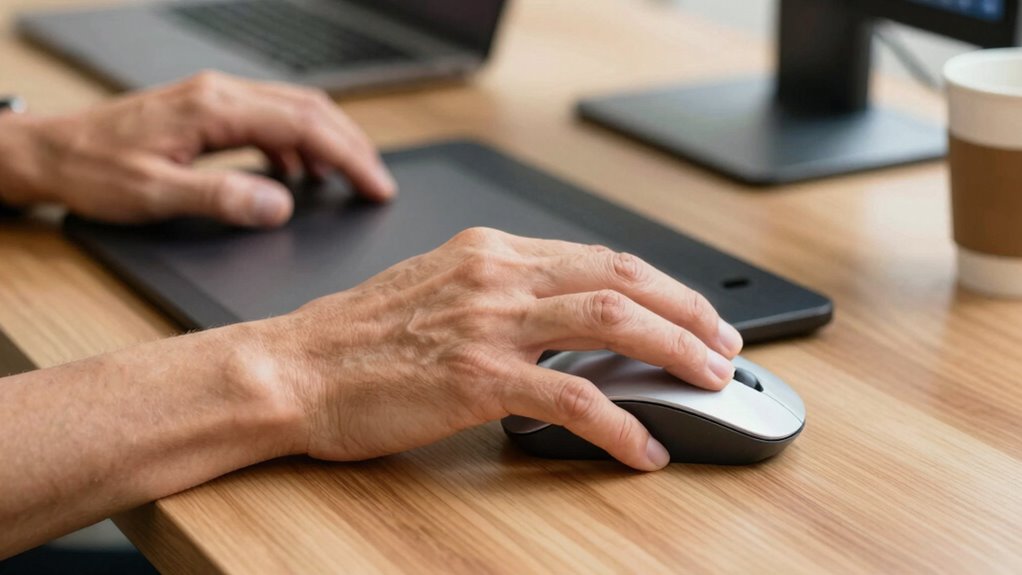
To reduce hand fatigue while using your trackpad or mouse, adopting simple ergonomic practices can make a significant difference. Start by using ergonomic accessories, like supportive mouse pads or adjustable stands, to maintain proper wrist and hand positioning. Regular hand stretching exercises help loosen muscles and prevent strain during long periods of use. Take short breaks every 20-30 minutes to rest your hands and avoid sustained tension. Adjust your workspace so your keyboard, mouse, and monitor are at comfortable heights, reducing unnecessary movement. Keep your grip relaxed and avoid gripping the mouse or trackpad tightly. Additionally, using high-quality input devices designed for ergonomic comfort can further reduce fatigue and improve overall hand health, making your work sessions more sustainable and less taxing on your hands. Incorporating ergonomic principles into your workspace setup can also help prevent repetitive strain injuries and promote long-term comfort. Being mindful of proper ergonomic posture can additionally contribute to reducing overall discomfort during extended device use. Moreover, paying attention to neutral wrist alignment can significantly decrease the risk of developing repetitive strain injuries and enhance comfort during prolonged use. Maintaining awareness of muscle tension and consciously relaxing muscles during usage can further contribute to reducing fatigue and discomfort.
Frequently Asked Questions
Can Adjustable Settings on Devices Reduce User Fatigue Effectively?
Yes, adjustable settings on devices can effectively reduce your fatigue. By making ergonomic adjustments, such as changing sensitivity or button functions, you can tailor the device to fit your comfort needs. Customizable controls allow you to optimize your workflow, minimizing strain. When you customize your device settings, you improve your posture and reduce repetitive motions, which helps prevent fatigue and discomfort during long periods of use.
Does the Type of Work Influence Which Device Causes More Strain?
Yes, the type of work influences which device causes more strain. If your tasks require high device precision, a mouse with ergonomic design can reduce fatigue by supporting natural hand movements. For repetitive or detailed work, a well-designed trackpad may cause less strain. Consider adjusting device settings to enhance comfort, but choosing the right device for your specific work helps prevent fatigue and improves overall efficiency.
Are There Specific User Demographics More Prone to Fatigue?
You’re more prone to fatigue if your ergonomic posture isn’t ideal or if your device doesn’t match your hand size. People with smaller hands may find trackpads less comfortable, leading to strain, while larger hands might prefer mice for better hand support. Additionally, prolonged poor posture amplifies fatigue. Adjusting your setup to confirm hand size compatibility and maintaining ergonomic posture can substantially reduce discomfort during extended use.
How Does the Size of the Device Impact Long-Term Comfort?
A device’s size is the foundation of comfort, like a good pair of shoes. An ergonomic design that fits your hand reduces fatigue, especially during long use. Larger devices often provide better support but can hinder portability, while smaller ones are easier to carry but might cause strain. Choose a size that balances comfort and device portability, ensuring your hands stay relaxed and pain-free over time.
Do External Factors Like Desk Setup Affect Fatigue Levels?
Yes, external factors like your work environment and ergonomic accessories considerably affect fatigue levels. An improper desk setup can cause you to strain your wrists and shoulders, increasing discomfort over time. Using ergonomic accessories like adjustable chairs, wrist supports, and properly positioned monitors helps reduce strain. Ensuring your workspace is organized and tailored to your needs promotes better posture, minimizes fatigue, and enhances overall comfort during extended work sessions.
Conclusion
Choosing between a trackpad and a mouse is like picking the right shoe for a long walk—you want comfort that lasts. Both devices can cause fatigue, but your habits and ergonomic setup make all the difference. Pay attention to how you use each device, take regular breaks, and adjust your workspace. With mindful use, you’ll find the device that feels like a gentle breeze instead of a tiring gust, keeping your hands happy and healthy.