
To avoid looking washed out during video calls, use a soft, diffused light placed slightly above and in front of you. Start with a ring light or LED panel, and adjust the brightness so it evenly illuminates your face without glare or harsh shadows. Balance the color temperature to match your environment for a natural glow. Keep your setup simple and experiment with angles; more tips await to help you master your perfect lighting.
Key Takeaways
- Position a soft, diffused light slightly above eye level, angling downward to evenly illuminate your face.
- Use warm-colored LED or ring lights to prevent a washed-out appearance and enhance skin vibrancy.
- Combine natural light with artificial lighting for a balanced, natural glow; avoid harsh, direct light sources.
- Avoid placing lights directly in front or behind; instead, position them at a 45-degree angle for flattering shadows.
- Regularly clean and adjust your lighting setup to maintain consistent, soft, and even illumination during calls.
Essential Lighting Gear for Video Calls
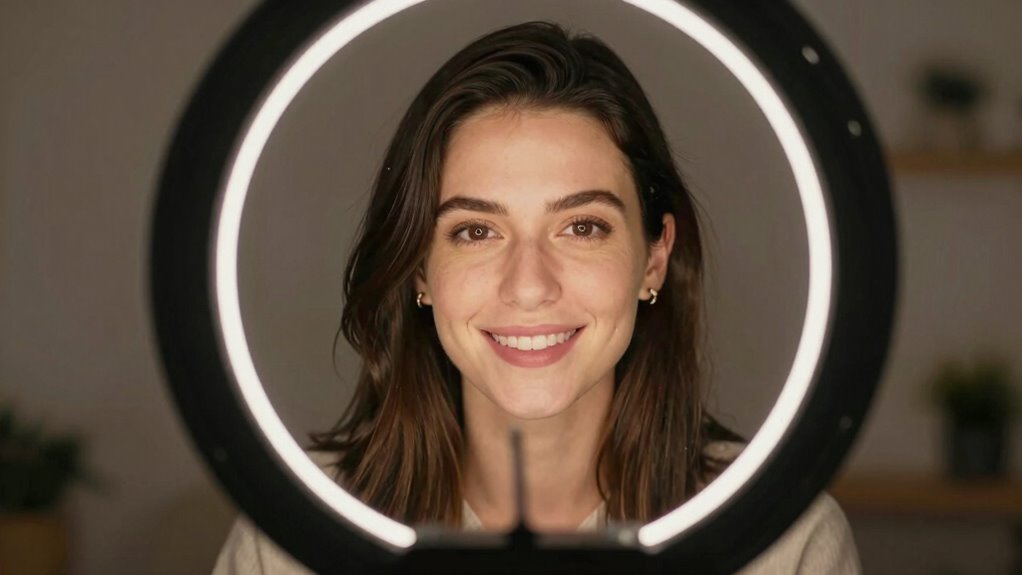
Having good lighting is essential for looking professional and clear during video calls. To achieve this, you need the right lighting gear, especially considering lighting color. Natural light, like sunlight, provides a soft, warm glow that enhances your appearance and creates a more authentic look. However, it can be inconsistent and hard to control. Artificial lighting, such as ring lights or LED panels, offers steady illumination and allows you to choose the perfect color temperature, from warm to cool tones. This flexibility helps you avoid looking washed out or overly harsh. Mixing natural and artificial light can also work well, but the key is selecting the right lighting hue to complement your skin tone and environment. Proper gear ensures your face is well-lit, professional, and free of unflattering shadows. Additionally, understanding lighting basics can help you make better decisions about setup and placement, including how to adjust light angles for optimal results. Being aware of color temperature choices can further refine your appearance and improve overall video quality. Exploring different lighting configurations can help you achieve a balanced and natural look. Knowing how to balance different light sources is also crucial to prevent harsh shadows, which can be distracting during calls.
How to Position Your Light for Flattering, Even Illumination
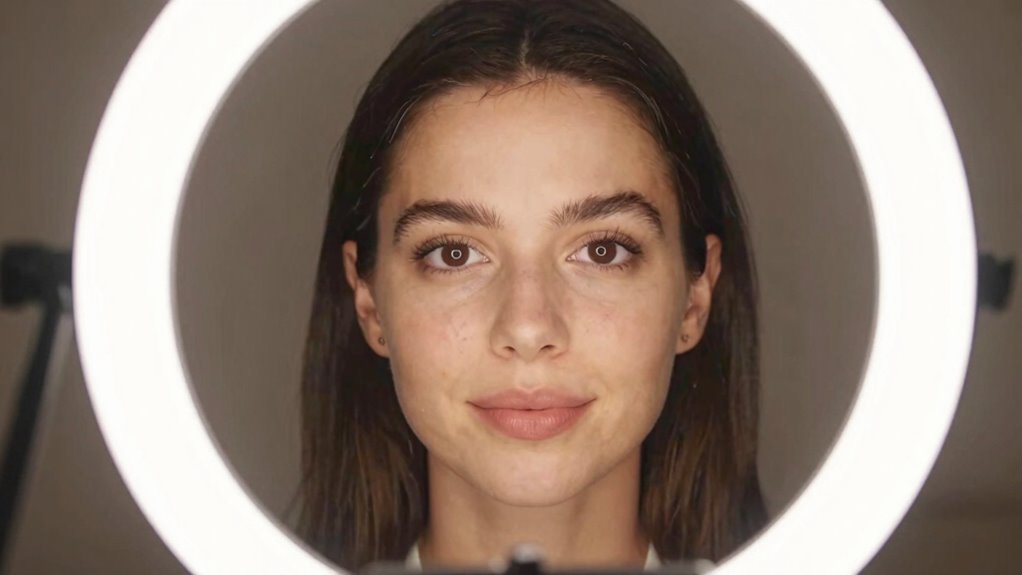
To achieve flattering, even lighting, start by positioning your light at the right height—ideally at or slightly above eye level. Use soft, diffused light to reduce harsh shadows and create a natural glow. Adjusting these elements guarantees your face is evenly lit and looks great on camera. Incorporating proper equipment like adjustable light stands can help maintain consistent positioning throughout your call. Additionally, experimenting with light placement ensures optimal illumination and reduces unflattering shadows. Considering the contrast ratio of your lighting setup can further enhance the clarity and depth of your appearance on camera. Paying attention to lighting angles helps avoid unflattering shadows and highlights your best features. For consistent results, using connectivity gear such as reliable Wi-Fi or Ethernet adapters can prevent interruptions during your calls.
Find the Ideal Height
Position your light slightly above eye level and angle it downward toward your face for the most flattering and even illumination. This lamp placement helps prevent unflattering shadows and reduces glare. When you achieve eye level positioning, your light will evenly illuminate your features, minimizing the appearance of harsh lines or washed-out skin. Adjusting the height guarantees your face is well-lit without creating unflattering shadows under your chin or around your nose. Keep in mind that a light too low can cast unflattering shadows, while too high may make your face appear flat. By finding the ideal height, you’ll create a balanced, natural look that enhances your appearance on camera and makes your video calls more professional. Additionally, understanding light buffering techniques can help you avoid harsh lighting and achieve a softer, more natural glow. Proper light placement is especially important for digital nomads who frequently work in diverse environments, ensuring consistent quality in your video presence. Incorporating ergonomic lighting setups can further improve comfort and reduce eye strain during long calls. Being mindful of lighting angles can also help you customize your setup for different environments and skin tones. To optimize your setup, experimenting with different light heights can help you find what works best for your specific space and facial features.
Use Soft, Diffused Light
Using soft, diffused light helps create a natural, flattering look on camera by minimizing harsh shadows and reducing glare. Position your light source so it spreads a gentle, even glow across your face, avoiding direct, harsh beams. A diffused glow softens your features, eliminating unflattering shadows and preventing glare that can wash out your complexion. To achieve this, place your light slightly above and in front of you, using a diffuser or softbox to spread the light evenly. This setup creates soft shadows that add dimension without harsh lines, making your face look more balanced and vibrant. Consistently, diffused light enhances your appearance by delivering an even, flattering illumination that looks professional and polished on camera.
Why Good Lighting Matters for Video Calls
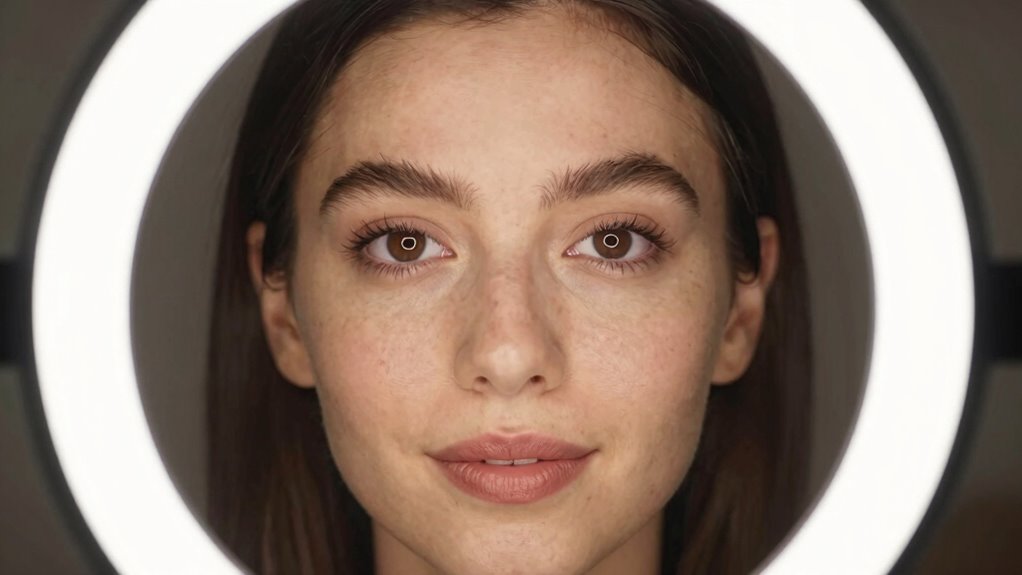
Good lighting boosts your professional image, making you look more confident and approachable. It also reduces visual strain, so your eyes stay comfortable during long calls. When your lighting is right, your video calls become clearer and more engaging. Incorporating balanced diet and regular exercise into your lighting setup can create a more vibrant and inviting atmosphere. Additionally, maintaining proper gear care tips ensures your equipment functions optimally, enhancing your overall video quality. Proper equipment maintenance can extend the lifespan of your lighting tools and prevent performance issues.
Enhances Professional Image
Have you ever noticed how a well-lit face instantly looks more professional on a video call? Good lighting improves your overall appearance by ensuring your face is clear and vibrant. Adjusting the color temperature helps you achieve a natural look, preventing harsh or washed-out tones. Using light modifiers like diffusers or reflectors softens shadows and creates an even glow, which enhances your professional image. Proper lighting minimizes distractions and makes you appear confident and polished. When your face is well-lit with accurate color temperature, you communicate credibility and attentiveness. This simple setup boosts your presence on camera, making a positive impression on colleagues, clients, or employers. Additionally, embracing diversity in lighting techniques can help accommodate different skin tones and features, ensuring everyone is represented authentically. Ultimately, good lighting reinforces your professionalism and helps you stand out in virtual meetings.
Reduces Visual Strain
When your lighting is inadequate or uneven, your eyes strain more during video calls, causing discomfort and fatigue over time. Proper lighting helps maintain eye comfort and reduces eye strain by minimizing glare and shadows. To achieve this, consider these key points:
- Use soft, diffuse light that evenly illuminates your face.
- Avoid harsh backlighting that causes your eyes to focus harder.
- Position lights at eye level to reduce squinting and glare.
- Keep the brightness consistent to prevent flickering that strains your eyes.
- Incorporate bio-friendly lighting options to reduce eye stress and promote overall well-being during long calls. Additionally, selecting ergonomic lighting can further enhance visual comfort and prevent long-term eye issues.
Good lighting ensures your eyes don’t work overtime to compensate for poor visibility. As a result, you’ll experience less fatigue, clearer focus, and a more comfortable video call experience overall.
Common Lighting Mistakes That Make You Look Washed Out

One of the most common mistakes that cause you to look washed out on video calls is using harsh, direct lighting that flattens your features. When your lighting has an incorrect color temperature—too cool or too warm—it can dull your complexion or make you appear unnatural. Additionally, glare from bright lights can create unwanted reflections or shine, further washing out your face. Avoid positioning bright lights directly in front of you or behind the camera, as this increases glare and reduces contrast. Instead, aim for soft, evenly distributed light with a warm color temperature that complements your skin tone. Proper glare reduction and balanced lighting help maintain depth and vibrancy, ensuring you look natural and well-defined on every call. Using lighting with proper color temperature ensures your skin looks vibrant and natural, avoiding the washed-out appearance caused by improper lighting choices. Selecting household lighting solutions with adjustable brightness and color temperature can help you fine-tune your setup for optimal on-camera appearance.
Troubleshooting Lighting Issues During Live Calls

Even with the right lighting setup, issues can still arise during live calls. Common problems include mismatched color temperature, flickering lights, shadows, and inconsistent light levels. To troubleshoot:
- Check the light temperature—ensure your light’s color temperature matches your environment to prevent looking washed out or unnatural.
- Adjust your light source to minimize flickering, especially with cheap bulbs or fluorescent lights.
- Position lights to eliminate harsh shadows on your face, using diffusers if needed.
- Maintain consistent light levels by avoiding sudden brightness changes or moving light sources during calls.
- Additionally, understanding your lighting equipment can help you make better adjustments and prevent common issues.
- Regularly clean and maintain your aero guardians to ensure optimal light quality and reduce dust or dirt that may affect illumination.
- Familiarizing yourself with lighting fundamentals can assist in creating a more balanced and professional appearance during your video calls.
Budget Tips to Improve Your Video Call Lighting

Improving your video call lighting doesn’t have to cost a fortune. You can start by adjusting your lighting color with inexpensive bulbs or LED strips to create a warm, natural tone that flatters your skin. Using items like white poster boards or inexpensive reflectors can help bounce light and fill in shadows. For background contrast, choose a simple, uncluttered space with a contrasting background color to make you stand out. Position your light source to highlight your face without washing out your features. Experiment with different angles and intensities to find the most flattering look. These budget tips help you enhance your appearance and make your video calls look more professional—without breaking the bank.
Frequently Asked Questions
How Do I Choose the Right Color Temperature for Video Lighting?
To choose the right color temperature, start by considering your skin tone and the mood you want to create. Use color temperature adjustment to find a balance that complements your natural skin color, typically between 3200K and 5600K. Keep lighting color theory in mind, aiming for warmer tones (around 3200K) for cozy feels or cooler tones (around 5600K) for a professional, daylight look.
Can Natural Light Be Used Effectively for Video Calls?
Natural light can be a game-changer if you position it right, like catching a perfect wave. Use soft, indirect natural light by facing a window, but avoid direct sunlight that causes harsh shadows. Adjust your light positioning so the light evenly illuminates your face, avoiding backlighting. This way, you’ll look natural and vibrant, turning your video calls into a sunny conversation rather than a shadowy shadow puppet show.
What Are the Signs of Poor Lighting During a Video Call?
If your video call shows facial shadows or uneven brightness, your lighting is likely poor. You might notice shadows that obscure parts of your face or areas that are too bright, creating a washed-out look. These signs indicate you need better, more balanced lighting. Adjust your light source to eliminate shadows and guarantee even illumination, so you look clear and professional without any distracting shadows or harsh brightness.
How Often Should I Replace or Upgrade My Lighting Equipment?
Maintain your lighting’s magic by monitoring its mood regularly—generally, you should upgrade or replace your equipment every 1-2 years. Frequent use, exposure, and technology advances can diminish lighting quality, impacting your image. Prioritize proper lighting maintenance to prolong equipment longevity, ensuring your calls remain clear and engaging. Don’t wait for dimness or flickering; proactive upgrades keep your setup shining bright and professional.
Are There Portable Lighting Options Suitable for On-The-Go Video Calls?
Yes, there are portable solutions perfect for on-the-go video calls. You can choose battery-powered options like compact ring lights or portable LED panels, which are lightweight and easy to set up anywhere. These options guarantee you stay well-lit without needing a power outlet nearby. With a reliable portable lighting solution, you’ll always look your best, whether you’re working remotely, traveling, or attending virtual meetings on the move.
Conclusion
Good lighting is like a secret weapon that transforms your video calls from drab to professional. By choosing the right gear, positioning your light wisely, and avoiding common mistakes, you’ll look confident and clear every time. Remember, even a simple setup can make a huge difference—it’s like turning on a switch that brightens your entire appearance. So, give your lighting a little attention, and watch your video calls shine with newfound clarity.