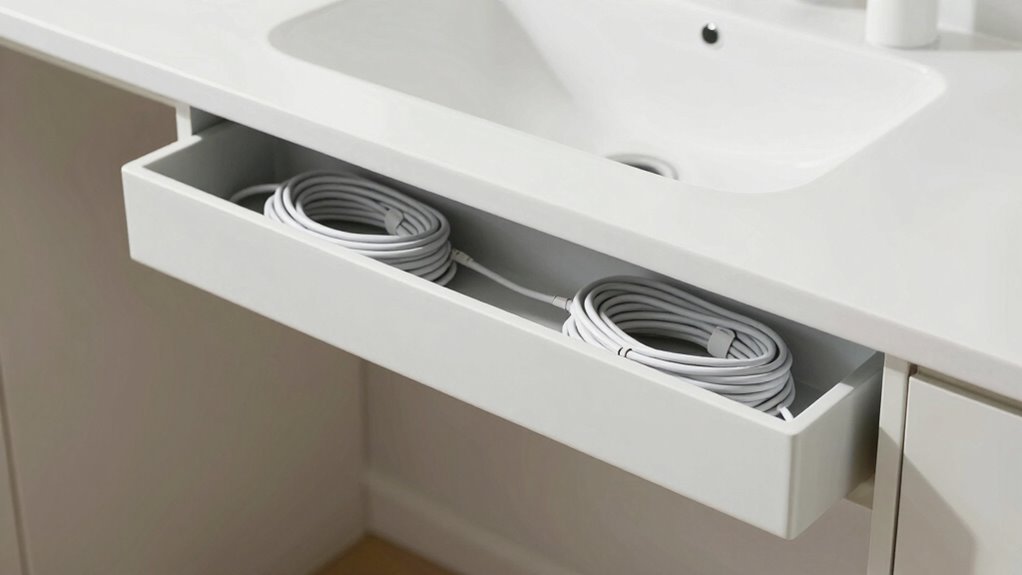

Effective cable management instantly makes your desk feel bigger by reducing clutter and creating a tidy, organized space. When you bundle, hide, and route cables properly, your workspace looks more spacious and less chaotic. Using tools like clips, sleeves, and under-desk trays keeps cords out of sight and frees up surface area. Keep cables neat and maintained to maintain that open feel. Want tips to maximize your workspace and improve your environment? Keep exploring for more ideas.
Key Takeaways
- Hide cables behind the desk or along edges to create a clean, uncluttered surface.
- Use cable sleeves and clips to bundle and conceal cords, reducing visual clutter.
- Opt for wireless devices to eliminate excess cables and free up desk space.
- Keep cables short and neatly coiled with Velcro straps to minimize tangling and mess.
- Regularly reassess and adjust cable routes to maintain a tidy, spacious workspace.
How Cable Management Can Make Your Desk Feel Larger and More Organized
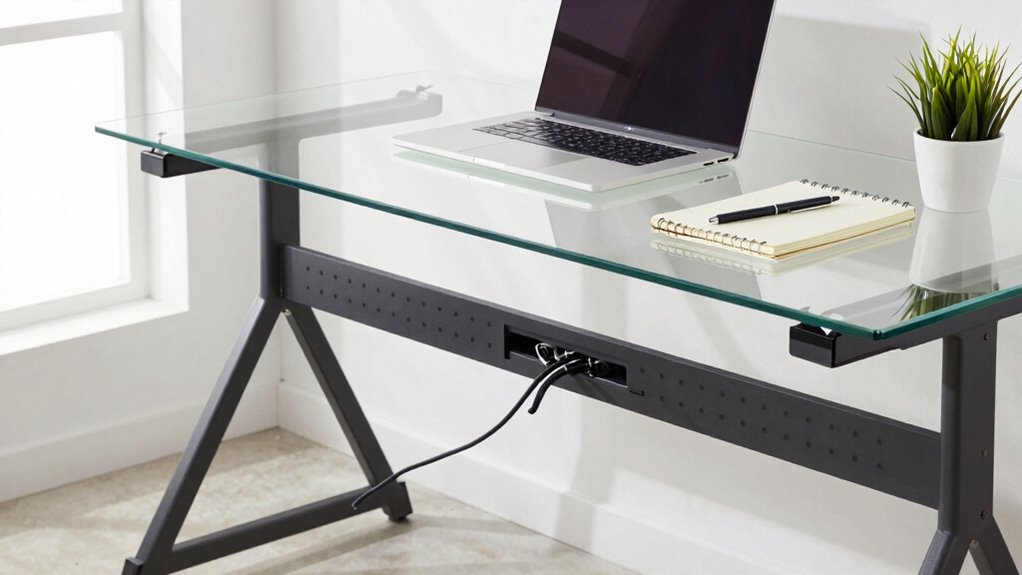
When you effectively manage your cables, your desk instantly looks more spacious and tidy. Good cable aesthetics play a key role in creating a clean, organized appearance. By coordinating cable colors with your workspace or device colors, you reduce visual clutter and make your setup appear streamlined. Using matching or neutral-colored cables helps everything blend seamlessly, giving an illusion of openness. When cables are neatly bundled and hidden, less visual noise distracts your eye, making your desk feel larger. This visual simplicity not only enhances your workspace’s look but also boosts your productivity by reducing stress. Clear cable aesthetics and thoughtful color coordination create a harmonious environment, transforming a cluttered desk into a sleek, spacious area that invites focus and efficiency. Incorporating simple cable management tips can further improve your workspace’s overall sense of openness and calm. Paying attention to visual clutter and maintaining a consistent color scheme can significantly impact how spacious your desk feels. Additionally, using quality cable organizers can help keep everything in place and prevent tangles. For optimal results, consider long-term cable organization strategies that maintain your setup’s neatness over time. Implementing routine cable maintenance can also prevent buildup of clutter and ensure your workspace remains consistently organized.
Assess Your Cables and Find Clutter Hotspots
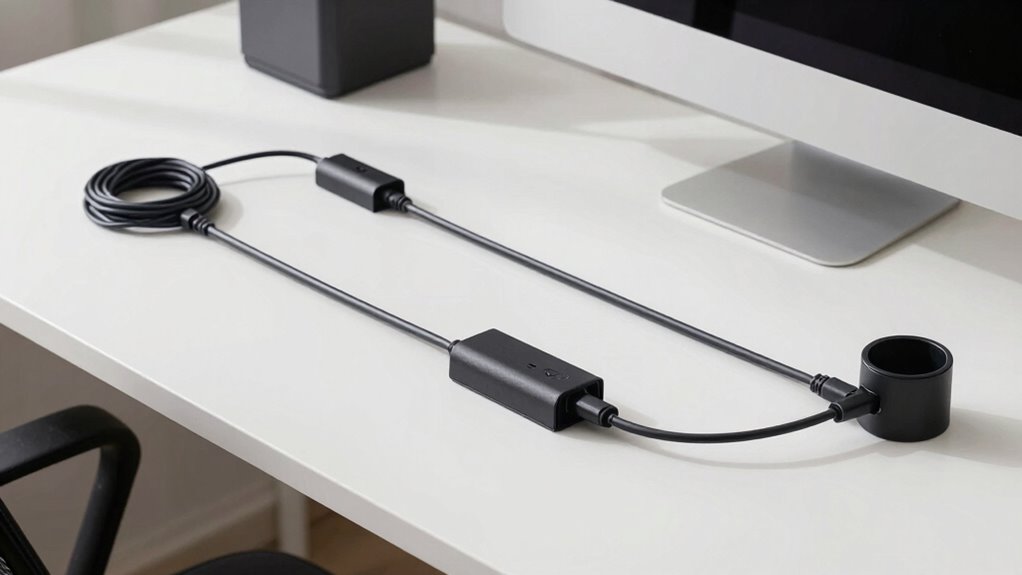
To effectively manage your cables, start by evaluating your current setup to identify where clutter accumulates. Perform a hotspot assessment by examining your desk and behind your devices to spot areas with excessive cable clutter. Look for tangled cords, overlapping wires, and loose connections that create visual chaos and hinder accessibility. Pay attention to where cables converge or hang loosely, as these are often hotspots for clutter buildup. Noticing these areas helps you understand which cables need organizing or rerouting. You can also utilize cable management tools such as clips, sleeves, or ties to keep cords tidy and prevent future tangles. Implementing organized cable routing techniques can further enhance your workspace’s cleanliness and open up more visual space. Additionally, cable length adjustment can help reduce excess slack that contributes to clutter and tangled cords. Using cable management strategies informed by a proper assessment ensures you develop a targeted plan to streamline your cables and reduce visual noise. Conducting a cable clutter audit allows you to see the full scope of your cable situation and prioritize your organizing efforts. This initial assessment is essential for creating a cleaner, more spacious desk environment that instantly feels bigger and more organized.
What Are the Best Cable Management Tools for Your Desk?
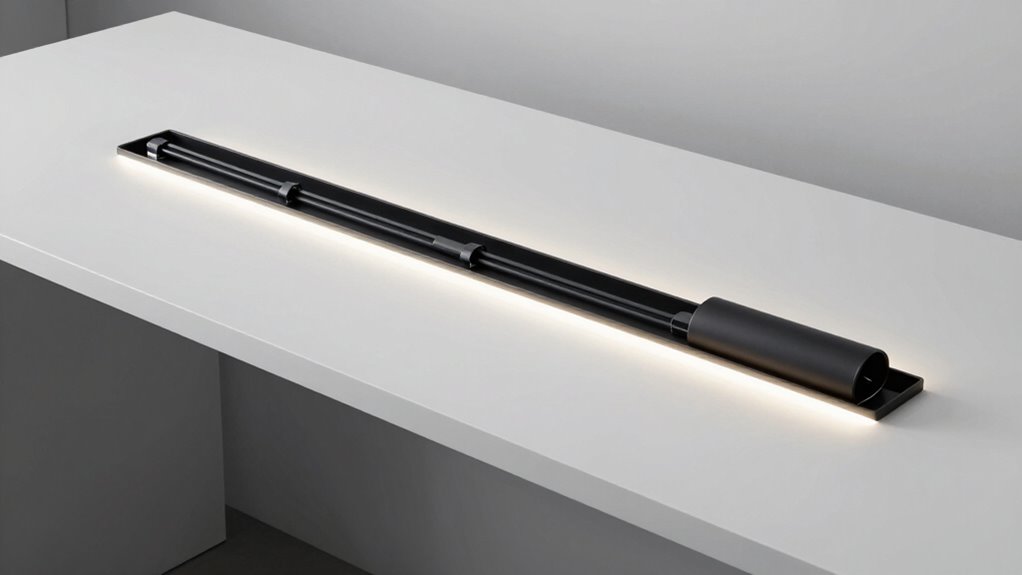
Choosing the right cable management tools can make a significant difference in organizing your desk. The best tools help control cable length, prevent tangles, and keep everything neat. Consider cable clips or sleeves to bundle cords together. Velcro straps are great for adjusting cable length easily. Color coding your cables simplifies identification, especially when multiple devices are involved. Use labels or colored tape to distinguish between power, data, and audio cables. A cable tray or under-desk organizer keeps clutter off your workspace. Proper cable management not only enhances the appearance of your desk but also reduces cable damage by preventing unnecessary strain and wear on your cords. It also improves safety by reducing tripping hazards and potential damage to cables. Additionally, incorporating cable management techniques can promote better airflow and prevent overheating of electronic devices. Implementing these tools effectively can contribute to cable longevity and a more efficient workspace. When implemented effectively, these tools and techniques support overall electronic device longevity, ensuring your workspace remains both functional and safe. Here’s a quick overview:
| Tool | Benefit |
|---|---|
| Cable clips | Keep cables in place and prevent tangles |
| Velcro straps | Adjust cable length easily and securely |
| Cable sleeves | Hide multiple cables and protect them |
| Color coding | Quickly identify and organize cables |
| Under-desk tray | Clear workspace and improve airflow |
Easy DIY Cable Management Ideas for Your Desk
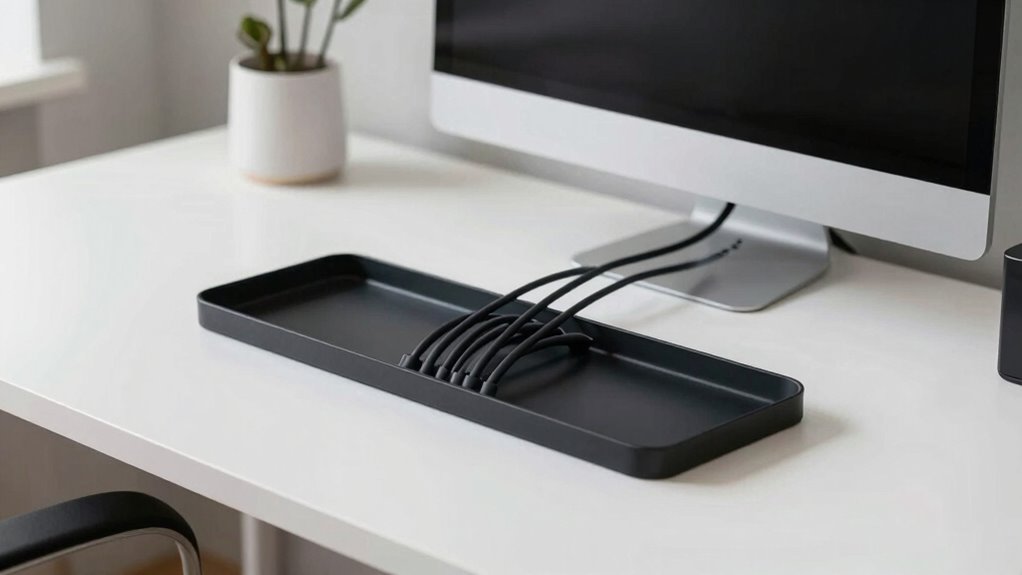
Creating a clutter-free desk doesn’t require expensive tools or complicated setups. Start by organizing your wireless accessories, like charging pads and Bluetooth speakers, to reduce visible cords. Use decorative cable covers to hide and protect any remaining cables, instantly giving your workspace a cleaner look. Attach adhesive clips or hooks along the edge of your desk to keep cords in place and prevent tangling. You can also bundle excess cables with twist ties or velcro straps for a neat appearance. For an added touch, choose decorative cable covers that match your decor, making the cables part of your aesthetic. Incorporating cable management ideas can further enhance your workspace’s style and organization. These simple DIY ideas make your desk look more spacious and organized without much effort or expense.
How Can You Hide Cables Using Sleeves and Covers?
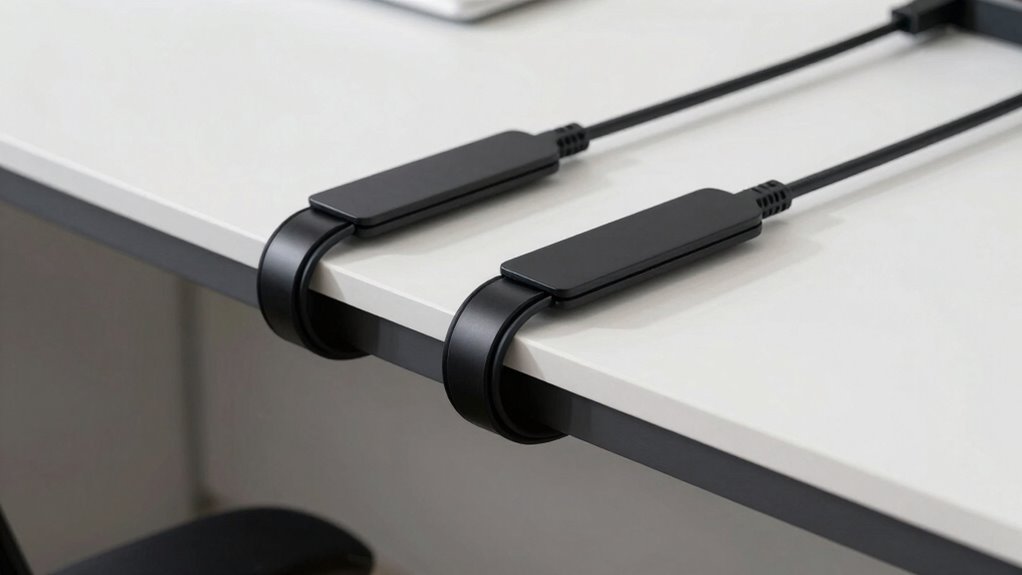
One of the simplest ways to hide cables and keep your workspace tidy is by using sleeves and covers. Cable sleeves and cable covers are effective tools to conceal multiple cords, making your desk look cleaner. Here’s how you can do it:
- Measure your cables to determine the length of the cable sleeve or cover needed.
- Slide the cables into a flexible cable sleeve, keeping them organized and protected.
- Secure the sleeve with zip ties or clips to prevent slipping.
- Use cable covers along the floor or desk surface to hide cables running across open areas.
These accessories instantly reduce visual clutter, making your workspace feel more spacious and organized. Plus, they’re easy to install and remove, giving you quick control over your cable management.
Routing Tips to Maximize Desk Space and Reduce Clutter
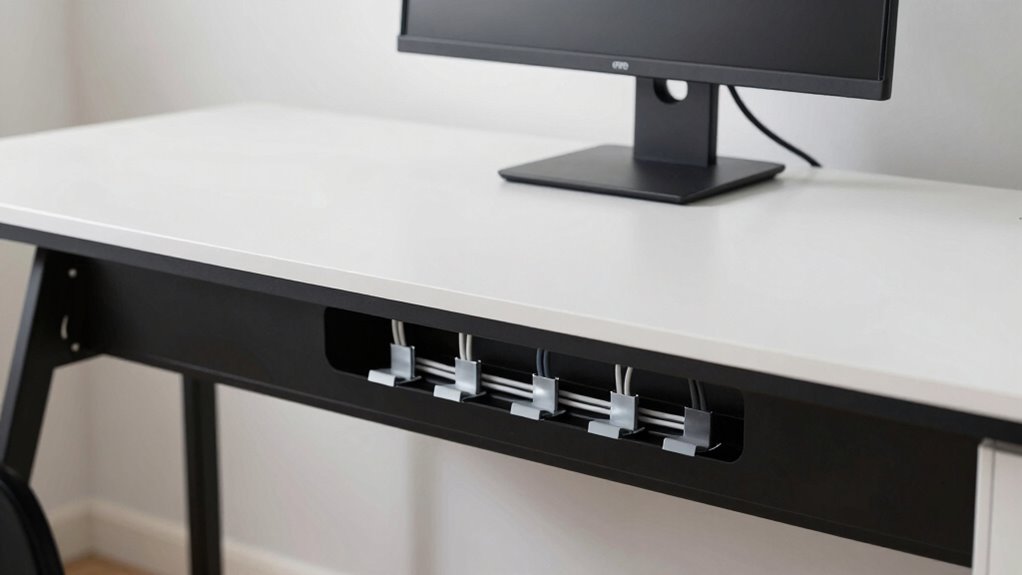
To maximize your desk space and keep clutter at bay, strategically routing cables is essential. Use wireless alternatives whenever possible to eliminate unnecessary cords, freeing up surface area. When wiring remains necessary, run cables along the back edges of your desk, keeping them out of sight and preventing tangles. Use cable clips or adhesive mounts to secure cords along the desk’s underside or edges, reducing slack that can cause clutter. Prioritize ergonomic setups by positioning devices within easy reach, minimizing the need for excessive cable length. Bundling cords with Velcro straps or sleeves keeps them organized and prevents tangling. Regularly reassess your cable routes, adjusting for new devices or changes, to maintain a clean, spacious workspace. Incorporating Free Floating techniques can further conceal cables and optimize your workspace layout. Additionally, understanding cable ratings can help you select the most suitable cables for safety and durability. Using cable management accessories designed specifically for your workspace can significantly improve organization and safety. Exploring cable flexibility options allows you to adapt your setup as your workspace evolves. Being aware of cable routing best practices can streamline your setup process and prevent future clutter. Effective routing directly enhances both space and productivity.
Why Use Under-Desk Cable Trays and Hooks?
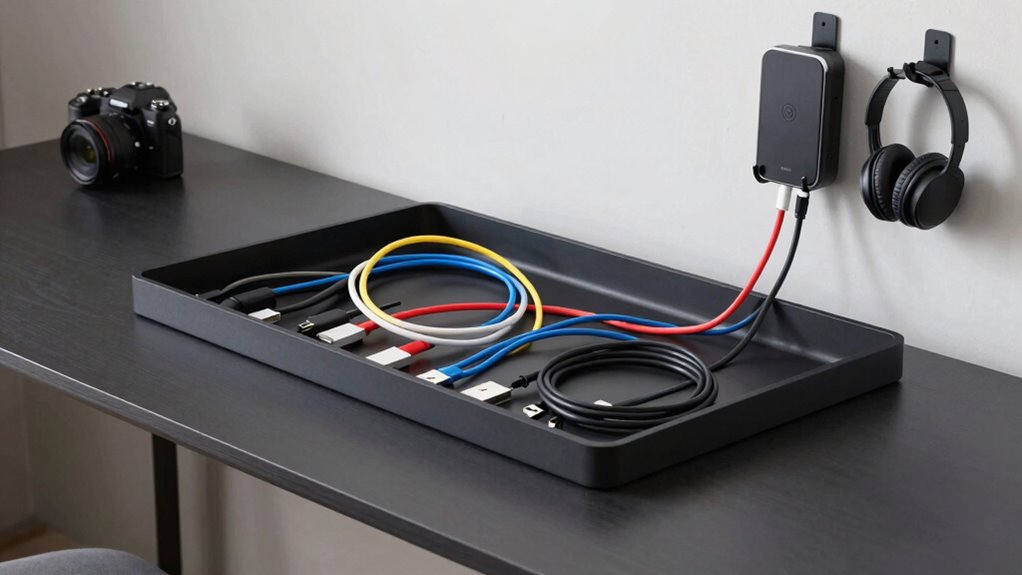
Ever wonder how to keep your cables organized and easily accessible? Under-desk cable trays and hooks are perfect for this. They offer several benefits: 1. Ergonomic benefits: By keeping cables off your workspace, you prevent clutter that can cause strain or distraction. 2. Aesthetic improvements: A tidy desk looks cleaner and more professional without tangled cords hanging everywhere. 3. Easy access: Hooks and trays make it simple to plug in or unplug devices without crawling under your desk. 4. Space maximization: Moving cables out of sight frees up surface area, making your workspace feel larger. Proper cable organization also reduces the risk of accidental disconnection or damage, further enhancing your workspace efficiency. Additionally, cable management techniques promote a safer environment by minimizing tripping hazards and potential electrical issues. Using these accessories helps create a more organized, comfortable, and visually appealing environment—ideal for productivity and focus.
Routine Maintenance Tips to Keep Your Cables Tidy Over Time
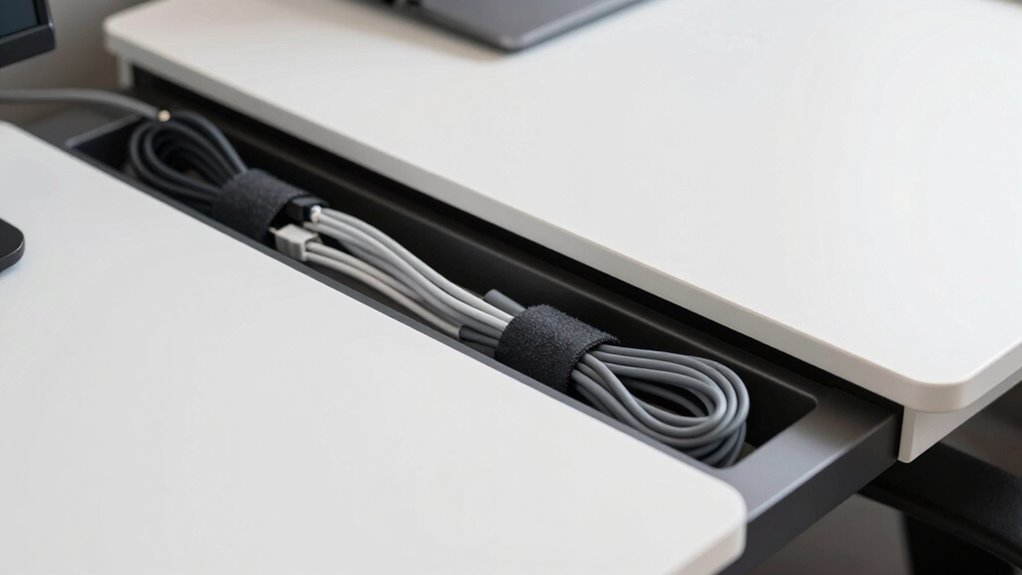
To keep your cables neat over time, you should regularly inspect them for wear and damage. Properly storing your cables when not in use helps prevent tangles and extends their lifespan. Staying on top of these routines makes maintaining an organized workspace much easier.
Regular Cable Inspection
Regular cable inspection is essential for maintaining an organized and safe setup. By checking your cables regularly, you guarantee their durability and prevent potential damage. Here’s what you should do:
- Inspect cable condition: Look for fraying, cracks, or exposed wires that could compromise safety.
- Check connection points: Ensure plugs and ports are secure and free of corrosion.
- Assess cable flexibility: If cables feel stiff or brittle, they may need replacing soon.
- Determine inspection frequency: Aim for a monthly check to catch issues early and keep your cables in top shape.
Consistent inspections help you spot problems before they worsen, prolonging cable life and keeping your workspace tidy. Staying proactive saves you time and money in the long run.
Proper Cable Storage
Maintaining the condition of your cables goes beyond inspections; proper storage plays a key role in preventing damage and keeping your workspace organized. To achieve this, store cables neatly when not in use, avoiding tangles and stress on connectors. Use cable labeling to identify different wires easily, saving time and reducing unnecessary handling. For wireless accessories, keep their chargers and spare cables in designated containers to prevent loss and clutter. Consider using cable clips or sleeves to bundle cords together, which makes storage simpler and protects against wear. When storing longer cables, coil them loosely and secure with Velcro straps. Proper storage not only prolongs your cables’ lifespan but also contributes to a cleaner, more spacious desk environment.
Common Mistakes to Avoid When Managing Your Desk Cables
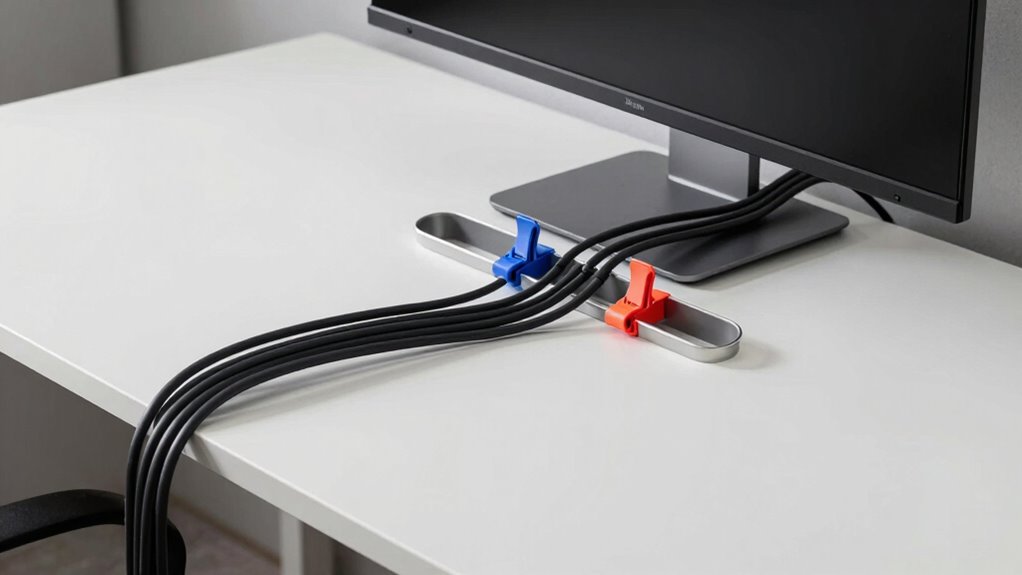
Many people underestimate how quickly cluttered cables can turn into a frustrating mess. Cable clutter and tangled cords not only look messy but make your workspace less efficient. To avoid common mistakes, keep in mind:
Cluttered cables can quickly become messy and hinder your workspace efficiency.
- Ignoring cable length—using cords that are too long creates unnecessary clutter.
- Overlooking cable ties—forgetting to bundle cords leads to tangles and difficulty finding what you need.
- Not labeling cables—without labels, you waste time tracing cords when troubleshooting.
- Neglecting regular maintenance—cables can get tangled again without periodic cleanup.
Avoid these pitfalls to keep your desk tidy and functional. Properly managing cables prevents frustration and makes your workspace feel more open and inviting.
How Proper Cable Management Boosts Your Productivity
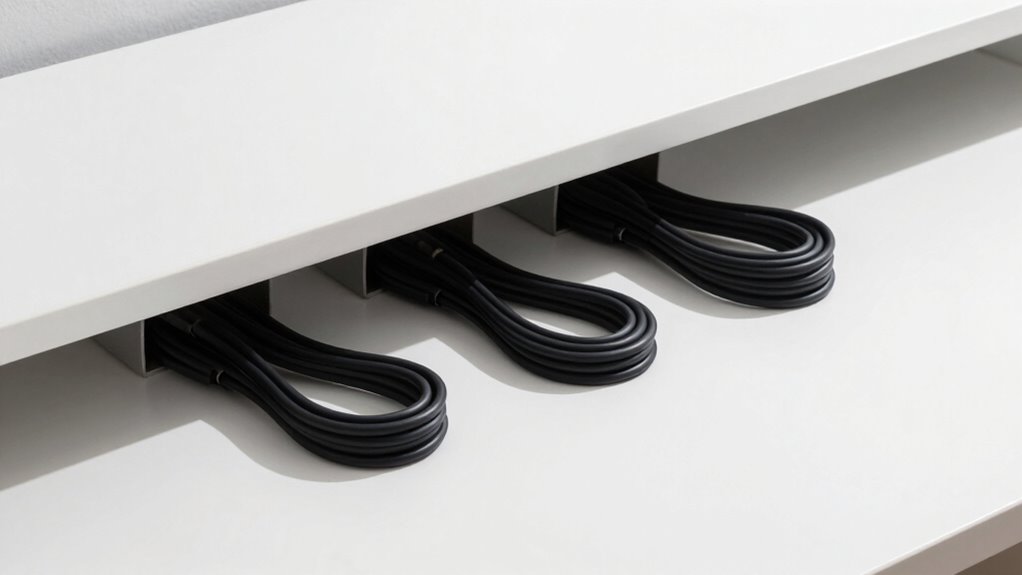
When your cables are organized and managed properly, you can work more efficiently and with less frustration. Proper cable management reduces clutter, allowing you to focus on your tasks instead of untangling cords. With wireless connectivity, you can minimize the number of cables, creating a cleaner workspace that’s easier to navigate. This setup helps prevent accidental disconnections and saves you time troubleshooting connectivity issues. Additionally, using ergonomic accessories like adjustable stands and keyboard trays becomes simpler when cables are managed well, ensuring they don’t obstruct your movements. A tidy desk promotes better posture and comfort, boosting your productivity. Overall, organized cables create a streamlined environment that keeps you focused, reduces distractions, and helps you work smarter and faster.
Frequently Asked Questions
How Often Should I Reorganize My Desk Cables?
You should reorganize your desk cables every few months to keep things tidy. Regularly check your cable labeling and cable length management to prevent tangles and clutter. When you notice cables getting tangled or disconnected, it’s time to tidy up. Reorganizing helps you identify which cables you need and ensures your workspace stays clean and efficient. Consistent cable management keeps your desk feeling spacious and functional.
Can Cable Management Improve Ergonomics?
Yes, cable management can improve ergonomics by reducing clutter and preventing cable tangles that cause discomfort. When you organize cables with proper cable length, you can maintain a cleaner workspace, which minimizes strain and awkward postures. This setup promotes better airflow and easier access to devices, helping you work more comfortably and efficiently. Ultimately, good cable management enhances your ergonomic benefits by creating a safer, more organized environment.
What Are Cost-Effective Cable Management Solutions?
Did you know that cluttered cables can add up to 30% to your desk’s visual size? To save money, try using affordable cable sleeves to bundle wires neatly. Consider wireless charging options to reduce cable clutter further. These solutions are budget-friendly, easy to implement, and instantly make your workspace look bigger and more organized without breaking the bank. Keep your desk tidy and save money simultaneously!
How Do I Prevent Cables From Tangling Over Time?
To prevent cables from tangling over time, you should use cable labels to identify each cord easily and cable sleeves to keep multiple wires organized. Regularly check and adjust the sleeves to avoid knots, and untangle any new tangles promptly. This approach keeps your cables neat, prevents damage, and maintains a tidy workspace, ensuring your desk feels bigger and more organized every day.
Are Wireless Devices Better for Desk Clutter Reduction?
Wireless devices act like a breath of fresh air, clearing your desk’s cluttered sky. They’re generally better for reducing desk clutter, thanks to wireless convenience and fewer cables to manage. Just guarantee your devices are compatible to enjoy seamless connectivity. With fewer cords tangling and taking up space, your desk feels more open and organized, boosting your productivity and making your workspace a calming oasis rather than a cable jungle.
Conclusion
So, next time your desk feels cramped, remember that messy cables are the real culprits—yet ironically, spending a few minutes organizing them can instantly make your space feel bigger. It’s almost funny how something so small can have such a big impact. With a little effort, you’ll not only free up space but also boost your productivity. Who knew that tidying up your cables could be the secret to a seemingly larger, more inviting workspace?