Stop guessing your standing desk height—measure it instead for peak comfort and posture. Use tools like a tape measure or laser distance meter to find the right height, ideally from the floor to your elbows or wrists when standing naturally. Remember, your elbows should be at a 90-degree angle, and your monitor at eye level. If you want to learn how to get it just right, keep going for practical tips and guidelines.
Key Takeaways
- Measure from the floor to your elbow or wrist using a tape or calipers for precise desk height.
- Ensure your elbows are at a 90-degree angle when resting on the desk for optimal ergonomic setup.
- Use a measuring tape while standing naturally to find the correct height, avoiding guesswork.
- Adjust the desk so that the keyboard and mouse are at elbow height, supporting straight wrists.
- Confirm monitor is at eye level to reduce neck strain and promote proper posture.
Why Accurate Measurement Matters for Your Standing Desk
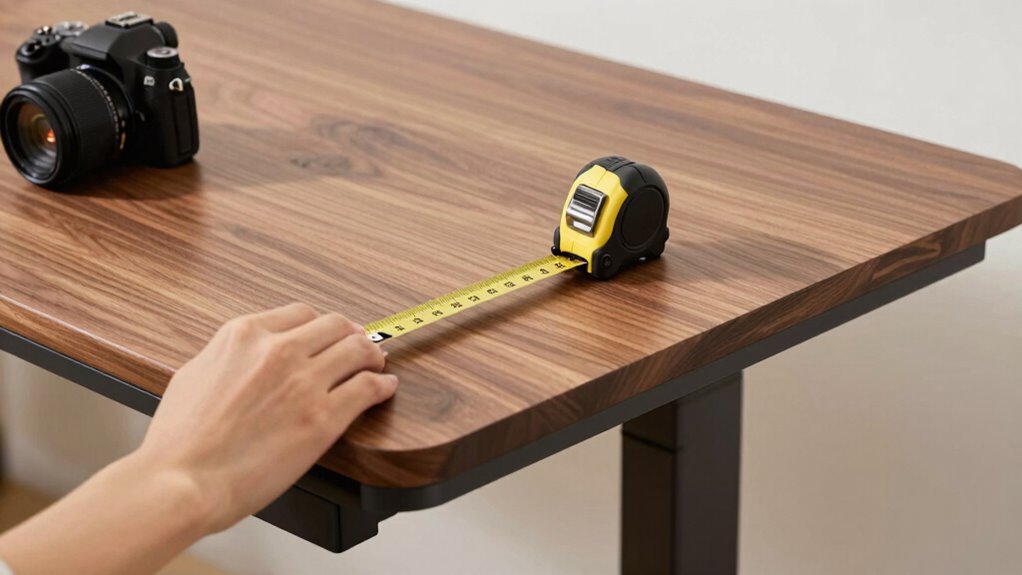
Accurate measurement is essential because an improperly sized standing desk can lead to discomfort or even injury. When your desk height isn’t right, your keyboard ergonomics suffer, causing strain on your wrists and arms. Poor posture alignment becomes inevitable, leading to neck, back, and shoulder pain over time. By measuring correctly, you ensure your keyboard is at a comfortable height, allowing your elbows to stay close to your body and your wrists to remain straight. This promotes better posture and reduces fatigue. Skipping proper measurement might seem minor, but it can result in long-term health issues. Taking the time to measure precisely helps you set up a workspace that supports your body’s natural alignment, making standing more comfortable and sustainable. Understanding ergonomic principles can further improve your setup and prevent discomfort. Additionally, being aware of proper workspace dimensions ensures your setup supports healthy movement and reduces strain during long periods of standing. To optimize your setup, adjusting desk height based on accurate measurements is crucial for maintaining comfort throughout your workday. Incorporating proper ergonomic setup can help you maintain good posture and reduce the risk of discomfort over time. Properly considering workspace ergonomics can also enhance overall productivity and well-being during extended standing periods.
What Tools Can Help You Measure Your Desk Height?
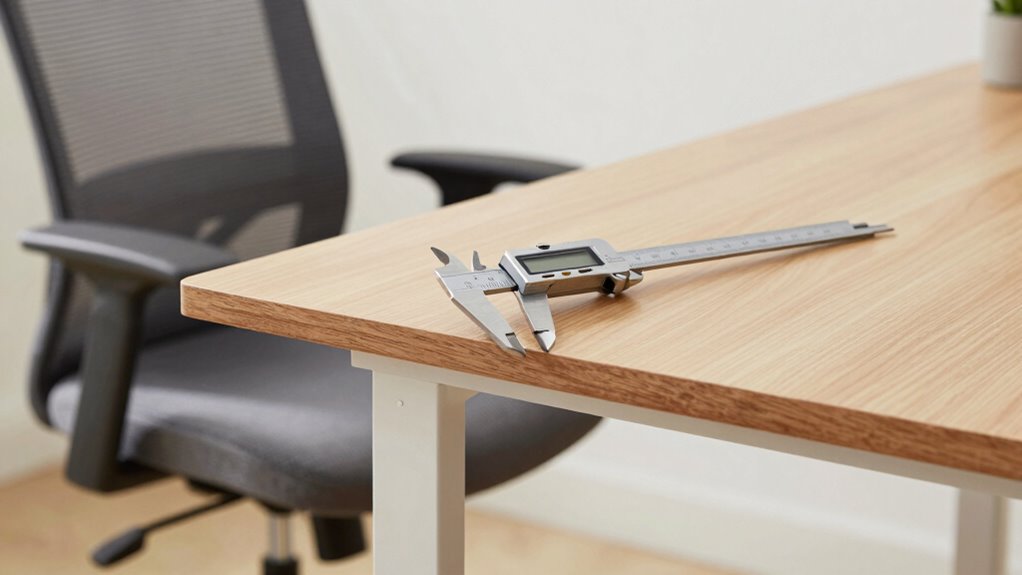
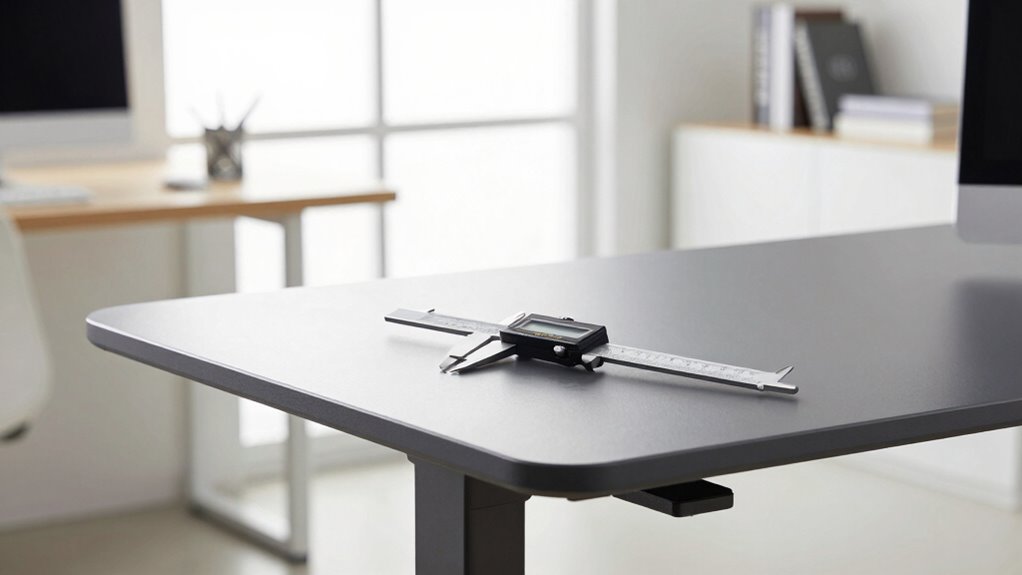
Wondering what tools can help you measure your desk height accurately? Digital calipers are a great choice for precise measurements, especially if you want to gauge the thickness of your desk or the height of adjustable components. They provide exact readings and are easy to use for small or intricate measurements. Laser distance meters are another excellent option for quick, accurate results over longer distances. With a laser distance tool, you can measure your desk height from a distance without needing to physically touch the surface, reducing errors. Both tools guarantee you get reliable measurements, helping you set your standing desk to the ideal height. Investing in these tools makes it easier to accurately measure your workspace for comfort and ergonomics. Proper measurement techniques help you achieve better ergonomic health, ensuring you maintain proper posture and reduce discomfort during long work sessions. Using the right measuring tools is a crucial step toward proper ergonomic setup, which supports your overall health and productivity. Accurate measurements are essential for optimal desk setup and ergonomic health.
How Do You Measure Your Standing Desk Correctly?
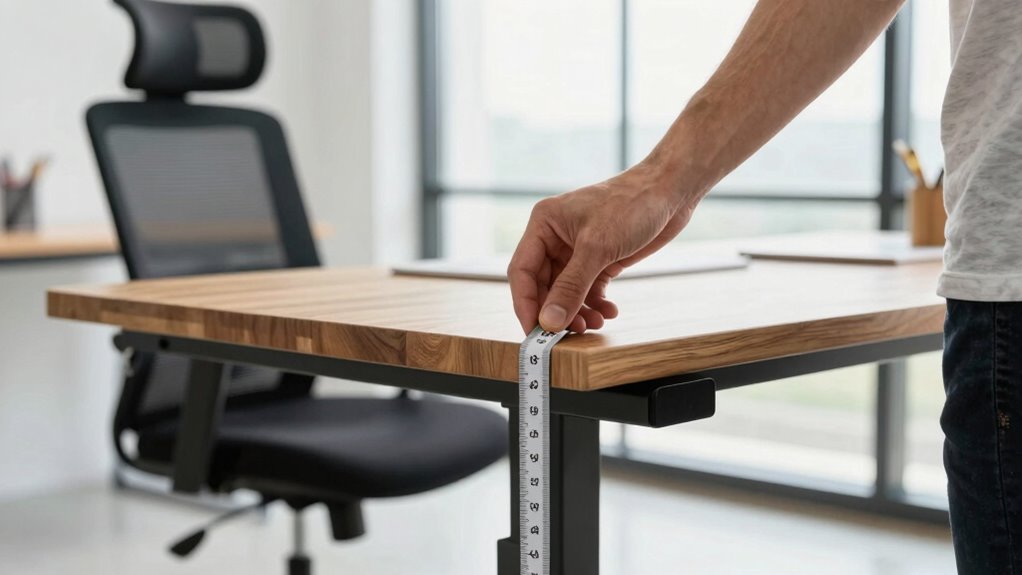
To measure your standing desk correctly, start by using a measuring tape to find the right height. Make certain your elbows are at a comfortable 90-degree angle when standing naturally. Maintaining proper posture ensures you set the desk height for comfort and support throughout your workday. Additionally, considering ergonomic principles such as work-life harmony can help prevent discomfort and promote overall well-being. For optimal comfort, some experts recommend adjusting your desk to align with proper ergonomic positioning guidelines. Remember that home organization tips can also contribute to creating an efficient workspace that supports your ergonomic setup. Incorporating child development/play-based growth mindset strategies can also help foster positive habits and overall well-being in your workspace environment. Being mindful of ergonomic assessments can further ensure your workspace is tailored to support long-term health and productivity.
Use a Measuring Tape
Using a measuring tape is the most straightforward way to determine the correct height for your standing desk. First, stand upright in your natural position, ensuring your arms are relaxed. Then, follow these steps:
- Place the measuring tape vertically from the floor to your elbow or wrist, depending on your preferred ergonomic guidelines.
- Record this measurement accurately.
- Adjust your desk height to match your recorded measurement.
- Double-check to make sure your elbows are at a 90-degree angle when resting comfortably on the desk.
- Keep in mind that ergonomic principles recommend maintaining proper desk height to prevent strain and discomfort.
- Incorporating Indonesian decor masks into your space can also serve as visual cues for maintaining ergonomic awareness and adding cultural flair to your workspace.
- Remember that support networks for new fathers can be helpful if you’re balancing work adjustments with family responsibilities.
- Being aware of regional ergonomic standards can also help tailor your workspace setup to suit your specific environment and needs.
- Additionally, considering professional ergonomic assessments can ensure your setup promotes comfort and productivity.
Find Elbow Height
Finding your elbow height is essential for setting a comfortable standing desk. To do this accurately, stand naturally with your arms relaxed at your sides and elbows bent at about 90 degrees. Make certain your upper arms are close to your torso and your forearms are parallel to the ground. Focus on proper elbow alignment, keeping your elbows directly beneath your shoulders. Use a measuring tape to determine the height from the floor to your elbow’s bend point. This measurement reflects your ideal desk height, promoting proper arm positioning. Avoid guesswork by sitting or standing in your usual posture, so the measurement captures your natural stance. Ensuring your ergonomic setup is correct can significantly improve comfort and reduce fatigue during prolonged standing. Accurate elbow height ensures your workspace supports healthy arm and shoulder alignment, reducing strain and increasing comfort during long periods of standing. Additionally, understanding industry trends can help you stay updated on ergonomic best practices for a healthier workspace. Incorporating personal comfort preferences into your setup can further optimize your standing desk experience, leading to greater well-being and productivity.
Ensure Proper Posture
Ensuring proper posture while measuring your standing desk is essential for setting it up correctly. To do this effectively, focus on maintaining neutral alignment and using ergonomic accessories like a footrest or anti-fatigue mat. When adjusting your desk height, keep these key points in mind:
- Your elbows should be close to a 90-degree angle, with forearms parallel to the ground.
- Your monitor should be at eye level to prevent neck strain.
- Your wrists should be straight when typing or using a mouse.
- Your feet should be flat on the floor or on a footrest for stability.
Making these posture adjustments guarantees comfort and reduces fatigue, helping you get the most ergonomic setup from your standing desk.
What Are the Key Ergonomic Factors for Your Desk Height?
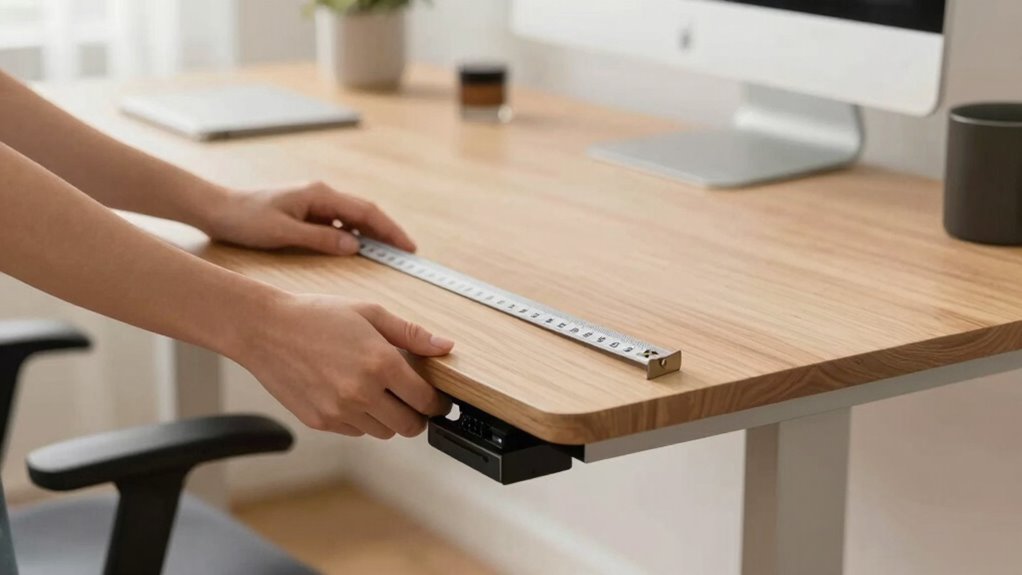
To achieve ideal comfort and prevent strain, your desk height must align with your body’s ergonomic needs. Key factors include the desk material, which should be sturdy and stable to support your movements without wobbling. Your elbow angle should be roughly 90 to 110 degrees when your forearms rest comfortably on the surface. Consider the color coordination of your workspace; a visually calming setup reduces stress and enhances focus. The height should allow your wrists to stay straight, avoiding unnecessary pressure. Your monitor should be at eye level to prevent neck strain. Adjust your desk so your feet are flat on the floor, with your thighs parallel to the ground. Balancing these ergonomic factors ensures long-term comfort and productivity.
What Common Mistakes Should You Avoid When Setting Up?
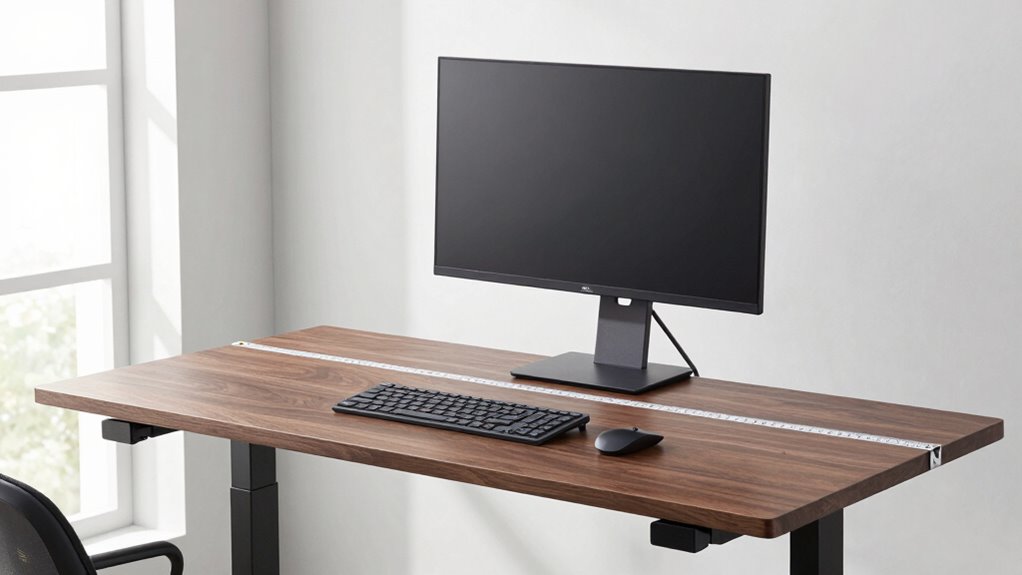
Many people make the mistake of setting their desks too high or too low, which can lead to discomfort and long-term strain. Incorrect assumptions about ideal height often cause this, and overlooking adjustments worsens the problem. To avoid these mistakes:
- Assume one static height fits all—everyone’s body is different.
- Forget to check if your elbows are at a 90-degree angle when typing.
- Overlook the importance of adjusting your monitor height.
- Ignore the need for occasional recalibration as your posture or equipment changes.
How Can You Fine-Tune Your Desk for Long-Term Comfort
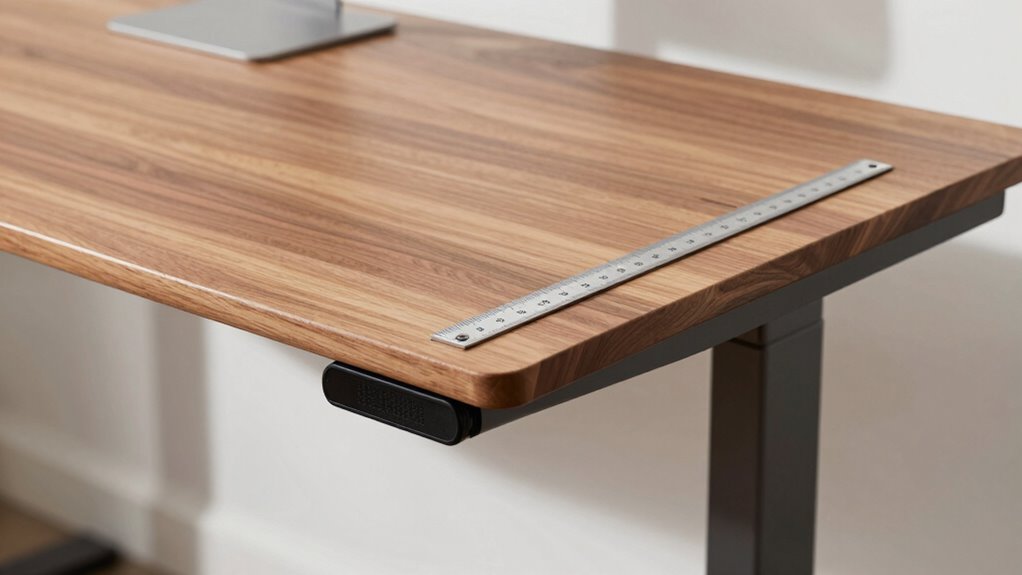
Fine-tuning your desk for long-term comfort requires regular adjustments as your body and workspace evolve. Incorporate ergonomic cushions to support your lower back and relieve pressure, ensuring sustained comfort. Use desk accessories like adjustable monitor stands and keyboard trays to maintain proper alignment. Regularly check your posture and make small tweaks to your setup, such as repositioning your mouse or adjusting the height of your desk accessories.
| Adjustment Tip | Purpose |
|---|---|
| Add ergonomic cushions | Improve lumbar support |
| Use adjustable monitor stands | Reduce neck strain |
| Position keyboard properly | Minimize wrist fatigue |
| Maintain neutral wrist position | Prevent injury |
| Regularly reevaluate setup | Ensure ongoing comfort |
Frequently Asked Questions
How Often Should I Re-Measure My Standing Desk Height?
You should re-measure your standing desk height every few months to maintain ergonomic posture and guarantee measurement accuracy. Changes in your height, posture habits, or even desk wear can affect your ideal setup. Regular checks help you stay comfortable and prevent strain. If you notice discomfort or your workspace feels off, re-measure sooner. Staying attentive to these details keeps your ergonomics ideal and supports long-term health.
Can Different Footwear Affect My Ideal Desk Height?
They say, “You are what you wear,” and footwear influence your ideal desk height. Different shoe types, like heels or bulky sneakers, can raise your foot position, making you need a higher desk for proper ergonomics. To stay comfortable and avoid strain, re-measure your desk height whenever you switch shoe types or footwear, ensuring your setup adapts to your current footwear influence.
Does Desk Material Impact the Measurement Process?
Desk material doesn’t impact how you measure your ideal height, but it can influence comfort. For example, a hard desk surface might cause discomfort, so you might want to use ergonomic mats or padding at your workstation. When measuring, focus on your elbow’s bend and wrist position, regardless of desk material. Comfortable surfaces help you maintain proper posture, making your setup more ergonomic and reducing strain during long work sessions.
Should I Measure With or Without Accessories Like Keyboards?
You should measure your standing desk height with accessories like your keyboard and monitor in place. Proper keyboard placement and monitor height are vital for comfort, so include them to get an accurate measurement. This way, you’ll guarantee your workspace supports good posture. Remove accessories only if you plan to switch them out frequently, but for the best fit, measure with everything in your usual setup.
How Do I Adjust My Desk if My Measurements Change Over Time?
If your measurements change over time, you should regularly adjust your desk using its ergonomic posture guidelines. Use the adjustable features to set the height that maintains a neutral wrist position and relaxed shoulders. Check your posture frequently and tweak the height as needed. This guarantees you stay comfortable and prevent strain, keeping your workspace ergonomic and adaptable to your evolving needs.
Conclusion
Think of your standing desk as a trusted partner on your daily journey; when it’s set just right, it supports you effortlessly. By measuring accurately and fine-tuning your setup, you’re carving out a comfortable sanctuary amid the chaos. Don’t let guesswork be the captain of your comfort ship—navigate with precision. When you take these steps, your workspace becomes a steady harbor, ready to keep you productive and pain-free for the long haul.