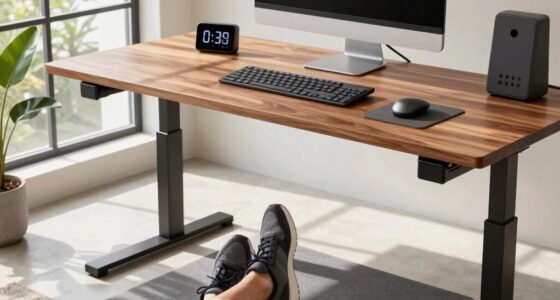
A wobbling adjustable desk usually happens because of loose bolts, uneven legs, or poor assembly. Uneven flooring can also make it unstable. To fix it, tighten all screws and make certain the desk is on a flat surface. Checking for any misaligned parts or worn components can prevent wobbling. Proper setup and regular maintenance help keep your desk stable. Keep going to discover more tips for avoiding wobble and improving durability.
Key Takeaways
- Loose bolts, screws, or uneven legs can cause instability and wobbling in adjustable desks.
- Poor manufacturing tolerances or mismatched components may lead to misalignment and wobble.
- Uneven flooring or incorrect setup on a level surface can compromise desk stability.
- Regularly tightening connection points and inspecting parts prevent looseness and wobble.
- Using high-quality materials and precise assembly reduces the risk of persistent wobbling issues.
Why Does My Adjustable Desk Wobble and How Can I Fix It?
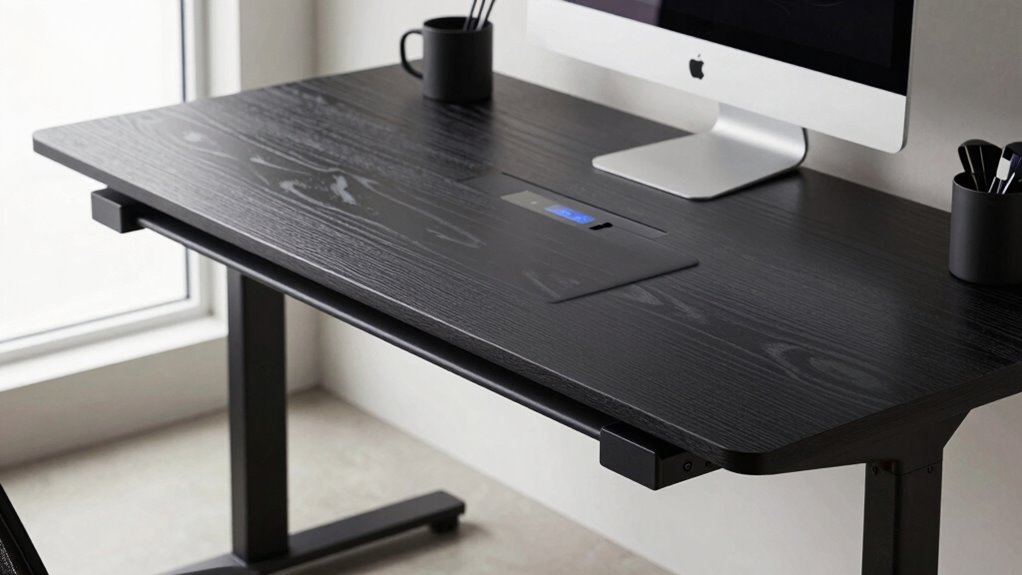
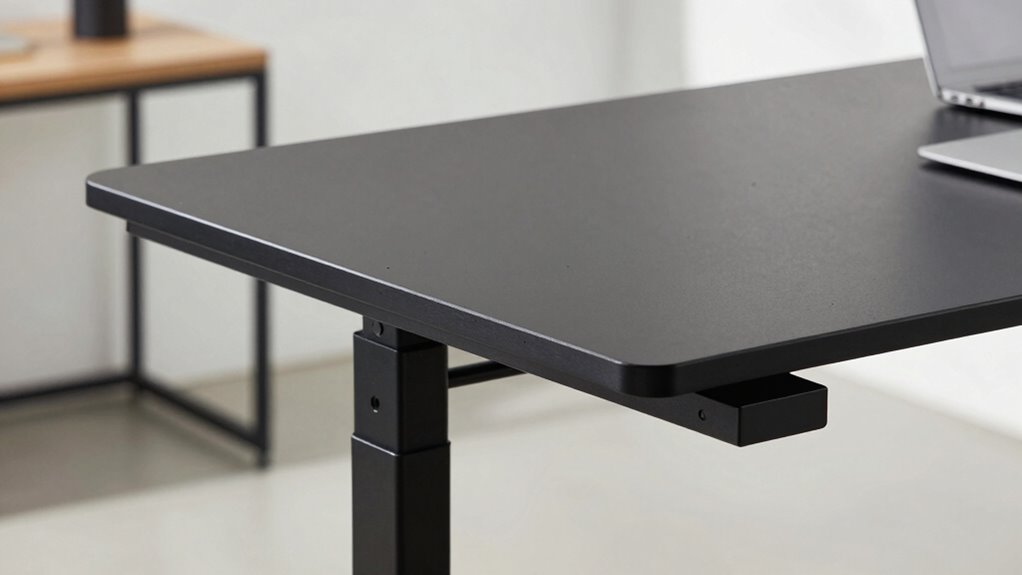
If your adjustable desk wobbles, it’s often due to loose or uneven components that can be quickly addressed. A common cause of desk wobble is loose bolts or screws, which compromise stability. Start by tightening all screws and connections, especially where the legs meet the frame. Check for uneven legs or uneven flooring, as these can cause instability. Using stability tips like adding rubber pads beneath the legs can also help level the desk and prevent wobbling. Make sure the desk is on a flat surface and that all adjustable parts are securely locked in place. Regular maintenance and proper setup are key to minimizing desk wobble and ensuring your workspace remains stable and comfortable. Additionally, understanding the importance of proper structure and support in furniture design can help prevent future issues. Proper assembly techniques also play a crucial role in maintaining stability over time.
What Are the Main Causes of Desk Instability?
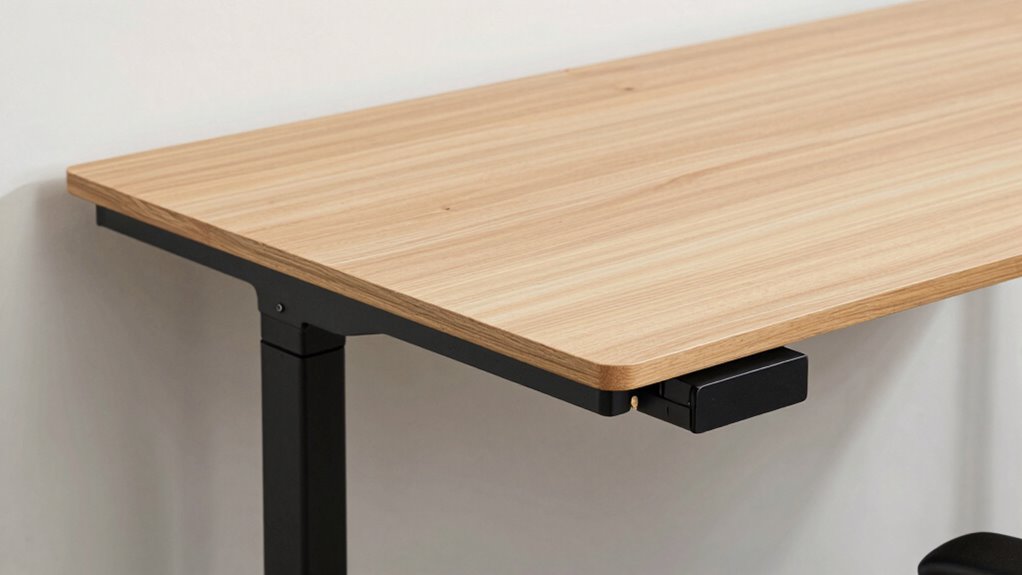
The main causes of desk instability often stem from loose or improperly assembled components. Your desk’s material, whether metal, wood, or composite, influences how it responds to user weight. Heavy or uneven distribution can cause wobbling if the frame isn’t sturdy or properly balanced. Also, if the screws or bolts are loose or misaligned, the entire structure becomes less stable. To visualize, consider this table:
| Desk Material | User Weight | Assembly Quality |
|---|---|---|
| Metal | Light | Well-assembled |
| Wood | Heavy | Loose parts |
| Composite | Moderate | Improper fit |
Improper assembly or mismatched materials can lead to wobbling, especially when the desk isn’t secured correctly or bears uneven weight. Regular maintenance and understanding assembly techniques can help prevent these issues from occurring. Additionally, checking connection points periodically ensures continued stability. Ensuring proper tightening of fasteners is also crucial for maintaining desk stability over time, as fastener torque plays a significant role in long-term durability. Paying attention to component fit can further improve overall stability and prevent unnecessary wobbling.
How Do Desk Components Affect Stability?
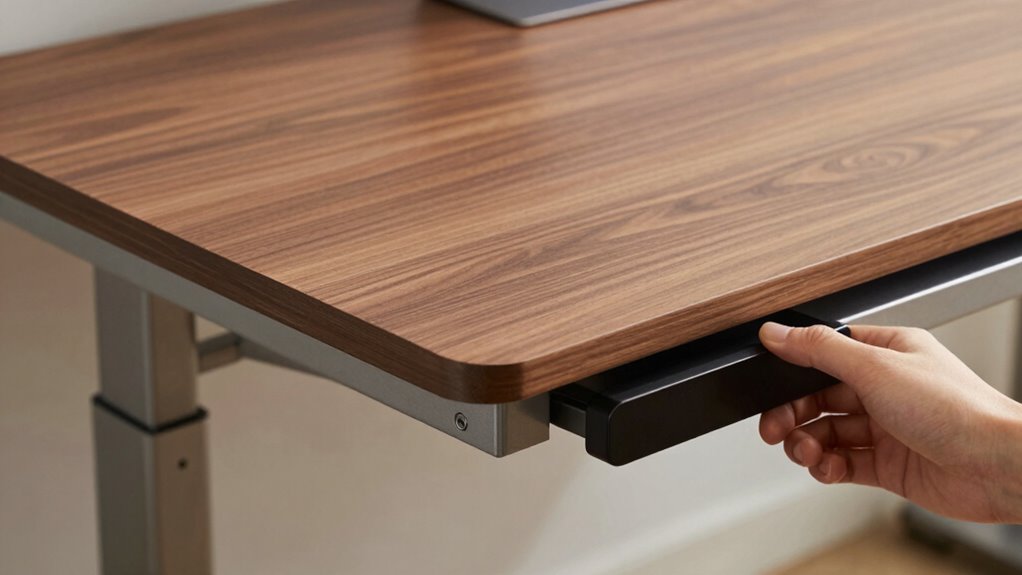
Desk components play a critical role in determining overall stability, as each part must work together seamlessly. High-quality desk components are essential because they ensure durability and consistent performance. Poor-quality materials or manufacturing tolerances can lead to misalignments, causing wobbling or uneven surfaces. For example, if the legs or frame are manufactured with tight tolerances, they fit together precisely, reducing wobble. Conversely, components with loose tolerances may have gaps or uneven contact points, compromising stability. The quality of screws, joints, and support brackets also impacts how well the desk resists wobbling. When components are manufactured to strict standards, the entire desk maintains better balance, even when adjusted or under load. Properly designed and tested manufacturing standards further contribute to a wobble-free desk. In fact, component precision is a key factor in ensuring that all parts fit together perfectly, reducing the likelihood of wobble. Additionally, employing quality control measures during manufacturing can identify and eliminate defects that might cause instability. Regular inspection and maintenance of assembly connections can also help prevent loosening over time, maintaining stability. Ultimately, investing in well-made components helps ensure your desk remains stable and wobble-free.
How to Set Up and Maintain Your Desk for Stability
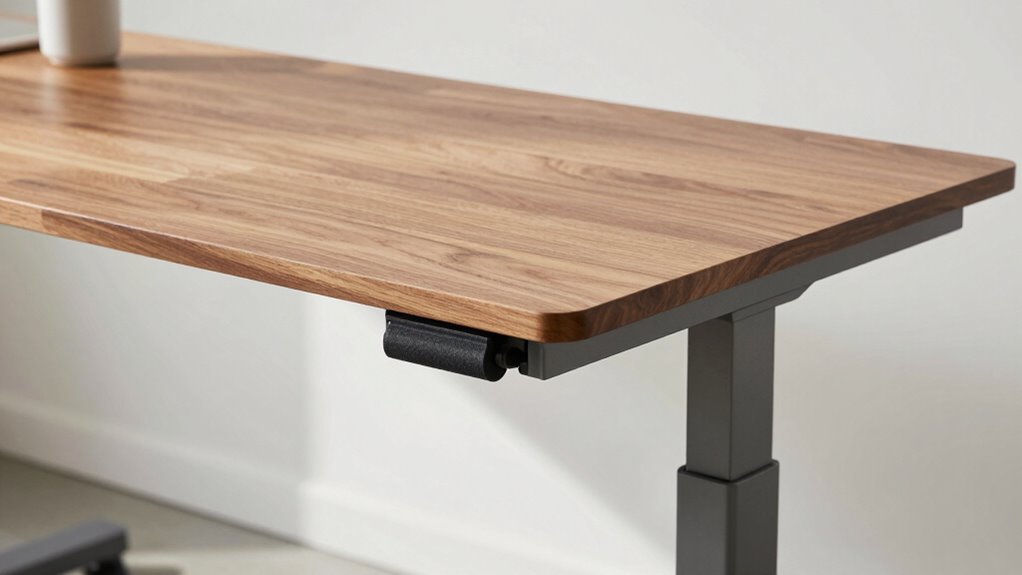
To guarantee your adjustable desk remains stable, proper setup and regular maintenance are essential. Begin by ensuring your desk is level on a flat surface, preventing wobbling caused by unevenness. Adjust the height gradually, checking for smooth movement without resistance or looseness. Maintaining an ergonomic posture helps distribute your weight evenly, reducing strain on the frame and joints. Use effective cable management to keep cords organized and out of the way, preventing them from pulling or shifting the desk during adjustments. Tighten all bolts and screws periodically to maintain stability, especially if you notice wobbling or creaking sounds. Regular checks and adjustments keep your desk in ideal condition, promoting safety and comfort while prolonging its lifespan. Additionally, understanding the must-see destinations and travel tips can inspire you to create an ideal workspace anywhere, including your home office, to enhance comfort and productivity. Ensuring your workspace is safe and comfortable is crucial for long-term satisfaction and well-being. Incorporating proper maintenance routines can further prevent issues and extend the life of your desk. Remember that proper setup not only improves stability but also supports your overall health and productivity. Keeping your workspace aligned and level can prevent unnecessary wear and ensure consistent performance over time.
Signs You Need to Repair or Upgrade Your Adjustable Desk
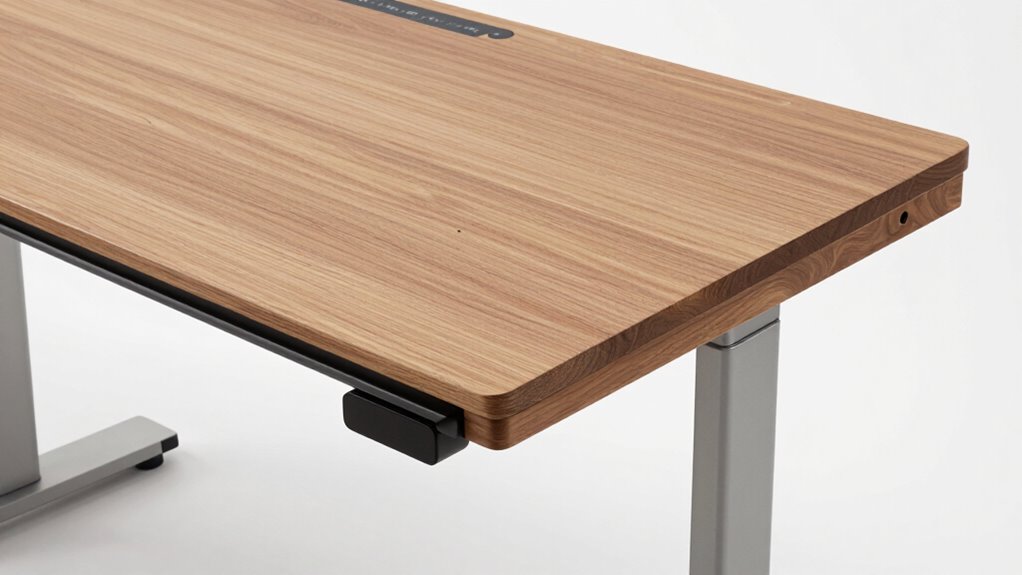
Over time, you might notice your adjustable desk isn’t functioning as smoothly as it once did, signaling that repairs or upgrades are needed. If raising or lowering the desk feels jerky or uneven, it can compromise your ergonomic comfort and cause strain. Persistent wobbling or creaking sounds may indicate worn-out parts that require attention. Additionally, if the aesthetic design appears chipped, faded, or misaligned, it’s a sign the desk might need a refresh or replacement. Neglecting these signs can lead to decreased productivity and discomfort. Upgrading or repairing your desk ensures smooth operation, maintains its aesthetic appeal, and supports your ergonomic needs. Recognizing these signs early helps you avoid bigger issues and keeps your workspace safe and efficient. Just like a flywheel in a car system helps improve performance, proper maintenance of your desk ensures it functions optimally and lasts longer. Regularly inspecting your desk’s structural integrity can help prevent unexpected wobble issues before they worsen. Additionally, understanding the connectivity features of modern adjustable desks can help you identify if digital errors are causing stability problems. Being aware of nail biology and how different materials age can also inform you about the longevity of your desk’s components. Moreover, keeping an eye on material fatigue can provide insight into when parts may need replacement to prevent wobbling.
Frequently Asked Questions
Can Adjustable Desk Wobble Affect My Health or Productivity?
Yes, a wobbling adjustable desk can impact your health and productivity. It may cause discomfort, leading to poor posture and strain, which affects ergonomic benefits. Additionally, instability can distract you and reduce focus, harming emotional comfort. To stay productive and comfortable, make certain your desk is stable and properly adjusted. A steady desk promotes better posture, minimizes distractions, and helps you work more efficiently without unnecessary stress.
Are There Specific Desk Brands More Prone to Wobbling?
Think of choosing a desk like selecting a sturdy ship—some brands sail smoother than others. Generally, lesser-known brands or those with questionable manufacturing quality tend to wobble more. Trusted brands with strong reputations prioritize durable construction and quality control, reducing wobble. So, stick with reputable brands known for solid manufacturing quality, and you’ll find your desk remains steady, supporting your work without unnecessary movement, just like a well-built vessel on calm waters.
How Often Should I Inspect My Desk for Stability Issues?
You should inspect your desk for stability issues at least once every three to six months. Follow a regular maintenance schedule and use inspection techniques like checking for loose screws, uneven surfaces, and wobbling when you adjust the height. Tighten any loose components and ensure the desk is level. Regular inspections help prevent wobbling and prolong your desk’s lifespan, keeping your workspace safe and comfortable.
Do Desk Mats or Pads Help Reduce Wobbling?
Think of a desk mat as a gentle trampoline for your workspace. While it won’t completely stop wobbling, it can absorb some vibrations, making your desk feel steadier. The desk mat benefits include reducing surface movement, especially with thicker pads that offer more cushioning. So, if your desk wobbles, a well-chosen pad can help stabilize it, giving you a smoother, more comfortable work experience.
Is Professional Repair Necessary for Persistent Wobbling Problems?
You don’t always need professional repair for persistent wobbling. Try DIY fixes like tightening screws and adjusting the desk’s leveling feet first. Check if your warranty covers repairs or replacements; many manufacturers offer free support for ongoing issues. If these steps don’t work, then consider contacting a professional to guarantee your desk stabilizes properly. Taking these initial steps can save you time and money while fixing the wobble effectively.
Conclusion
To keep your adjustable desk steady, stay proactive like a true modern-day handyman. Regularly check for loose parts, tighten bolts, and guarantee your setup is balanced—think of it as your own personal round table. Remember, a wobble-free desk boosts your focus and productivity. Don’t let instability turn your workspace into a ship lost at sea; with a little care, you’ll keep it as stable as the great pyramids. Keep it solid, and work like a boss.