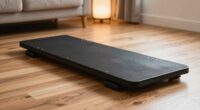
Before your first walk with an under-desk treadmill, understand it’s a compact device designed to fit beneath your desk for walking while working. Choose a model with quiet operation, proper size for your space, and a speed range of about 0.5 to 4 mph. make sure it’s stable, safe, and easy to set up. Maintaining good posture and adjusting speeds gradually will help keep you comfortable. Exploring these tips will prepare you for a smooth and productive experience.
Key Takeaways
- Measure your workspace and desk height to ensure the treadmill fits comfortably and maintains ergonomic posture.
- Choose a model with quiet operation and adjustable speed settings for a distraction-free walking experience.
- Prioritize safety by securing cords, maintaining stability, and starting at slow speeds to prevent accidents.
- Consider deck size, cushioning, and build quality for comfort and durability during regular use.
- Incorporate proper posture, take regular breaks, and stay alert to maximize health benefits and safety.
What Is an Under-Desk Treadmill and How Does It Work?
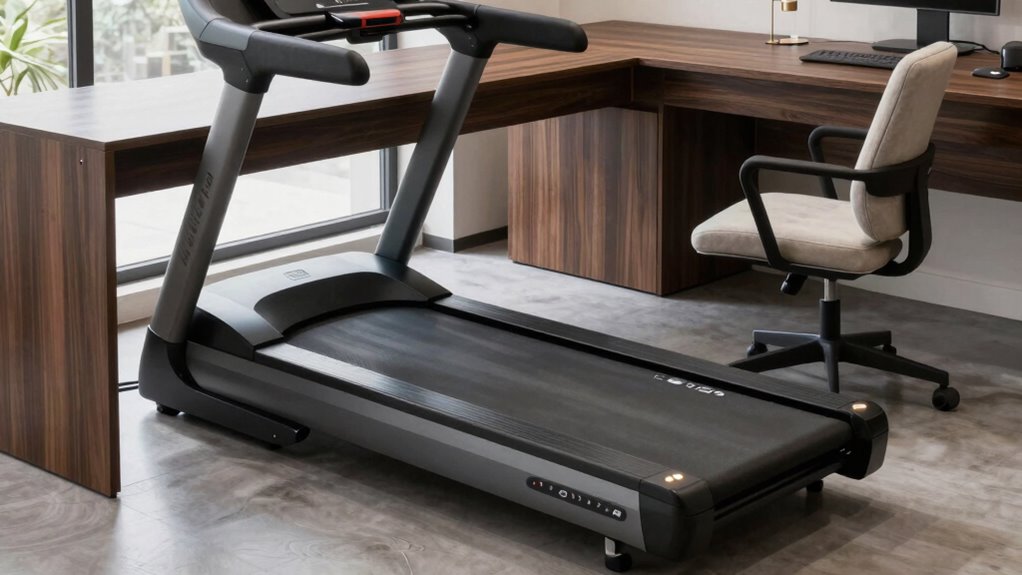
Have you ever wondered how an under-desk treadmill operates? These compact machines are designed to fit seamlessly beneath your desk, allowing you to walk while working. They offer ergonomic benefits by encouraging movement and reducing sedentary habits. The key to their smooth operation lies in motor specifications; most models feature quiet, efficient motors that deliver steady speed control. A reliable motor ensures a consistent walking experience without disturbing your focus or others nearby. Typically, under-desk treadmills have adjustable speed settings, usually ranging from 0.5 to 4 mph, giving you control over your pace. The motor’s power rating directly impacts durability and performance, making it essential to choose one with a well-rated motor for long-term use. Additionally, motor technology plays a significant role in reducing noise and vibration, enhancing user comfort. Modern motors often incorporate advanced insulation techniques to further minimize sound levels during operation. When selecting an under-desk treadmill, considering the capacity of the motor can help ensure it meets your daily usage needs. For optimal performance, choosing a motor with good thermal management can extend the lifespan of the treadmill. Understanding these motor components and their functions can help you better appreciate how under-desk treadmills support an active workspace.
How to Choose the Best Under-Desk Treadmill for Your Needs
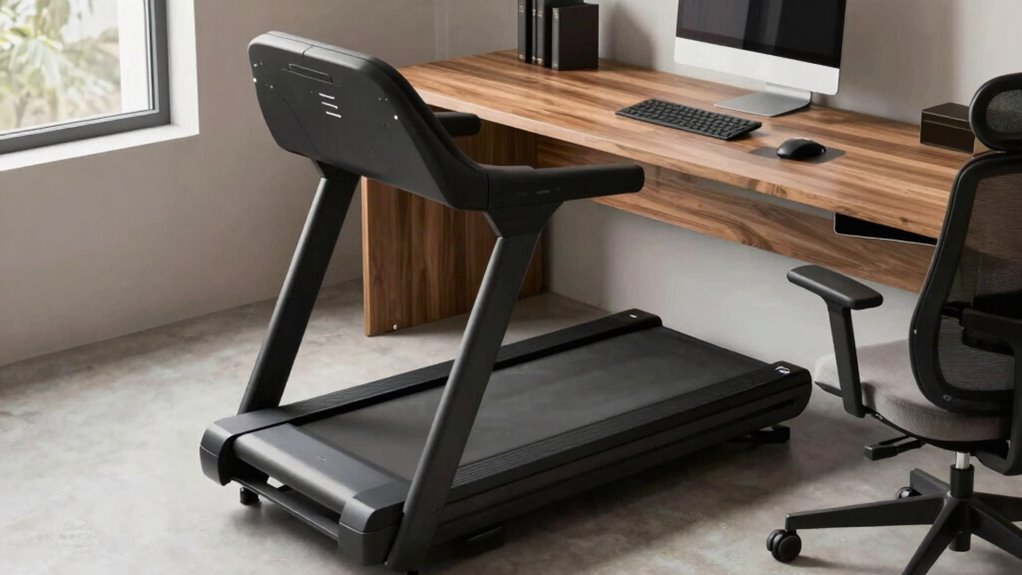
When selecting an under-desk treadmill, you need to contemplate your budget and how much you’re willing to spend. Make sure the size fits your workspace and your desk height, so it’s compatible with your setup. Balancing these factors helps you find a treadmill that meets your needs without unnecessary features or expense. Additionally, considering the comparative advantage of different models can help you choose one that offers the best efficiency for your investment. Evaluating features such as Free Floating mechanisms can also impact the overall ease of use and longevity of the treadmill. Exploring the horsepower of various models can give insight into their performance and durability for your daily walks. Paying attention to piercing care and hygiene features in some advanced models can enhance your experience and maintenance routine.
Budget and Price Range
Choosing an under-desk treadmill that fits your budget starts with understanding the range of options available. Cost considerations vary widely, so it’s essential to identify your affordability options before shopping. Basic models tend to be more budget-friendly, often costing under $300, but may lack advanced features or durability. Mid-range treadmills, priced between $300 and $600, generally offer better stability, quieter operation, and more customizable settings. Premium models, over $600, provide advanced technology, longer warranties, and superior build quality. To find the best fit, compare features against your budget, considering how often you’ll use the treadmill and your desired longevity. Remember, investing in a reliable, well-reviewed model can save you money and frustration in the long run. Additionally, product durability is an important factor to ensure your treadmill withstands regular use over time.
Size and Compatibility
Selecting an under-desk treadmill that fits your space and desk setup is vital to ensuring comfort and functionality. Measure your available desk space carefully to determine the maximum treadmill size you can accommodate. Size compatibility is essential; a treadmill that’s too large may restrict movement or interfere with your workspace, while one that’s too small might not meet your walking needs. Consider the treadmill’s length, width, and height, making sure it fits comfortably beneath your desk without limiting legroom. If you have a smaller workspace, look for compact models designed specifically for limited space. Ensuring proper size compatibility helps you avoid frustration and creates a seamless, ergonomic walking experience during your workday. Additionally, understanding emerging trends in digital publishing can help you stay informed about innovative features and design improvements in under-desk treadmills. Being aware of performance enhancements from the latest models can also guide you toward choosing a treadmill that offers better durability and smoother operation, especially when considering auditory feedback features that some models include to optimize your walking experience. Incorporating knowledge about size and compatibility ensures you select a model that aligns with your workspace constraints and personal needs.
Key Features to Consider When Buying an Under-Desk Treadmill
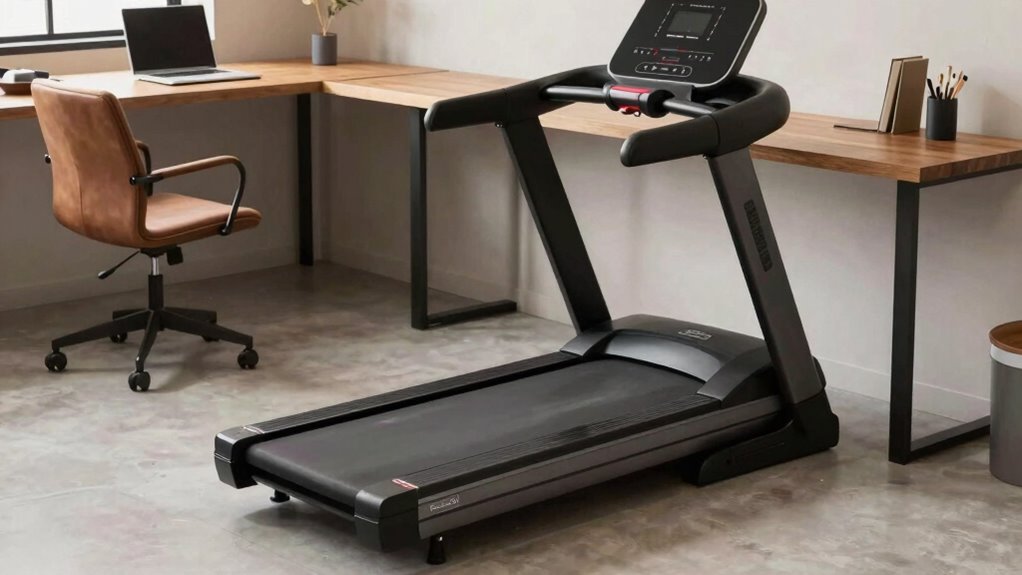
To make certain you get the most out of your under-desk treadmill, it’s crucial to take into account key features that match your workspace and activity level. Focus on ergonomic design for comfort and adjustable speed options to suit your pace. Pay attention to noise levels—lower noise ensures your work isn’t disrupted. Durability and weight capacity matter for longevity, especially if you plan regular use. Portability features like wheels can make storage easier. Finally, check for safety features like an emergency stop. Here’s a quick overview:
| Feature | Why It Matters | Tips |
|---|---|---|
| Ergonomic design | Comfort during long use | Look for cushioned decks |
| Noise levels | Minimize distractions | Choose models with quiet motors |
| Speed adjustment | Customize walking pace | Find one with easy controls |
| Portability | Easy to store or move | Wheels and compact size |
Comparing Top Models of Under-Desk Treadmills: Which One Is Right for You?
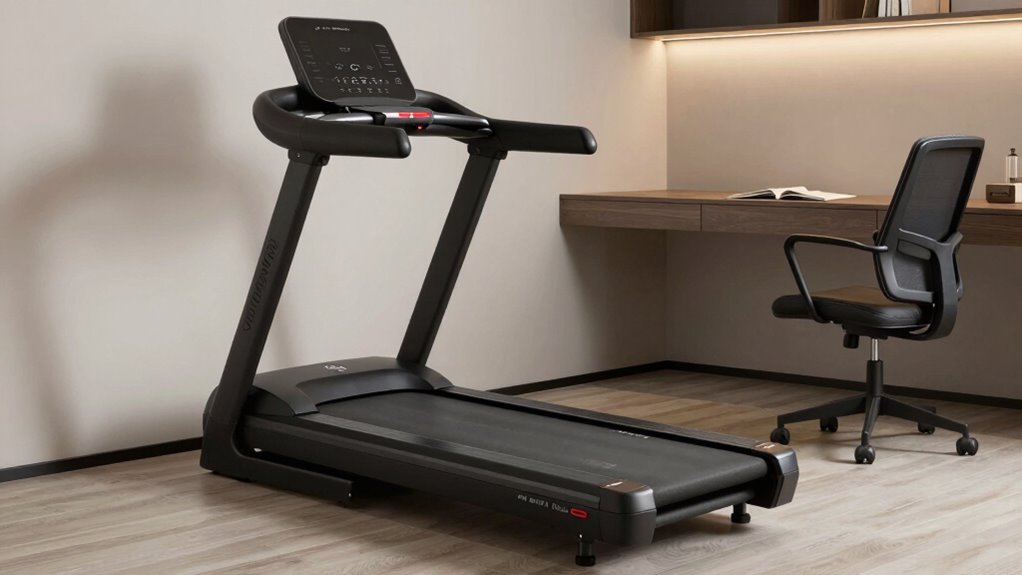
When choosing the right under-desk treadmill, you need to take into account your budget and how much you’re willing to spend. Comparing key features and specs helps make sure you get a model that fits your workspace and activity level. By focusing on these points, you can find a treadmill that balances cost and performance perfectly for your needs. Additionally, considering simple systems that are easy to set up and maintain ensures your home remains calm and organized. Incorporating effortless maintenance options can further streamline your treadmill experience, saving you time and effort. Understanding performance cookies can help you evaluate features that directly impact your device’s usability and long-term reliability. Moreover, selecting models with user-friendly interfaces can improve your overall experience and ease of use.
Price and Budget
Wondering which under-desk treadmill fits your budget? Cost considerations play a big role when choosing the right model. Prices vary widely, so it’s important to set a clear budget before shopping. Basic models typically start around a few hundred dollars, offering essential features at an affordable price. Mid-range options provide better durability and additional functions, usually costing between $500 and $1,000. If you want premium features or quieter operation, be prepared to spend over $1,000. Luckily, there are many affordability options to suit different budgets. Remember to think about not just the initial cost, but also potential maintenance or warranty expenses. Comparing prices and features helps ensure you find a model that balances cost and quality, making your investment worthwhile.
Key Features and Specs
Choosing the right under-desk treadmill means examining key features and specs that match your needs. Focus on ergonomic design to guarantee comfort during long walks and durability features that assure longevity. When comparing models, consider these critical aspects:
- Motor power and speed range for smooth, reliable performance.
- Deck size and cushioning to support your stride comfortably.
- Build quality, including sturdy frames and slip-resistant surfaces, for safety and durability.
A well-designed treadmill with ergonomic features keeps you comfortable and motivated. Durability features, like reinforced frames and high-quality components, ensure your investment lasts. Matching these specs to your daily routine helps you stay active without frustration, making your workspace healthier and more productive.
How to Set Up Your Under-Desk Treadmill Safely and Easily
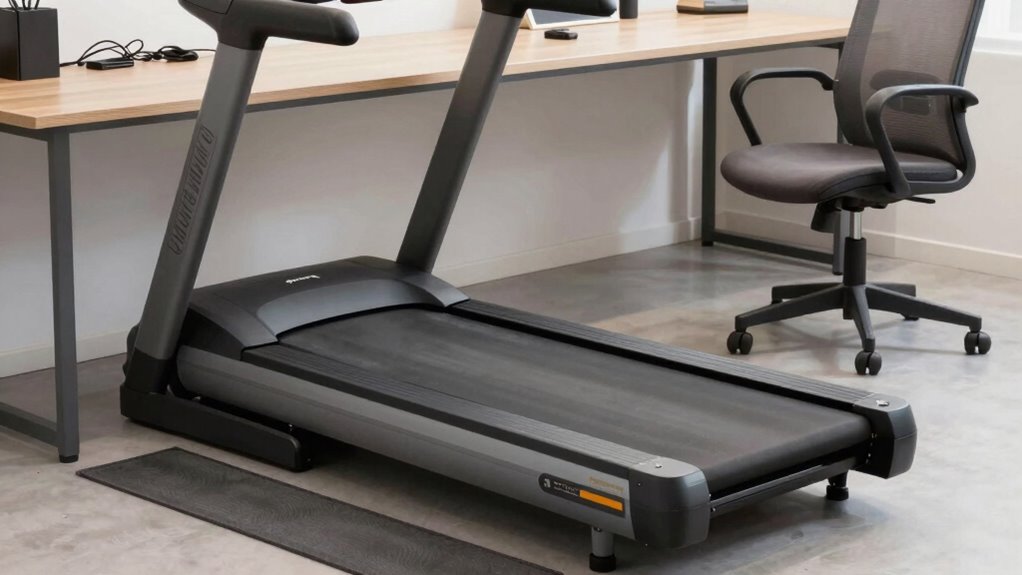
Setting up your under-desk treadmill safely and easily starts with finding the right location and preparing your workspace. Choose a flat, stable surface free of obstacles, and confirm enough clearance around the treadmill for safe movement. Position the treadmill so you can maintain ergonomic posture—your hips should be level with or slightly higher than your knees, and your feet flat on the deck. Before walking, calibrate the treadmill to ensure smooth operation and accurate speed control. Follow the manufacturer’s instructions for treadmill calibration, which helps prevent sudden starts or stops. Keep cords tucked away to avoid tripping hazards. Once set up, double-check stability and clearance. Proper setup not only ensures safety but also helps you maintain good posture during your walks. Additionally, familiarizing yourself with the treadmill’s operation protocols can help optimize its use and extend its lifespan. Ensuring proper maintenance procedures are followed will also contribute to the longevity and reliable performance of your treadmill. Regularly inspecting your treadmill for wear and tear can prevent unexpected malfunctions and keep it running smoothly. Incorporating routine checks into your maintenance routine can further enhance safety and durability.
How to Adjust Speed and Incline for Comfortable Walking
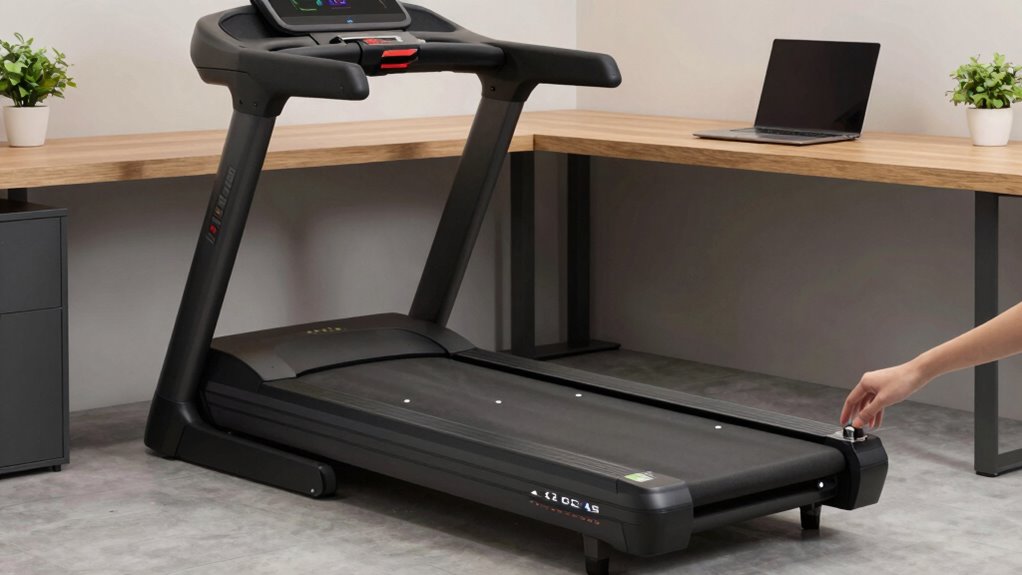
Adjusting the speed and incline on your under-desk treadmill is essential for a comfortable walking experience. Proper speed adjustment guarantees you stay energized without feeling rushed, while incline control lets you customize your workout intensity. To find your ideal settings: 1. Start slow to ease into walking and prevent discomfort. 2. Gradually increase the speed, listening to your body’s signals. 3. Use incline control sparingly to challenge yourself without overexerting. 4. Integrating connected fitness technology can help you monitor and optimize your settings for long-term health benefits. Regularly tracking your activity can also support your overall well-being and help you stay motivated.
Ergonomic Tips for Working While Walking on Your Treadmill
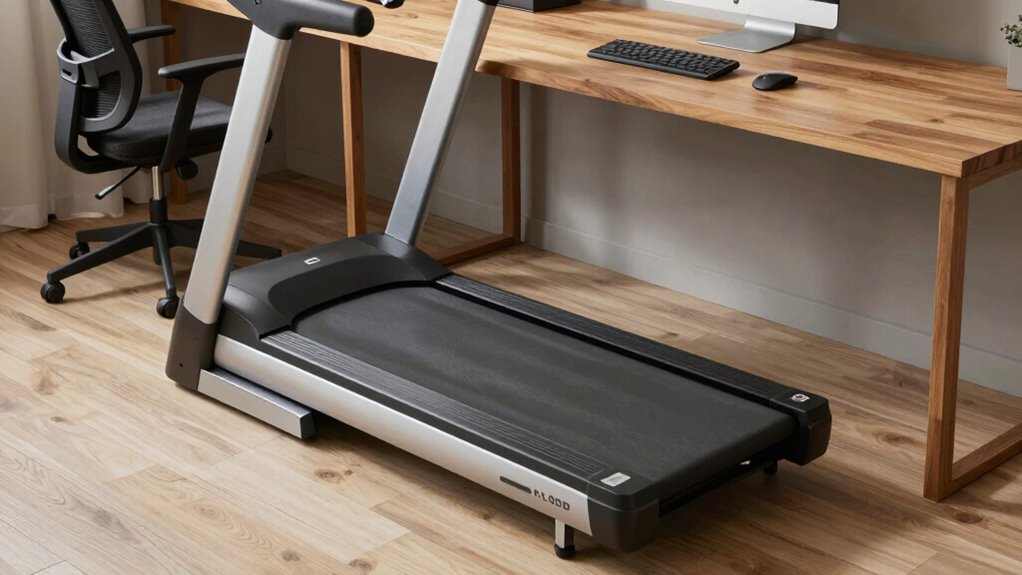
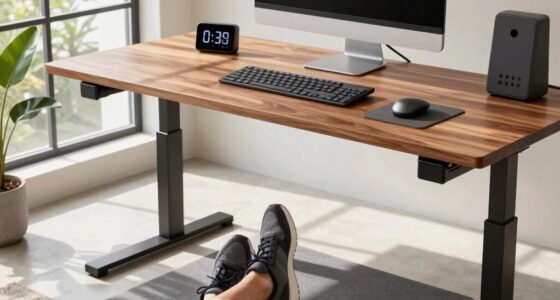
While walking on your treadmill during work, maintaining proper ergonomics is essential to prevent strain and enhance productivity. Focus on posture awareness by keeping your back straight, shoulders relaxed, and head aligned with your spine. This helps reduce neck and back tension. Pay close attention to your foot placement—place your feet flat on the treadmill, avoiding overstriding or placing too much weight on your heels or toes, which can cause imbalance or discomfort. Keep your arms bent at a natural angle, moving gently at your sides to support good posture. Regularly check your workspace setup to ensure your monitor is at eye level and your keyboard and mouse are within easy reach. These tips help you stay comfortable and maintain proper ergonomics while walking and working simultaneously.
Common Challenges When Walking and How to Overcome Them
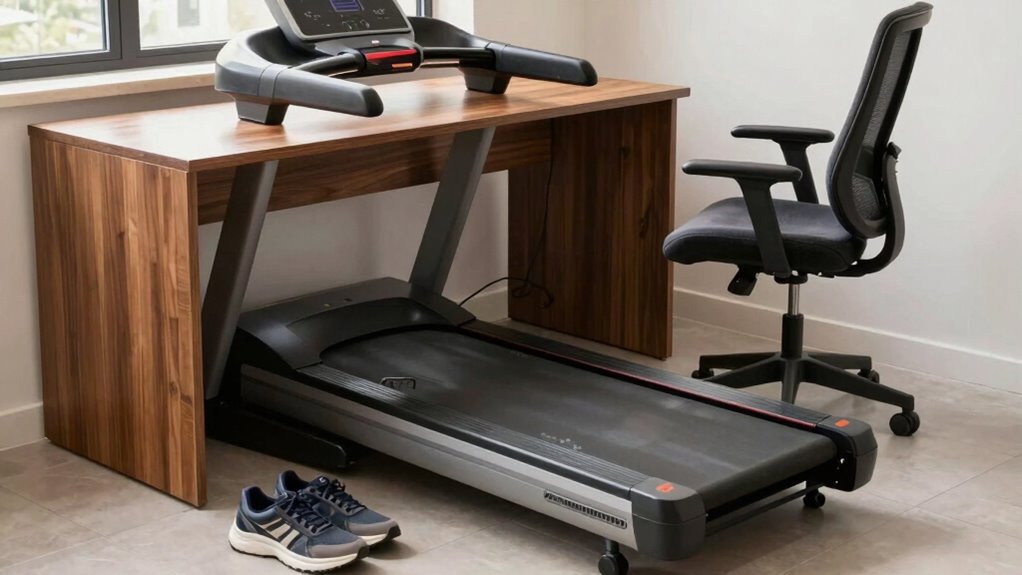
Walking on an under-desk treadmill can be tricky if you struggle with balance or feel unsteady. Fatigue and distractions can also make it harder to stay focused and comfortable. Understanding these challenges helps you find simple ways to walk safely and efficiently.
Maintaining Balance While Walking
Maintaining balance on an under-desk treadmill can be challenging, especially if you’re new to this type of movement. To stay steady, focus on these key strategies:
- Posture correction: Keep your back straight, shoulders relaxed, and gaze forward. Proper alignment helps stabilize your core and prevents wobbling.
- Footwear selection: Wear supportive shoes with good grip to avoid slipping and uneven weight distribution. Avoid loose or worn-out shoes that can cause imbalance.
- Mindful pacing: Start slowly, paying close attention to your body’s signals. As you build confidence, gradually increase your speed while maintaining controlled, smooth steps.
Managing Fatigue and Distraction
As you focus on keeping your balance, it’s common to encounter fatigue and distractions that can disrupt your rhythm. To manage fatigue, take short breaks or alternate walking speeds to prevent exhaustion. Distraction control is equally important; minimize noise and set clear boundaries to stay focused. Imagine your workspace like this:
| Calm Environment | Steady Pace | Short Breaks |
|---|---|---|
| Noisy surroundings | Slow walk | Rest when needed |
| Clear workspace | Consistent | Hydrate regularly |
| Quiet music | Focused steps | Stretch briefly |
| Distraction-free zone | Maintain rhythm | Adjust as needed |
Balancing fatigue management and distraction control helps you stay productive and comfortable during your walk.
How to Maintain Your Under-Desk Treadmill for Long-Lasting Performance
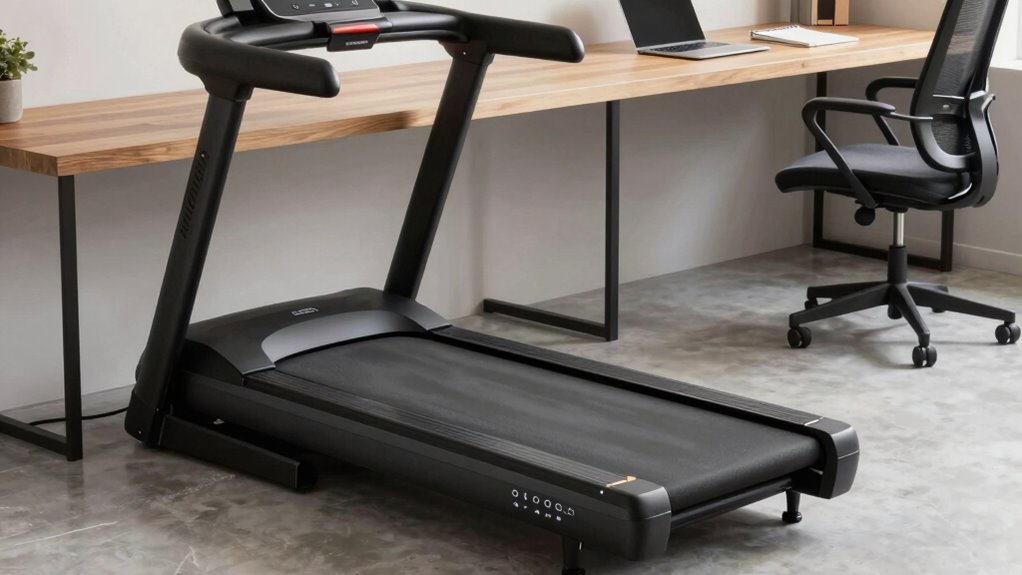
To guarantee your under-desk treadmill stays in peak condition, regular maintenance is essential. Proper treadmill maintenance ensures smooth operation and extends its lifespan. Follow these durability tips to keep it performing at its best:
- Clean the deck and belt weekly to prevent dust buildup that can cause wear.
- Check and tighten screws and bolts monthly to avoid loose parts that may damage the frame.
- Lubricate the belt periodically to reduce friction and noise, promoting longevity.
Sticking to these simple steps will help you avoid costly repairs and enjoy consistent performance. Remember, a well-maintained treadmill is more reliable, safer, and more enjoyable. Taking time for regular upkeep keeps your investment working for years to come, giving you peace of mind and motivation to stay active.
Best Practices for Walking While Working to Boost Productivity and Stay Safe
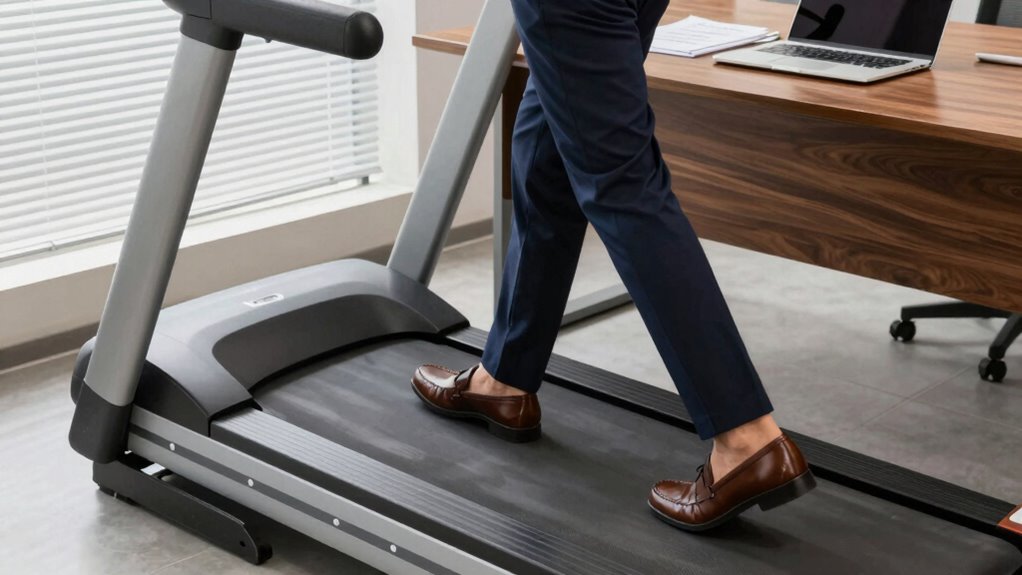
Walking while working can considerably boost your productivity, but it’s important to follow best practices to stay safe. Maintain an ergonomic posture by keeping your back straight, shoulders relaxed, and wrists neutral. This reduces strain and prevents discomfort. Pay attention to your foot placement, ensuring your feet are flat on the treadmill with a natural stride. Avoid overstriding or locking your knees, which can lead to fatigue or injury. Start at a slow pace to get comfortable, gradually increasing speed as you adapt. Take regular breaks to stretch and reset your posture. Staying mindful of your workspace setup and listening to your body helps you enjoy the benefits of walking while working without risking safety or comfort.
Frequently Asked Questions
How Much Space Do I Need for an Under-Desk Treadmill?
You’ll need about 4 to 5 feet of space in front of your desk for the treadmill’s length and a few feet on each side for safety and easy access. Its compact design helps you conserve space, making it ideal for small offices or home setups. Make sure to measure your workspace carefully to guarantee enough room for comfortable walking without feeling cramped or risking accidents.
Can I Use an Under-Desk Treadmill While Working at a Standing Desk?
Yes, you can use an under-desk treadmill while standing at your desk, but focus on proper desk ergonomics for comfort. Make sure your monitor is at eye level and your keyboard is positioned to prevent strain. Always prioritize treadmill safety by starting slow and staying aware of your surroundings. Adjust the treadmill speed to a comfortable pace, and take regular breaks to avoid fatigue.
What Is the Typical Lifespan of an Under-Desk Treadmill?
An under-desk treadmill typically lasts around 3 to 5 years, but durability concerns can affect its lifespan. To guarantee longevity, check the warranty coverage, which often offers 1 to 3 years for parts and service. Proper maintenance, like regular cleaning and avoiding excessive weight, can extend its life. Keep these factors in mind to make the most of your investment and enjoy consistent performance.
Are Under-Desk Treadmills Suitable for Running or Only Walking?
You might find it surprising, but under-desk treadmills are mainly designed for walking, not running. Running on them isn’t usually recommended because of their limited stability and motor capacity. If you’re into high-intensity workouts, stick to walking at a comfortable pace—this helps prevent injury and keeps your desk work uninterrupted. For running, a traditional treadmill offers the stability and power you’d need for safe, effective workouts.
How Do I Troubleshoot Common Issues With My Under-Desk Treadmill?
If your under-desk treadmill has noise issues or won’t start, start by checking the power connection and resetting it if needed. Regular maintenance tips include cleaning the belt and inspecting for loose screws. If noise persists, tighten any loose parts and lubricate the belt according to the manufacturer’s instructions. Always verify the treadmill is on a stable surface to prevent vibrations and reduce noise during use.
Conclusion
With the right under-desk treadmill, you’ll enjoy an energized environment and enhanced efficiency. Embrace ergonomic ease, explore essential features, and establish safe, steady steps. Staying mindful of maintenance and mindful movement guarantees your treadmill’s longevity and your lively productivity. Leap into a healthier, happier workday with confidence, conquering challenges and creating a comfortable, convenient workspace where walking and working walk hand in hand. Your journey to joyful, jitter-free movement starts now!