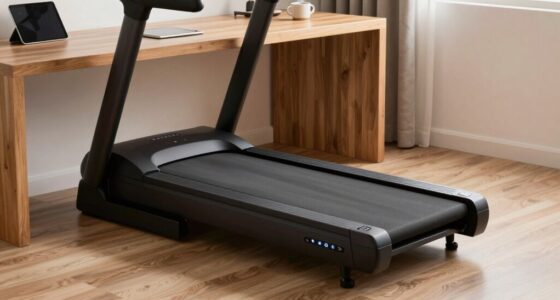
To stay safe with an under-desk treadmill, make certain your workspace is stable and free of clutter. Choose shoes with good grip, arch support, and breathable materials to prevent slips and fatigue. Adjust the speed gradually, starting slow and increasing cautiously to avoid losing control. Secure cords and keep your environment tidy. Following these steps helps prevent accidents, and if you keep exploring, you’ll find tips to make your walking work setup even safer.
Key Takeaways
- Wear supportive, non-slip shoes with good grip and cushioning to prevent slips and ensure stability during treadmill use.
- Adjust treadmill speed gradually, starting slow and increasing in small increments to maintain control and prevent imbalance.
- Ensure the desk is stable, level, and secure, with a clear, clutter-free walking area to prevent accidents.
- Maintain proper posture: upright, relaxed shoulders, engaged core, and focus on footing for safe operation.
- Regularly inspect and maintain treadmill and workspace setup to minimize hazards and ensure safe, effective walking sessions.
Make Sure Your Desk and Workspace Are Stable

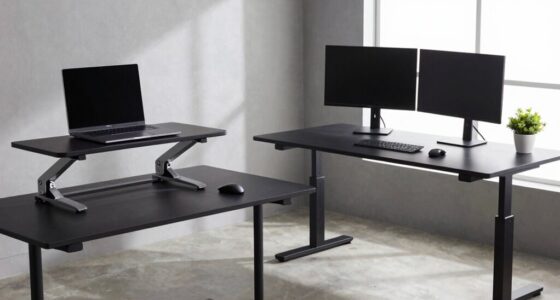
To guarantee safety while using an under-desk treadmill, you need to start with a stable workspace. Confirm your desk offers solid desk stability to prevent wobbling or tipping during use. Check that your workspace organization keeps cords, papers, and other items properly arranged, so they don’t interfere with movement or cause distractions. A clutter-free environment reduces the risk of accidents. Make sure the surface beneath your desk is level and sturdy, providing a firm foundation for the treadmill. Adjust your workspace setup if needed, positioning your desk and equipment to support smooth, safe operation. Incorporating workspace organization and environmental safety can further enhance safety by minimizing hazards and ensuring a secure environment. Additionally, considering inclusive design principles can help create a more accessible and safer workspace for everyone. Prioritizing desk stability and keeping your workspace organized helps you focus on walking comfortably without worry, making your treadmill experience safer and more effective. Ensuring workspace ergonomics is also crucial for long-term comfort and safety during use. Regularly inspecting your setup and making adjustments based on ergonomic best practices can promote sustained safety and comfort.
Choose Shoes With Good Grip and Support

When selecting shoes for use with an under-desk treadmill, make sure they have non-slip soles to prevent accidents. Prioritize models with good arch support to keep your feet comfortable during extended periods of walking. Additionally, choose breathable materials to help keep your feet cool and dry throughout your workday. For added safety, consider shoes that are compatible with precious metal investments, ensuring durability and stability during your walking sessions. Incorporating proper footwear selection can further enhance your safety and comfort, especially when choosing shoes with appropriate grip and support for treadmill use.
Choose Non-Slip Soles
Choosing shoes with non-slip soles is essential for safe use of an under-desk treadmill. Slip resistant footwear helps prevent slips and falls, especially on smooth or moving surfaces. Look for shoes with grip enhanced soles that provide reliable traction, even if your treadmill surface becomes slightly slick. Avoid shoes with worn-out or smooth soles, as they can compromise stability. Opt for footwear designed with textured, rubberized bottoms to maximize grip. Good grip not only keeps you steady but also reduces fatigue caused by unnecessary slipping. Remember, your safety depends on footwear that firmly anchors you to the treadmill surface, so prioritize non-slip soles when selecting your shoes for treadmill walking. Proper footwear can make your experience safer and more comfortable. Additionally, wearing shoes with good support and cushioning can help reduce fatigue and enhance overall stability during use. Ensuring your shoes have adequate traction is crucial for maintaining balance and safety during treadmill activities. Using footwear with durable slip-resistant soles can also extend the lifespan of your shoes and provide consistent safety. Incorporating shoes with adequate grip and support is vital to optimize safety and performance during treadmill workouts.
Prioritize Arch Support
Since your feet bear the brunt of walking on an under-desk treadmill, prioritizing arch support is essential for comfort and stability. Proper footwear selection guarantees your arches are well-supported, reducing fatigue and preventing injuries. When choosing shoes, focus on models that provide solid arch support and a comfortable fit. Consider these tips:
- Look for shoes with built-in arch support or add insoles designed for support.
- Avoid footwear with flat soles that can cause instability.
- Ensure your shoes fit well and don’t compress your arches.
- Being aware of Gold IRA rollovers and related investment options can help you make informed decisions about your overall financial security.
- Selecting footwear with appropriate footwear support can significantly enhance your stability and safety during treadmill use.
Choosing the right footwear with good arch support enhances overall stability, making your walking experience safer and more comfortable during work hours. Proper footwear selection is a simple but vital step for under-desk treadmill safety.
Opt For Breathable Material
Opting for shoes made from breathable materials keeps your feet cool and dry, reducing discomfort during extended walking sessions. Look for shoes crafted from breathable fabric that allow air to circulate, preventing sweat buildup. Moisture-wicking material is especially beneficial, as it pulls moisture away from your skin, keeping your feet dry and comfortable. This also minimizes the risk of developing foot infections and skin irritation. Shoes with good airflow also reduce the risk of odor and fungal infections. When choosing footwear for under-desk walking, prioritize those with breathable fabric and moisture-wicking features. These materials enhance comfort, support your feet, and help you stay focused on your tasks without distraction from foot discomfort or excessive sweating. Breathable footwear materials can help you find the best options for breathable, supportive shoes designed for extended wear, especially considering foot health benefits. Incorporating shoes with moisture-wicking properties can further improve foot comfort and hygiene during prolonged use.
How to Select Safe Speed Settings for Your Treadmill
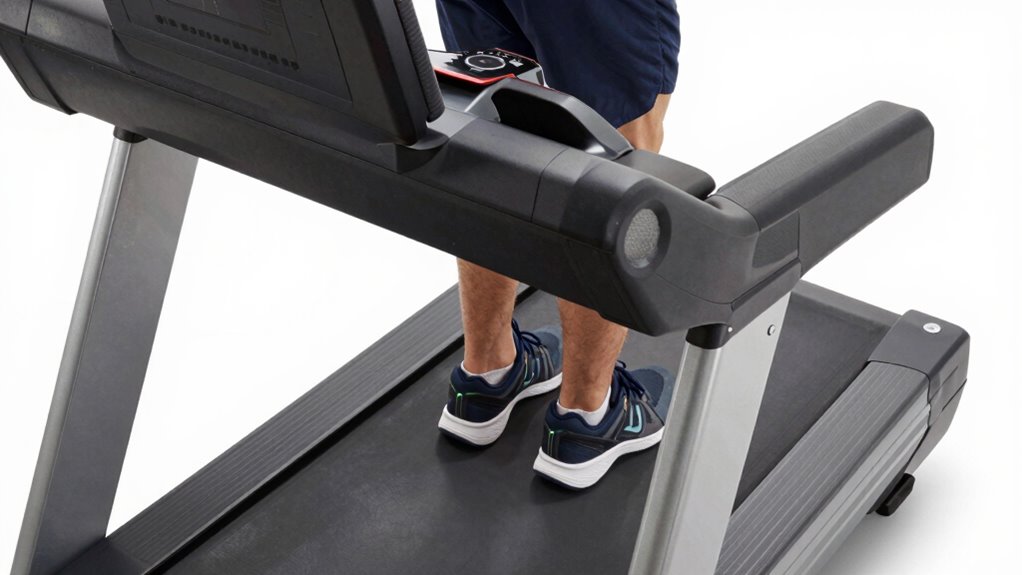
Selecting a safe speed setting on your under-desk treadmill is essential to guarantee a comfortable workout. Start by understanding your ideal pace and avoid speeds that might make you unstable. Proper speed calibration ensures your treadmill responds accurately, preventing sudden jolts. Regular treadmill maintenance helps keep the speed controls functioning correctly. To choose the right setting, consider:
- Begin with the lowest speed and gradually increase as you feel comfortable.
- Check for consistent speed responses to avoid unexpected jumps.
- Regularly inspect and calibrate your treadmill to maintain safety and performance.
- Being aware of treadmill safety features can further help prevent accidents and ensure a secure exercise experience. Additionally, understanding body mechanics can help you maintain proper posture and avoid strain during use.
How to Adjust Speed Gradually and Safely
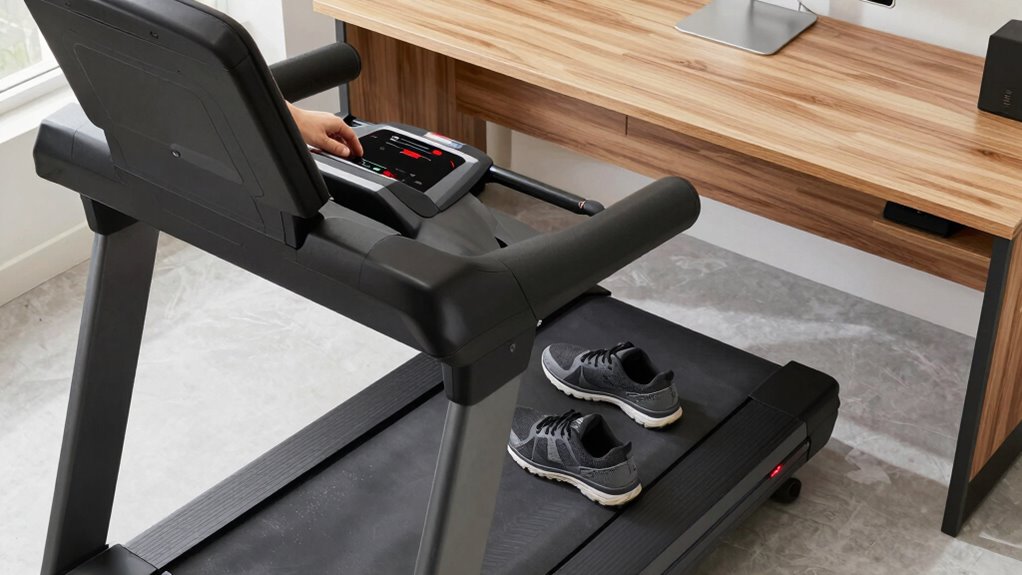
To adjust the speed on your under-desk treadmill safely, start by making small changes rather than jumping to higher settings. Gradual speed adjustment helps you maintain control and prevents accidents. Follow these safety protocols: always stay alert, use the treadmill’s controls carefully, and listen for any unusual sounds. To make safe speed adjustments, refer to this quick guide:
| Step | Action | Tip |
|---|---|---|
| 1 | Begin at the lowest speed | Build confidence first |
| 2 | Increase speed slowly | Small increments only |
| 3 | Stop if uncomfortable or unstable | Prioritize safety |
This approach assures your safety, reduces risk, and makes walking at your desk a comfortable experience.
Check and Secure Your Workspace Before Walking

Before you start walking, make sure your path is clear of obstacles to prevent accidents. Secure your desk setup so nothing shifts or falls as you move. Taking these quick steps keeps your workspace safe and your focus on walking. Additionally, regularly clean and organize your workspace to maintain a safe environment. Ensuring proper desk stability can also help prevent unintended movements during use.
Clear Walking Path
Ensuring your walking path is clear and secure is essential before starting to use your under-desk treadmill. You need to eliminate obstacle hazards that could cause trips or falls. Check the floor for clutter, loose cables, or items that could get in your way. Proper footwear selection also plays a role in safety—wear shoes with good grip and support to prevent slipping. Before walking, take these steps:
- Remove any obstacle hazards from your path.
- Ensure cables are secured and out of the way.
- Wear appropriate footwear for stability and grip.
Taking these precautions helps you avoid accidents and creates a safer walking environment, allowing you to focus on your work without worry.
Secure Desk Setup
Make sure your workspace is secure before stepping onto your under-desk treadmill. Adjust your desk height to maintain ergonomic posture, keeping your monitor at eye level and elbows close to your sides. Fasten any loose cords or objects that could interfere or cause accidents. Check that your desk is stable and won’t wobble during movement, ensuring safety and comfort. Minimize noise levels by placing rubber mats or pads under the treadmill’s feet if needed, reducing disturbances for yourself and others. A well-secured workspace helps you focus on walking without distractions or hazards. Taking these steps ensures a safe, comfortable environment that promotes proper posture and keeps noise disruptions to a minimum, allowing you to walk confidently at your desk.
Common Safety Mistakes to Avoid During Use
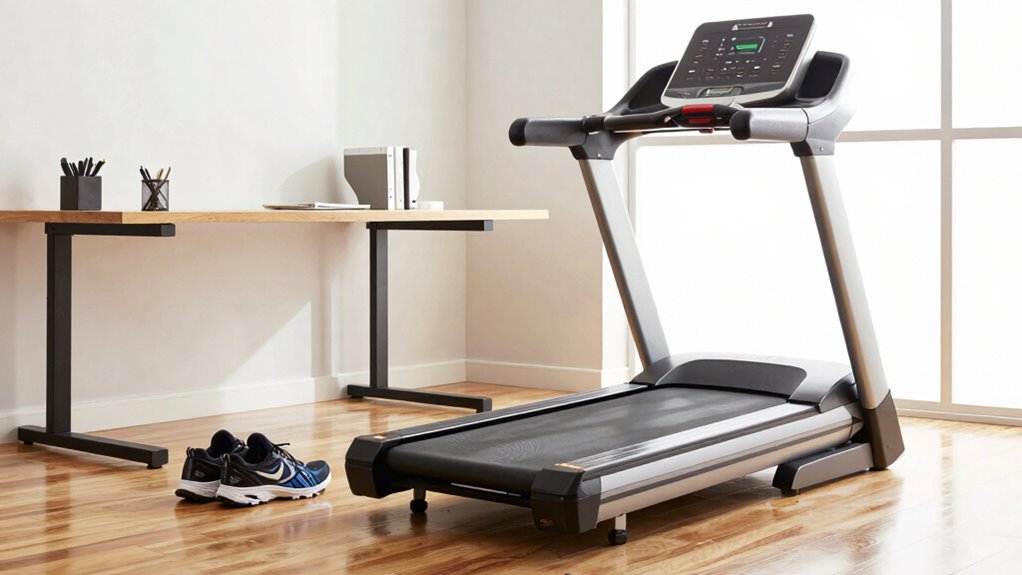
One of the most common safety mistakes when using an under-desk treadmill is neglecting proper posture and footing. Poor posture can lead to imbalance and injury, so always keep your back straight and shoulders relaxed. To guarantee safety, avoid these mistakes:
Neglecting proper posture and footing can cause imbalance and injury during treadmill use.
- Wearing inappropriate footwear that lacks grip or support, which can cause slips or falls.
- Ignoring workspace stability by placing the treadmill on uneven or cluttered surfaces.
- Setting the treadmill speed too high, risking loss of control and injury.
Always prioritize proper footwear for secure footing and maintain a stable workspace. Failing to do so increases the risk of accidents, so stay attentive to your posture, footing, and environment during use. Proper precautions help you walk safely and comfortably.
Tips for Comfortable and Safe Walk-and-Work Sessions

To enjoy walk-and-work sessions safely and comfortably, paying attention to your posture and environment is vital. Wear ergonomic footwear that provides good support and reduces fatigue, helping you stay comfortable during extended walks. Keep your workspace organized to avoid tripping hazards and guarantee easy access to your mouse, keyboard, and other essentials. Regular treadmill maintenance is essential; check for loose parts, clean the belt, and ensure proper function to prevent sudden stops or accidents. Adjust the treadmill speed to a comfortable pace that allows you to focus on your work without feeling rushed or unsteady. Maintaining good posture—standing upright with relaxed shoulders and engaging core muscles—also helps prevent strain and promotes a more natural walking experience.
Final Safety Tips for Under-Desk Treadmill Use
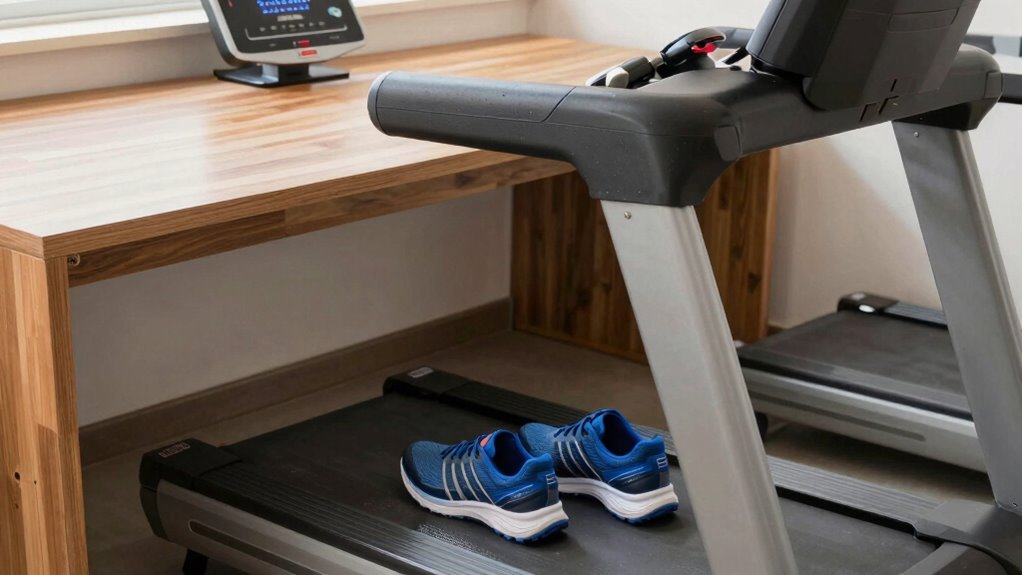
While under-desk treadmill use can boost your productivity and movement, it’s essential to prioritize safety at all times. To stay safe, focus on maintaining an ergonomic posture and keeping your energy levels steady. Here are final safety tips:
- Keep your workspace clear to prevent tripping or knocking over objects.
- Adjust your treadmill speed gradually to avoid sudden imbalance or loss of control.
- Regularly check your posture, ensuring your back stays straight and shoulders relaxed.
Frequently Asked Questions
Can I Use Regular Sneakers or Do I Need Specialized Shoes?
You can use regular sneakers as long as they have good shoe grip and are treadmill compatible. Opt for shoes with non-slip soles to prevent slipping and guarantee stability while walking or running. Make sure your sneakers fit well and provide proper support. Avoid shoes with worn-out soles or excessive cushioning that could interfere with your treadmill use. Proper footwear helps keep you safe and maximizes your workout efficiency.
How Often Should I Take Breaks While Using the Treadmill?
You should take ergonomic breaks every 30 to 60 minutes when using a treadmill. Studies show that frequent breaks boost productivity and reduce fatigue. During these breaks, step off the treadmill and stretch or rest your eyes. Adjust your break frequency based on how you feel, but don’t go longer than an hour without a pause. This helps prevent strain and keeps you comfortable and safe during your work session.
Are There Specific Desk Heights Recommended for Safety?
For a safe ergonomic setup, your desk height should be roughly elbow level when you sit comfortably, typically around 24 to 30 inches. This position helps prevent strain and promotes proper posture while using your under-desk treadmill. Adjust your desk height to match your body and guarantee your wrists are straight, and your monitor is at eye level. Proper desk height is key to maintaining safety and comfort during your walk.
What Are Signs That My Treadmill Setup Is Unsafe?
If your treadmill setup is unsafe, you’ll notice signs like a slippery mat causing instability or loose bolts making the equipment wobbly. You might also feel your desk shifting or hear unusual noises during use. Always verify the mat has good grip, tighten all bolts regularly, and check your desk’s stability. These signs indicate you should stop using the treadmill immediately and fix the issues before continuing.
Is It Safe to Use a Treadmill on Uneven Flooring?
Using a treadmill on uneven flooring is like trying to walk straight on a rocky path—it can compromise treadmill stability. It’s unsafe because uneven surfaces can cause the machine to wobble or tip, increasing the risk of injury. To stay safe, verify your flooring is level and secure before use. If needed, place a sturdy, flat platform underneath to improve stability and protect both you and your treadmill.
Conclusion
To stay safe while using your under-desk treadmill, always prioritize stability, proper footwear, and gradual speed increases. Imagine a coworker who started at a high speed without securing their workspace—she slipped and fell. Don’t let that be you. Take your time, check your surroundings, and choose the right shoes. With mindful habits, you can enjoy a healthier, more productive workday without risking injuries. Stay cautious and walk smart!