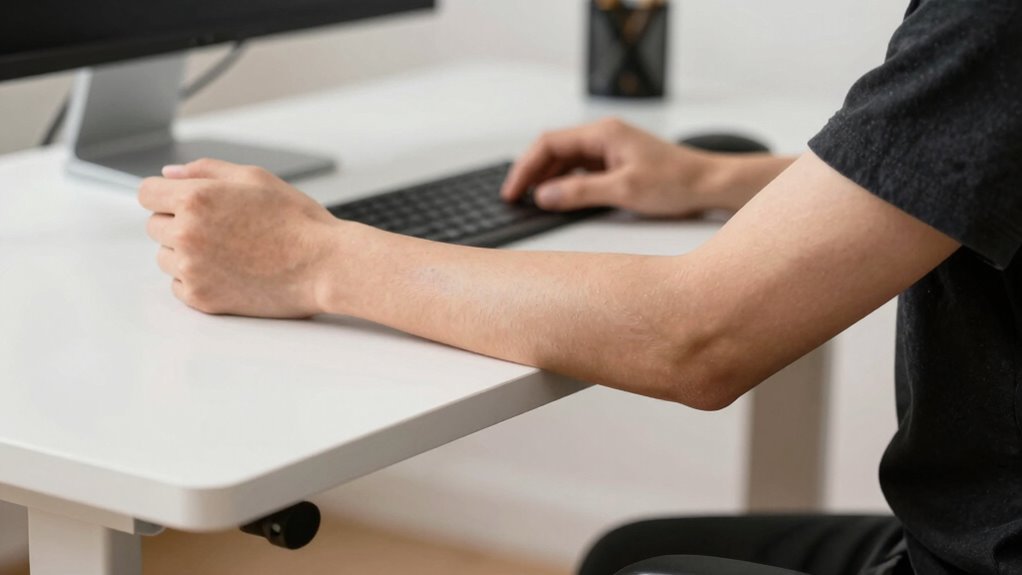

To quickly check your standing desk elbow angle, stand naturally with relaxed arms by your sides and make sure your elbows are close to your body at about 90° to 100°. Keep your forearms parallel to the floor and wrists neutral. Adjust your desk height, armrests, or monitor to maintain this position throughout the day. Staying mindful of this simple check helps prevent discomfort—continue exploring tips to keep your posture perfectly aligned.
Key Takeaways
- Ensure your elbows are close to your sides and bent at approximately 90° for optimal ergonomic positioning.
- Check that your forearms are parallel to the ground, indicating proper alignment.
- Use visual cues or a mirror to quickly assess if your forearms are level and relaxed.
- Adjust desk height or armrests to maintain a natural, tension-free elbow and forearm position.
- Incorporate brief posture checks during work to sustain correct elbow and forearm angles.
Why Your Elbow Angle Is Key to Standing Desk Comfort
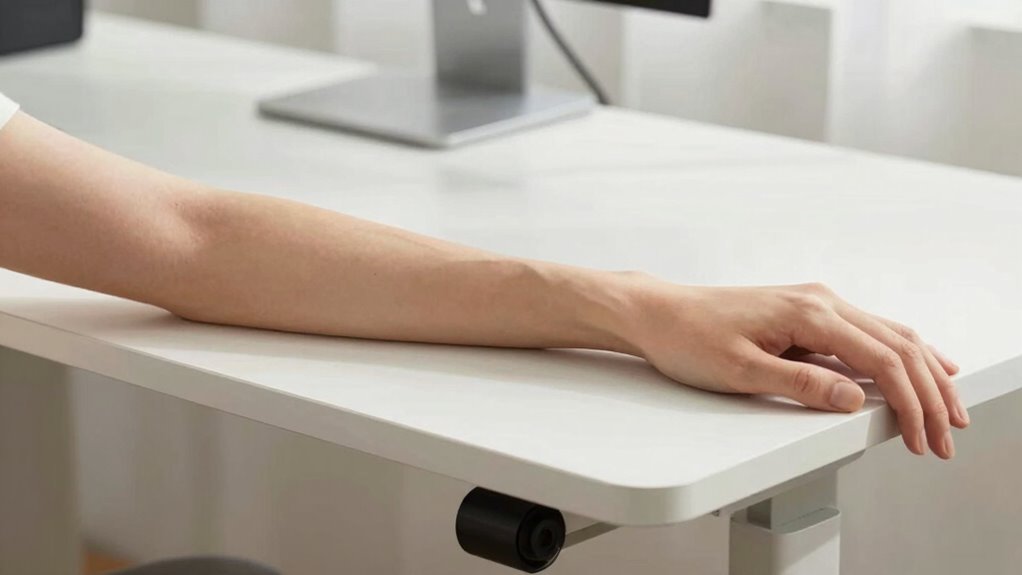
Your elbow angle plays a crucial role in maintaining comfort while working at a standing desk. Proper keyboard ergonomics depends on keeping your elbows close to a 90-degree angle, which helps reduce strain on your shoulders and neck. When your elbows are too high or too low, it can cause awkward wrist alignment, leading to discomfort and potential injury over time. Ensuring your elbows are correctly positioned allows your forearms to be parallel to the floor, promoting natural wrist alignment. This setup minimizes tension in your wrists and hands, making typing more comfortable and efficient. Paying attention to your elbow angle can also help prevent musculoskeletal disorders, which are often associated with poor ergonomic practices. Being mindful of ergonomic principles when adjusting your workspace can further enhance comfort and reduce fatigue. Maintaining proper posture is essential for long-term ergonomic health. By paying attention to your elbow angle, you create a more ergonomic workspace that supports long-term comfort and productivity. Proper workspace setup can help reinforce these ergonomic positions and contribute to overall well-being.
How to Find Your Natural Forearm and Elbow Position
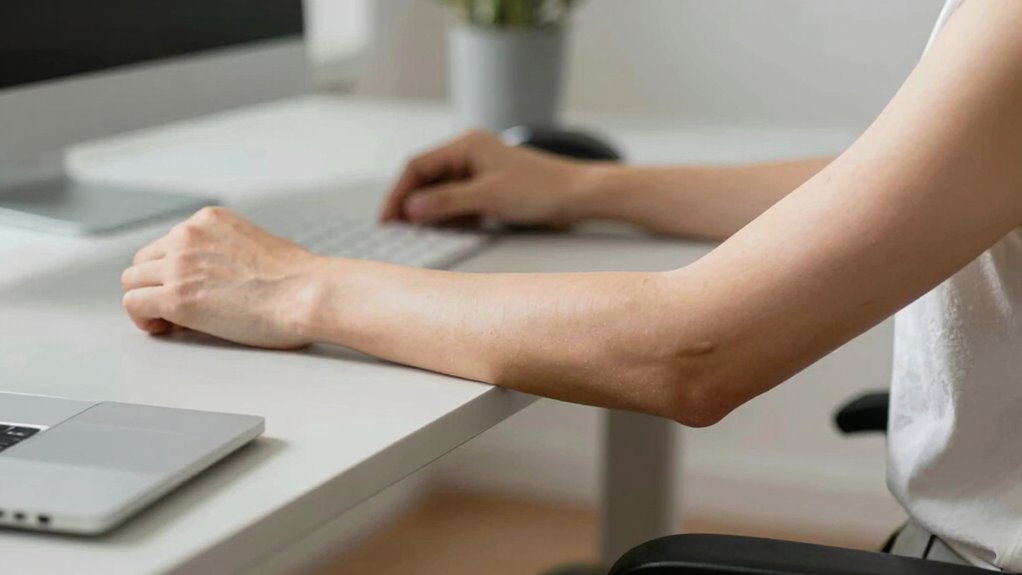
To find your natural forearm and elbow position, start by standing comfortably with your arms relaxed at your sides. Let your arms hang naturally, and pay attention to how your forearms align without effort. Your forearm alignment should feel neutral, with minimal twist or tension. Adjust your stance slightly if needed so your elbows are at a comfortable height, ensuring your elbows feel relaxed and supported. Focus on maintaining elbow comfort—avoid shrugging or overextending. This natural position helps identify where your forearms rest most comfortably, reducing strain and promoting better posture. Additionally, understanding return policies can assist if you need to replace or adjust your ergonomic equipment to better suit your needs. Remember, your ideal forearm and elbow position will vary slightly from person to person, so take a moment to find what feels most natural and least tiring for your body. Pay attention to posture alignment, which is essential for ergonomic health, during this process to optimize comfort and reduce the risk of strain. Being aware of your muscle tension can also help ensure your position remains comfortable over extended periods. Incorporating movement breaks can further help maintain muscle relaxation and prevent stiffness.
What’s the Ideal Elbow Angle for Ergonomic Work?

The ideal elbow angle for ergonomic work helps you stay comfortable and avoid strain. Typically, a flexion angle around 90 to 100 degrees is recommended, but it may differ based on your body. Adjusting your desk and chair ensures your forearms stay relaxed and prevent unnecessary tension. Maintaining the correct ergonomic setup and digital content and research setup can further enhance your ergonomic posture and overall comfort. Incorporating regional flavor insights into your workspace can also boost comfort and inspiration during your work sessions. Additionally, being aware of personal ergonomic variations can help tailor your workspace to better suit your individual needs, fostering a sense of spiritual awakening and mindfulness during work.
Ideal Elbow Flexion Angle
Finding the ideal elbow flexion angle is key to maintaining comfort and preventing strain while working at a standing desk. Generally, aim for about 90 to 100 degrees of elbow bend to keep your wrist alignment natural and your shoulders relaxed. This position reduces tension in your forearms and minimizes fatigue. To visualize, here’s a simple guide:
| Elbow Angle | Wrist Alignment | Shoulder Relaxation |
|---|---|---|
| 90° | Neutral | Relaxed |
| 100° | Slightly extended | Slight tension |
| 80° | Slightly flexed | Relaxed |
Maintaining proper ergonomic posture can help prevent musculoskeletal issues associated with prolonged standing. Staying within this range helps you maintain ergonomic efficiency and comfort throughout your workday. Adjust as needed to find your personal optimal position, which can vary based on individual body mechanics. Incorporating ergonomic principles such as proper desk height and monitor placement can further enhance comfort and reduce strain during extended periods of work. Additionally, regularly changing positions throughout the day can help prevent discomfort and promote circulation.
Preventing Forearm Strain
Maintaining the correct elbow angle is essential for preventing forearm strain during work at a standing desk. Proper wrist alignment helps reduce unnecessary tension, keeping your forearms relaxed and minimizing fatigue. When your elbows are at an ideal angle, your wrists stay in a neutral position, preventing awkward bending that can cause strain. Pay attention to shoulder tension, as overhanging or shrugging shoulders can lead to increased forearm discomfort. Keep your elbows close to your body and at a comfortable angle, around 90 to 110 degrees, to promote better alignment. This setup supports natural wrist positioning and reduces muscle strain, allowing you to work longer without discomfort. Regularly checking and adjusting your posture helps maintain these ergonomic principles and prevents forearm pain. Additionally, ergonomic awareness plays a key role in sustaining long-term comfort and preventing repetitive strain injuries. Incorporating posture correction techniques can further enhance your ergonomic setup and reduce the risk of strain. Staying mindful of muscle fatigue signs can also help you make timely adjustments to your workstation. Understanding musculoskeletal health can further guide you in creating a sustainable and comfortable workspace. Being aware of workplace ergonomics can help you optimize your setup for ongoing comfort and injury prevention.
Adjusting for Comfort
Adjusting your elbow angle for comfort is key to creating an ergonomic work setup. When your elbows are at a 90 to 120-degree angle, your wrists stay in a natural, neutral position, promoting proper wrist alignment and reducing strain. Keep your shoulders relaxed by avoiding shrugging or hunching, which can cause tension and discomfort. Ensure your forearms are supported and that your elbows are close to your sides, so you don’t overreach. Small adjustments, like lowering or raising your desk or adjusting your monitor height, help find that sweet spot. Remember, comfort isn’t just about avoiding pain—it’s about maintaining a relaxed, natural posture that supports your muscles and joints during long periods of work. Additionally, being aware of ergonomic principles can help optimize your workspace for both comfort and productivity, especially when considering proper workstation setup to prevent strain and fatigue. Proper posture awareness also plays a crucial role in maintaining overall ergonomic health. Incorporating adjustable furniture can further enhance your ability to fine-tune your setup for sustained comfort.
How to Adjust Your Desk to Achieve Proper Elbow Alignment
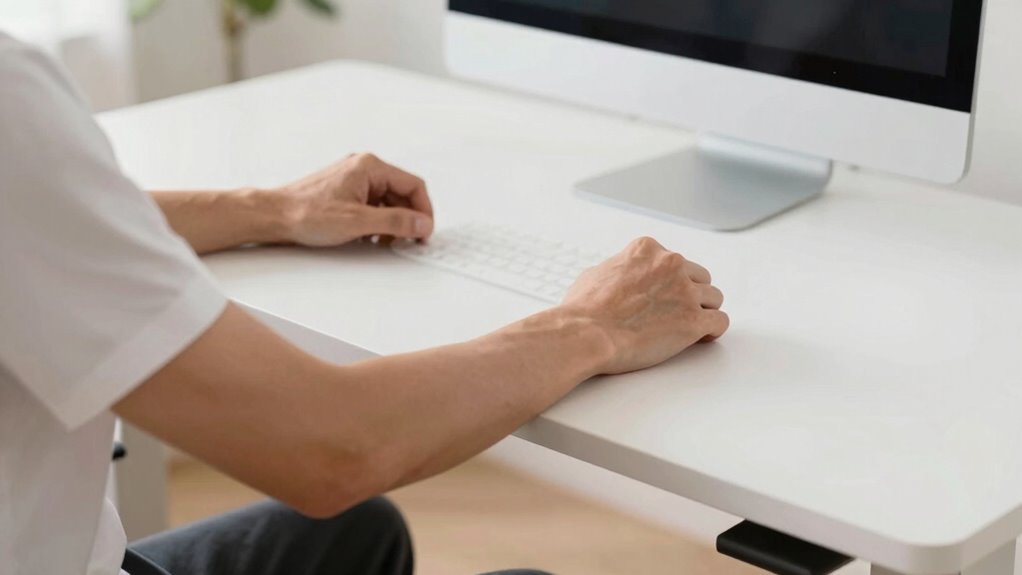
To achieve proper elbow alignment, start by adjusting your desk height so your elbows are roughly at a 90-degree angle when your arms are relaxed. Make sure your armrests are positioned correctly if your desk has them, supporting your arms without causing strain. Fine-tuning these settings helps maintain ergonomic comfort and reduces muscle tension during work.
Desk Height Adjustment
Achieving proper elbow alignment starts with setting your desk height correctly. First, adjust your desk so your keyboard is at a height where your elbows stay close to your sides, forming roughly a 90-degree angle. Make certain your keyboard spacing allows your wrists to remain straight and relaxed, avoiding any bending that could cause strain. Proper wrist alignment is key; your wrists should not be bent up or down while typing. When your desk is too high, your shoulders lift, and your elbows may angle outward, disrupting forearm comfort. When it’s too low, you might hunch or strain your shoulders. Take time to fine-tune your desk height until your forearms are parallel to the floor and your elbows are comfortably close to your sides, supporting healthy posture.
Armrest Positioning
Proper armrest positioning plays a key role in maintaining comfortable and healthy elbow alignment at your desk. Adjust the armrest height so that your forearms rest comfortably, with your elbows at about a 90-degree angle or slightly more open. Too high, and your shoulders may tense; too low, and you lose proper forearm support. When your armrests are at the right height, they provide steady forearm support, reducing strain on your shoulders and elbows. Guarantee your arms are relaxed, with your elbows close to your sides and supported evenly. Proper armrest positioning helps keep your elbows in a neutral, comfortable position, minimizing fatigue and promoting good posture throughout your workday. Regularly check and tweak your armrest height for ideal forearm support.
Common Mistakes That Mess Up Your Forearm and Elbow Posture
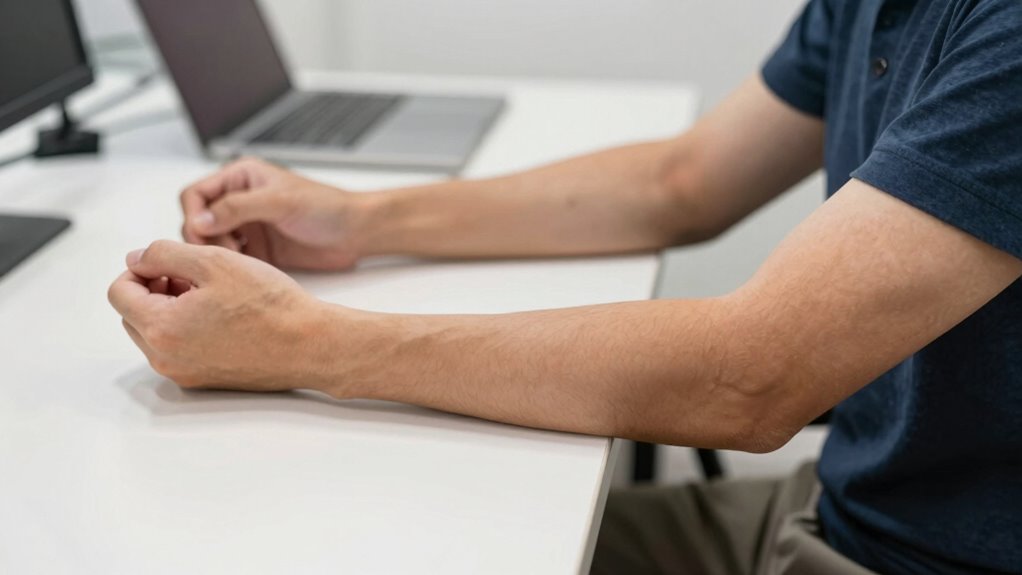
Many people unknowingly compromise their forearm and elbow posture by making simple mistakes while using a standing desk. One common error is neglecting wrist alignment, causing your wrists to bend or twist unnaturally, which puts strain on your forearms and can lead to discomfort. Another mistake is failing to relax your shoulders; tense or raised shoulders force your elbows into awkward positions, affecting overall posture. Keep your wrists in a neutral position, avoiding flexion or extension, and ensure your shoulders stay relaxed and down. These small adjustments help maintain proper forearm and elbow alignment, reducing fatigue and minimizing the risk of repetitive strain injuries. Paying attention to these details makes a significant difference in your comfort and long-term health at your standing desk.
Best Tools and Accessories for Maintaining the Correct Elbow Position
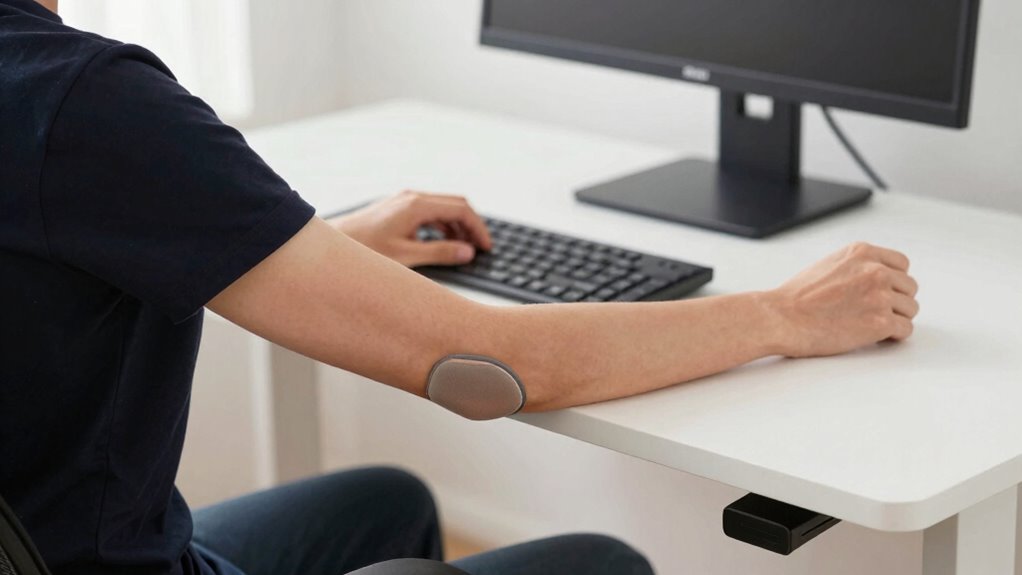
Using the right tools and accessories can make it much easier to keep your elbows in the correct position at a standing desk. Ergonomic mats help reduce fatigue and provide stability, encouraging better posture naturally. Consider adjustable keyboard stands or risers to guarantee your keyboard is at elbow height, promoting a 90-degree angle. Keyboard shortcuts can minimize repetitive movements, reducing strain on your forearms and elbows. Wrist rests or pads support proper alignment during typing, preventing unnecessary tension. Additionally, ergonomic accessories like arm supports or monitor arms help maintain ideal arm and elbow positioning. Combining these tools creates a more comfortable workspace, making it easier to keep your elbows in the right position throughout your workday.
How to Check If Your Elbow Position Is Proper Throughout the Day
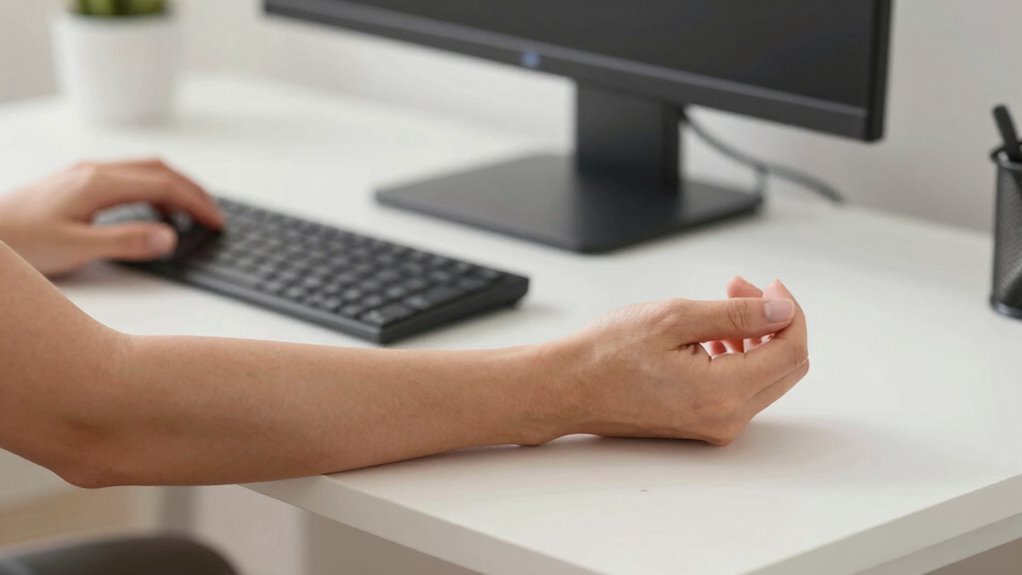
To guarantee your elbows stay in the correct position throughout the day, it’s important to develop a routine for checking your posture regularly. Start by observing your elbow stretch—your elbows should be close to your sides, forming a comfortable 90-degree angle. Check your forearm angle by gently lifting your forearms and ensuring they are roughly parallel to the ground. If your elbows drift forward or your forearms angle excessively, adjust your keyboard height or armrest position. Make a habit of periodically glancing at your elbows and forearms, especially during breaks. This simple check helps you maintain ideal ergonomic alignment, reducing strain and discomfort. Consistent awareness keeps your posture in check without interrupting your workflow.
Tips for Keeping Good Forearm Posture During Long Work Sessions
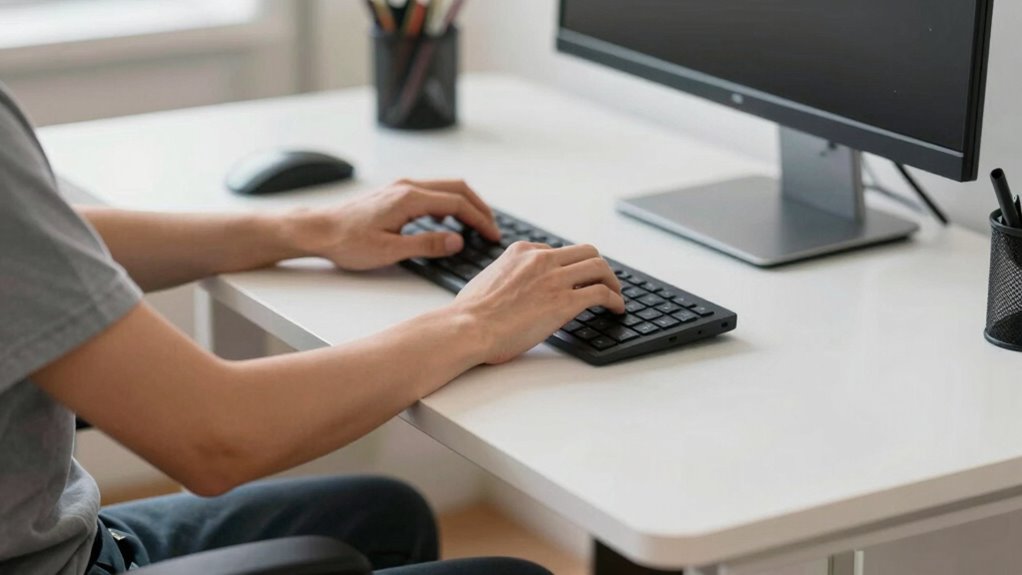
Maintaining good forearm posture during long work sessions requires mindful adjustments and consistent habits. Focus on wrist alignment by keeping your wrists straight and neutral, avoiding excessive bending or extension that can cause strain. Regularly check that your forearms are parallel to the floor, which helps distribute pressure evenly. Additionally, prioritize shoulder relaxation; tense shoulders can lead to unnecessary tension in your forearms. Keep your shoulders down and relaxed, preventing them from hunching or creeping upward. Take short breaks to stretch and reset your posture, ensuring that your forearms stay aligned and comfortable. By consciously maintaining wrist alignment and shoulder relaxation, you reduce fatigue and minimize the risk of repetitive strain injuries during extended work periods.
When to Get Professional Ergonomic Advice for Your Standing Desk
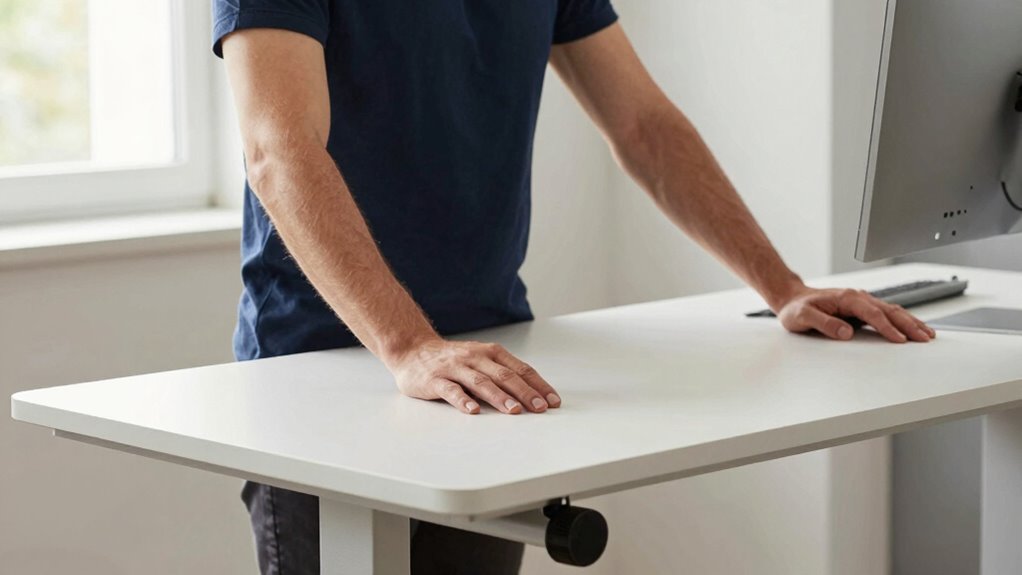
If you notice persistent discomfort, pain, or unusual fatigue despite adjusting your standing desk setup, it’s time to seek professional ergonomic guidance. An ergonomic specialist can evaluate your posture, workspace layout, and equipment, including your ergonomic chair and keyboard placement. They can identify issues like improper height, poor support, or awkward angles that contribute to discomfort. If adjusting your standing desk doesn’t alleviate pain or if you experience persistent elbow, wrist, or shoulder strain, consulting an expert can prevent long-term problems. Proper ergonomic advice ensures your workspace promotes healthy posture and reduces strain. Remember, investing in professional guidance can make a significant difference in maintaining comfort and preventing injury as you work.
Quick Forearm Check Exercise to Maintain Your Elbow Angle
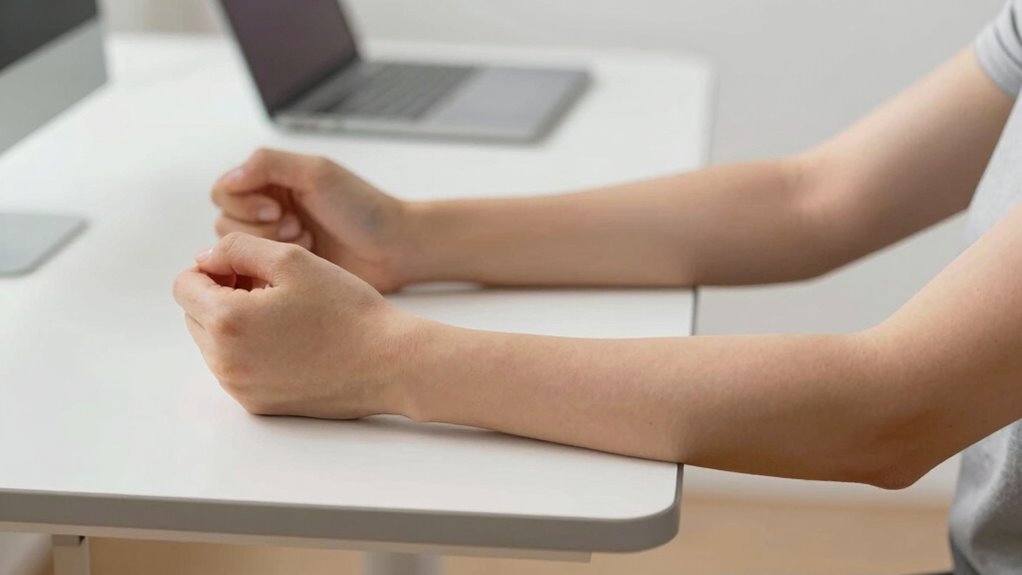
To keep your elbow angle correct, you should regularly check your forearm position. Quick adjustment techniques can help you maintain proper alignment without much effort. By mastering these simple exercises, you’ll prevent strain and stay comfortable throughout your workday.
Proper Forearm Positioning
Ensuring your forearms are properly positioned is essential for maintaining the correct elbow angle while using a standing desk. Start by checking your wrist alignment; your wrists should be in a neutral position, neither bent up nor down, to reduce strain. Keep your shoulders relaxed and aligned, avoiding hunching or shrugging, which can affect your overall posture. Your forearms should be parallel to the ground, with elbows close to your sides at roughly a 90-degree angle. This positioning helps distribute weight evenly and minimizes tension. Regularly glance down to confirm your forearms remain straight and your wrists stay aligned. Maintaining proper forearm positioning ensures comfort, reduces fatigue, and supports healthy ergonomics during prolonged standing work.
Quick Adjustment Techniques
A quick forearm check exercise can help you maintain the correct elbow angle throughout your workday. To do this, pause briefly and check your wrist alignment, ensuring your wrists stay straight and relaxed. Adjust your arm position if needed, focusing on shoulder relaxation to prevent tension. This simple exercise keeps your forearms at a comfortable, neutral angle, reducing strain. Remember to avoid overextending or raising your shoulders. Regularly performing this check helps reinforce good habits and prevents discomfort. Use this quick routine to stay mindful of your posture, especially during long periods of typing or mouse use. Incorporate these tips into your workflow to enjoy sustained comfort and better ergonomic health.
| Wrist Alignment | Shoulder Relaxation | Forearm Positioning |
|---|---|---|
| Keep wrists straight | Drop shoulders naturally | Maintain neutral forearms |
| Avoid wrist bend | Loosen shoulder tension | Check elbow angle |
| Relax wrists during pauses | Keep shoulders down | Adjust as needed |
Frequently Asked Questions
How Often Should I Recheck My Elbow Angle During Work?
You should recheck your elbow angle every 30 to 60 minutes during work. This helps guarantee your ergonomic accessories are properly supporting your posture, preventing strain. Incorporate regular muscle stretching breaks to relieve tension and maintain flexibility. By staying mindful of your elbow angle and taking these short pauses, you reduce discomfort and promote better ergonomics throughout your workday.
Can Incorrect Elbow Angles Cause Long-Term Arm Pain?
Yes, incorrect elbow angles can cause long-term arm pain. Poor posture awareness and lack of ergonomic accessories, like adjustable desks or supportive armrests, lead to strain and discomfort over time. To prevent this, regularly recheck your elbow angles and adjust your workspace accordingly. Maintaining proper ergonomic positioning helps reduce stress on your muscles and joints, promoting long-term comfort and preventing chronic pain issues.
What Signs Indicate My Elbow Angle Needs Adjustment?
Notice nagging numbness, discomfort, or a dull ache in your elbow or forearm—these signs suggest your elbow angle needs adjustment. If your posture feels strained or your ergonomic accessories aren’t aligning correctly, it’s time to reassess. Prioritize posture awareness and make small tweaks to your setup. Proper positioning promotes comfort, prevents pain, and encourages ergonomic excellence, ensuring your elbows stay happy and healthy during your workday.
Are There Specific Exercises to Improve Elbow Alignment?
Yes, you can improve elbow alignment with specific exercises like wrist stretches and forearm strengthening. Incorporate wrist stretches to enhance flexibility and reduce strain, and do forearm strengthening exercises such as wrist curls and grip exercises to build stability. These activities help maintain proper elbow angle, prevent discomfort, and promote better ergonomics. Consistently practicing these exercises will support healthier posture and reduce the risk of strain during prolonged desk work.
How Does Chair Height Influence Elbow Positioning at a Standing Desk?
Imagine your chair height as the foundation of a sturdy bridge; if it’s too high or low, your elbows drift out of alignment, causing strain. Adjust your chair height so your elbows are roughly at a 90-degree angle, supporting proper posture correction. Using ergonomic accessories like cushioned armrests can further refine your positioning, ensuring comfort and reducing forearm tension during long work sessions.
Conclusion
By keeping your elbow angle in check, you’re steering your comfort ship clear of choppy waters. Think of your forearms as the bridge connecting your body to your workspace — when they’re aligned right, everything flows smoothly. Regular quick checks are your lighthouse, guiding you back to ergonomic safety. So, stay vigilant, adjust as needed, and turn your standing desk into a steady vessel for productivity and comfort on your daily voyage.