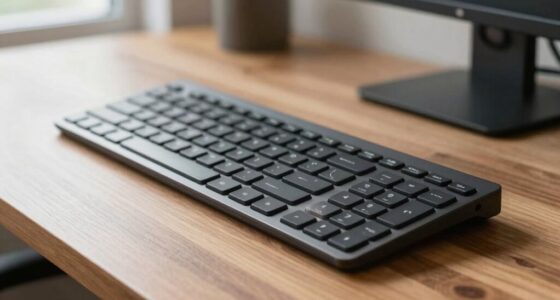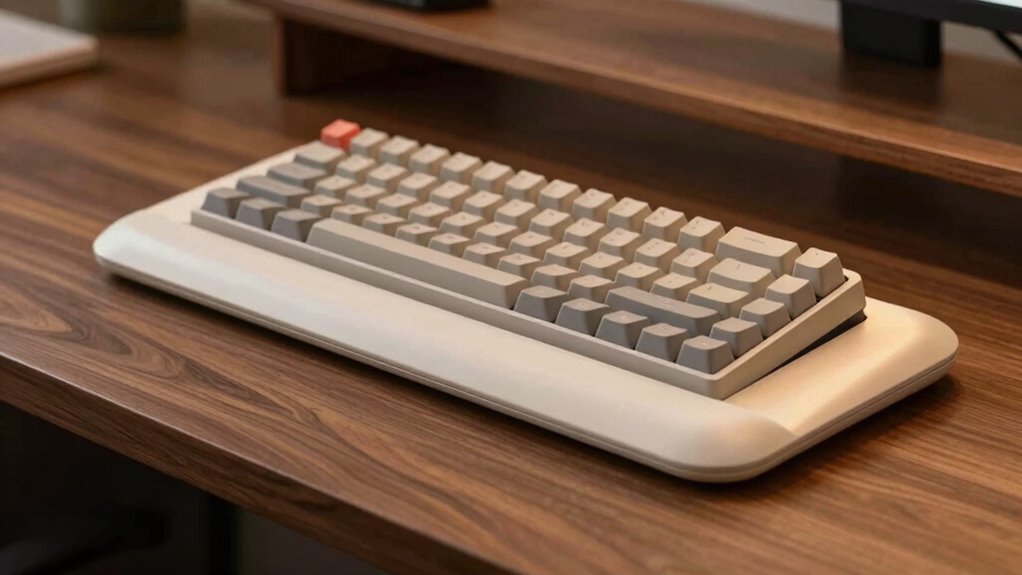

The best keyboard tray angle to reduce wrist strain is a slight negative tilt, with the front edge lower than the back. This position keeps your wrists in a neutral, relaxed alignment, preventing bending upward or downward. Adjusting your tray to favor a gentle downward slope helps maintain natural wrist movement and minimizes tension during long typing sessions. If you want to learn how to set up your workspace for maximum comfort, keep exploring these ergonomic tips.

Get comfort and recovery gear delivered free with Prime
- Fast, free delivery on millions of items
- Prime Video, Amazon Music and more included
- Member-only deals all year
Key Takeaways
- Set the keyboard tray at a slight negative tilt, with the front edge lower than the back, to keep wrists in a neutral position.
- Adjust the tray to allow elbows at a 90-degree angle, promoting natural wrist alignment during typing.
- Ensure the angle prevents wrists from bending upward or downward, reducing strain and fatigue.
- Incorporate ergonomic accessories like wrist rests to support wrists during pauses.
- Regularly reassess and fine-tune the tray angle for continued comfort and optimal wrist health.
adjustable keyboard tray with negative tilt
As an affiliate, we earn on qualifying purchases.
As an affiliate, we earn on qualifying purchases.
Why a Proper Keyboard Tray Angle Matters for Wrist Comfort
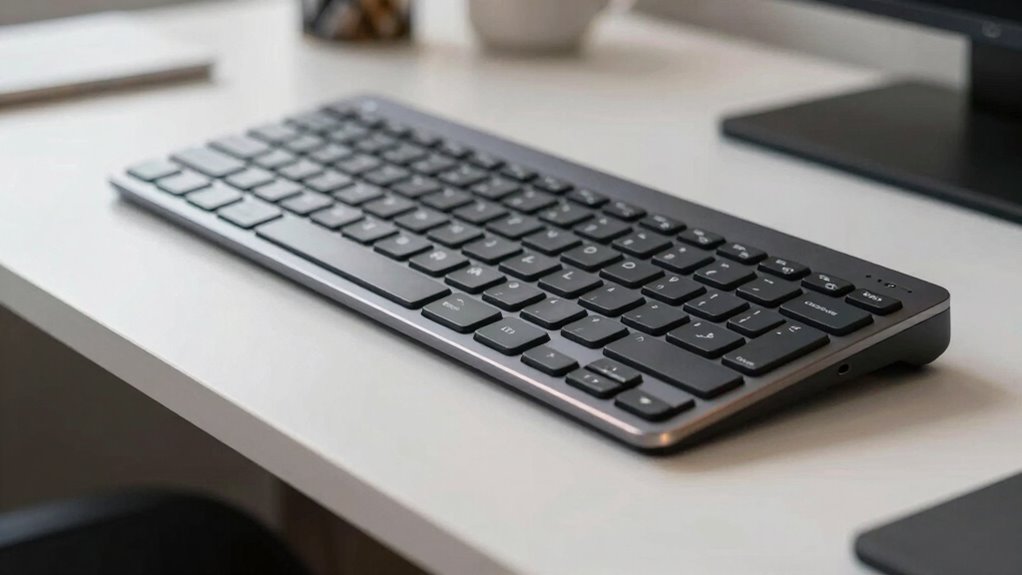
A proper keyboard tray angle is essential because it directly affects your wrist comfort during extended typing sessions. When you set the right angle, you promote correct wrist alignment, reducing strain and preventing discomfort. An ergonomic posture relies on this alignment, ensuring your wrists aren’t bent awkwardly or strained downward. If the tray is too flat or angled incorrectly, it can cause your wrists to bend unnaturally, leading to fatigue or injury over time. By adjusting the tray to a slight negative or neutral tilt, you support natural wrist positioning, which enhances comfort and minimizes the risk of repetitive strain injuries. Maintaining a proper ergonomic setup is crucial for long-term health and productivity. Proper early detection of symptoms can help prevent future injuries and ensure your workspace remains safe. Regularly monitoring your workspace for ergonomic improvements can further reduce the risk of strain. Prioritizing a suitable keyboard tray angle helps maintain an ergonomic posture that keeps your wrists comfortable during long periods of typing. Additionally, gear care tips can help maintain your workspace setup and prevent discomfort.
ergonomic wrist rest for keyboard
As an affiliate, we earn on qualifying purchases.
As an affiliate, we earn on qualifying purchases.
How to Find the Best Keyboard Tray Angle to Reduce Strain
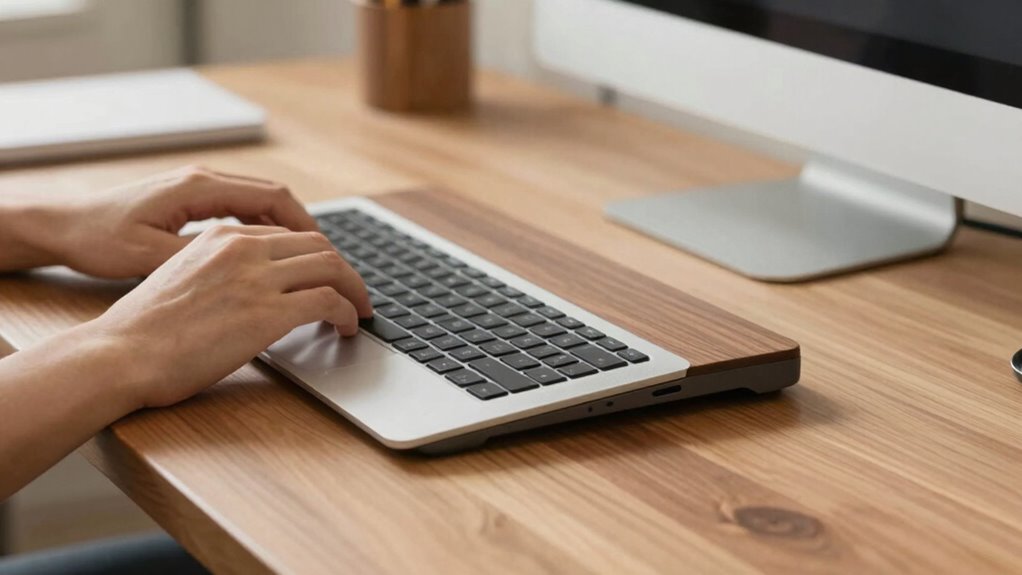
Finding the right keyboard tray angle can make a big difference in reducing strain and increasing comfort. You should aim for an angle that keeps your wrists in a neutral position and supports ergonomic best practices. Incorporating ergonomic principles can further enhance your workspace setup, promoting better posture and reducing discomfort during long periods of typing. Paying attention to proper alignment is essential for preventing repetitive strain injuries and maintaining overall well-being. Additionally, adjusting the tray to fit your specific body ergonomics can optimize comfort and reduce fatigue over extended use. Recognizing individual ergonomic needs allows for personalized adjustments that can significantly improve long-term comfort. Understanding cable management can also help prevent clutter and maintain a clean, functional workspace, further supporting ergonomic health.
Optimal Angles for Comfort
To reduce strain and prevent discomfort, adjusting your keyboard tray to the most favorable angle is essential. The ideal angle promotes wrist flexibility and encourages proper typing posture. Generally, a slight negative tilt—where the front edge is lower than the back—helps keep your wrists in a more natural, relaxed position. Color accuracy also plays a role in reducing eye strain during long typing sessions. Consider these tips: – Aim for a tray angle that allows your wrists to stay straight and avoid bending upward or downward – Find a position where your wrists can move freely without tension – Maintain a neutral wrist position by adjusting the tilt to match your natural hand alignment – Pay attention to comfort; small adjustments can considerably reduce strain over time. Additionally, ergonomic principles suggest that maintaining proper support and positioning can significantly improve overall comfort during extended periods of typing. Incorporating adjustable features into your workspace setup ensures you can fine-tune your position for optimal ergonomic health. Understanding proper ergonomic setup is crucial for long-term comfort and injury prevention when working at a desk. Finding the right angle helps prevent repetitive stress and supports long-term ergonomic health.
Adjusting for Wrist Neutrality
Adjusting your keyboard tray to achieve wrist neutrality is key to reducing strain and preventing discomfort during long typing sessions. To find the right ergonomic alignment, position the tray so your wrists are straight and in a natural, relaxed position when typing. This helps ensure your keyboard setup supports proper ergonomic alignment, minimizing fatigue. Additionally, maintaining the correct setup can also reduce the risk of carpal tunnel syndrome and other repetitive strain injuries. This means avoiding angles that cause your wrists to bend up or down excessively. A slight downward tilt of the tray can help maintain wrist neutrality, ensuring your hands stay aligned with your forearms. Small adjustments can make a significant difference; for example, a slight tilt can improve typing comfort and efficiency. Incorporating ergonomic accessories, such as adjustable wrist rests, can further support your setup and enhance comfort during extended use. Ensuring your workspace promotes proper posture can also contribute to reducing overall strain. Prioritize a setup that keeps your wrists in a neutral position for sustained comfort and productivity.
Ergonomic Recommendations
When setting the angle of your keyboard tray, it’s important to prioritize comfort and reduce strain by customizing the tilt to your body’s needs. Finding the right ergonomic angle supports wrist flexibility and promotes a healthier typing posture. To do this effectively, consider these tips:
- Adjust the tray to a slight negative tilt, keeping wrists straight.
- Aim for a tilt that allows your forearms to be parallel to the ground.
- Avoid excessive upward or downward angles that cause awkward wrist positions.
- Regularly reassess and fine-tune the angle based on comfort and fatigue levels.
- Be aware of affiliate disclosures that influence product recommendations and ensure your workspace setup aligns with trusted ergonomic standards.
- Recognize the importance of Free Floating keyboards, which allow for more natural wrist positioning and can reduce strain during prolonged use.
- Incorporate ergonomic accessories like wrist rests or adjustable keyboard stands to further improve comfort and support natural wrist movement.
- Additionally, understanding halal principles can help in creating a workspace environment that respects cultural values and promotes well-being.
These adjustments help maintain natural wrist movement and prevent tension. By focusing on an ergonomic angle, you can minimize strain and create a more comfortable, sustainable typing environment.
desk keyboard tray angle adjustment
As an affiliate, we earn on qualifying purchases.
As an affiliate, we earn on qualifying purchases.
Step-by-Step: Adjusting Your Keyboard Tray for Ergonomics
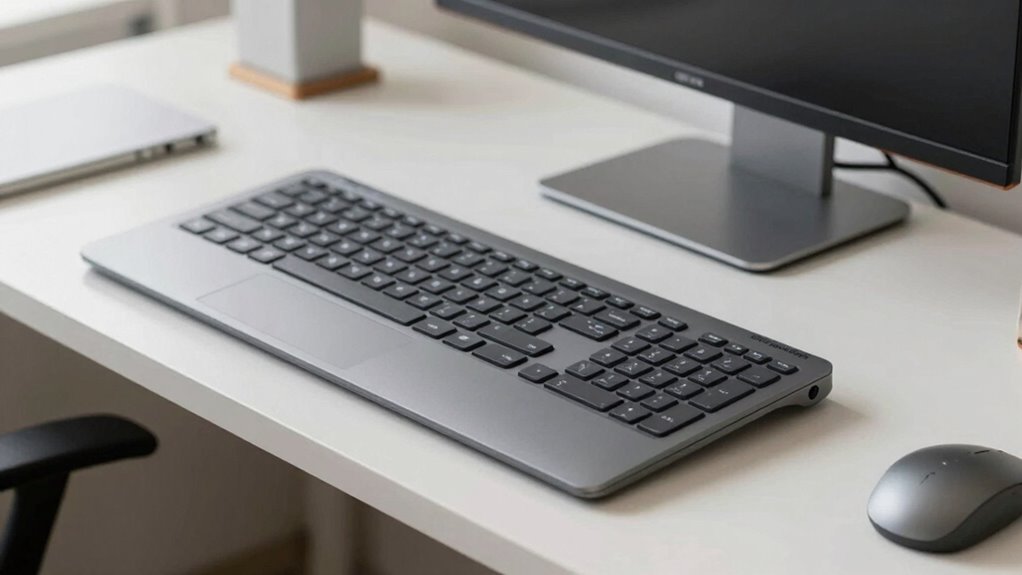
Ensuring your keyboard tray is properly adjusted is essential for maintaining good ergonomics and preventing strain. Start by setting the tray height so your wrists are in a neutral position, not bent up or down. Your elbows should be at a 90-degree angle, with your forearms parallel to the floor. Adjust the tray’s tilt to promote a slight downward slope, which supports ideal wrist positioning and reduces strain. Make sure the keyboard is centered in front of you, so you don’t have to reach or twist your wrists unnaturally. Remember, an ergonomic design prioritizes comfort and natural movement. Fine-tune these adjustments until your wrists stay straight and relaxed during typing, ensuring long-term comfort and reducing fatigue.
ergonomic office accessories for wrist support
As an affiliate, we earn on qualifying purchases.
As an affiliate, we earn on qualifying purchases.
Signs Your Keyboard Setup Isn’t Working for Your Wrists

If you notice persistent wrist discomfort or pain, your keyboard setup might not be supporting your wrists properly. Poor hand alignment can lead to strain, and frequent numbness or tingling signals that your setup isn’t ergonomic enough. Recognizing these signs helps you make necessary adjustments to prevent long-term issues.
Persistent Wrist Discomfort
Persistent wrist discomfort can be a clear sign that your keyboard setup isn’t supporting your health. If you notice ongoing pain or stiffness, your wrists may lack the necessary flexibility, or your setup might not include ergonomic accessories designed for comfort. This discomfort often signals poor positioning or angles that strain your wrists over time. To address this, assess whether your keyboard height and tilt promote natural wrist movement. Consider adding ergonomic accessories like wrist rests or adjustable trays. Also, pay attention to your wrist posture throughout the day. If discomfort persists despite adjustments, it’s a sign your current setup isn’t working. Prioritizing wrist flexibility and proper support can help prevent long-term injury and improve your overall comfort.
Poor Hand Alignment
Poor hand alignment is a clear indicator that your keyboard setup isn’t supporting your wrists properly. If your hands are too high or too low relative to your elbows, you’ll likely notice discomfort or fatigue. Proper hand positioning encourages a neutral wrist extension, where your wrists stay straight and relaxed. When your keyboard is too steep or flat, it forces your wrists into awkward angles, increasing strain. Misaligned hands can also cause your wrists to bend inward or outward, leading to tension and potential long-term issues. Make sure your keyboard tray angle allows your hands to rest naturally, with your wrists in a comfortable, neutral position. Addressing poor hand alignment now can prevent more serious discomfort and protect your wrist health over time.
Frequent Numbness or Tingling
Experiencing frequent numbness or tingling in your hands or fingers often signals that your keyboard setup isn’t supporting your wrists properly. This discomfort can indicate poor circulation or nerve compression, making numbness prevention crucial. To find tingling relief, adjust your setup immediately. Ensure your wrists are in a neutral position, not bent upward or downward. Keep your keyboard at elbow height and avoid excessive wrist extension. Consider using wrist rests for additional support. Also, take regular breaks to stretch your hands and wrists. Maintaining proper ergonomics helps reduce nerve pressure and improves circulation. If numbness persists, consult a healthcare professional. Adjusting your keyboard angle and positioning is essential to prevent ongoing issues and promote long-term wrist health. Small changes can make a big difference in your comfort and function.
Common Mistakes That Cause Wrist Discomfort
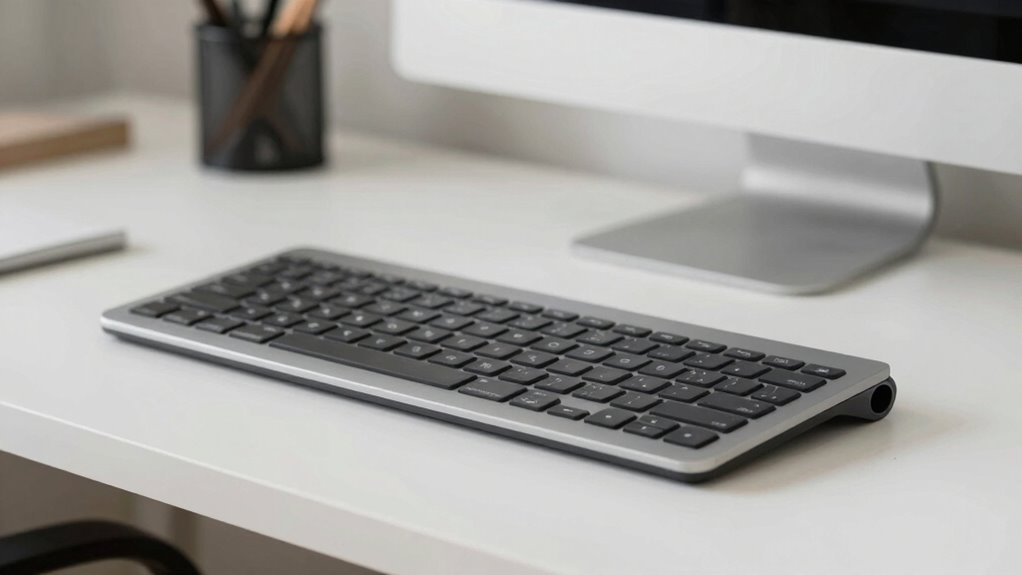
One common mistake that leads to wrist discomfort is positioning your keyboard too high or too low, forcing your wrists into awkward angles. Poor wrist posture can cause strain and fatigue over time. When your keyboard height isn’t aligned properly, you might find yourself hunching or stretching your wrists unnaturally. This misalignment increases tension and can lead to discomfort or even injury. To avoid this, set your keyboard at a height where your forearms are parallel to the ground and your wrists remain straight. Don’t sacrifice proper wrist posture for comfort; an improper keyboard height pushes your wrists into angles they shouldn’t be in. Ensuring correct keyboard height and wrist positioning helps prevent strain and keeps your wrists healthy throughout your workday.
Tips to Keep Your Wrists Healthy During Work
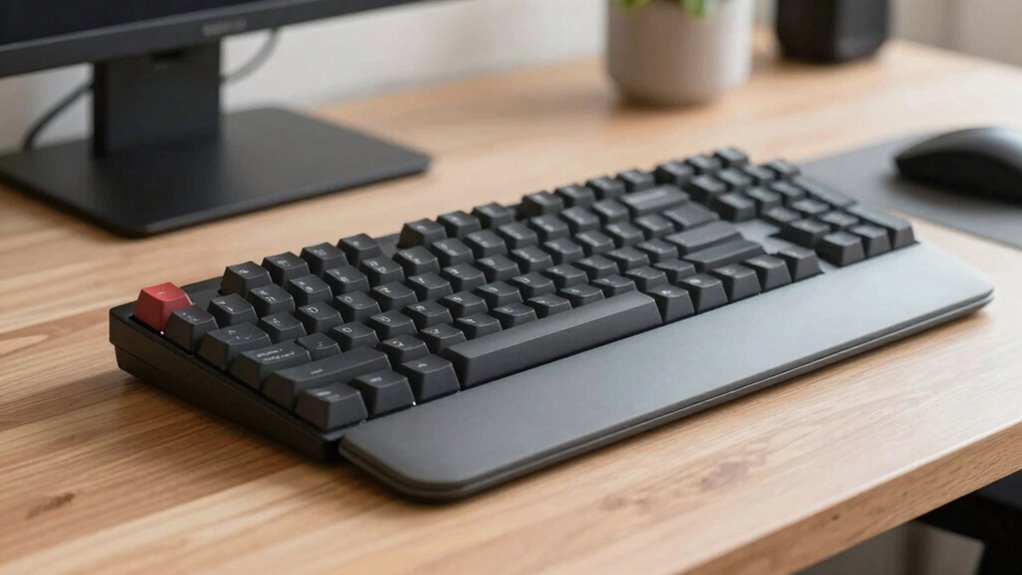
To keep your wrists healthy during work, it’s essential to take regular breaks and stretch your hands and forearms. Maintaining wrist flexibility helps prevent stiffness and strain. Using ergonomic accessories, like wrist rests or adjustable keyboard trays, supports proper positioning and reduces tension. Incorporate these habits into your routine:
- Perform wrist circles and stretches frequently throughout the day
- Adjust your workspace to keep wrists in a neutral, relaxed position
- Use ergonomic accessories to support natural wrist angles
- Alternate tasks to avoid prolonged strain on the same muscles
These tips help promote wrist flexibility, prevent discomfort, and reduce the risk of repetitive strain injuries. Consistent attention to ergonomics and movement is key to long-term wrist health during work.
How to Choose the Right Keyboard Tray Angle for Your Workspace
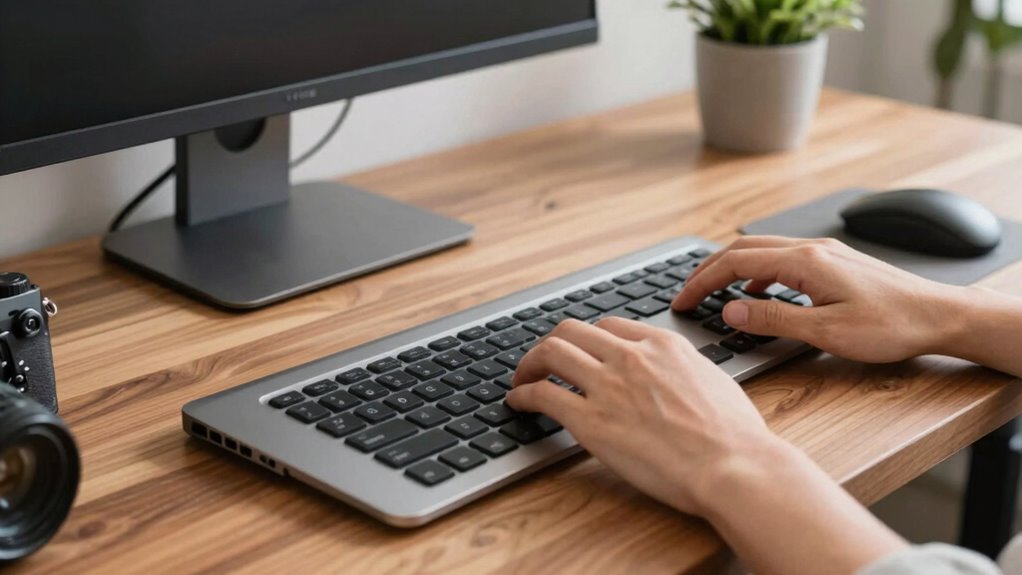
Choosing the right keyboard tray angle is essential for maintaining comfort and reducing strain during work. To optimize wrist flexibility, aim for an angle that allows your wrists to stay in a natural, neutral position. A slight negative tilt—where the front of the tray is lower than the back—can help decrease wrist extension and promote better alignment. Adjust the keyboard height so your elbows are at a 90-degree angle and your wrists remain straight. Avoid angles that cause you to bend your wrists upward or downward, as this increases strain. Experiment with small adjustments to find the angle that feels most comfortable and supports proper wrist movement. Properly setting your tray minimizes discomfort and helps prevent repetitive strain injuries over time.
Tools and Accessories to Improve Your Ergonomic Setup
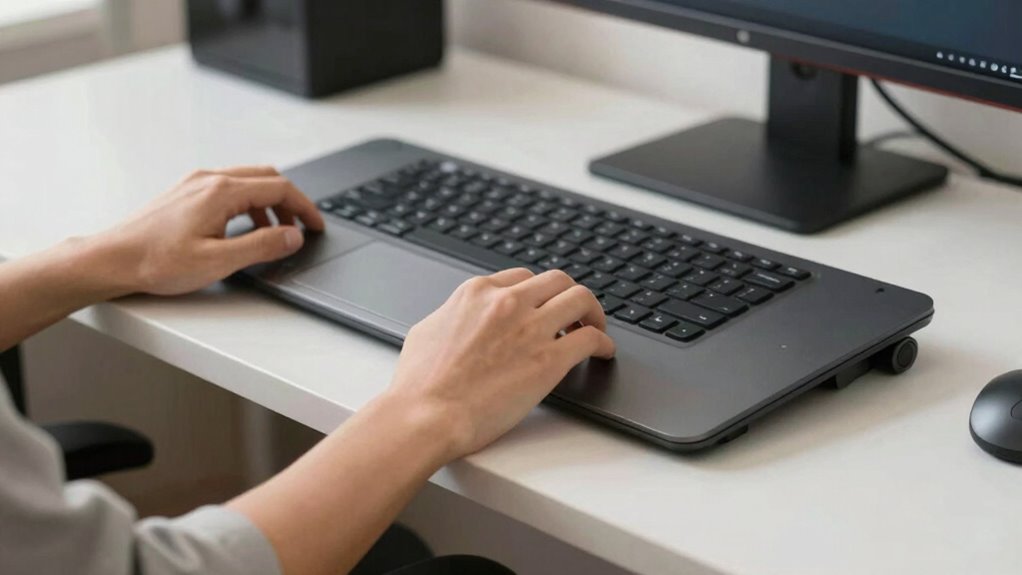
Optimizing your ergonomic setup goes beyond selecting the right keyboard tray angle. Adding the right tools and accessories can considerably reduce strain and improve comfort. Ergonomic accessories like adjustable wrist supports help keep your wrists in a neutral position, preventing fatigue. Consider using padded mouse pads to reduce pressure points and enhance movement. Footrests can promote better posture by aligning your legs and hips properly. Additionally, monitor risers elevate your screen to eye level, reducing neck strain. These accessories support proper alignment, making your workspace more comfortable. Remember, investing in quality ergonomic accessories encourages healthier habits and prevents discomfort over time. Simple adjustments with these tools can make a major difference in your daily comfort and productivity.
When to See a Specialist for Persistent Wrist Pain
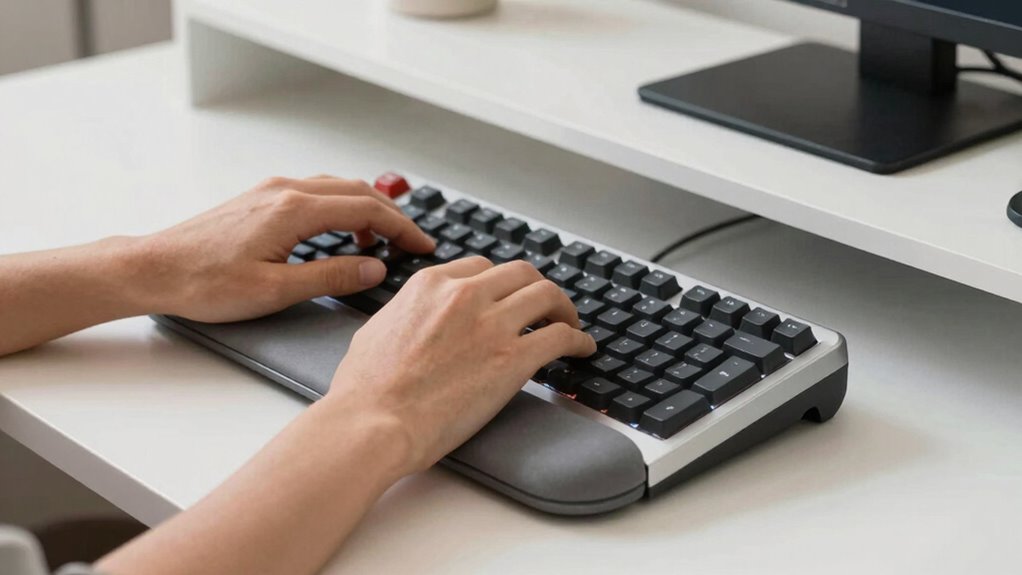
Persistent wrist pain that doesn’t improve after making ergonomic adjustments could be a sign you need professional help. If pain persists, it’s essential to consult a specialist who understands wrist anatomy and can assess underlying issues. Ignoring ongoing discomfort may lead to chronic problems like carpal tunnel syndrome or tendinitis. When considering a visit, evaluate symptoms like numbness, tingling, or weakness. A specialist can recommend tailored treatments, including ergonomic accessories or physical therapy.
| Symptom | Possible Cause | Recommended Action |
|---|---|---|
| Persistent pain | Wrist strain or injury | Consult a healthcare provider immediately |
| Numbness/tingling | Nerve compression (e.g., carpal tunnel) | Seek urgent evaluation for diagnosis and care |
| Weakness | Muscle or nerve damage | Professional assessment is necessary |
| Swelling | Inflammation or injury | See a specialist to prevent further damage |
Frequently Asked Questions
Can an Improper Tray Angle Cause Long-Term Wrist Injuries?
Yes, an improper tray angle can cause long-term wrist injuries. If your ergonomic design isn’t right, you might experience wrist pain from repetitive strain. An incorrect angle puts extra stress on your wrists, leading to discomfort and potential injuries over time. Adjusting your keyboard tray to the proper angle helps maintain natural wrist alignment, reducing strain and preventing long-term issues. Always verify your setup promotes comfort and ergonomic safety.
How Often Should I Adjust My Keyboard Tray Angle?
You should adjust your keyboard tray angle whenever you notice discomfort or after prolonged use, ideally every few hours. Following ergonomic principles helps you maintain a neutral wrist position aligned with your wrist anatomy, reducing strain. Regular adjustments guarantee your wrists stay comfortable and prevent long-term injuries. Listen to your body, and make small tweaks as needed to keep your workstation ergonomically optimized and support healthy wrist and hand movement.
Does Desk Height Affect Optimal Tray Angle?
A stitch in time saves nine, so your desk height definitely influences your ideal tray angle. When your desk is too high or low, it can disrupt ergonomic posture, causing wrist strain. Adjusting your keyboard tray angle accordingly helps maintain comfort and reduces injury risk. Proper desk ergonomics ensure your wrists stay aligned, making typing less stressful. Always tailor your setup to your workspace for the best ergonomic benefits.
What Materials Are Best for Adjustable Keyboard Trays?
You should choose adjustable keyboard trays made from durable materials like high-quality plastic, aluminum, or steel. These materials support ergonomic design by providing stability and longevity, reducing the risk of wear and tear. Durable materials guarantee your tray maintains its proper angle and support over time, helping you minimize wrist strain. Opt for trays with sturdy construction and smooth adjustment mechanisms to keep your workspace ergonomic and comfortable.
Are There Specific Angles Recommended for Different Hand Sizes?
Yes, there are recommended angles for different hand sizes based on ergonomic standards. You should personalize adjustments to guarantee your wrists stay in a neutral position, usually around a 10-15 degree positive tilt. Larger hands may benefit from a slightly higher angle, while smaller hands prefer a gentler incline. Always test different angles to find the most comfortable and supportive setup, reducing strain and promoting proper ergonomics.
Conclusion
Finding the right keyboard tray angle is like tuning a delicate instrument—you want harmony between comfort and efficiency. When you set your wrists to glide smoothly, your workday becomes a dance rather than a struggle. Keep listening to your body’s signals, adjusting as needed, and don’t ignore the signs of strain. With the right setup, you’ll turn your workspace into a sanctuary where your wrists can flourish, free from pain and full of ease.
Halloween Picks
halloween
As an affiliate, we earn on qualifying purchases.