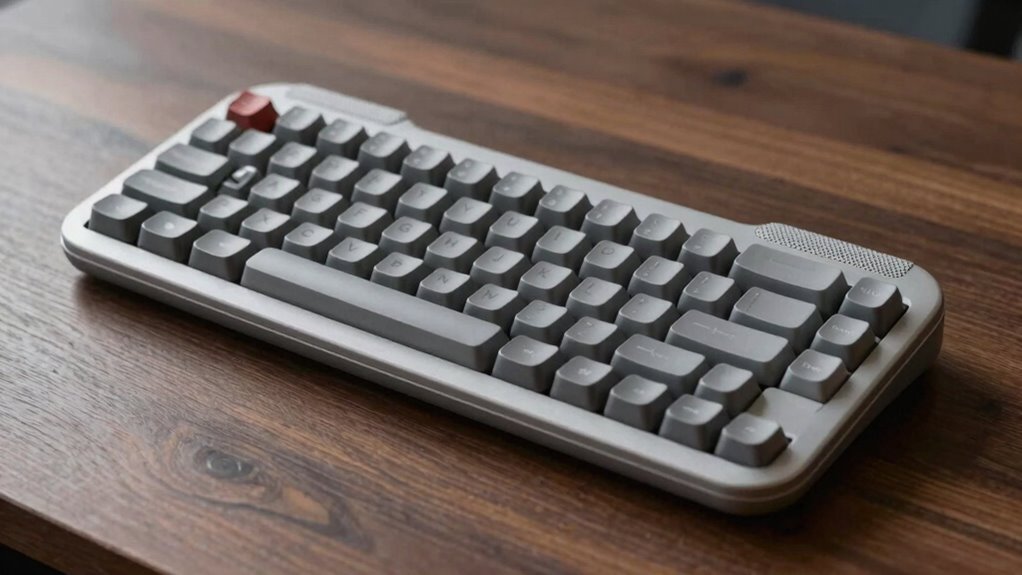

A better ergonomic keyboard feels more comfortable because it’s designed to reduce wrist and forearm strain. Features like split or tented layouts promote natural hand positioning, while adjustable tilt and height help tailor the setup to you. Soft, quiet keys and cushioned palm rests reduce fatigue during long use. These thoughtful details improve comfort, accuracy, and posture. If you want to understand what makes these designs work, keep exploring how each feature supports your needs.

Get comfort and recovery gear delivered free with Prime
- Fast, free delivery on millions of items
- Prime Video, Amazon Music and more included
- Member-only deals all year
Key Takeaways
- Proper wrist and forearm alignment reduces strain and enhances comfort during prolonged use.
- Adjustable features like tilt and height customization allow users to tailor the keyboard to their ergonomic needs.
- Split or tented designs promote natural hand positioning, minimizing twisting and joint stress.
- Soft, quiet keys and cushioned palm rests decrease finger fatigue and support neutral wrist posture.
- Overall ergonomic principles—such as promoting natural posture and reducing unnecessary movements—improve comfort and efficiency.
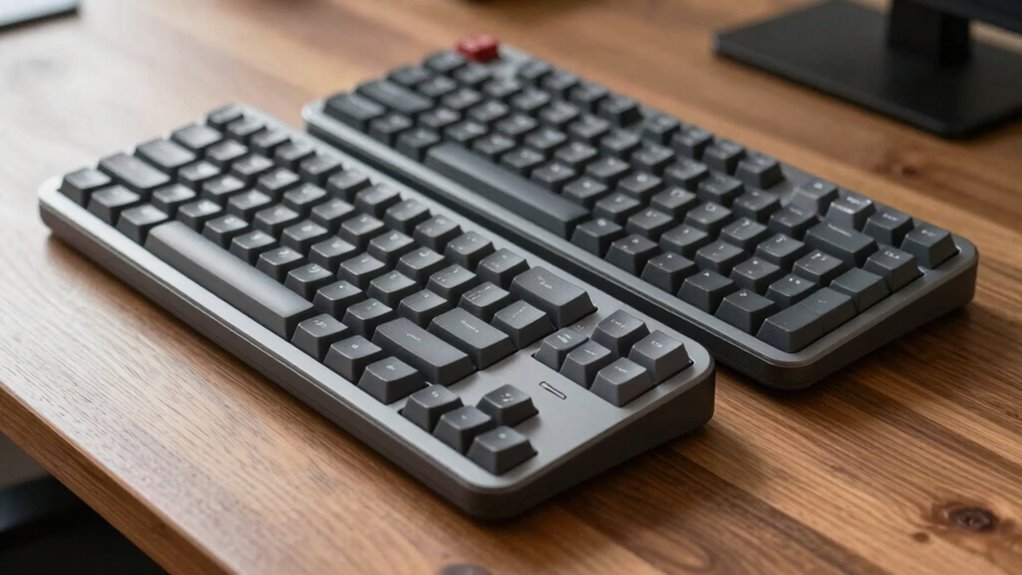
Ergonomic keyboards are designed to reduce strain and improve comfort during long hours of typing. When you spend hours at your computer, the right keyboard can make a meaningful difference in how your body feels afterward. The key is understanding what makes one ergonomic keyboard feel better than another. The ergonomic keyboard benefits are clear: they help prevent repetitive strain injuries, reduce fatigue, and promote better posture. But not all ergonomic keyboards are created equal. To choose one that truly supports your comfort, you need to pay attention to specific ergonomic keyboard features.
Ergonomic keyboards reduce strain, prevent injuries, and enhance comfort for long-term typing health.
First, consider the layout. Many ergonomic keyboards split into two sections, allowing your hands to rest in a more natural, shoulder-width position. This reduces wrist twisting and minimizes stress on your forearms. Some models feature a curved or tented design that elevates the middle of the keyboard, encouraging a more natural wrist angle. These ergonomic keyboard features are vital because they align your wrists and forearms, decreasing tension and discomfort. The placement of keys also matters; keyboards with a more relaxed key layout or adjustable tenting options give you greater control over your hand positioning. Additionally, ergonomic design principles emphasize the importance of promoting natural hand posture to reduce strain. Incorporating adjustable features can further enhance customized comfort, allowing you to tailor the setup to your specific needs. Understanding the importance of proper alignment can help you select a keyboard that minimizes unnecessary movements and strain. A well-designed ergonomic keyboard can also improve your overall typing efficiency by reducing fatigue and increasing accuracy.
Next, look at the key switch types. Mechanical keys with softer, quieter presses can lessen finger fatigue, especially if you type extensively. Some ergonomic keyboards include cushioned palm rests, which support your wrists and help maintain a neutral position. These ergonomic keyboard benefits extend to the overall typing experience, making it easier to type accurately and comfortably for longer periods. Enhancing overall comfort, key spacing and size play a crucial role in minimizing unnecessary finger movements. The presence of adjustable features, such as tilt angles and height options, further enhances comfort by allowing you to customize the keyboard to your specific needs. This personalized setup can greatly reduce strain on your neck, shoulders, and wrists.
As an affiliate, we earn on qualifying purchases.
Frequently Asked Questions
How Do Ergonomic Keyboards Reduce Wrist Strain Effectively?
You can reduce wrist strain effectively with ergonomic keyboards by improving your wrist posture and keyboard positioning. These keyboards are designed to keep your wrists in a more natural, neutral angle, preventing awkward bends. They often feature split layouts or tented designs that align with your arm and hand movement. By maintaining proper wrist posture and adjusting keyboard positioning, you minimize tension and discomfort during extended typing sessions.
Are Ergonomic Keyboards Suitable for Gaming?
Yes, ergonomic keyboards can be suitable for gaming, especially if they improve your hand posture and gaming comfort. Many models are designed with features like tenting or split layouts that reduce strain during long sessions. You might find that the more natural hand position helps you game more comfortably and precisely. However, some gamers prefer traditional designs for responsiveness, so it depends on your personal preferences and how well the ergonomic features support your gaming style.
What Materials Are Best for Ergonomic Keyboard Construction?
Think of your keyboard as the backbone of your setup; choosing the right materials is essential. You want durable materials like high-quality plastics or aluminum that withstand daily use without losing their charm. Silicone wrist rests add comfort and aesthetic appeal, making your workspace inviting. These materials work together to create a sturdy, attractive keyboard that feels good during long sessions, ensuring your investment pays off in both function and style.
Can Ergonomic Keyboards Improve Typing Speed Over Traditional Ones?
Yes, ergonomic keyboards can improve your typing speed by reducing fatigue and discomfort, allowing you to type more efficiently. Their aesthetic appeal often encourages consistent use, and while portability considerations vary, many ergonomic models are lightweight and easy to carry. This combination of comfort and style helps you maintain better typing habits over time, ultimately boosting your speed and accuracy compared to traditional keyboards.
How Do I Choose the Right Ergonomic Keyboard for Me?
To choose the right ergonomic keyboard, consider your key layout and thumb rest features. You want a layout that minimizes finger movement and fits your typing style, reducing strain. A thumb rest provides extra support, helping prevent fatigue. Test different options to see which feels most natural and comfortable. Focus on your hand size, posture, and typing habits to find a keyboard that promotes better ergonomics and comfort during extended use.
adjustable tented ergonomic keyboard
As an affiliate, we earn on qualifying purchases.
As an affiliate, we earn on qualifying purchases.
Conclusion
So, when choosing an ergonomic keyboard, you’re not just picking a tool—you’re revealing the secret to superhuman typing speed, endless comfort, and a pain-free future. Imagine typing for hours without a single ache or fatigue, feeling like you’ve harnessed the power of technology itself. Don’t settle for less—dive into the world of ergonomic keyboards and transform your workspace into a haven of effortless, lightning-fast productivity. Your hands will thank you forever!
quiet mechanical ergonomic keyboard
As an affiliate, we earn on qualifying purchases.
As an affiliate, we earn on qualifying purchases.
ergonomic keyboard with cushioned palm rest
As an affiliate, we earn on qualifying purchases.
As an affiliate, we earn on qualifying purchases.
Halloween Picks
halloween
As an affiliate, we earn on qualifying purchases.