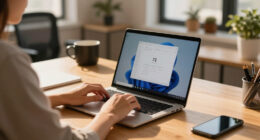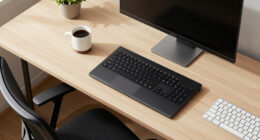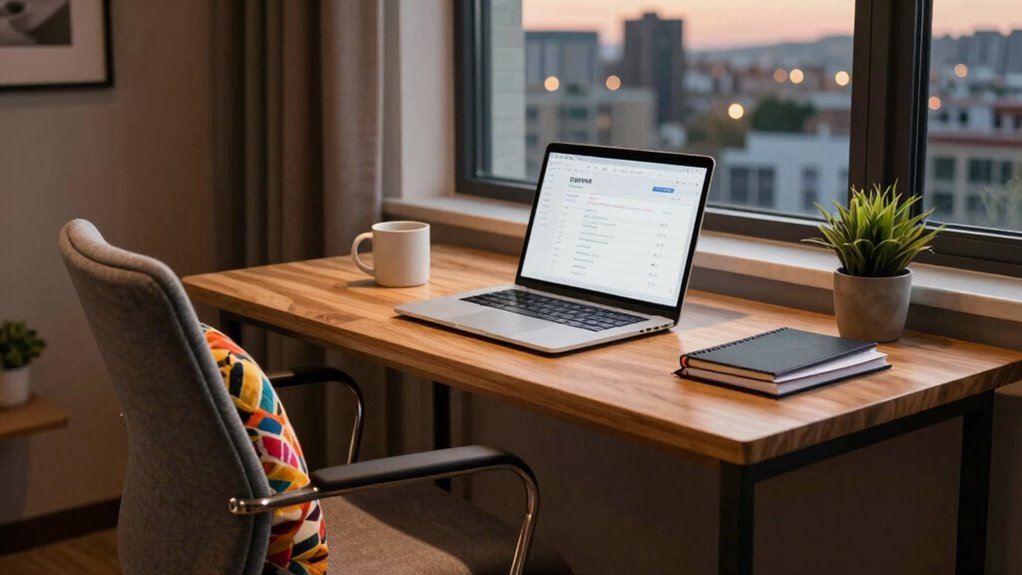
To quickly improve your hotel workspace, start by clearing a flat, stable surface like a tray or bedside table. Elevate your laptop to eye level with a portable stand and connect an external keyboard or mouse for comfort. Use nearby lighting or a window for good illumination. Keep accessories handy and create clear boundaries to stay focused. Want even more tips to optimize your setup? Keep going for simple ways to make your work environment more productive.
Key Takeaways
- Use a portable laptop stand to elevate your screen for better ergonomics.
- Clear a flat, stable surface using hotel trays or bedside tables as a dedicated workspace.
- Connect external headphones or microphones to improve audio quality during calls.
- Position your workspace near a window or good lighting source for clear video calls.
- Set physical or environmental cues to signal work mode and minimize distractions.
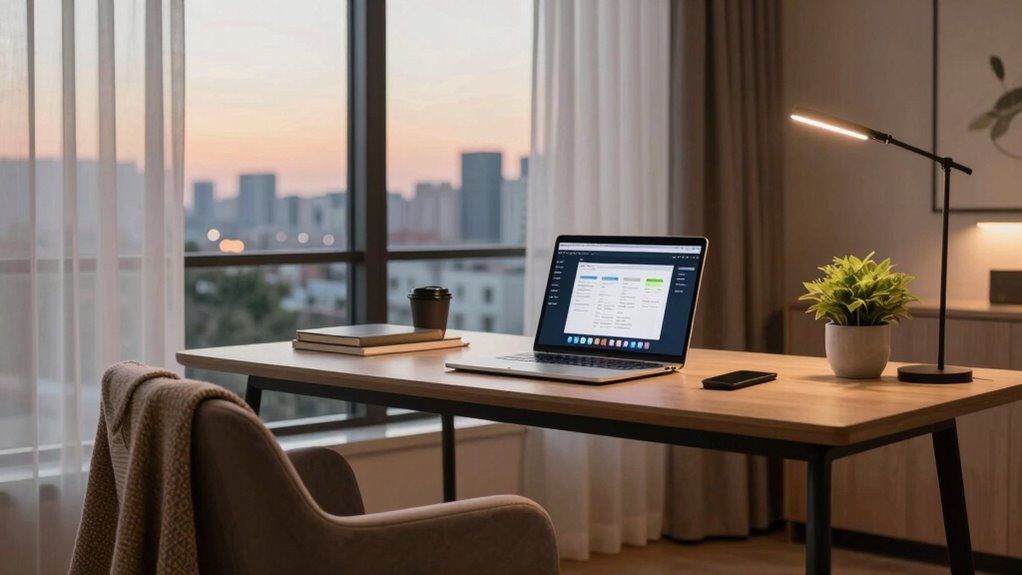
Traveling for work can disrupt your productivity, but with a few quick adjustments, you can transform a hotel room into a functional workspace in just five minutes. The key is creating an environment that supports focus, comfort, and effective remote collaboration. First, gather any ergonomic accessories you’ve packed or can easily find. A portable laptop stand, an external keyboard, and a mouse can dramatically improve your posture and reduce fatigue. Elevating your laptop to eye level helps prevent neck strain, while a comfortable mouse and keyboard enable you to work more efficiently. These small upgrades turn a makeshift desk into a more ergonomic setup, letting you work longer without discomfort.
Next, focus on organizing your space for seamless remote collaboration. Clear a flat, stable surface to serve as your desk, placing your laptop and accessories within easy reach. Use any available hotel items—like a bedside table or a sturdy tray—to create a designated work area. Keep your phone or tablet nearby for quick access to messages or video calls. If possible, connect an external microphone or headphones to improve audio quality during virtual meetings, making your remote collaboration smoother and more professional. Position yourself near a window or good lighting source to guarantee your video calls look clear and professional. Additionally, setting up a dedicated workspace can help mentally separate work from leisure even in a small hotel room. Creating a dedicated workspace can also help improve your focus and productivity during short-term stays. To further enhance your setup, consider establishing boundaries with your surroundings to minimize interruptions and maintain a professional environment. Incorporating ergonomic accessories can significantly boost comfort and efficiency during your work sessions.

Tonmom Laptop Stand for Desk, Adjustable Laptop Riser, Black
- Adjustable Height for Ergonomics: 7-level height adjustment from 2.78” to 6.5”
- Stable and Protective Design: Triangle support with anti-slip silicone pads
- Enhanced Heat Dissipation: Forward tilt and open design for airflow
As an affiliate, we earn on qualifying purchases.
As an affiliate, we earn on qualifying purchases.
Frequently Asked Questions
What Tools Are Essential for Quick Hotel Workspace Setups?
You need essential tools like a portable laptop stand and an external keyboard to facilitate ergonomic adjustments, reducing strain during long work sessions. A reliable Wi-Fi hotspot or portable router ensures seamless remote collaboration, even in spotty hotel networks. Noise-canceling headphones help you focus amidst distractions. Additionally, a compact power strip or USB hub keeps your devices charged. These tools create an efficient, comfortable workspace, making hotel work setups less frustrating and more productive.
How Can I Improve Wi-Fi Stability Instantly?
You can improve Wi-Fi stability instantly by resetting your router or connecting to a different network if available. Don’t let hotel room decor or local dining options distract you; focus on your connection. Use Ethernet adapters for a more stable link, or position your device closer to the router. These quick fixes help you stay connected, ensuring your work isn’t interrupted by slow or unreliable Wi-Fi.
What’s the Best Way to Organize Cables in a Hotel Room?
To organize cables in a hotel room, use cable management tools like clips or sleeves to bundle cords neatly. Connect devices to a power strip with surge protection, minimizing clutter and reducing the risk of tripped cords. Secure the power strip to the furniture or wall to keep it stable. This setup keeps cables accessible, tidy, and prevents damage, making your workspace safer and more efficient during your stay.
How Do I Find a Comfortable Chair Quickly?
Finding a comfortable chair is like searching for the perfect pair of shoes—quick, intuitive, and satisfying. Start by scanning for ergonomic tips, ensuring the chair supports your back and promotes good posture. Look for a chair with adjustable height and lumbar support, and test its comfort by sitting briefly. Trust your body’s signals, and pick the one that feels right immediately—your comfort is worth it.
Are There Portable Accessories to Enhance Hotel Workspaces?
Yes, you can enhance your hotel workspace with portable tech and travel accessories. Compact ergonomic cushions or portable laptop stands improve comfort and posture. Power banks, universal adapters, and portable chargers guarantee you’re never out of juice. Noise-canceling headphones or foldable Bluetooth speakers help block distractions. These travel accessories make working in hotel rooms more efficient, comfortable, and stress-free, transforming any space into a more productive workspace on the go.

Logitech MK270 Full Size Wireless Keyboard and Mouse Combo – Black
- Wireless Range: Up to 33 ft reliable connection
- Comfortable Typing: Low-profile, quiet keys with full layout
- Durable Design: Spill-resistant, sturdy keys, adjustable tilt
As an affiliate, we earn on qualifying purchases.
As an affiliate, we earn on qualifying purchases.
Conclusion
By taking just five minutes to optimize your hotel work setup, you transform a cramped space into a sanctuary of productivity. Picture yourself sinking into a comfy chair, sunlight spilling over your tidy desk, and your essentials perfectly within reach. As you breathe in the calm, that cluttered chaos becomes a distant memory. With a simple tweak, you create a haven where focus flourishes, making every work moment feel less like a burden and more like a breeze.

Soundcore by Anker Q20i Hybrid Active Noise Cancelling Headphones, Black
- Hybrid Noise Cancelling: Reduces up to 90% external noise
- Detailed Audio Quality: 40mm drivers with BassUp technology
- Long Battery Life: 40 hours with ANC, 60 hours normal mode
As an affiliate, we earn on qualifying purchases.
As an affiliate, we earn on qualifying purchases.

One Beat Surge Protector Power Strip, 5 Ft Flat Plug Extension Cord, 900J
- 10-in-1 Power Strip with USB C: 6 AC outlets, 2 USB, 2 USB C ports
- Fast Charging with Smart Technology: Auto-detect devices for quick charging
- Space-Saving 3-Side Design: Large outlets spaced 1.6 inches apart
As an affiliate, we earn on qualifying purchases.
As an affiliate, we earn on qualifying purchases.