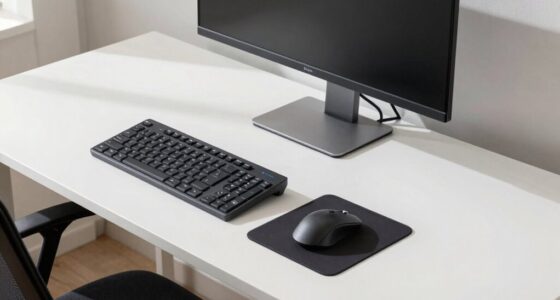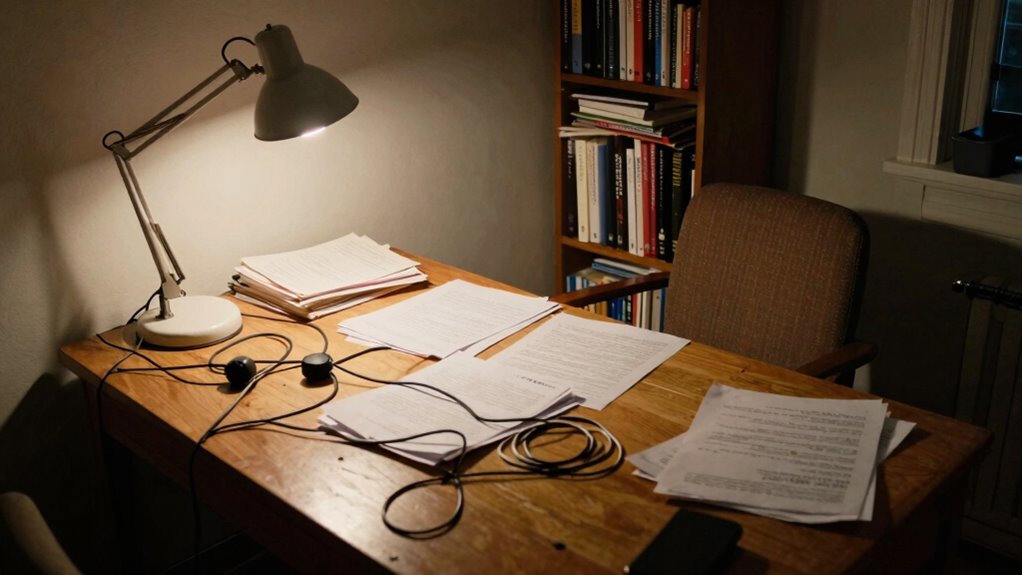

Tiny awkward angles in your workspace seem harmless, but they can silently harm your health and drain your focus over time. Misalignments from poorly positioned furniture or screens force your body into unnatural postures, leading to fatigue, headaches, and muscle tension. These small issues can accumulate, causing long-term health problems and decreasing your productivity. Addressing these subtle misalignments now can prevent bigger discomforts later—keep exploring to learn how you can optimize your workspace for better well-being.
Open a free Amazon Business account
Business pricing, bulk buying and tax-exempt orders.
As an affiliate, we earn on qualifying purchases.
Key Takeaways
- Small ergonomic misalignments can silently cause muscle strain, fatigue, and long-term health issues over time.
- Unnoticed awkward angles in workspace setups lead to discomfort, reducing focus and productivity.
- Persistent poor posture from tiny misalignments increases the risk of headaches, shoulder tension, and repetitive strain injuries.
- Early recognition and adjustment of subtle ergonomic hazards prevent long-term musculoskeletal problems.
- Proper workspace setup and mindful adjustments significantly improve comfort, health, and work performance.
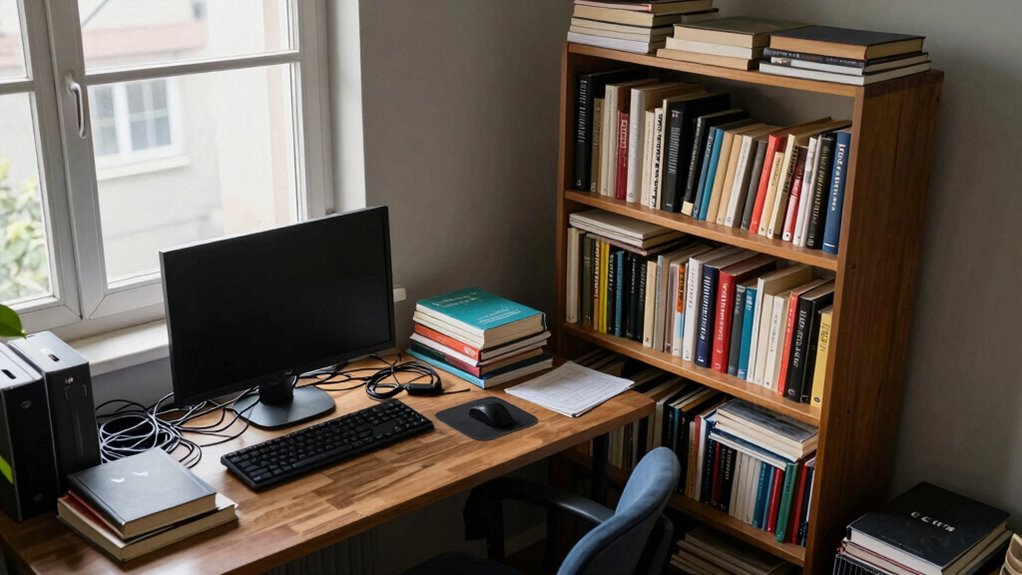
Even small, awkward angles in your everyday environment can silently take a toll on your health and productivity. These tiny misalignments, often unnoticed, are more than just visual nuisances—they represent ergonomic hazards that gradually affect your well-being. When your workspace or living area isn’t set up properly, you might find yourself constantly adjusting or straining, which can lead to discomfort and, over time, more serious health issues like repetitive strain injuries or chronic pain. The subtlety of these angles makes them easy to overlook, but their cumulative effect can significantly impact your ability to work efficiently and comfortably.
Small ergonomic misalignments can silently harm your health and reduce your productivity over time.
Poorly positioned furniture, misaligned monitors, and irregular desk heights create ergonomic hazards that compromise your posture. For example, a monitor placed too low or too high forces you to crane your neck, while a desk that’s too high or too low causes awkward arm and wrist positions. Over days and weeks, these small misalignments add up, causing fatigue and distraction. The productivity impact can be profound. When discomfort distracts you, your focus wanes, and your ability to complete tasks efficiently diminishes. Even minor discomforts, if persistent, can chip away at your motivation and mental clarity, leading to decreased output over time.
You might think you’re simply adjusting to your environment, but these tiny angles subtly shift your body’s alignment, forcing you into unnatural positions. This not only impacts your comfort but also hampers your performance. When your body isn’t in a neutral, supported position, your muscles work harder, and your energy levels drop faster. Over extended periods, this can cause headaches, shoulder tension, or lower back pain—all of which interrupt your workflow and reduce your overall effectiveness. It’s easy to dismiss these issues as temporary, but ignoring them can turn small ergonomic hazards into long-term health problems. Recognizing ergonomic hazards and making proactive adjustments can help prevent these issues from developing further. Being aware of subtle misalignments early on can make a significant difference in maintaining your overall well-being. Additionally, understanding how workspace setup influences your posture can empower you to create a healthier environment. For example, incorporating ergonomic principles into your furniture arrangement can significantly reduce the risk of developing discomfort or injuries over time.
As an affiliate, we earn on qualifying purchases.
Frequently Asked Questions
How Do Tiny Angles Affect Long-Term Posture?
Tiny angles can gradually harm your posture over time if you ignore ergonomic adjustments and posture awareness. Sitting or working at awkward angles forces muscles to strain, leading to misalignments and discomfort. Without correcting these small angles, you risk long-term issues like chronic pain and poor spinal health. Stay mindful of your posture, make ergonomic adjustments, and regularly check your angles to prevent long-term damage and maintain a healthy, comfortable position.
Are Children More Vulnerable to Issues From Awkward Angles?
Children are like delicate saplings, easily bent out of shape by awkward angles. They’re more vulnerable to issues from poor ergonomic design because their growing bodies are still developing. Poorly positioned screens or furniture can cause long-term posture problems. Prioritize child safety by choosing ergonomic designs, ensuring their workspaces promote healthy posture. This proactive approach helps prevent future discomfort and supports their overall growth and well-being.
Can Small Angles Cause Immediate Discomfort or Only Chronic Problems?
Small angles can cause both immediate discomfort and chronic issues, especially if you spend long hours in awkward positions. You should consider ergonomic assessments to identify problematic angles and implement angle correction techniques. These adjustments help prevent sudden pain and reduce long-term strain. Addressing tiny awkward angles early on keeps your body comfortable and healthy, whether at home or work, by promoting proper posture and minimizing stress on muscles and joints.
What Tools Help Identify Hidden Awkward Angles at Home?
You can use ergonomic tools like digital angle measurement devices or smartphone apps to identify hidden awkward angles at home. These tools help you precisely measure angles in furniture, workspaces, or even seating arrangements. By pinpointing awkward angles, you can adjust your environment to reduce discomfort and prevent long-term issues. Regularly using these tools guarantees your space promotes better posture and minimizes the risk of chronic problems caused by unnoticed awkward angles.
How Can I Correct Tiny Angles Without Professional Help?
You can correct tiny angles by regularly checking furniture alignment with a level or measuring tape, ensuring everything is straight and balanced. Make ergonomic adjustments by repositioning desks, chairs, or accessories to promote better posture and comfort. Adjusting items gradually helps you avoid strain and prevents awkward angles from causing issues over time. Consistent small tweaks, combined with awareness of your posture, make a significant difference in creating a more comfortable, aligned space.
As an affiliate, we earn on qualifying purchases.
Conclusion
Remember, small angles can lead to big problems over time. When you ignore those tiny awkward spots at home or work, you might be inviting discomfort, inefficiency, or even injury. It’s like the saying goes, “A stitch in time saves nine.” By paying attention now, you prevent bigger issues later. Take a moment to straighten things out—you’ll thank yourself for the comfort and peace of mind down the road.
ergonomic keyboard and mouse set
As an affiliate, we earn on qualifying purchases.
As an affiliate, we earn on qualifying purchases.
As an affiliate, we earn on qualifying purchases.
NFL season / tailgating Picks
team gear
As an affiliate, we earn on qualifying purchases.