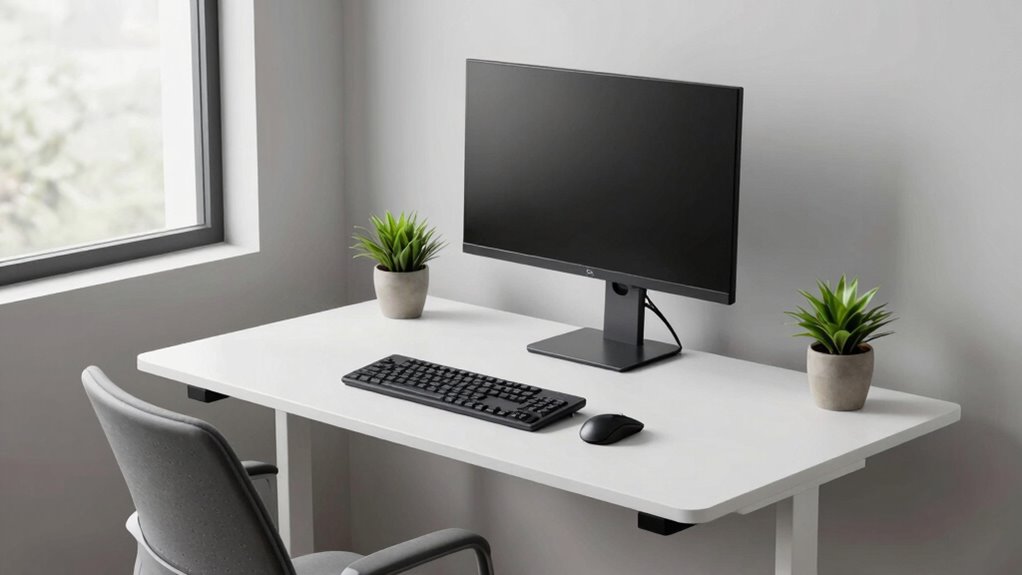
To make ergonomics easier to stick with, focus on making one small change at a time in your workspace. Adjust your chair height, monitor position, or organization first, and notice the positive effects. These minor tweaks help build better habits gradually and prevent feeling overwhelmed. Consistently applying simple improvements creates a ripple effect of healthier behaviors. Stick with it, and you’ll find maintaining comfort becomes more natural—if you keep exploring, you’ll discover even more practical tips.
Listen free for 30 days with Audible
Thousands of audiobooks and originals — cancel anytime.
As an affiliate, we earn on qualifying purchases.
Key Takeaways
- Focus on one ergonomic adjustment at a time to build sustainable habits and prevent feeling overwhelmed.
- Prioritize small, consistent changes like chair height or monitor position for lasting impact.
- Incorporate awareness and mindfulness to reinforce proper posture and workspace organization.
- Use simple tools or household items to make ergonomic improvements without extra expense.
- Track progress and notice immediate benefits to stay motivated and committed to ergonomic habits.
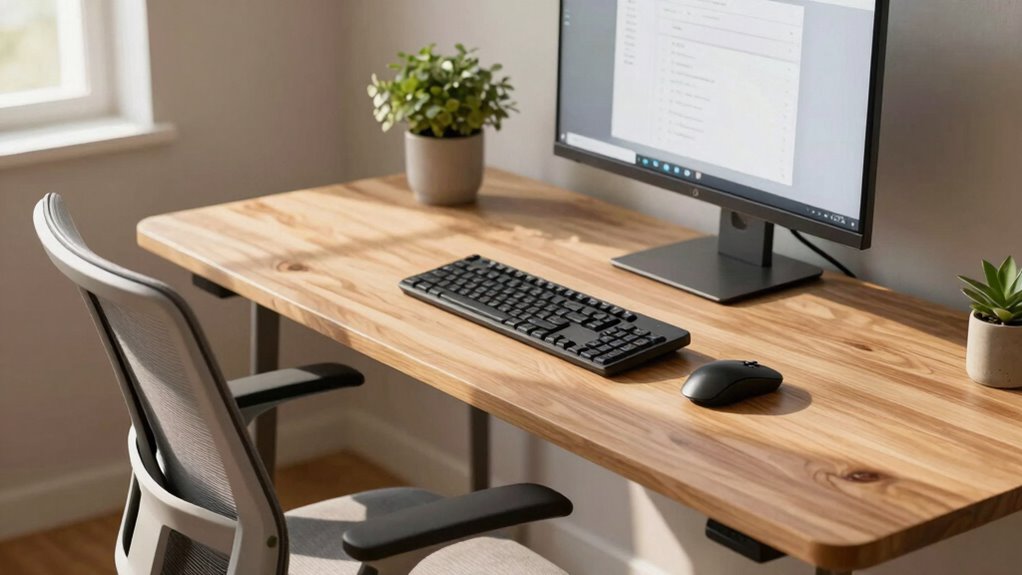
Improving your workspace doesn’t have to be overwhelming; sometimes, making just one simple change can considerably enhance your comfort and productivity. Instead of trying to overhaul everything at once, focus on a single adjustment that can have a ripple effect. One of the most effective ways to do this is by paying attention to your posture adjustments and workspace organization. These small tweaks can make a huge difference in how you feel during the day and how efficiently you work. Incorporating ergonomic principles into your setup can further support your efforts and ensure long-term comfort. Start by evaluating your posture. Poor posture can lead to discomfort, fatigue, and even long-term health issues. Instead of hunching over or slouching, aim for a neutral spine position. Adjust your chair height so your feet are flat on the floor, and your knees are at a 90-degree angle. Keep your hips level with or slightly higher than your knees. Your monitor should be at eye level to prevent neck strain, which often happens when you look down or up for extended periods. If your workspace setup doesn’t allow this, consider adding a monitor stand or stacking books. Small posture adjustments like these ensure you’re not putting unnecessary stress on your neck, back, or shoulders. To support maintaining these habits, consider workspace ergonomics as a key element. Developing awareness of proper sitting posture can help reinforce these habits and prevent discomfort over time. Next, focus on workspace organization. Clutter can distract you and make it harder to maintain good posture. Clear your desk of unnecessary items, and keep everything you need within arm’s reach. This minimizes excessive reaching or twisting, which can cause discomfort over time. Use organizers or trays to keep papers, pens, and other essentials tidy. A well-organized workspace not only improves efficiency but also encourages healthier habits. When your workspace is orderly, it’s easier to maintain good posture because you’re less likely to adopt awkward positions trying to reach for misplaced items. Integrating these changes doesn’t require a major investment or a complete rearrangement. Just start with your chair height, monitor position, and desktop organization. Once you get into the habit of maintaining better posture and keeping your workspace organized, these practices become second nature. Over time, you may find yourself naturally adopting healthier habits without needing to think about it constantly. Small, consistent adjustments make the biggest difference, and the simplicity of focusing on just one change makes it easier to stick with. When you see the immediate benefits of improved comfort and productivity, you’ll be motivated to keep refining your workspace gradually, one step at a time.
As an affiliate, we earn on qualifying purchases.
Frequently Asked Questions
How Quickly Can I See Results From This Method?
You can start noticing improvements within a few days to a week by practicing posture awareness and incorporating simple stretching routines. As you become more conscious of your posture, you’ll likely feel less discomfort and tension faster. Consistent effort is key, so stick with the method daily. Over time, these small changes can lead to significant ergonomic benefits, making your workspace more comfortable and reducing strain.
Can This Method Be Customized for Different Work Setups?
Think of your workspace as a tailor-made suit—you can customize it for perfect comfort. Yes, this method easily adapts to different work setups through simple workstation adjustments, allowing you to achieve personalized ergonomics. You can tweak your chair height, monitor position, and keyboard angles, making it suitable for any environment. This flexibility helps you stay comfortable and prevents strain, no matter what kind of workspace you have.
Is Professional Ergonomic Assessment Necessary to Start?
You don’t necessarily need a professional ergonomic assessment to start. Focus on making simple workstation adjustments, like adjusting your chair height or monitor position. Developing ergonomic habits—like taking regular breaks and maintaining good posture—can considerably improve comfort. These small, manageable changes help you build sustainable habits without the need for expert evaluation, making it easier to stick with ergonomic improvements over time.
How Do I Stay Motivated to Maintain Changes Long-Term?
Imagine a steady stream, not a rushing flood—that’s how habit formation sustains motivation. To keep long-term success, set small, achievable goals and celebrate each milestone. Visualize your comfort and health improvements, making these benefits tangible. Remind yourself that consistency beats intensity. When you see progress, even tiny steps, your motivation grows. Staying committed becomes easier, turning ergonomic habits into natural parts of your daily routine.
Are There Specific Tools or Equipment Recommended?
You should invest in ergonomic tools and workspace equipment that fit your needs. Consider an adjustable chair, a supportive keyboard, and a monitor stand to promote proper posture. Ergonomic mouse devices and footrests can also make a difference. These tools help you stay comfortable and reduce strain, making it easier to maintain your ergonomic habits long-term. Prioritize quality and adjustability to create a workspace that encourages consistent, healthy habits.
As an affiliate, we earn on qualifying purchases.
Conclusion
Remember, Rome wasn’t built in a day, and changing your ergonomics habits takes time. By focusing on just one small adjustment at a time, you’re more likely to stick with it and see real improvements. Don’t try to overhaul everything overnight—small, consistent changes add up. Keep in mind that slow and steady wins the race. Stick with the one-change method, and you’ll find ergonomic success becomes second nature before you know it.
As an affiliate, we earn on qualifying purchases.
As an affiliate, we earn on qualifying purchases.
Flea & tick season Picks
flea and tick prevention
As an affiliate, we earn on qualifying purchases.