
Most desks are set up too high or too low, forcing you to stretch or hunch over, which can cause discomfort and strain. The ideal distance between your desk and keyboard is about 2-4 inches below your elbow height, with your forearms parallel to the floor and wrists straight. Ensuring proper setup supports good posture and reduces fatigue. Keep going to discover how to optimize your workspace and avoid common mistakes.
Key Takeaways
- The optimal desk-to-keyboard distance is typically 2-4 inches below elbow height for ergonomic comfort.
- Measure from seated elbow to keyboard edge to ensure proper positioning.
- Keep the keyboard directly in front of you, aligned with your body, at a natural arm length.
- Maintain a neutral wrist angle (0-15 degrees) by adjusting your setup accordingly.
- Most desks are set too high or low; proper adjustment prevents strain and promotes better posture.
What Is the Ideal Distance Between Your Desk and Keyboard?
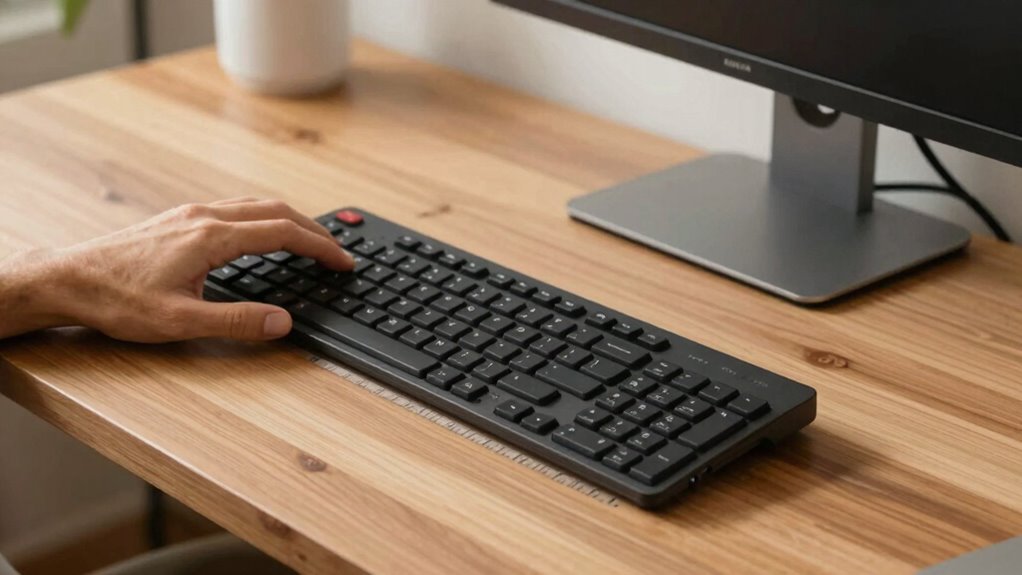
Finding the right distance between your desk and keyboard is essential for comfort and productivity. Proper desk ergonomics ensure you maintain good posture and reduce strain, especially during long work sessions. Your keyboard placement should allow your elbows to stay close to your sides and form roughly a 90-degree angle. Ideally, your keyboard should be positioned so that your wrists remain straight and relaxed. The screen height also plays a role, but for keyboard placement, aim for a distance where your hands can comfortably reach the keys without stretching or hunching forward. Keep your forearms parallel to the floor, and avoid pushing your hands too far forward or backward. Adjust your desk height or use a keyboard tray if necessary for ideal ergonomic positioning.
Why Most Desk Setups Are Wrong: And How It Affects Your Posture
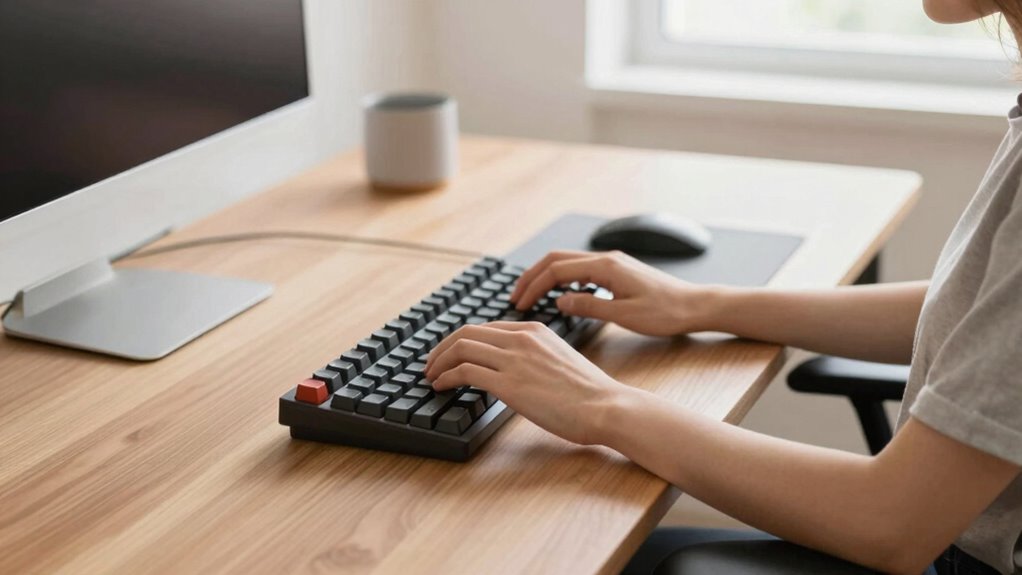
Many desk setups are off because of improper heights or poor ergonomic alignment. When your workspace isn’t adjusted correctly, it puts unnecessary strain on your neck, shoulders,, and back. These small mistakes can lead to discomfort and long-term posture issues. Proper desk ergonomics can help prevent these problems and promote better comfort during long hours of work. Additionally, understanding the ideal desk-to-keyboard distance can significantly improve your overall posture and reduce fatigue. Recognizing early warning signs of poor ergonomics can also help you make timely adjustments to prevent discomfort. An awareness of ergonomic principles can help you create a healthier and more sustainable workspace.
Improper Desk Heights
When your desk height isn’t aligned properly, it can quickly lead to poor posture and discomfort. An incorrect desk height affects your keyboard positioning and overall comfort. To get it right:
- Your elbows should be at a 90-degree angle when typing.
- The desk height should allow your forearms to be parallel to the floor.
- Your wrists should remain straight, not bent up or down.
- The keyboard should be positioned so your shoulders stay relaxed.
- Ensuring your workspace is ergonomically optimized can prevent long-term issues and promote better posture. Additionally, paying attention to ergonomic principles can enhance comfort and reduce strain during prolonged use.
If your desk is too high or low, it forces you to adjust your body unnaturally, causing strain. Proper desk height helps maintain neutral wrist and arm positions, reducing fatigue and preventing long-term issues. Focus on aligning your workspace for ideal ergonomic comfort.
Poor Ergonomic Alignment
Poor ergonomic alignment often goes unnoticed, yet it’s the main reason many desk setups cause discomfort and long-term health issues. When your desk, chair, and accessories aren’t aligned properly, it strains your neck, shoulders, and back. Your ergonomic footwear and desk mat considerations play a role here—wearing unsupportive shoes or using a hard desk surface can worsen posture problems. Proper alignment means your monitor is at eye level, your keyboard and mouse are positioned to keep your wrists straight, and your feet are flat on supportive footwear or a cushioned mat. Without this, you force your body into awkward positions, leading to fatigue and repetitive strain injuries. Correct ergonomic alignment ensures your body remains in a neutral, comfortable posture throughout your workday.
How to Measure and Set Your Desk-to-Keyboard Distance Correctly
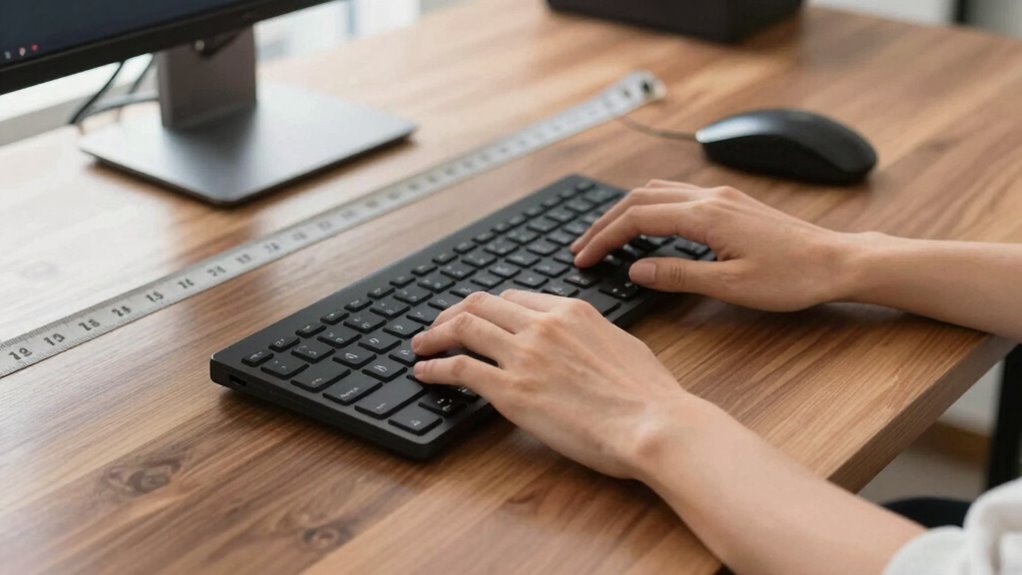
To set your ideal desk-to-keyboard distance, start by measuring from your seated elbow to the edge of the keyboard, ensuring it’s within the recommended range. Keep in mind that the perfect distance varies based on your comfort and posture, so adjustments might be necessary. Once you have a baseline, fine-tune the position to feel natural and strain-free during your work sessions. Additionally, maintaining an ergonomic setup can help optimize your comfort and reduce fatigue over time, especially considering home workspace ergonomics and how it impacts your overall well-being. Proper desk height adjustment can also contribute significantly to achieving a comfortable setup. Being mindful of ergonomic principles can help you develop better habits and prevent discomfort, making your workspace more sustainable for daily use. For example, incorporating ergonomic accessories like wrist rests or adjustable keyboard trays can further enhance your setup.
Proper Measuring Technique
Measuring your desk-to-keyboard distance accurately is essential for establishing a comfortable and ergonomic workspace. To do this effectively, follow these steps:
- Clear your workspace to ensure nothing interferes with measurement.
- Position your keyboard at your natural arm length, with your elbows at a 90-degree angle.
- Use a ruler or measuring tape to measure from the front edge of your desk to the front of your keyboard.
- Adjust your desk organization and ergonomic accessories, like wrist rests, to maintain this distance.
- Understanding ergonomic principles can help you optimize your setup for long-term comfort and health. Incorporating adaptive lighting and supporting circadian rhythms can also enhance your workspace environment and reduce eye strain. Being mindful of your posture throughout the day further supports long-term comfort. Regularly reviewing your setup ensures that your workspace remains aligned with ergonomic best practices, preventing discomfort over time.
This method guarantees your setup promotes proper posture and reduces strain. Consistent measurement helps you fine-tune your desk arrangement, making ergonomic accessories more effective. Accurate measurement is key to creating a workspace that supports long-term comfort and health.
Ideal Distance Range
Finding the ideal distance between your desk and keyboard guarantees your workspace supports comfortable, natural typing habits. According to ergonomic principles, the keyboard should be positioned so your elbows stay close to your body and your wrists remain neutral. To determine this, measure from your seated elbow height to the keyboard’s front edge, ensuring the height allows your forearms to be parallel to the floor. Use this table for guidance:
| Positioning Factor | Recommended Range |
|---|---|
| Elbow height to keyboard | 2-4 inches (5-10 cm) below elbow level |
| Wrist angle | Neutral, 0-15 degrees |
| Desk height | Adjusted for forearm parallel position |
Workspace customization based on these ergonomic principles maximizes comfort and reduces strain, ensuring your setup fits your unique body and tasks.
Adjusting for Comfort
Ensuring your keyboard is positioned correctly for comfort involves a simple but important process of measurement and adjustment. First, sit comfortably with your monitor on a riser to bring it to eye level. Next, follow these steps:
- Use ergonomic cushions if needed to support your wrists and maintain a neutral position.
- Measure the distance from your elbow to your keyboard, aiming for a slight downward angle.
- Adjust your desk or keyboard tray to make certain your keyboard is directly in front of you.
- Fine-tune the distance so your shoulders relax and your elbows stay close to your sides.
Common Desk Setup Mistakes That Cause Discomfort (And How to Avoid Them)
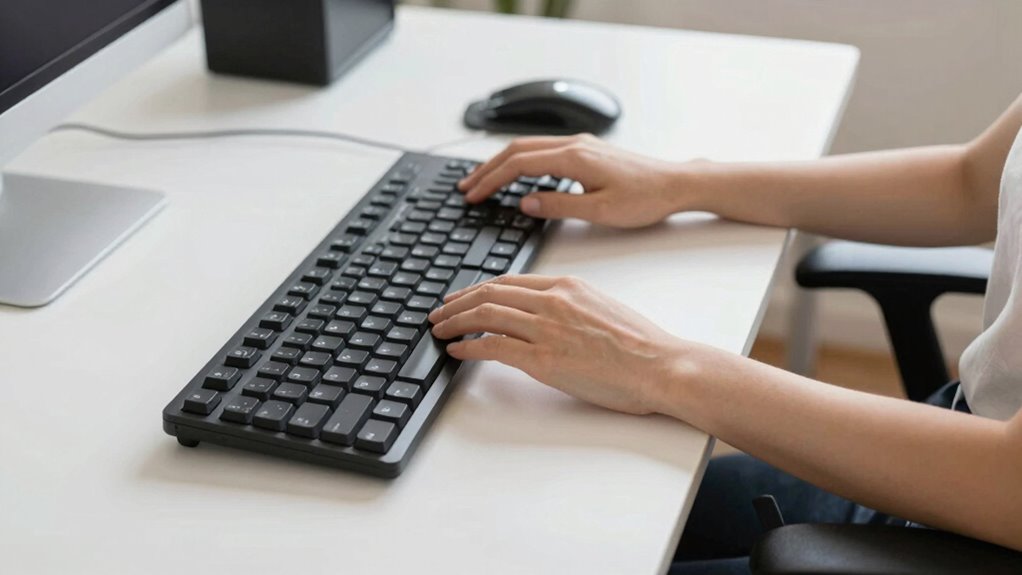
Many common desk setup mistakes stem from poor positioning that leads to discomfort over time. One frequent error is improper keyboard placement, which forces you to reach or awkwardly bend your wrists, causing strain. Ensuring your keyboard is at the right height helps maintain a neutral wrist position and reduces fatigue. Another mistake is setting your desk height too high or low, making it difficult to keep your elbows close to your body and your forearms parallel to the floor. These misalignments can lead to discomfort in your shoulders, neck, and wrists. To avoid these issues, adjust your desk so that your keyboard is level with your elbows, keeping your wrists straight and relaxed. Proper ergonomic setup promotes comfort and prevents long-term pain.
Signs Your Desk Height and Distance Are Hurting Your Health
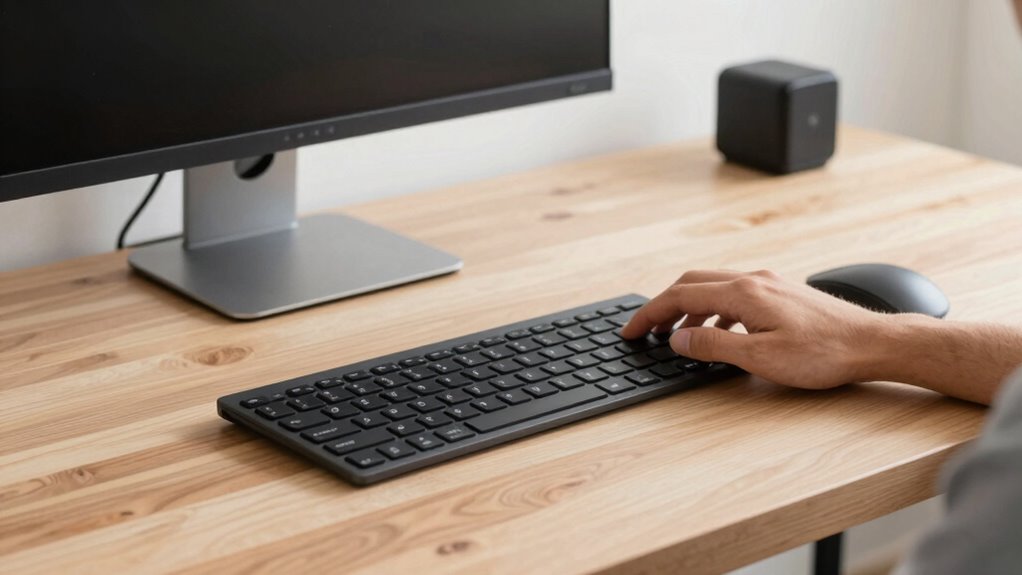
If your desk height and distance aren’t set correctly, you’ll likely start experiencing discomfort or pain after prolonged use. Poor keyboard positioning and desk ergonomics can cause signs that your setup is hurting your health. Look out for:
Incorrect desk height and positioning can lead to discomfort and health issues over time.
- Neck strain or stiffness from craning to see your screen.
- Shoulder pain due to reaching too far for your keyboard.
- Wrist discomfort or numbness from improper keyboard positioning.
- Back pain from sitting with poor lumbar support or uneven desk height. Maintaining an ergonomic workspace can significantly reduce these risks and improve overall comfort. Additionally, proper desk setup can help ensure your posture remains aligned and reduce strain over time. Regularly adjusting your desk ergonomics can further enhance comfort and prevent long-term issues. Being aware of subtle signs like muscle tension can also help you catch problems early before they become more serious.
Ensuring your workspace follows ergonomic principles can help prevent these issues and promote healthier, more comfortable work habits.
Essential Tools and Accessories to Improve Your Ergonomic Workspace
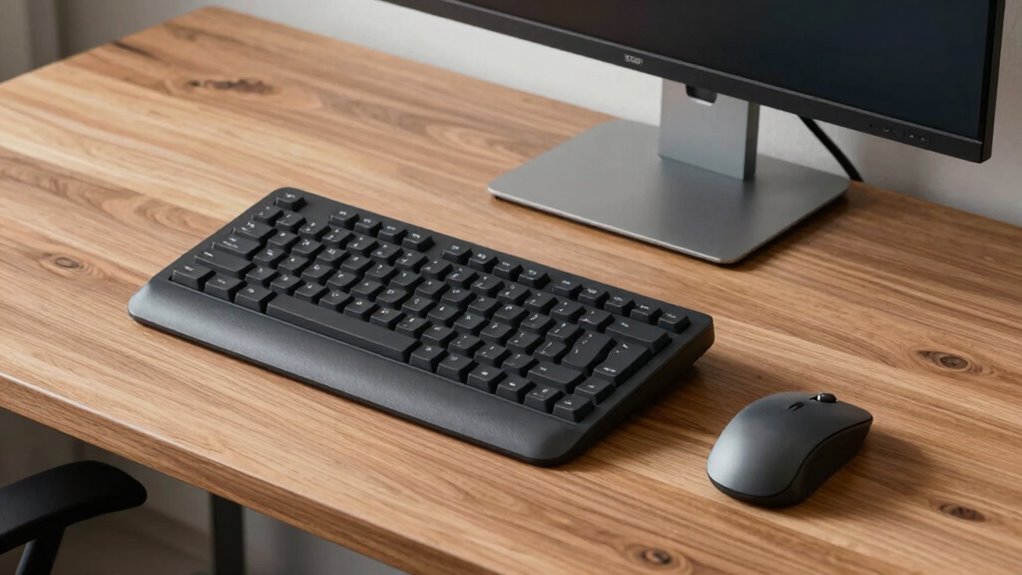
To create a more ergonomic workspace, incorporating the right tools and accessories can make a significant difference in your comfort and productivity. Ergonomic accessories like adjustable keyboard trays, monitor stands, and footrests help optimize your desk-to-keyboard distance and promote proper posture. These tools also support better workspace organization, reducing clutter that can cause discomfort or distraction. Consider using cable management solutions to keep cords tidy and accessible, preventing tangles and improving airflow. Anti-fatigue mats can boost comfort during long periods of standing or sitting. Small adjustments with ergonomic accessories not only enhance your physical well-being but also create a more efficient, organized environment that encourages focus and reduces strain. Proper workspace organization is essential for maintaining ergonomic principles throughout your workday. Additionally, understanding desk-to-keyboard distance and its impact on posture can help prevent musculoskeletal issues and improve overall comfort during work. Maintaining awareness of ergonomic principles ensures your workspace supports healthy movement and reduces the risk of injury. Incorporating adjustable workstations can further customize your setup to suit your unique ergonomic needs.
Tips for Maintaining Good Ergonomics During Long Work Sessions
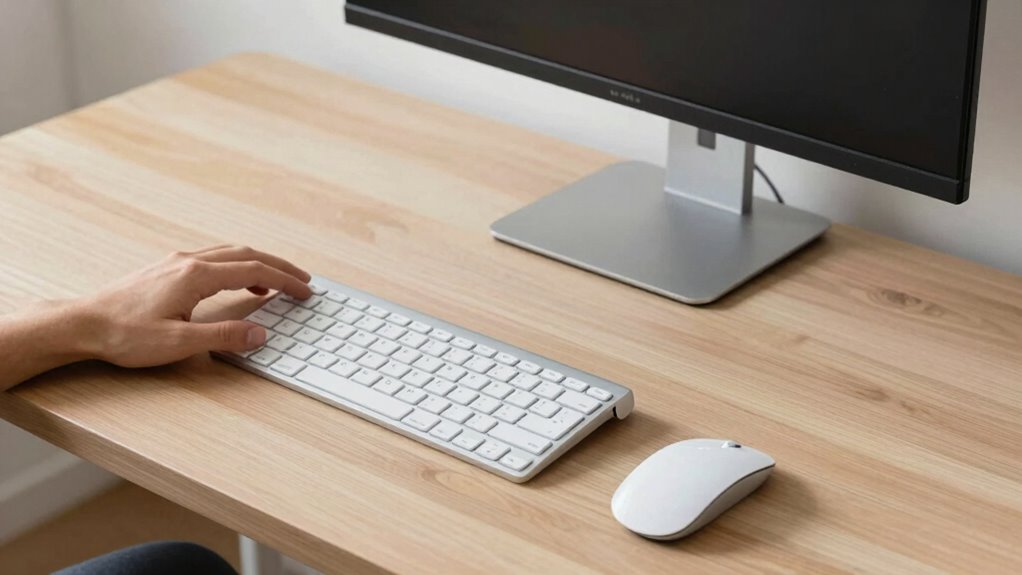
Prolonged work sessions can take a toll on your body if you don’t prioritize good ergonomics. To maintain proper posture correction and ideal keyboard positioning, follow these tips:
- Take regular breaks every 30 minutes to stretch and reset your posture.
- Keep your monitor at eye level to prevent neck strain and encourage proper alignment.
- Adjust your chair height so your feet rest flat on the floor and your knees are at a 90-degree angle.
- Position your keyboard directly in front of you, about an arm’s length away, ensuring your wrists stay straight and relaxed.
Sticking to these habits helps reduce fatigue, prevents discomfort, and keeps your body aligned during long work hours.
When to Seek Professional Ergonomic Advice for Your Desk Setup
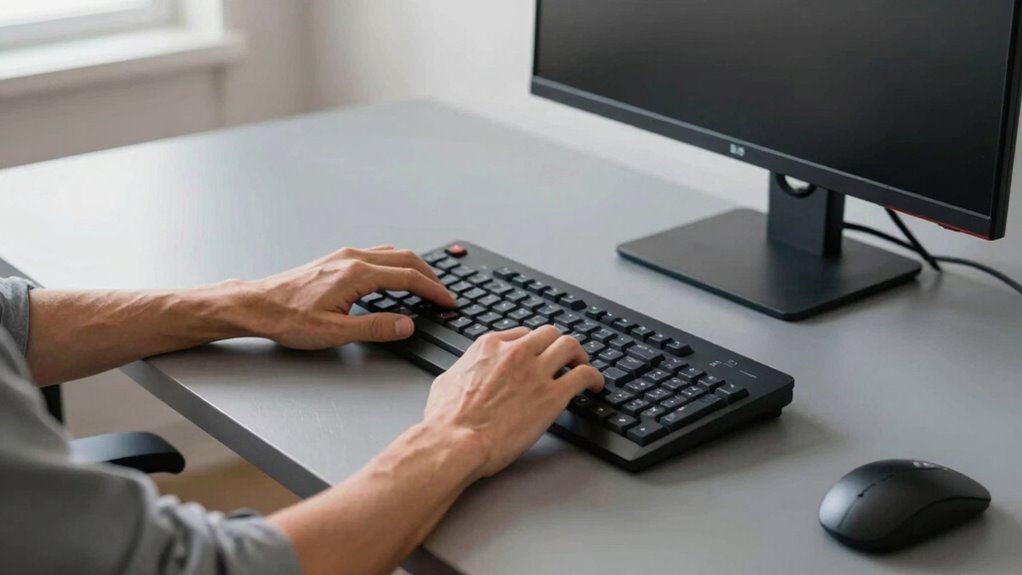
Paying attention to how your workspace feels over time is key to maintaining comfort and productivity. If you experience persistent discomfort, pain, or fatigue despite adjusting your desk setup, it’s time to seek professional ergonomic advice. An ergonomist specializes in office ergonomics and can evaluate your workstation health, identifying issues you might overlook. They can provide personalized recommendations for ideal desk-to-keyboard distance, chair height, and monitor placement. If your efforts to improve comfort aren’t working or if you’ve recently experienced repetitive strain injuries, consulting an expert is essential. Professional ergonomic advice ensures your workspace supports your body’s natural movements, reduces strain, and promotes long-term health. Don’t wait until discomfort becomes a serious problem—act early to protect your workstation health.
Creating a Comfortable, Healthy Workspace on Any Budget
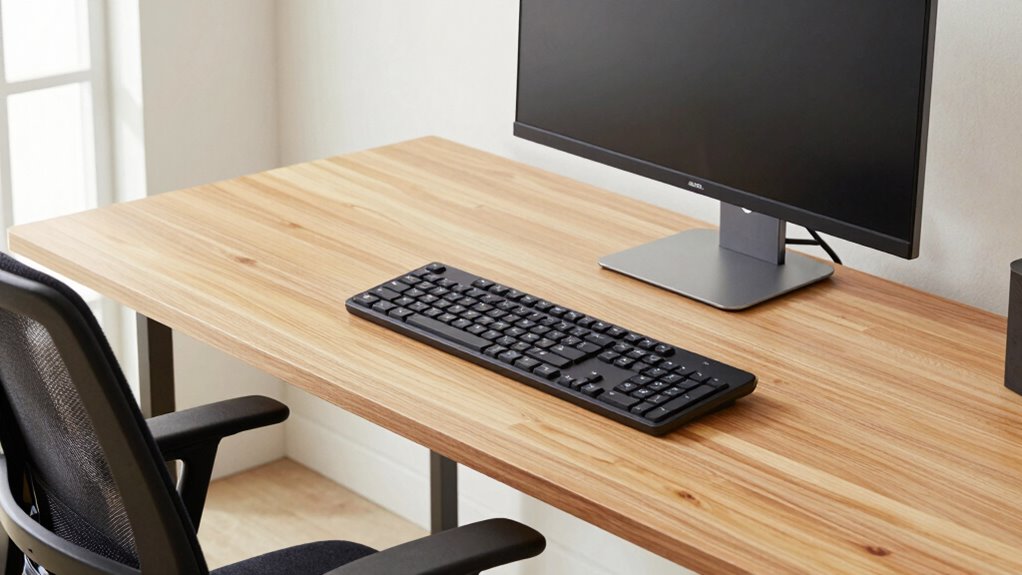
Creating a comfortable, healthy workspace doesn’t have to break the bank. You can improve your setup with simple, affordable tweaks focused on keyboard ergonomics and desk customization. First, invest in an ergonomic keyboard or wrist rest to reduce strain. Second, adjust your desk height so your elbows stay at a 90-degree angle. Third, add a monitor stand or stack books to raise your screen to eye level, encouraging better posture. Fourth, personalize your space with inexpensive accessories like an ergonomic mouse or supportive chair cushion. These small changes help prevent discomfort and support long-term health. You don’t need fancy equipment—just mindful adjustments to create a workspace that’s both comfortable and sustainable.
Frequently Asked Questions
How Often Should I Adjust My Desk Setup for Optimal Ergonomics?
You should check and adjust your desk setup weekly to maintain ideal ergonomics. Make sure your desk height allows your elbows to stay at a 90-degree angle and your chair positioning supports your lower back. Regular adjustments help prevent discomfort and strain, especially as you change activities or feel fatigue. Keep your monitor at eye level and your feet flat on the floor to promote good posture and reduce long-term health issues.
What Are the Best Ergonomic Accessories for Small Desks?
You might find that monitor stands and keyboard trays are your best allies on a small desk. Monitor stands lift your screen to eye level, freeing up space and reducing neck strain. Keyboard trays position your keyboard at an ideal height, preventing wrist discomfort. These accessories maximize limited space, keep your workspace organized, and promote better posture. With the right ergonomic tools, you’ll work comfortably and efficiently, even in tight spots.
Can Incorrect Desk Setup Cause Long-Term Health Issues?
Yes, an incorrect desk setup can cause long-term health issues. If you don’t maintain ergonomic posture, you risk developing musculoskeletal problems, eye strain, and repetitive strain injuries. Make sure your desk height adjustment allows your elbows to stay at a 90-degree angle and your monitor at eye level. Prioritizing proper ergonomic posture helps prevent these issues, ensuring comfort and long-term well-being during your work or study sessions.
How Do I Customize My Workspace for Different Tasks?
You can customize your workspace by adjusting lighting to reduce eye strain and setting your monitor height so your eyes are level with the top of the screen. For tasks requiring focus, dim the lighting and lower monitor brightness. When working on detailed projects, increase lighting and elevate your monitor for better ergonomics. These tweaks help you stay comfortable and productive across different tasks, preventing fatigue and discomfort.
Are There Ergonomic Guidelines for Standing Desks?
Standing desks are like a well-tuned instrument—you need the right setup. Follow ergonomic guidelines for standing desks by adjusting height so your elbows are at a 90-degree angle and your monitor at eye level. Incorporate standing desk considerations like anti-fatigue mats and alternating between sitting and standing. Use ergonomic posture tips to keep your neck straight and shoulders relaxed, reducing strain and promoting comfort throughout your workday.
Conclusion
Imagine your workspace as a sanctuary where comfort and health flow seamlessly. When your desk-to-keyboard distance feels just right, you’ll glide through your day like a gentle breeze, free from tension and fatigue. Small adjustments can transform a cluttered, uncomfortable setup into a soothing retreat for your body. Prioritize your posture, tweak your space, and embrace the harmony of an ergonomic workspace—you’ll feel the difference with every keystroke and every peaceful breath.