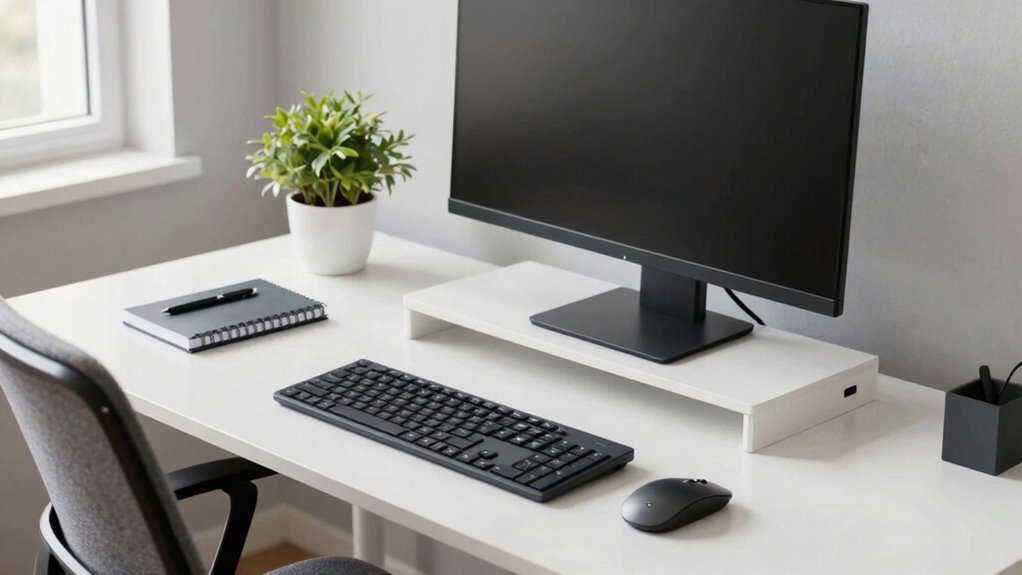
Stay informed on signs that indicate you need a heavy-duty monitor arm to ensure stability and safety for your large or heavy display.
Browsing Tag
ergonomic setup
25 posts
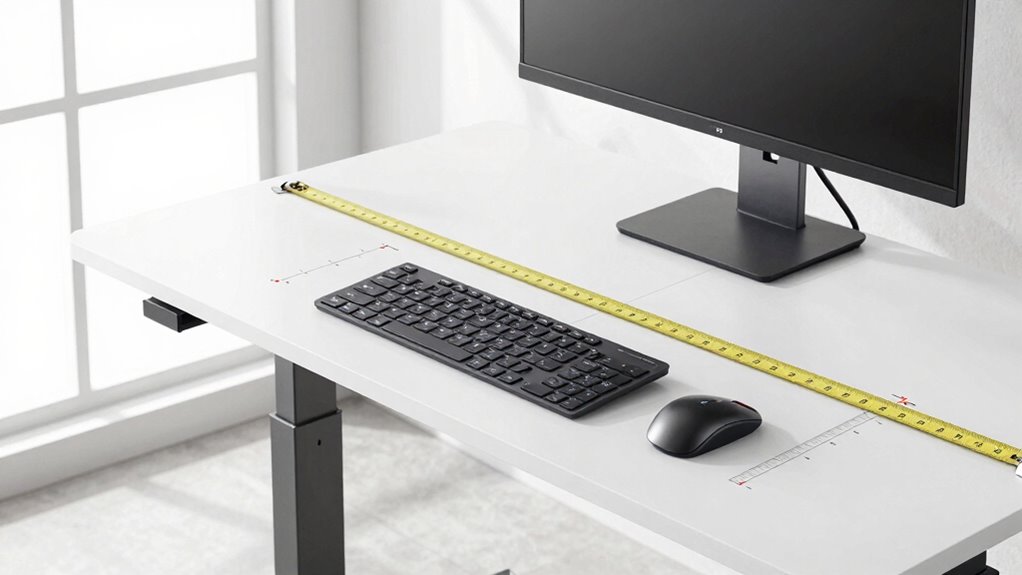
The Measurements to Take Before Buying Any Standing Desk Setup
Before buying a standing desk setup, understand the key measurements to ensure ergonomic comfort and prevent discomfort—you won’t want to miss these essential tips.
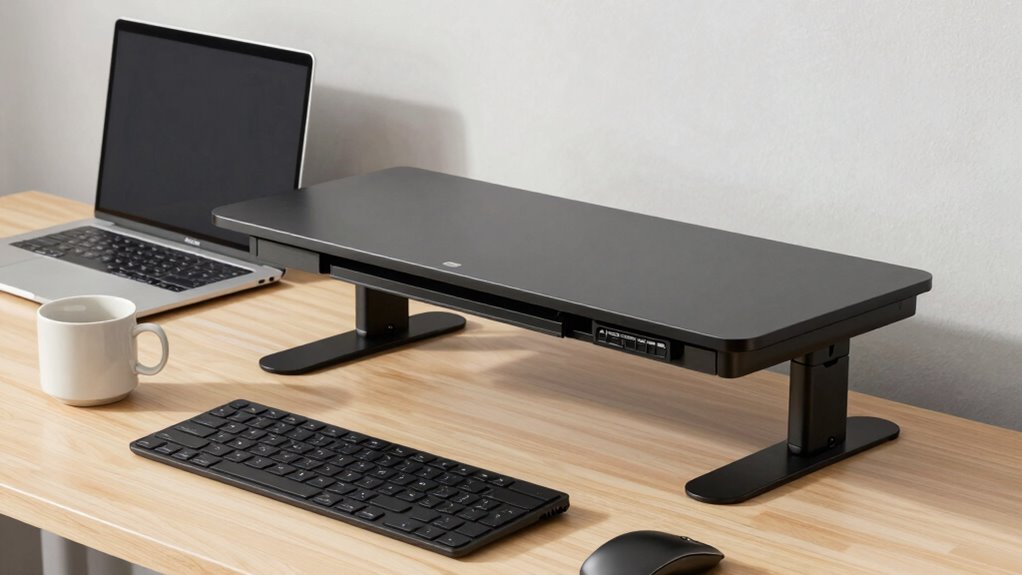
When a Desk Converter Makes More Sense Than a Full Desk
Great for small spaces and quick adjustments, a desk converter might be the smarter choice—discover why it could be perfect for your workspace.
A Better Workstation Starts With This “Top-Down” Setup Check
Great workstation setups begin with a top-down check—discover how small adjustments can significantly boost your comfort and productivity.
Keyboard Trays: When They Help and When They Don’t
Because proper setup is crucial, discover when keyboard trays enhance comfort and when they fall short to avoid ergonomic pitfalls.
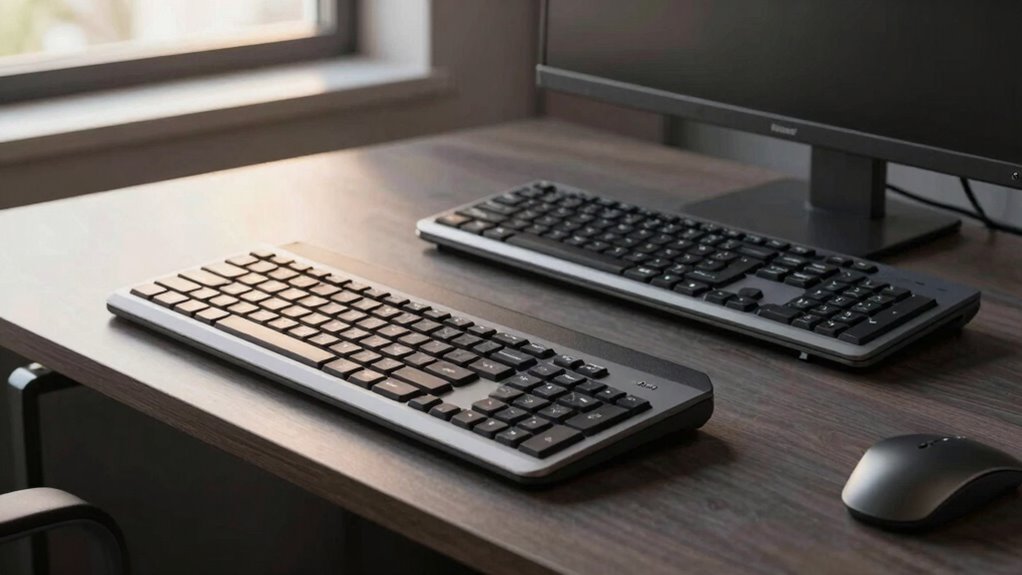
Keyboard Placement Errors That Quietly Wreck Long Work Sessions
Narrowing your focus on keyboard placement errors can reveal hidden risks that silently undermine your comfort and productivity during long work sessions.
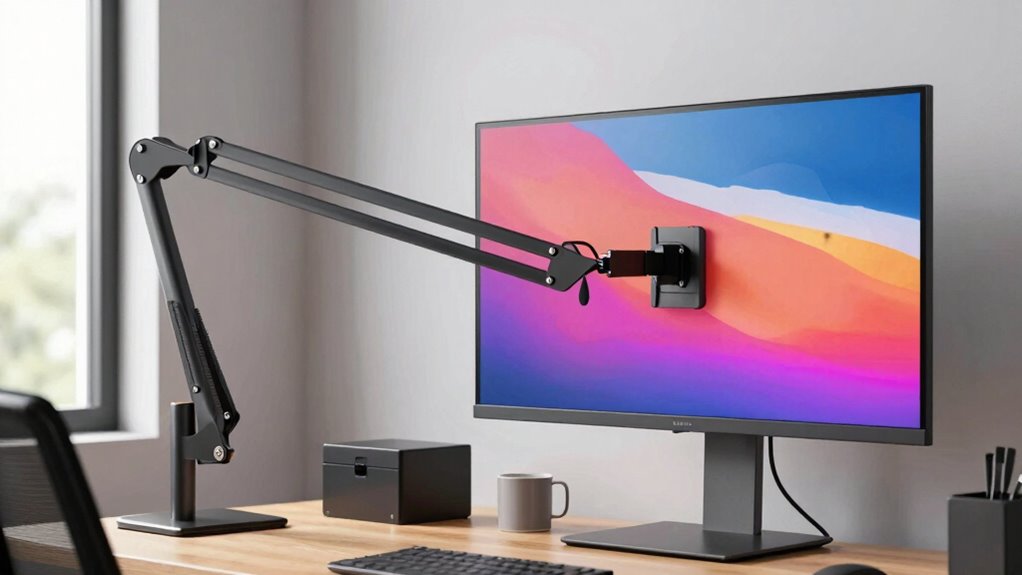
How to Know if You Need a Heavy Duty Monitor Arm
Theoretically, if your monitor feels unstable or sags, a heavy-duty monitor arm might be necessary to ensure safety and comfort—discover how to tell if you need one.
When a Desk Converter Makes More Sense Than a Full Standing Desk
Boost your workspace flexibility with a desk converter—discover when it’s the smarter choice over a full standing desk to improve comfort and save space.
The Screen + Lamp Angle That Cuts Glare Fast
Glare can be reduced quickly by optimizing your screen and lamp angles—discover the simple adjustments that make a big difference in eye comfort.
Hotel Desk Setup: The 3-Minute Ergonomics Fix
Just three minutes to perfect your hotel workspace—discover how to set up an ergonomic desk that keeps you comfortable and productive throughout your stay.