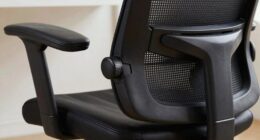
If your feet go numb at your desk, it’s likely caused by prolonged pressure on nerves or blood vessels from an improper setup. Sitting in awkward positions, crossing legs for too long, or using unadjusted furniture can restrict circulation and nerve signals. Wearing tight shoes or footwear lacking support also contributes. Ensuring your workstation is ergonomic, with proper foot support and regular movement, can help. To learn how to prevent this effectively, keep exploring tips and setup adjustments.
Key Takeaways
- Prolonged pressure on nerves or blood vessels from poor sitting posture can cause foot numbness.
- Unsuitable chairs or improper desk height restrict circulation, leading to numb feet.
- Crossing legs for extended periods reduces blood flow and compresses nerves.
- Shoes that fit too tightly or have narrow toe boxes restrict circulation and cause numbness.
- Lack of movement or infrequent breaks decreases blood flow, increasing the risk of numb feet.
Why Do My Feet Go Numb at My Desk?
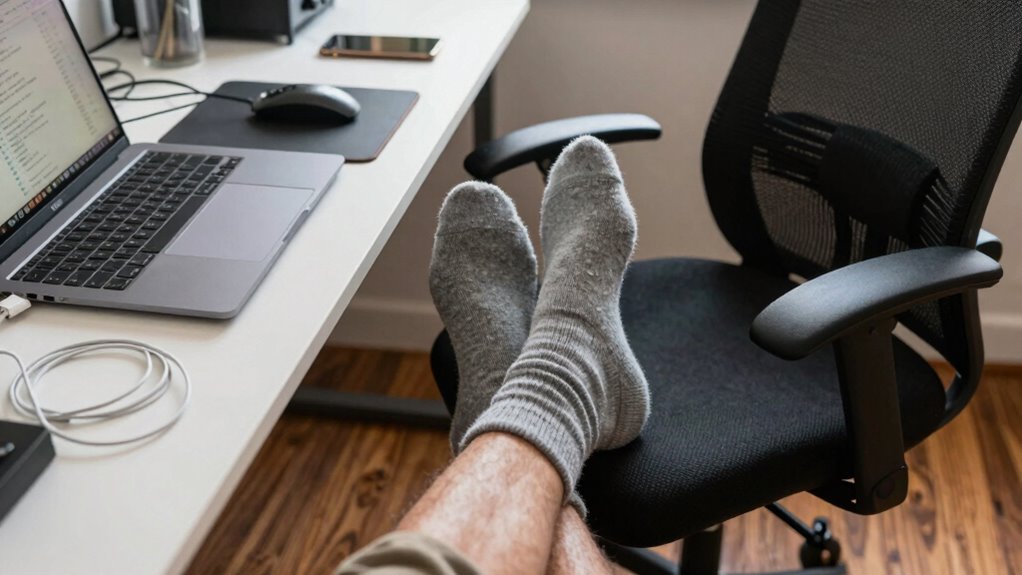
Feet often go numb at your desk because of prolonged pressure on nerves or blood vessels in your legs and feet. Sitting in an awkward position or using an unsuitable chair can restrict circulation, leading to numbness. To prevent this, consider ergonomic accessories like footrests, which help elevate your feet and reduce strain. Regularly shifting your position or doing foot massages can boost blood flow and alleviate numbness. Incorporating foot massage techniques or using a foot massager during breaks can relax muscles and improve circulation. Ensuring your feet are supported properly and avoiding prolonged pressure points is key. Small adjustments, such as adding supportive accessories, make a big difference in keeping your feet comfortable and reducing numbness during long work sessions. Stretching exercises can also promote better circulation and help prevent numbness. Paying attention to circulatory health can further improve overall comfort during extended sitting periods. Additionally, maintaining good posture can significantly reduce the risk of numbness by preventing unnecessary pressure on nerves and blood vessels. Engaging in regular movement can also prevent stiffness and enhance overall muscle flexibility.
How Proper Desk and Chair Positioning Can Help
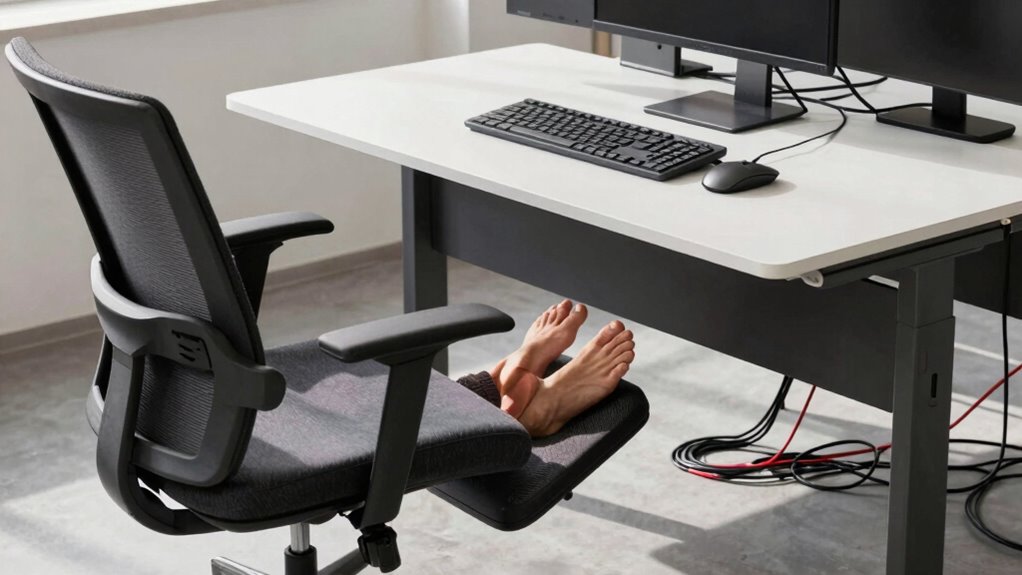
Proper desk and chair positioning can substantially reduce the chances of your feet going numb by minimizing pressure on nerves and blood vessels. To achieve an ergonomic posture, focus on making chair adjustments so your feet rest flat on the floor. Keep your knees at a 90-degree angle, and your hips level with your knees. Sit back fully in your chair, ensuring proper lumbar support. Position your monitor at eye level, and keep your shoulders relaxed. Regularly check your setup to prevent strain. Remember, small adjustments make a big difference in circulation and nerve health. Here are tips to optimize your setup:
- Adjust chair height for feet flat on the ground
- Use a footrest if needed
- Keep knees at a right angle
- Maintain a neutral spine position
- Ensure your monitor is at eye level
- Incorporate ergonomic adjustments into your routine to enhance comfort and prevent numbness. Being mindful of posture alignment can also help maintain proper circulation and reduce discomfort during long periods of sitting. Additionally, practicing movement breaks throughout the day can further improve blood flow and nerve function.
Improving Circulation to Prevent Foot Numbness
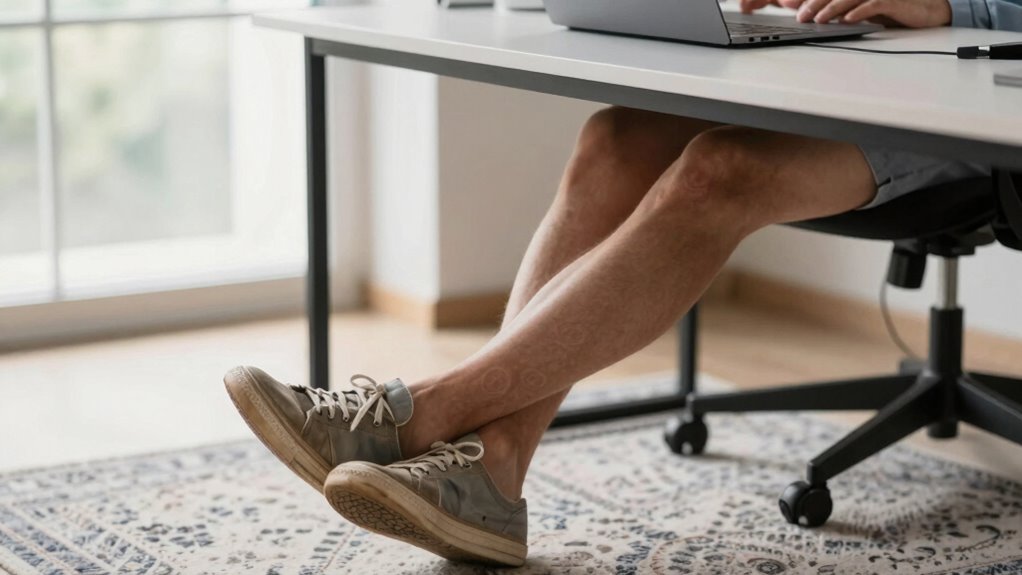
To prevent foot numbness caused by poor circulation, it is vital to incorporate movement into your routine and adopt habits that promote blood flow. Regularly stretching your ankles and calves helps reduce ankle swelling and encourages circulation. Taking short breaks to stand and walk around every 30 minutes keeps blood flowing and prevents foot cramps. Avoid crossing your legs for long periods, as this can restrict circulation and contribute to numbness. Wearing compression socks can also help manage ankle swelling and improve blood flow. Staying hydrated supports healthy circulation, reducing the risk of numbness and discomfort. Additionally, ensuring your workspace setup minimizes electrical hazards can help prevent circulation issues related to underlying health conditions. Proper ergonomic setup can reduce strain and improve overall blood flow. Incorporating healthy ergonomic practices into your daily routine can further enhance circulation and comfort. Paying attention to proper posture can also prevent unnecessary pressure on your legs and feet, promoting better blood flow. Making these small adjustments ensures your feet receive enough blood, reducing numbness and keeping you comfortable during long hours at your desk.
Workspace Clutter and Pressure Points That Cause Numbness
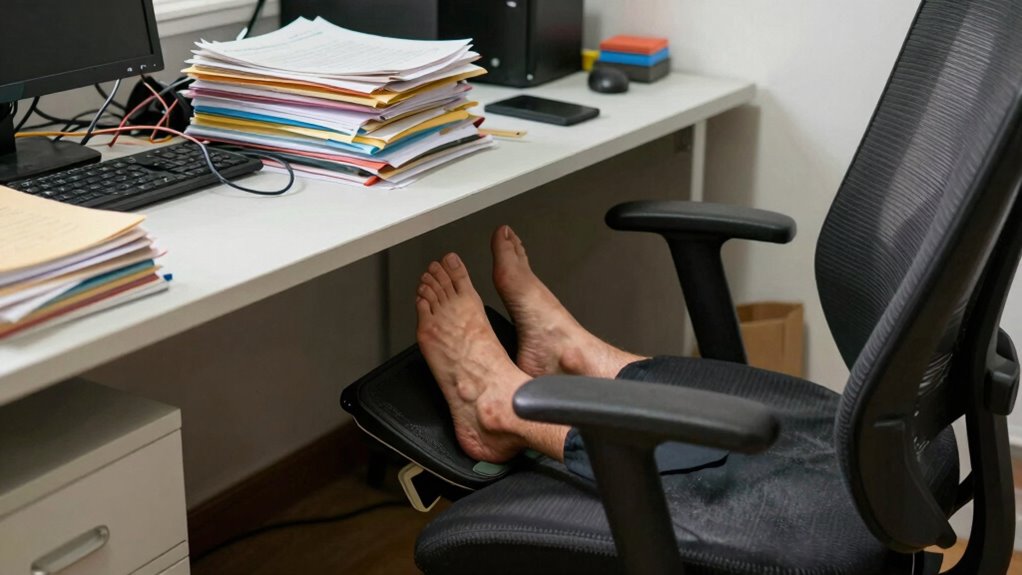
A cluttered workspace can block airflow and restrict your movement, leading to pressure points that cause numbness. Tight footwear or improper seat height can also put unnecessary strain on your feet and legs. Adjusting these factors helps reduce pressure and improves circulation, preventing numbness during long work hours. Incorporating ergonomic free floating accessories can further alleviate stress on your body. Additionally, understanding ergonomic principles can guide you in setting up a healthier workspace that minimizes discomfort, especially when combined with proper tool organization to maintain a safe and efficient environment.
Cluttered Workspace Obstructions
Cluttered workspaces can considerably contribute to feet numbness by creating pressure points that restrict proper circulation. When your desk is overloaded with unnecessary items, you might inadvertently press against your legs or feet, cutting off blood flow. Additionally, cluttered desk accessories can block airflow or force you into awkward positions. Ineffective lighting arrangements may cause you to lean forward or adopt strained postures, further compressing nerves. To prevent this, keep your workspace organized, removing excess clutter. Use minimal desk accessories to reduce obstructions. Arrange lighting to avoid glare that causes you to shift awkwardly. Maintain clear pathways for your legs and feet, ensuring no objects press against them. Proper Ergonomic setup can significantly improve comfort and prevent nerve compression. Incorporating proper furniture placement can also enhance overall posture and reduce pressure points. Ensuring your workspace has adequate circulation is essential for maintaining foot health during extended periods of sitting. Additionally, adjusting your desk height and chair position can help promote better blood flow and reduce numbness. Regularly stretching and movement during breaks can also improve circulation and lessen discomfort.
Tight Footwear Pressure
Have you ever noticed numbness in your feet after a long day? Tight footwear can be a major culprit. Shoes that fit too snugly put pressure on your heels, causing heel pressure that cuts off circulation. Similarly, toe constriction from shoes with narrow toe boxes compresses your toes, leading to numbness and tingling. Over time, this constant pressure restricts blood flow and nerve signals, making your feet feel numb or cold. Avoid shoes that squeeze your feet or have overly tight straps. Opt for footwear with a wider toe box and proper arch support. Ensuring your shoes fit well not only prevents discomfort but also helps maintain healthy circulation, reducing the chances of numbness during long hours at your desk. Additionally, choosing properly fitted footwear can significantly improve overall foot health and circulation. Proper air circulation around your feet is essential for preventing numbness and promoting overall comfort. Maintaining good foot health and ensuring proper fit can further mitigate pressure points that lead to numbness.
Improper Seat Height
Tight shoes can restrict circulation and cause numbness, but an improper seat height at your desk can also contribute to discomfort and tingling sensations. When your chair isn’t adjusted correctly, it puts pressure on your legs and feet, leading to numbness over time. To improve your setup, consider using ergonomic accessories like footrests or adjustable chairs to support proper alignment. Keep your workspace tidy to prevent pressure points caused by clutter. Regularly stretch and shift your position to promote circulation. For added relief, incorporate foot massage tools or exercises to stimulate blood flow. Ensuring your seat height allows your feet to rest flat on the ground or a footrest helps prevent numbness and keeps your legs comfortable throughout the day.
- Use ergonomic accessories like footrests for better support
- Keep your workspace clutter-free to avoid pressure points
- Adjust your chair to keep feet flat on the ground
- Take frequent breaks to stretch and move
- Incorporate foot massage or exercises to boost circulation
Foot Placement Tips for Comfort During Long Hours
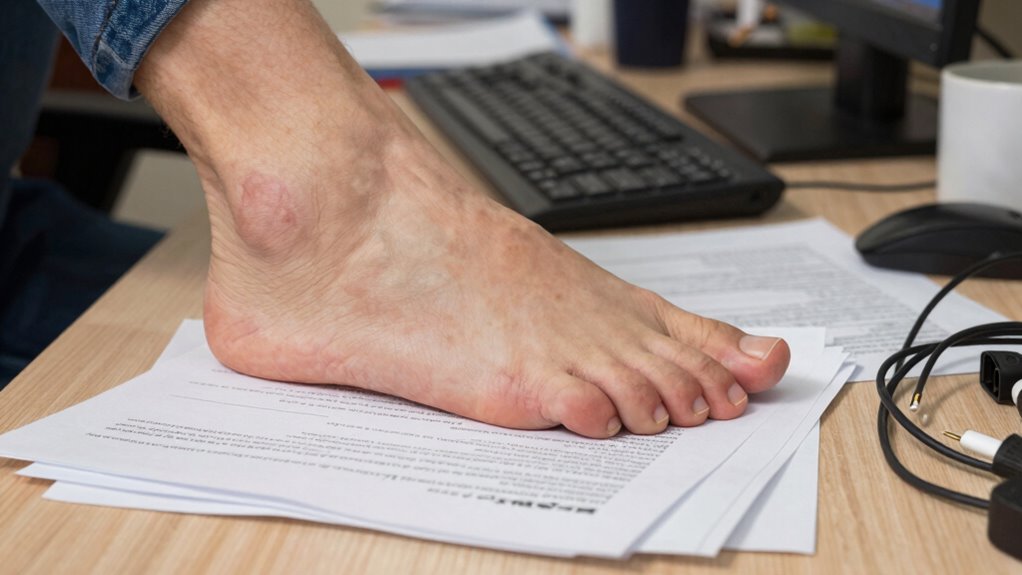
To keep your feet comfortable during long hours at a desk, proper foot placement is essential. Start by ensuring your feet are flat on the ground or on foot cushions if your desk height doesn’t allow it. Regular ankle stretches can improve circulation and prevent stiffness, so take brief breaks to rotate your ankles or flex your feet. Position your feet so they’re supported evenly, avoiding crossing your legs for extended periods. Adjust your chair height so your knees are roughly level with your hips. Using foot cushions can help elevate your feet slightly, reducing pressure and promoting better blood flow. Remember, small adjustments like these can markedly reduce numbness and discomfort, making your workday more comfortable.
Footwear and Support to Keep Your Feet Happy
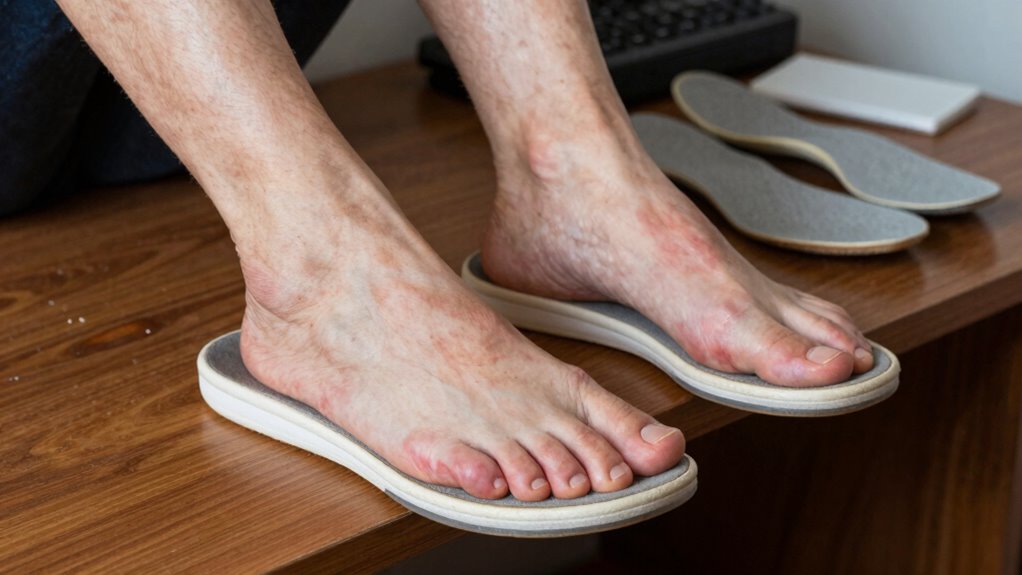
Wearing supportive footwear is key to maintaining comfort and preventing foot numbness during long hours at your desk. Proper shoes, with good arch support and cushioning, help reduce pressure on nerves and improve circulation. Consider using orthotic insoles to customize your support, especially if you have flat feet or high arches. Supportive footwear can also prevent fatigue and discomfort that contribute to numbness. To maximize comfort, look for shoes that fit well and provide stability. Here are some tips to keep your feet happy:
Supportive footwear with proper arch support and cushioning prevents foot numbness during long desk hours.
- Choose shoes with firm midsoles
- Use orthotic insoles tailored for your foot type
- Opt for shoes with a wide toe box
- Avoid overly tight footwear
- Replace worn-out shoes promptly
Proper footwear supports your feet and reduces pressure points that cause numbness.
Easy Desk Setup Changes for Better Foot Comfort
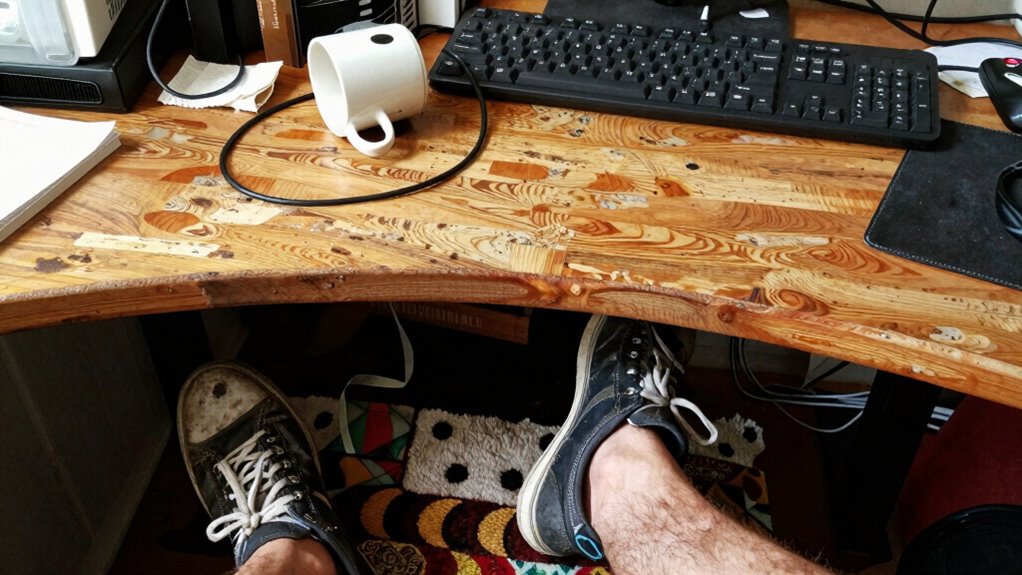
Adjusting your desk setup can considerably improve foot comfort during long hours at work. Start by using ergonomic accessories like adjustable footrests, which help maintain proper leg and foot positioning, reducing numbness. Elevating your feet slightly or using a cushioned mat can also improve circulation. Incorporate simple foot massage techniques during breaks, such as rolling a tennis ball under your feet or stretching your toes, to relieve tension and promote blood flow. Confirm your chair height allows your feet to rest flat on the floor or footrest comfortably. Keep your workspace organized so your feet aren’t cramped or pressed against sharp edges. Making these small changes can prevent numbness and make your workday more comfortable and productive.
When to Consult a Doctor for Persistent Foot Numbness
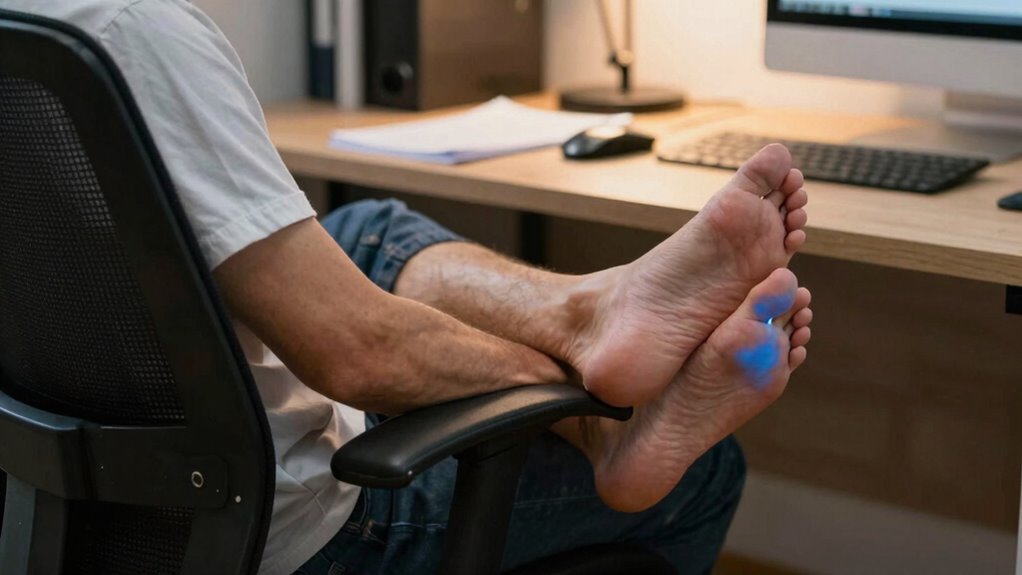
Persistent foot numbness that lasts beyond a few minutes or occurs regularly should never be ignored. If you notice persistent numbness symptoms or develop chronic foot pain, it’s time to see a doctor. Seek medical advice if the numbness:
Don’t ignore ongoing foot numbness—see a doctor if symptoms persist or worsen.
- Persists despite adjusting your workspace
- Is accompanied by weakness or tingling
- Comes with severe pain or swelling
- Occurs alongside other symptoms like dizziness or chest pain
- Worsens over time or spreads to other areas
Ignoring these signs can lead to nerve damage or underlying health issues like diabetes or circulation problems. A healthcare professional can diagnose the cause and recommend appropriate treatment. Don’t delay if your foot numbness persists or worsens—early intervention can prevent complications.
Frequently Asked Questions
Can Foot Numbness Be a Sign of a Serious Health Condition?
Yes, foot numbness can be a sign of a serious health condition, such as nerve damage or circulatory issues. If you notice persistent or worsening numbness, it’s important to see a healthcare professional promptly. These symptoms might indicate underlying problems that need treatment, especially if accompanied by pain, weakness, or color changes in your feet. Ignoring these signs could lead to more serious complications, so get checked out soon.
How Often Should I Take Breaks to Prevent Foot Numbness?
Imagine you’re in a Shakespearean play—timing is everything. To prevent foot numbness, take breaks every 30 to 60 minutes. During these breaks, adjust your ergonomic chair to support proper posture, and incorporate foot stretching routines to boost circulation. Moving around helps prevent numbness and discomfort. Keep this rhythm, and you’ll maintain better comfort and reduce the risk of long-term issues from prolonged sitting at your desk.
Are There Specific Exercises to Improve Foot Circulation During Work?
You can improve foot circulation during work with simple exercises like foot stretching and circulation exercises. Try rolling your ankles in circles, flexing and pointing your toes, or stretching your arches regularly. These movements boost blood flow and reduce numbness. Every hour, take a quick break to do these exercises, which help keep your feet healthy and prevent discomfort caused by prolonged sitting.
Does Standing Desk Use Reduce the Risk of Foot Numbness?
Using a standing desk can diminish your risk of foot numbness by promoting better ergonomic benefits and encouraging movement. While some worry it may cause fatigue, standing helps improve circulation and supports posture correction. Just make sure to alternate between sitting and standing, and wear comfortable shoes. This balance ensures you stay energized, reduce numbness, and maintain proper alignment during your workday.
What Types of Footwear Are Best for Long Hours at a Desk?
You should wear orthopedic shoes with supportive insoles for long hours at a desk. These shoes provide proper arch support and cushioning, reducing pressure on your feet and preventing numbness. Avoid tight or unsupportive footwear, as they can restrict circulation. Opt for well-fitting shoes that promote comfort and stability, helping you stay comfortable and focused throughout your workday.
Conclusion
Remember, a stitch in time saves nine—pay attention to your workspace setup now to avoid discomfort later. By adjusting your chair, foot placement, and taking regular breaks, you can keep your feet happy and circulation flowing. Don’t ignore persistent numbness; it’s better to address issues early. Small changes can make a big difference, so stay proactive and prioritize your comfort. After all, a healthy body supports a productive day.