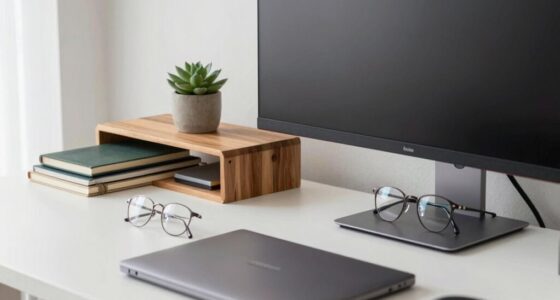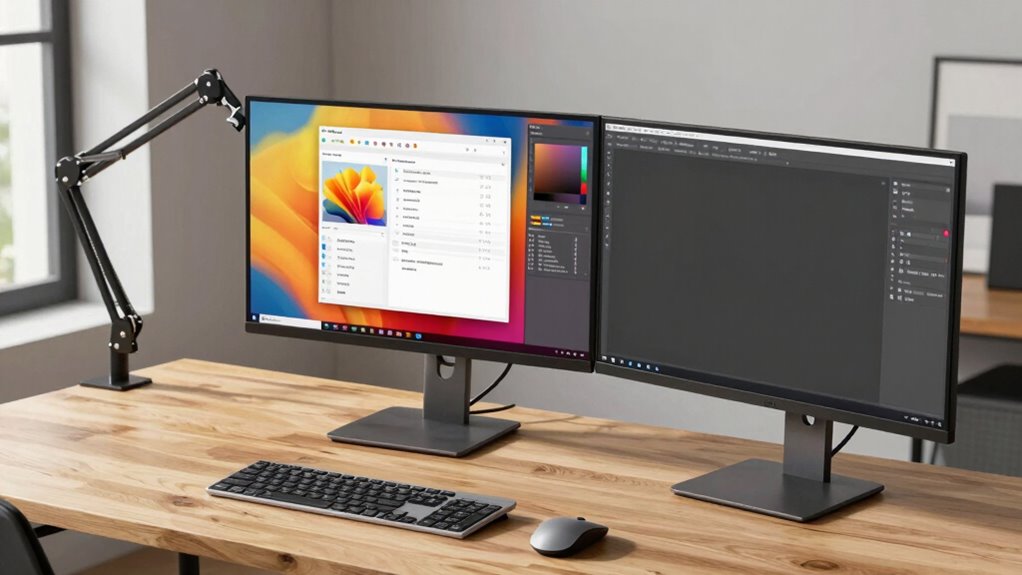

To prevent neck strain with two screens, choose your main display based on your workflow and comfort. Place it directly in front at eye level, about an arm’s length away, and confirm it’s slightly lower than eye height to promote natural posture. Position the secondary screen at a comfortable angle to avoid unnecessary neck twisting. Proper setup is key, and staying mindful of ergonomic principles will help keep your neck relaxed—keep going to learn more tips.
Key Takeaways
- Position the primary screen directly in front at eye level to minimize neck movement.
- Use ergonomic adjustments like stands or monitor arms to align screens at the same height.
- Place the main screen at an arm’s length distance for comfortable viewing and reduced strain.
- Ensure the secondary screen is angled slightly to the side, maintaining a neutral neck position.
- Prioritize the primary screen for tasks requiring focus to promote natural posture and reduce fatigue.
Why Choosing the Right Main Screen Is Critical for Neck Comfort and Productivity
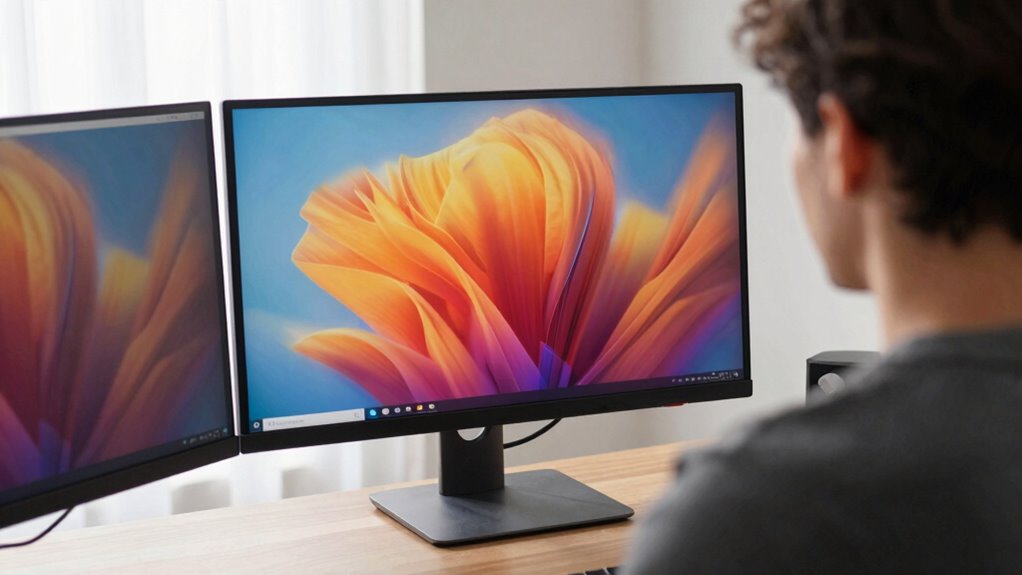
Choosing the right main screen is essential because it directly impacts your neck comfort and overall productivity. When you select a screen that promotes ergonomic posture, you reduce strain on your neck and shoulders, preventing discomfort and long-term injuries. Visual ergonomics plays a key role here; an appropriately positioned screen minimizes eye strain and encourages proper alignment. If your main screen is too high or too low, you’ll likely hunch or stretch awkwardly, leading to fatigue. Proper screen placement can prevent unnecessary muscle tension and improve your focus throughout the day. The right choice helps you maintain a natural, relaxed posture, allowing you to focus longer without discomfort. Additionally, understanding ergonomic principles can guide you in optimizing your workspace setup for maximum comfort. Paying attention to display brightness and contrast settings further reduces eye strain during extended use. Supporting sustainable practices in your workspace, such as adjustable setups, can also contribute to ongoing ergonomic benefits. Prioritizing ergonomic and visual ergonomics ensures your workspace supports your health and keeps your productivity high. Making this decision carefully is a crucial step toward a healthier, more efficient work setup.
How to Decide Which Screen Should Be Your Primary Display
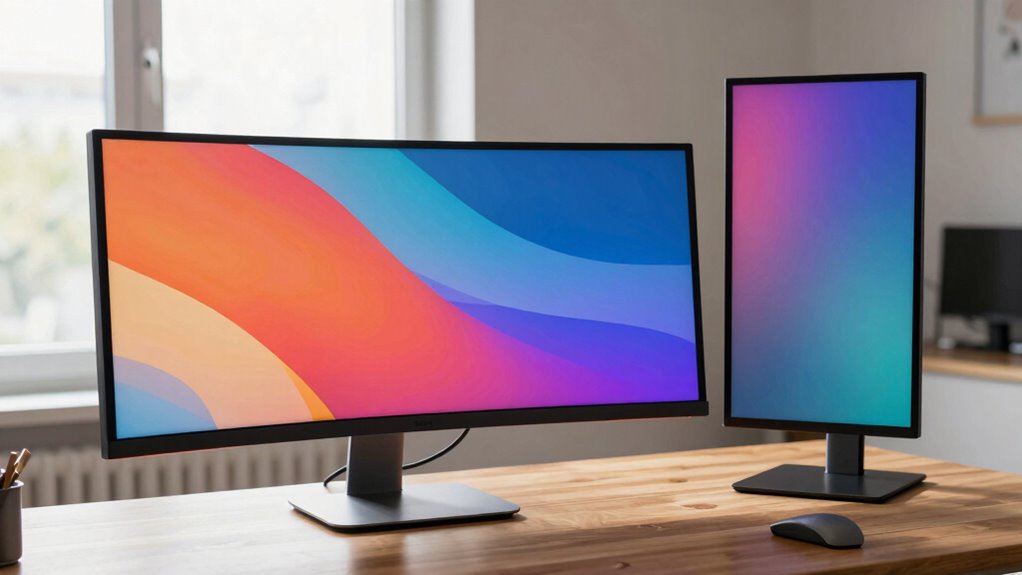
Deciding which screen should be your primary display depends on how you work and what tasks you perform most frequently. Your monitor placement plays a key role in this decision—place your main screen where it’s easiest to view without straining your neck. Consider the screen size; a larger monitor can serve as your primary if you often multitask or need detailed visuals, while a smaller one might suffice for less intensive tasks. Think about your workflow: if you regularly reference documents or tools, position that screen centrally at eye level. The goal is to minimize neck movement and optimize efficiency. Additionally, understanding ergonomic principles can inspire ergonomic choices that promote overall well-being. Proper monitor positioning can also help prevent discomfort and long-term strain. Paying attention to ergonomic setup ensures your workspace supports your health and productivity. Recognizing the importance of visual ergonomics can further enhance your comfort during prolonged computer use. By evaluating your typical tasks and adjusting monitor placement accordingly, you’ll ensure your main screen supports both comfort and productivity.
Setting Up Your Main Screen for the Best Ergonomic Health
To promote ideal ergonomic health, setting up your main screen correctly is essential. First, use ergonomic accessories like adjustable stands or monitor arms to position your screen at eye level. This prevents neck strain and encourages good posture. Make sure the screen is directly in front of you, about an arm’s length away, with the top of the display slightly below eye level. Don’t forget to perform screen calibration to optimize brightness, contrast, and color accuracy, reducing eye fatigue. Proper positioning minimizes neck and shoulder discomfort and enhances focus. Adjust your setup until your eyes naturally rest on the middle of the screen without tilting your head. monitor placement plays a crucial role in maintaining ergonomic health and preventing strain. Regularly review your setup to ensure continued comfort, and prioritize ergonomic accessories to support sustainable health during long work sessions. Additionally, proper lighting can reduce glare and further improve your ergonomic environment. Incorporating ergonomic principles, such as proper desk height and seating adjustments, can also greatly improve your overall comfort. Being mindful of your ergonomic setup helps prevent long-term musculoskeletal issues and promotes productivity. Incorporating adjustable furniture can further enhance your ergonomic posture and comfort throughout the day.
Managing Multiple Screens Without Neck Strain: Tips and Tricks
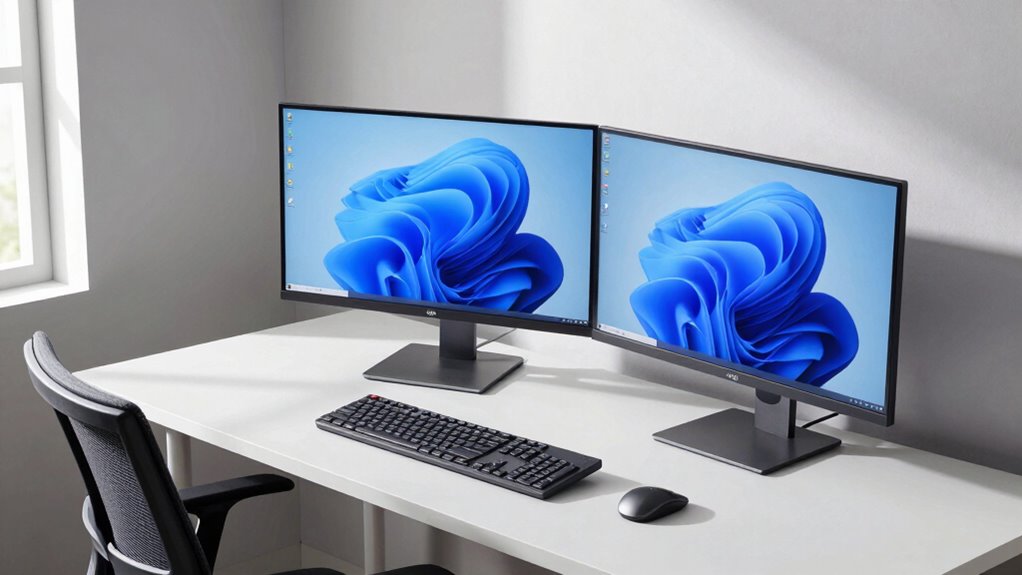
Managing multiple screens effectively requires careful positioning to prevent neck strain. Start by setting your screens at eye level so your neck remains in a neutral position, reducing tension. Adjust each screen’s height to ensure the top of the display aligns with your gaze, avoiding downward or upward tilting. Maintain a comfortable viewing distance, typically about an arm’s length, to prevent eye strain and awkward neck movements. When working with two screens, position the primary screen directly in front of you, with the secondary slightly angled to the side, minimizing excessive turning of your neck. Regularly check your posture and make small adjustments to screen height and distance. Incorporating ergonomic screen setups can further help optimize comfort and reduce strain during long hours of multitasking. Additionally, using proper monitor placement techniques can significantly enhance your overall ergonomic comfort. These simple tips help guarantee your neck stays relaxed, even during extended periods of work.
Common Mistakes to Avoid When Selecting and Positioning Your Main Screen
Choosing the wrong main screen or positioning it improperly can lead to discomfort and decreased productivity. Common ergonomic pitfalls include placing the screen too high, too low, or too close, causing neck strain and eye fatigue. Avoid improper positioning by ensuring your main screen is at eye level, about an arm’s length away, and directly in front of you. Neglecting these details can cause poor posture and unnecessary muscle tension. Don’t overlook the importance of adjusting tilt and height to reduce glare and maintain a neutral neck position. Failing to optimize your setup increases the risk of ergonomic issues that hinder focus and comfort. Pay close attention to placement, making sure your main screen supports healthy, natural postures and minimizes strain throughout your workday. Proper monitor placement is essential for maintaining ergonomic health and long-term comfort, especially considering how screen ergonomics directly impact overall well-being. Ensuring your supportive setup includes appropriate monitor positioning can significantly improve your daily comfort and reduce fatigue.
Frequently Asked Questions
Can Dual Screens Actually Reduce Neck Strain Effectively?
Yes, dual screens can reduce neck strain if you set them up properly. Position your main screen at eye level with an ergonomic chair, so you don’t tilt your neck. Keep your secondary screen nearby but slightly lower. Also, make sure your keyboard is positioned comfortably to avoid reaching. Proper screen placement combined with ergonomic habits helps you work longer without neck pain or discomfort.
How Do Screen Size and Resolution Impact Ergonomic Comfort?
A larger screen can improve visual comfort by reducing eye strain, but only if the resolution is high enough to display sharp images without flickering. High resolution minimizes eye fatigue, especially during detailed tasks. Make certain your screen size and resolution are balanced; too large with low resolution causes pixelation and discomfort. Adjust brightness and contrast to match your environment, helping your eyes stay comfortable and reducing overall eye strain during prolonged use.
Is a Curved Monitor Better for Neck Health?
A curved monitor is often better for neck health, like hugging a friend to reduce strain. It offers a more natural viewing angle, helping you maintain good posture. To maximize ergonomic comfort, use ergonomic accessories and guarantee monitor calibration for ideal display. This setup minimizes neck and eye strain, making your workspace feel more comfortable and reducing fatigue during long hours. Remember, a well-aligned monitor supports your well-being.
How Often Should I Adjust My Screen Positions?
You should adjust your monitor positions at least once a week to prevent strain. Keep your monitor height aligned with your eye level and make sure your desk setup promotes good posture. Regular adjustments help maintain proper neck alignment and reduce discomfort. Make small changes gradually, checking that your screen remains centered and at a comfortable distance, so you avoid awkward angles that can cause long-term issues.
What Are Signs of Poor Screen Placement Affecting Neck Health?
If your neck feels strained or sore, your monitor height might be off or your ergonomic accessories aren’t supporting proper alignment. You may notice neck pain that worsens after long sessions or difficulty turning your head comfortably. These signs suggest poor screen placement. Adjust your monitor to eye level, use ergonomic accessories like adjustable stands, and make sure your monitor height promotes a natural, relaxed neck position to prevent discomfort.
Conclusion
Choosing the right main screen isn’t just about convenience—it’s about your comfort and health. When you set up your screens thoughtfully, you might find yourself more focused, less sore, and even surprised how small adjustments make a big difference. Sometimes, a simple shift in your workspace can align perfectly with your daily routine, turning what once felt like a chore into a seamless part of your day. After all, your neck deserves the best view—every time.