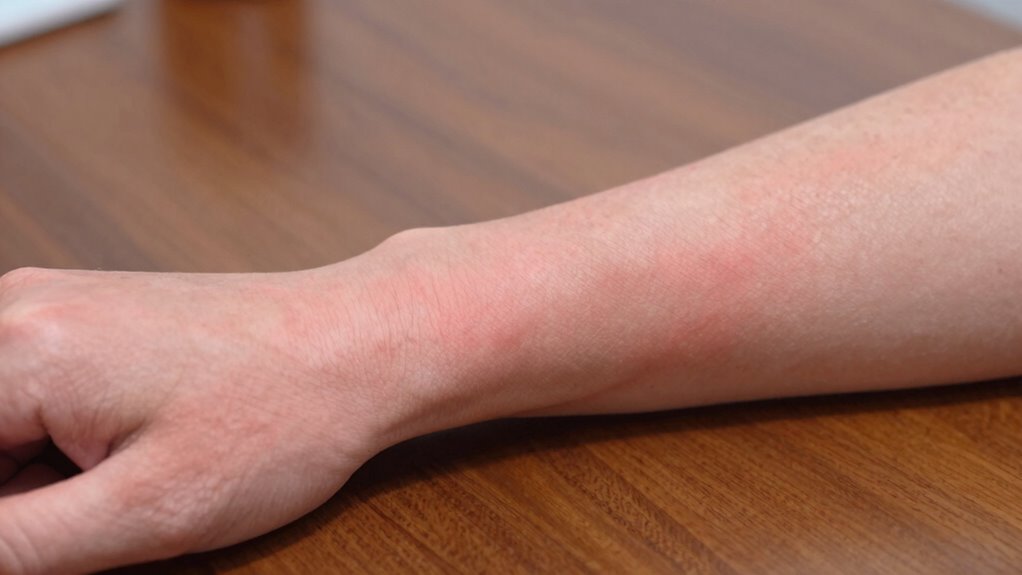

If you rest your forearms on your desk edge, you might cause muscle fatigue and nerve irritation without realizing it. Hard or sharp edges, especially when unpadded, increase pressure points and contribute to soreness, numbness, or tingling. Adjusting your workspace with cushions, arm supports, and proper desk height helps prevent this discomfort. Keep your posture in check, and you’ll avoid common issues—stay tuned to learn more about keeping your forearms comfortable during long hours.
Key Takeaways
- Forearm irritation from desk edge pressure often goes unnoticed because it develops gradually and is attributed to fatigue.
- Lack of proper padding or ergonomic supports on desk edges causes sustained pressure, leading to tissue irritation and soreness.
- Unrecognized or unadjusted workstation setups can result in prolonged contact with hard edges, causing nerve and muscle strain.
- Symptoms like numbness or tingling may be dismissed as general fatigue, delaying diagnosis of underlying forearm irritation.
- Proper ergonomic adjustments and padding are essential but often overlooked, preventing forearm discomfort from desk edge pressure.
Why Do We Rest Our Forearms on Desk Edges? Who’s Most Affected?
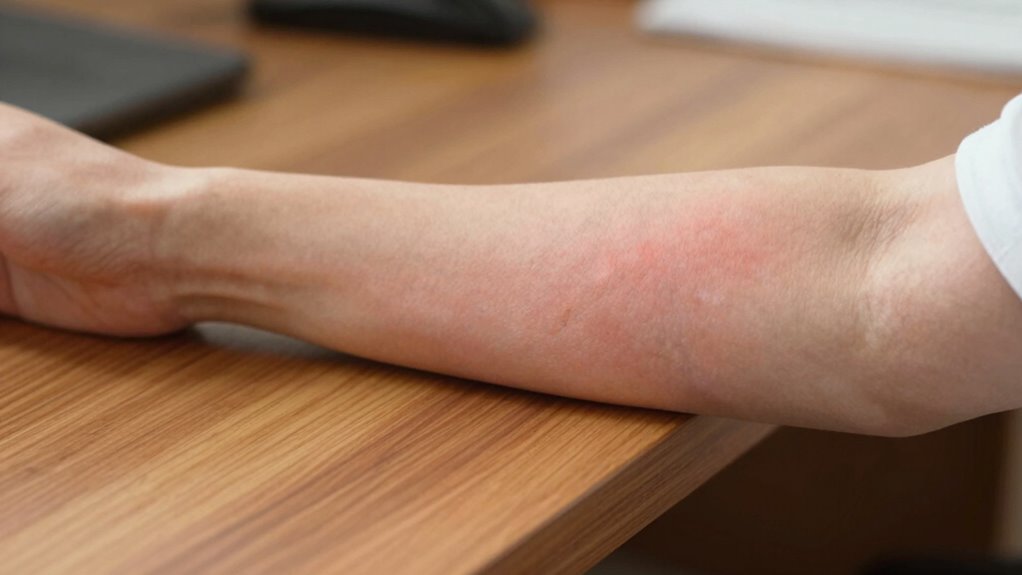
Many people rest their forearms on desk edges to support their posture and reduce muscle strain during extended periods of work or study. Forearm padding can make this more comfortable by cushioning pressure points, especially if the desk edges are hard or sharp. The type of desk material plays a big role; wooden or metal edges tend to be less forgiving and can cause discomfort or even skin irritation without proper padding. If you spend hours at your desk, you’re most affected by this pressure, which can lead to soreness or repetitive strain injuries. Additionally, understanding how sound vibrations interact with our bodies highlights the importance of ergonomic support for long-term health. While it’s a common habit, understanding how desk materials interact with forearm padding helps you choose better workspace setups. Proper support minimizes discomfort and promotes healthier posture during long work sessions, especially when considering ergonomic design principles. Recognizing the influence of materials and surface textures can guide you in selecting desk edges that reduce irritation and improve comfort for prolonged use. Furthermore, choosing appropriate padding materials can significantly enhance comfort and prevent skin irritation over time. Incorporating knowledge about material interactions can help optimize your workspace for both comfort and safety during extended use.
How Can You Tell If Desk Edge Pressure Is Causing Forearm Soreness? Signs to Watch For
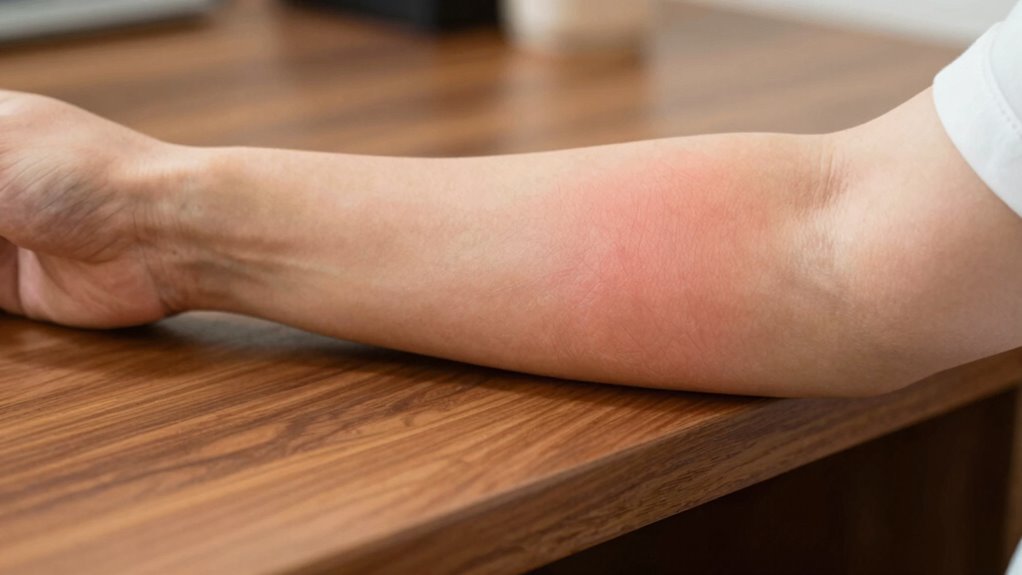
If you notice persistent discomfort or pain in your forearms after long periods at your desk, it may be a sign that desk edge pressure is affecting you. Poor keyboard ergonomics can cause you to rest your forearms on the desk edge repeatedly, leading to soreness. Pay attention to whether your forearms feel numb, tingling, or tender after work sessions. Also, check if your chair support is adequate—without proper support, you might unconsciously shift your arm position into stressful postures. If you find yourself adjusting your position frequently or experiencing increased discomfort over time, these are clear signs that desk edge pressure is contributing to your forearm issues. Addressing your ergonomic setup can help alleviate this pain before it worsens. Additionally, incorporating proper monitor placement and ensuring your workspace is optimized can reduce strain and improve overall comfort. Proper ergonomic accessories can also help support your forearms and minimize pressure, promoting better long-term health. Being mindful of ergonomic principles can further prevent repetitive strain injuries and improve your overall workspace ergonomics. Ensuring your work environment promotes healthy posture habits can significantly reduce forearm discomfort and enhance your productivity.
What Is Desk Edge Pressure, and How It Leads to Forearm Discomfort

Desk edge pressure occurs when your forearms rest directly against the sharp or hard edge of your desk for extended periods. This constant contact puts pressure on your forearm muscles, leading to muscle fatigue and discomfort. As you lean on the edge, your wrist may also experience strain from unnatural positioning, especially if you’re typing or using a mouse. Over time, this pressure can cause irritation of the tissues and nerves in your forearm, leading to soreness and aching. The lack of proper cushioning or support prevents your muscles from relaxing, increasing fatigue and discomfort. Recognizing how desk edge pressure affects your body is the first step toward reducing forearm discomfort and preventing long-term issues related to supporting caregivers’ emotional well-being. Additionally, ensuring proper air purifier maintenance can improve overall workspace air quality, contributing to better comfort and health. Improving indoor air quality through proper ventilation and cleanliness can also help reduce skin irritation and inflammation caused by dust and microplastics, which may exacerbate discomfort. Being aware of ergonomic workspace setup can further help mitigate these issues by promoting proper posture and support. Incorporating proper cushioning or edge protectors can also distribute pressure more evenly and reduce irritation.
Easy Ways to Prevent Forearm Pain From Desk Edge Pressure
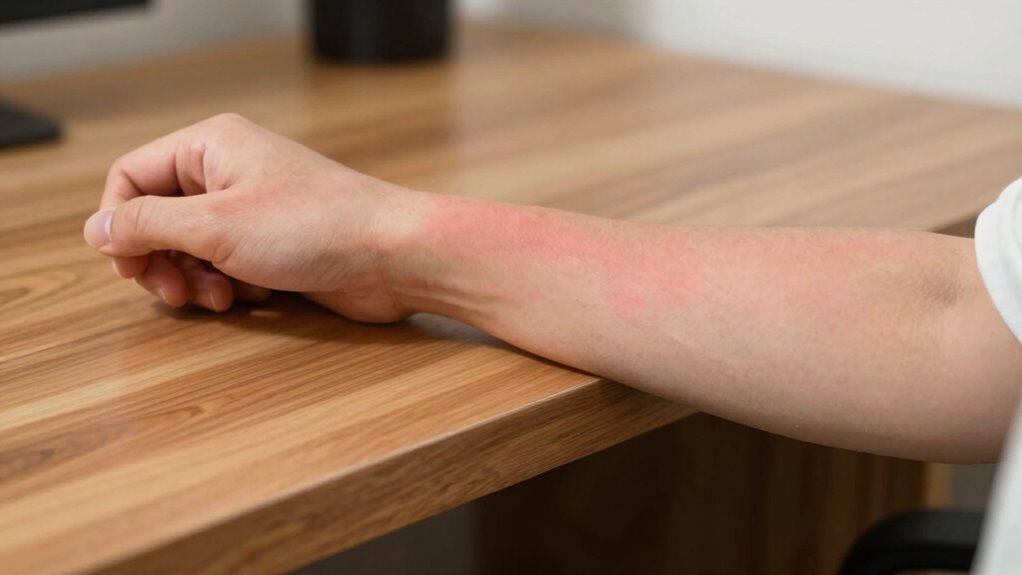
To prevent forearm pain caused by desk edge pressure, start by adjusting your workspace to promote better ergonomics. Use desk accessories like forearm cushions or padded supports to reduce direct contact with sharp edges. These cushions create a barrier, lessening pressure and discomfort during long hours at your desk. Additionally, consider repositioning your monitor and keyboard to keep your arms in a relaxed, neutral position. Here’s a quick guide:
| Desk Accessory | Placement Tip | Benefits |
|---|---|---|
| Forearm cushions | Rest on desk edge | Absorbs pressure, softens contact |
| Padded wrist rests | Under keyboard or mouse | Prevents forearm strain |
| Adjustable arm supports | Attach to desk or monitor | Customizes support level |
| Ergonomic mouse pad | Use with mouse | Reduces friction and pressure |
These simple adjustments can make a big difference.
How to Adjust Your Desk Setup and Posture for Long-Term Relief
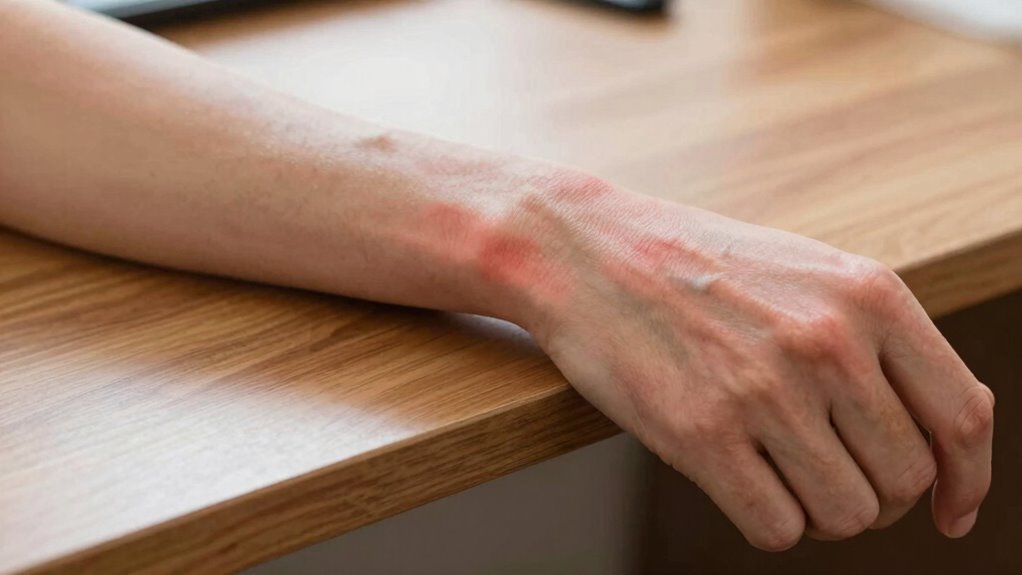
To reduce desk edge pressure, start by setting your desk to the correct height so your arms rest comfortably without strain. Make sure your armrests support your forearms gently, preventing unnecessary pressure on your elbows and wrists. Also, practice ergonomic posture tips, like keeping your back straight and shoulders relaxed, to promote long-term relief. Incorporating sustainable textile care practices into your workspace, such as choosing eco-friendly desk mats or cushions, can further enhance comfort while supporting environmental responsibility. Additionally, selecting ergonomic accessories designed to improve posture can help prevent recurring discomfort over time.
Correct Desk Height
Ensuring your desk is at the correct height is essential for maintaining good posture and reducing pressure on your wrists and shoulders. When your desk is properly aligned, your forearms can rest comfortably, providing adequate forearm support and minimizing strain. To find the right height, sit with your shoulders relaxed and elbows bent at about 90 degrees. Your forearms should be parallel to the floor or slightly angled downward. Adjust your desk so your keyboard and mouse are at this level, promoting proper desk ergonomics. This setup helps prevent excessive reaching or hunching, which can cause forearm irritation and shoulder tension over time. Additionally, desk ergonomics play a vital role in preventing long-term discomfort and injury. Achieving the correct desk height is a simple yet crucial step toward long-term comfort and injury prevention. Proper posture alignment further enhances ergonomic benefits, reducing the risk of repetitive strain injuries. Maintaining ergonomic workspace setup can also improve overall comfort and productivity throughout your workday. Regularly taking breaks and stretching can further alleviate strain and maintain musculoskeletal health during extended periods of desk work.
Supportive Arm Resting
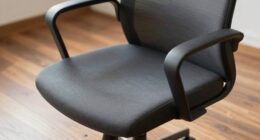
Properly adjusted armrests can considerably reduce strain on your shoulders and wrists during long periods at your desk. To achieve ideal arm support, ensure your armrests are set so your elbows stay close to your body and form roughly a 90-degree angle. This positioning helps maintain proper desk ergonomics and prevents your shoulders from hunching or your wrists from overextending. Avoid armrests that are too high or too low, which can cause discomfort or restrict movement. When supported correctly, your arms will feel relaxed, reducing fatigue and forearm irritation. Remember, supportive arm resting isn’t just about comfort; it’s a key component of an ergonomic workspace that promotes long-term health and productivity. Proper adjustments make a significant difference in your overall desk setup. Additionally, cable management solutions can help keep your workspace organized, minimizing clutter that might interfere with optimal arm positioning. Incorporating ergonomic accessories can further optimize your setup and enhance comfort during extended work sessions. Ensuring your chair and desk height are properly aligned is also essential for posture correction and maintaining ergonomic balance. Maintaining awareness of your overall ergonomic setup ensures sustained comfort and helps prevent long-term discomfort. Regularly reviewing your workspace setup can help identify adjustment needs that improve comfort and prevent strain.
Ergonomic Posture Tips
Are you making the most of your desk setup to support long-term comfort? Proper ergonomic posture is key to reducing forearm irritation. Adjust your keyboard height so your elbows are at a 90-degree angle, keeping your wrists straight. Use wrist support pads to prevent strain and maintain good keyboard ergonomics. Position your monitor at eye level to avoid leaning forward. Keep your forearms parallel to the ground, avoiding downward or upward angles. Here’s a visual to help:
| Keyboard Position | Wrist Support | Posture Alignment |
|---|---|---|
| Level with elbows | Cushioned pad | Sit upright, shoulders relaxed |
| Slightly tilted | Soft wrist pad | Keep spine straight |
| Close enough to reach | Rest wrist gently | Keep feet flat on the floor |
Adjusting these elements can make a significant difference. Remember to periodically adjust your workspace and take short breaks to prevent fatigue and maintain optimal ergonomics.
When Should You See a Professional for Persistent Forearm Numbness or Pain?
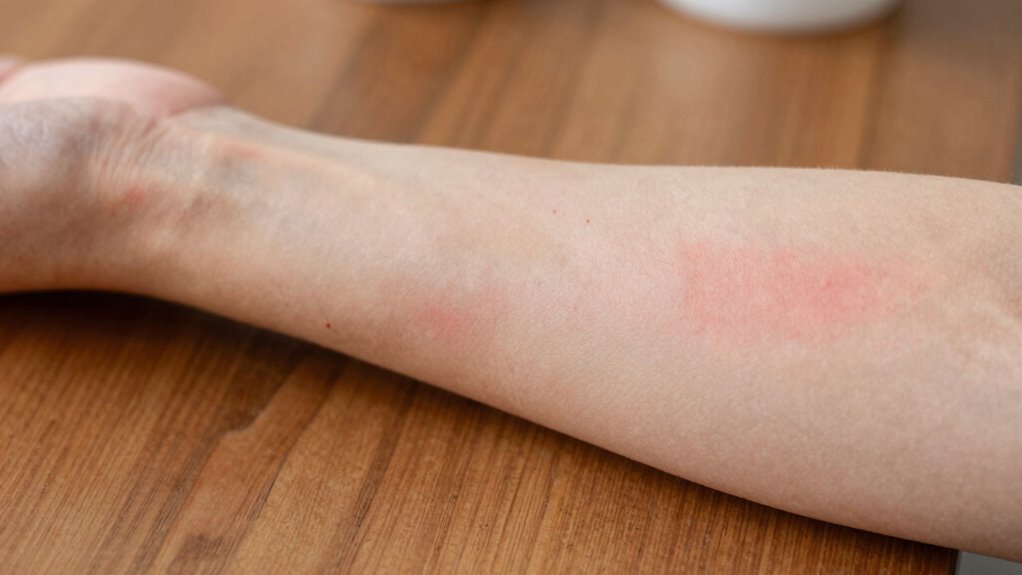
If you experience persistent numbness or pain in your forearm, it’s important to take it seriously. Ignoring these symptoms can lead to more serious issues down the line. You should see a professional if your symptoms don’t improve or worsen over time.
Persistent Symptoms Warrant Evaluation
Persistent numbness or pain in your forearm shouldn’t be ignored, especially if it lasts for several days or worsens over time. Ongoing symptoms could indicate nerve compression, such as in carpal tunnel syndrome, or other underlying issues that need professional evaluation. If your discomfort persists despite adjusting your workspace, or if you notice weakness, tingling, or loss of function, it’s time to see a healthcare provider. Delaying treatment may lead to nerve damage or chronic problems. A doctor can perform tests to determine if nerve compression is causing your symptoms and recommend appropriate treatment. Early diagnosis is vital to prevent further complications and restore comfort and function in your forearm and hand.
When to Seek Medical Advice
You should see a healthcare professional when your forearm numbness or pain lasts more than a few days, worsens over time, or is accompanied by weakness, tingling, or loss of function. Persistent symptoms may indicate underlying musculoskeletal issues, like nerve compression or repetitive strain injuries, that need proper diagnosis. Ignoring these signs can lead to long-term damage. A medical evaluation can help identify the root cause and guide effective treatment. Additionally, healthcare providers can recommend ergonomic interventions to reduce strain and prevent future problems. If your discomfort persists despite adjusting your workspace, seeking professional advice guarantees you get targeted care and relief. Early intervention can make a significant difference in managing symptoms and avoiding more serious complications.
Frequently Asked Questions
Can Desk Edge Pressure Cause Long-Term Nerve Damage?
Desk edge pressure can cause long-term nerve damage if it leads to persistent muscle strain or skin irritation. Constant pressure may compress nerves, causing numbness or tingling that worsens over time. You should adjust your workspace to reduce pressure, take frequent breaks, and monitor for symptoms. Ignoring these signs might result in lasting nerve issues, so addressing discomfort early helps prevent serious damage.
Are Certain Materials More Likely to Cause Forearm Irritation?
Certain materials are more likely to cause forearm irritation due to surface texture and material sensitivity. You might notice that rough or abrasive surfaces, like untreated wood or low-quality plastics, irritate your skin more than smooth, hypoallergenic materials like silicone or polished metal. If you have sensitive skin, choosing surfaces with softer textures and hypoallergenic properties can help prevent irritation and discomfort during long hours at your desk.
How Does Ergonomics Influence Forearm Discomfort at Work?
Ergonomics plays a key role in forearm discomfort at work by ensuring your wrist stays properly aligned and your chair height supports comfortable arm positioning. When your wrist is aligned with your keyboard and your chair height allows your elbows to rest at a 90-degree angle, you reduce strain. Adjust your workspace to promote good posture, which helps prevent irritation and keeps your forearms comfortable throughout the day.
Can Using Ergonomic Accessories Reduce Desk Edge Pressure?
Yes, using ergonomic accessories can reduce desk edge pressure. Cushioned padding on your armrests helps absorb pressure and prevents irritation. An adjustable armrest design allows you to maintain proper forearm positioning, reducing contact with sharp edges. These features work together to minimize discomfort, making your workspace more comfortable and supporting better posture throughout your workday.
What Are Alternative Workspace Setups to Prevent Forearm Pain?
You can prevent forearm pain by trying standing desks, which reduce pressure by allowing you to change positions frequently. Adding cushioned armrests provides extra support and comfort, minimizing irritation from desk edges. Adjust your workspace to keep your elbows at a 90-degree angle and your forearms parallel to the floor. Incorporate these setups to promote better ergonomics, reduce discomfort, and improve your overall comfort during long work hours.
Conclusion
If you ignore desk edge pressure, your forearms could scream loud enough to wake the dead. By adjusting your setup and staying aware of the signs, you can prevent pain from taking over your day. Don’t let discomfort build into a nightmare—small tweaks now can save you from a lifetime of misery. Take action today, because nobody wants their forearms to betray them like an insidious villain lurking in plain sight.