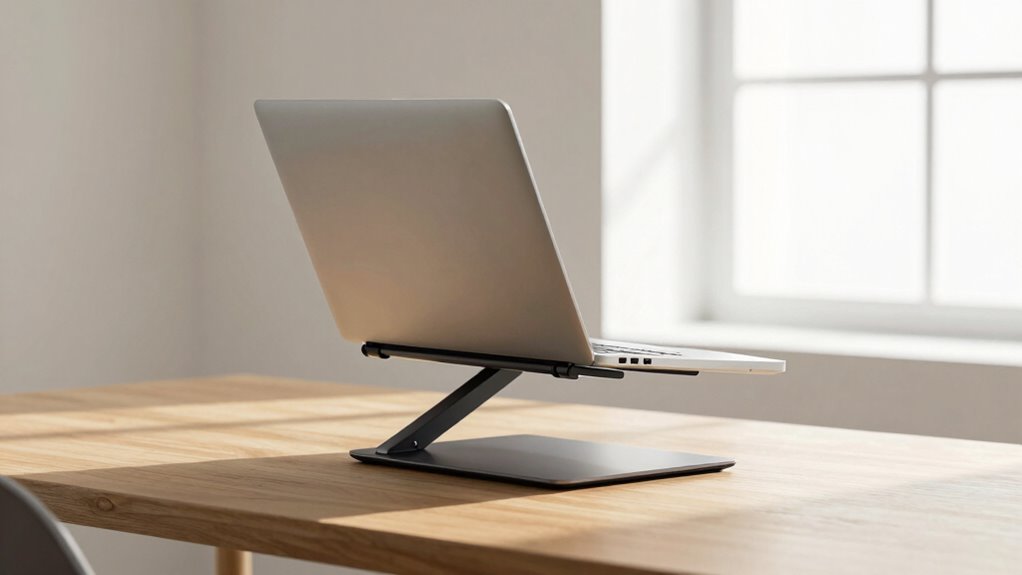

To stop shoulder shrugging, set your laptop stand so the top of your screen is at or just below eye level. This keeps your neck aligned and your shoulders relaxed, preventing strain. Make sure your elbows are close to your sides at a 90-degree angle and your wrists stay straight while typing. Proper height and posture are key to comfort and health—continue with us to learn how to measure and fine-tune your setup for lasting ergonomic benefit.
Key Takeaways
- Set the laptop stand so the screen top is at or just below eye level to prevent neck tilt.
- Adjust the height to keep shoulders relaxed and elbows at a 90° angle.
- Use a ruler or tape measure to ensure the screen aligns with your eye level.
- Maintain straight wrists and keep the keyboard at a comfortable height to reduce shoulder shrugging.
- Regularly reassess and fine-tune your setup for optimal ergonomic comfort.
Why Proper Laptop Stand Height Matters for Comfort
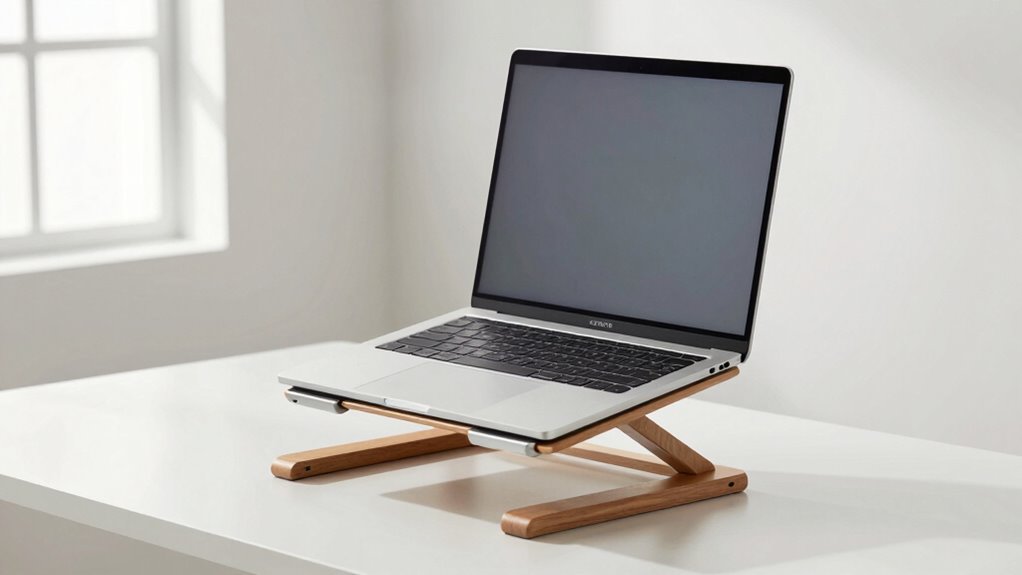
Maintaining the correct laptop stand height is essential because it directly affects your comfort and posture during long periods of use. When your laptop is at the right height, you promote ergonomic posture, reducing strain on your neck and shoulders. Proper height helps keep your neck aligned with your spine, preventing awkward angles that cause discomfort. If your laptop is too low, you’ll tend to hunch forward, leading to poor neck alignment and increased fatigue. Conversely, raising it to the correct level encourages a natural, relaxed head position. This not only enhances comfort but also minimizes long-term health issues like neck pain and tension headaches. Adjusting your laptop stand to the proper height ensures you work comfortably and maintain good posture throughout your day. Ergonomic principles are key to preventing discomfort and supporting long-term health, especially when you consider posture alignment as a fundamental aspect. Ensuring proper workspace ergonomics can make a significant difference in your overall well-being. Additionally, paying attention to desk setup can further optimize your ergonomic posture. Incorporating adjustable equipment allows for better customization of your workspace, further enhancing your comfort.
The One Simple Height Rule to Stop Shoulder Shrugging
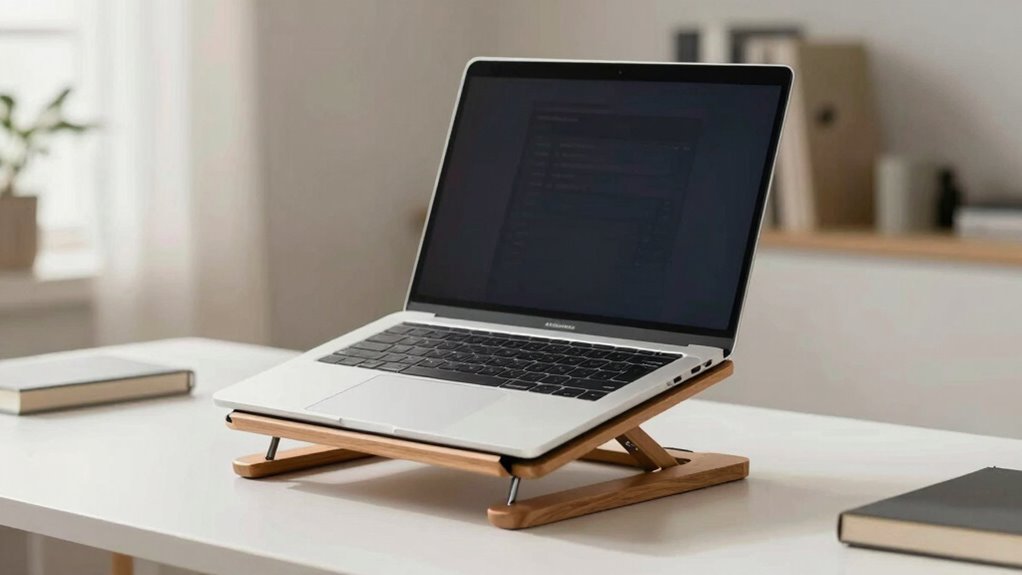
To prevent shoulder shrugging while working, you should aim to set your laptop stand to a height where your shoulders stay relaxed and your arms rest comfortably at your sides. The key is maintaining an ergonomic posture with proper wrist alignment. This simple rule ensures your screen is at eye level, reducing strain. Use the following guidelines to find your ideal height:
| Your Height | Screen Height | Arm Position |
|---|---|---|
| Short | Slightly below eye level | Slightly bent at elbows |
| Average | At eye level | Arms relaxed at sides |
| Tall | Slightly above eye level | Slightly extended |
| Extra Tall | Well above eye level | Fully extended arms |
Adjust your stand accordingly to keep shoulders relaxed and prevent shrugging. Properly positioning your laptop can also help prevent posture problems, as understanding ergonomic principles is essential for long-term comfort during extended work sessions. Additionally, ensuring your workspace promotes correct ergonomic posture can contribute significantly to reducing discomfort and preventing musculoskeletal issues. Paying attention to workplace ergonomics can make a noticeable difference in your overall comfort and productivity. Being aware of ergonomic setup helps you maintain proper alignment and support during work.
How to Measure and Adjust Your Laptop Stand for Perfect Height
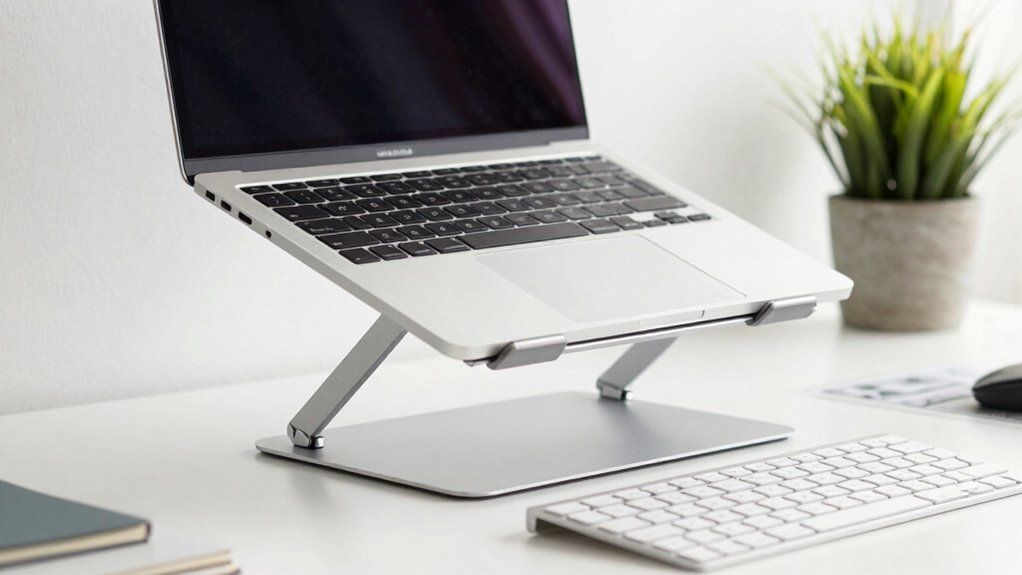
Measuring and adjusting your laptop stand accurately is essential to achieve the ideal ergonomic height. Proper desk ergonomics support posture correction, reducing strain on your neck, shoulders, and back. To start, sit comfortably at your desk with your eyes level with the top of your laptop screen. Use a ruler or tape measure to confirm the stand’s height aligns so that the screen’s top is at or just below eye level. Adjust the stand incrementally, checking your posture as you go. Your elbows should be at a 90-degree angle, and your wrists straight. Remember, the goal is to keep your head and neck in a relaxed position, minimizing shoulder shrugging and promoting overall comfort. Incorporating correctly sized accessories can further enhance your ergonomic setup and support long-term comfort. Additionally, considering standard ergonomic measurements can help you achieve consistent and effective adjustments. Ensuring your monitor height follows ergonomic guidelines is crucial for preventing discomfort and maintaining productivity. Regularly verifying your setup with proper measurement techniques and ergonomic principles ensures your workspace remains ergonomically optimized. Proper measurement and adjustment are key to a healthy, ergonomic workspace.
Common Mistakes in Laptop Stand Positioning and How to Avoid Them
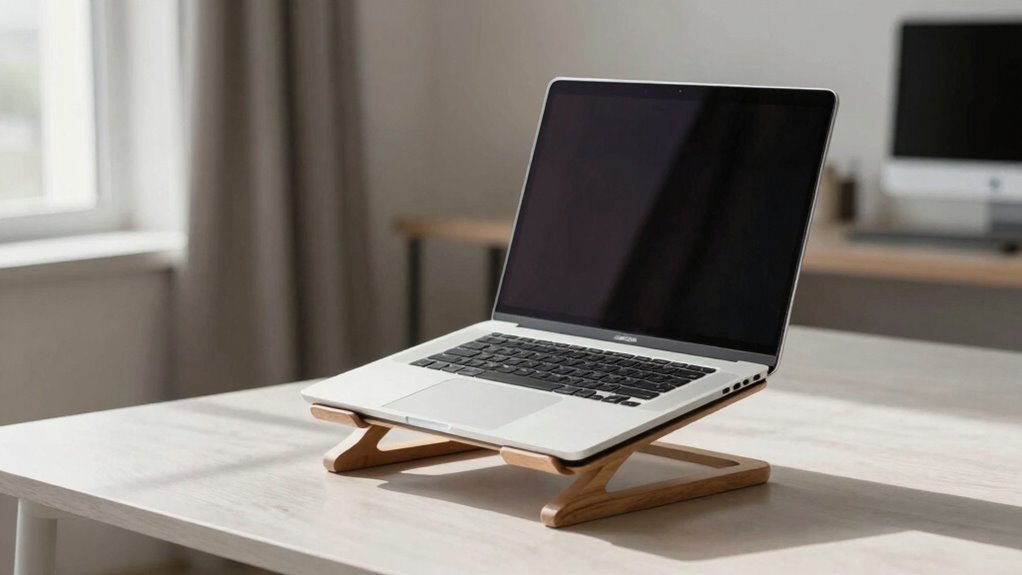
One of the most common mistakes in laptop stand positioning is setting the screen too low or too high, which can cause neck strain and poor posture. Incorrect placement often results from neglecting proper alignment, leading to your head tilting or craning. To avoid this, make certain your screen is at eye level, with the top of the display aligned with your eyes. Improper alignment can also mean the stand is not stable or is tilted incorrectly, causing discomfort. Many people overlook these details, thinking any position works, but small adjustments make a big difference. Avoid placing your laptop at an awkward angle or too low, as this promotes poor ergonomics. Correct positioning helps reduce shoulder shrugging and prevents long-term musculoskeletal issues. Additionally, paying attention to ergonomic principles can help optimize your workspace for better comfort and health. Proper ergonomic setup ensures that your posture remains natural and reduces strain over extended periods. Regularly adjusting your workspace can help maintain these ideal positions and prevent discomfort over time. Incorporating ergonomic awareness into your routine can further improve your overall comfort and prevent repetitive strain injuries. Being mindful of posture correction techniques is also beneficial for maintaining optimal ergonomics during prolonged use.
Essential Tools and Accessories to Help You Achieve the Right Height
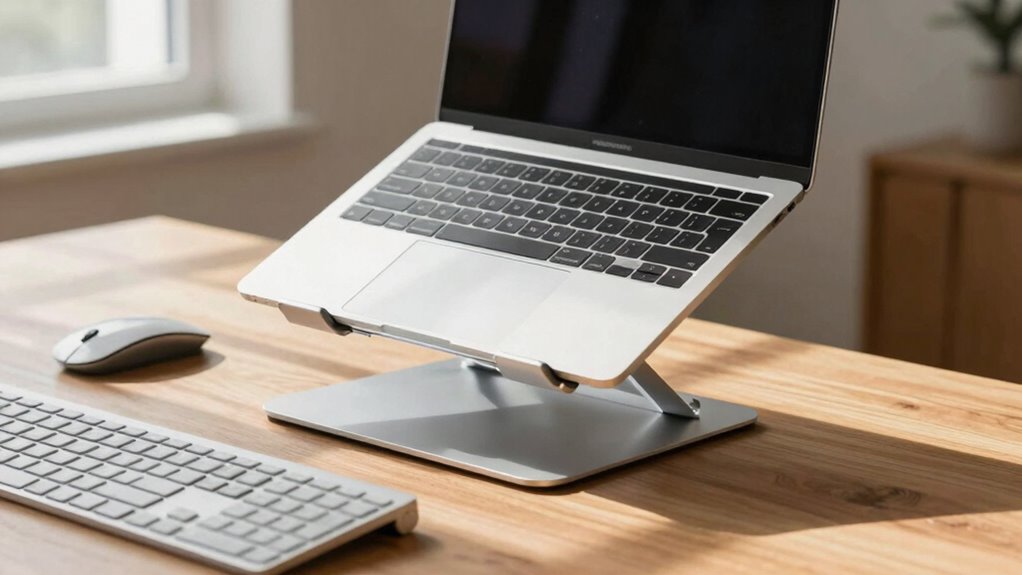
Achieving the correct laptop height becomes much easier with the right tools and accessories. Ergonomic accessories like adjustable laptop stands, keyboard trays, and monitor risers help you customize your setup for ideal comfort. These tools promote proper alignment, reducing strain on your shoulders and neck. Workspace organization also plays a key role; using cable management solutions and storage options keeps your area tidy, preventing clutter that can lead to poor posture. Investing in a good ergonomic keyboard and mouse can further improve your setup, allowing you to maintain a neutral wrist position. Additionally, understanding sauna safety tips such as proper ventilation can inspire you to create a comfortable and safe workspace environment. Proper workspace ventilation not only enhances comfort but also supports overall ergonomic health. Incorporating ergonomic principles into your workspace setup ensures sustained comfort and reduces the risk of musculoskeletal issues. To further optimize your workspace, considering proper lighting can reduce eye strain and improve focus. Implementing battery capacity awareness can help you select tools that match your workload, enhancing overall productivity. By combining these accessories and organizing your workspace effectively, you create an environment that encourages correct laptop height, minimizes discomfort, and supports long-term ergonomic health.
How to Confirm Your Laptop Is at the Right Height for Ergonomic Comfort
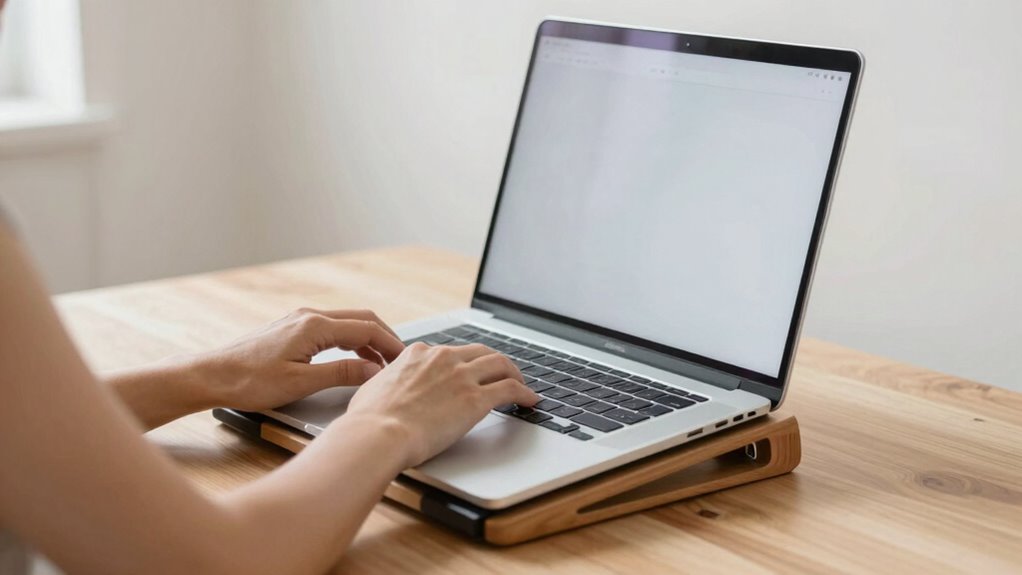
To guarantee your laptop is at the right height for ergonomic comfort, you need to actively check its position relative to your eye level and arm alignment. First, ensure your screen is at eye level to reduce screen glare and neck strain. Adjust your laptop stand until you can look straight ahead without tilting your head down or up. Next, verify keyboard placement; your elbows should be close to your sides, and your wrists straight while typing. If you notice discomfort or strain, tweak the height slightly until your shoulders relax and your arms are at a comfortable 90-degree angle. Regularly reassess your setup to maintain proper ergonomics and prevent long-term issues. Proper height confirms you’re working efficiently and comfortably. Additionally, understanding ergonomic principles can help you optimize your workspace for comfort and productivity. Incorporating workspace organization can further enhance your ergonomic setup and reduce strain, especially when considering adjustable equipment for better customization.
Tips for Maintaining a Healthy Work Setup Beyond Just the Height
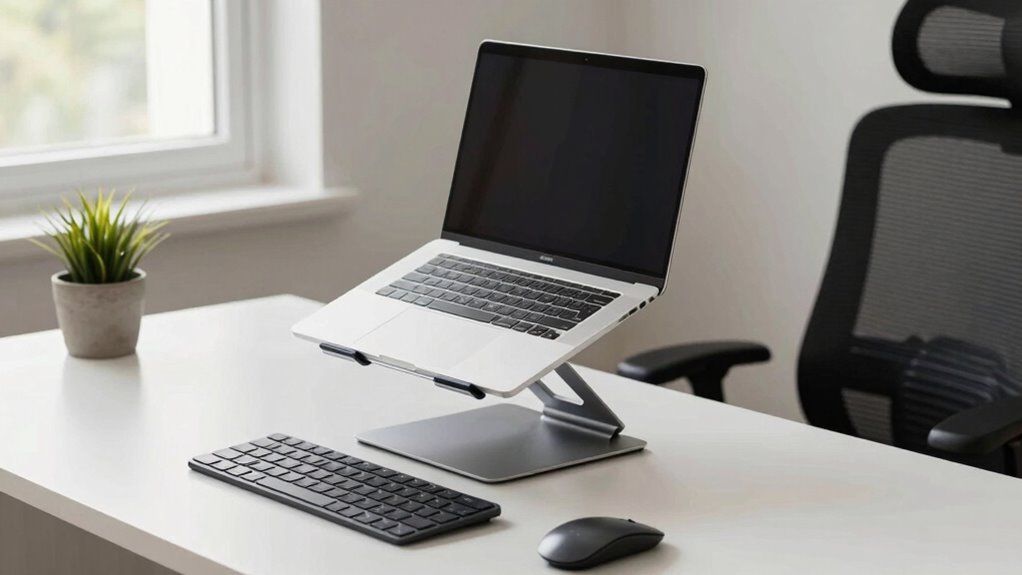
While adjusting your laptop height guarantees proper neck and arm posture, maintaining a healthy work setup involves more than just that. Focus on keyboard ergonomics by keeping your wrists straight and avoiding strain. Make sure your monitor remains at eye level alignment to prevent neck fatigue. Take regular breaks to stretch and reduce tension. Use an external keyboard and mouse if needed to maintain proper hand positioning. Adjust your chair height so your feet rest flat on the ground. Keep frequently used items within reach to avoid unnecessary stretching. Prioritize good posture habits and stay mindful of your body’s signals. Here’s a quick visual guide:
| Aspect | Tip | Why |
|---|---|---|
| Keyboard ergonomics | Keep wrists straight | Prevent strain |
| Eye level alignment | Monitor at eye level | Reduce neck tension |
| Breaks | Take short breaks every hour | Minimize fatigue |
| Reach zones | Keep essentials close | Avoid overstretching |
Frequently Asked Questions
Can Adjustable Laptop Stands Accommodate Different Chair Heights?
Yes, adjustable laptop stands can accommodate different chair heights, helping you maximize monitor placement and improve desk ergonomics. By adjusting the height, you guarantee your screen is at eye level, reducing strain on your neck and shoulders. This flexibility allows you to create a comfortable workspace regardless of your chair height, promoting better posture and preventing discomfort during long work sessions. Always tailor your setup to support ideal ergonomics.
How Often Should I Check and Adjust My Laptop Stand Height?
Think of your laptop stand as a trusty compass guiding your posture. You should check and adjust its height at least once a week to maintain proper alignment. Prioritize usage consistency by making small tweaks when you notice discomfort or eye strain. Regular adjustments help prevent shoulder shrugging and neck strain, ensuring your setup stays ergonomic. Don’t wait for discomfort—stay proactive and keep your workspace aligned for comfort and productivity.
Are There Specific Materials That Improve Stand Stability?
You should look for laptop stands made from materials that enhance material stability, such as sturdy metals like aluminum or steel, or high-quality plastics. These materials provide better weight distribution, preventing wobbling or tipping. Avoid flimsy or lightweight plastics, as they compromise stability. Choosing a stand with a solid base and durable construction guarantees your device stays secure, making it easier to maintain proper posture and avoid shoulder shrugging.
What Are Signs My Laptop Stand Height Is Incorrect?
Your body’s signals are like a compass guiding you—if you notice wrist pain or neck strain, your laptop stand height might be off. When it’s too high, your neck strains from looking up; too low, you hunch, causing shoulder tension. Check if your eyes are level with the top of the screen and your wrists rest comfortably. Adjust accordingly to keep your posture balanced and pain-free.
Can Ergonomic Accessories Enhance the Effectiveness of the Height Rule?
Yes, ergonomic accessories like an ergonomic keyboard and wrist support can boost the effectiveness of the height rule. They guarantee your wrists stay in a neutral position, reducing strain. When your laptop stand is at the right height, these accessories help maintain proper posture, preventing shoulder shrugging and discomfort. Incorporating ergonomic tools creates a more comfortable workspace, encouraging healthy habits and minimizing the risk of musculoskeletal issues during long hours of work.
Conclusion
By following the simple height rule, you can prevent shoulder shrugging and boost comfort during long work sessions. Imagine you’re working from home, and after adjusting your stand correctly, your tension eases, and productivity improves. Staying mindful of your setup guarantees you avoid strain and discomfort. Remember, a small adjustment today can lead to healthier habits tomorrow—so prioritize your posture and keep your workspace ergonomically sound.