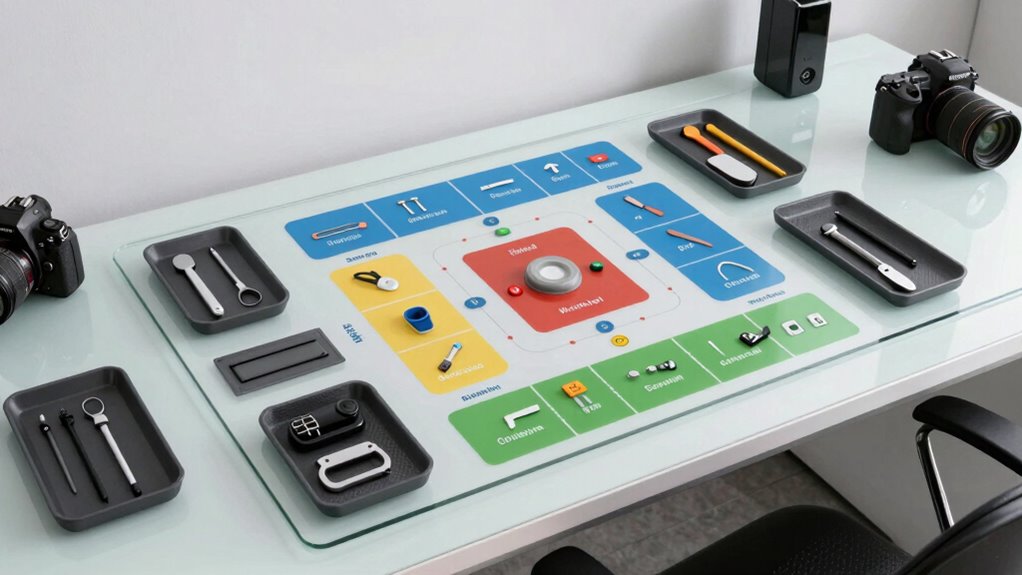

A well-designed workstation zone map helps you organize your tools and supplies for easy access, boosting your productivity and reducing strain. Keep daily essentials like your keyboard, mouse, and monitor within comfortable reach in the primary work zone. Use storage solutions and clear labels for less-frequent items, and place secondary tools in designated areas to avoid clutter. By creating a logical layout with ergonomic principles, you’ll work more efficiently—and if you keep going, you’ll discover how to optimize your entire workspace even further.
Key Takeaways
- Organize frequently used tools within arm’s reach in the primary work zone for quick access.
- Use clear labels and color-coded zones to visually identify where items are stored.
- Position ergonomic accessories and peripherals to promote proper alignment and minimize stretching.
- Store rarely used items in secondary zones on higher shelves or cabinets to reduce clutter.
- Maintain an open layout that allows easy movement and logical flow between different work areas.
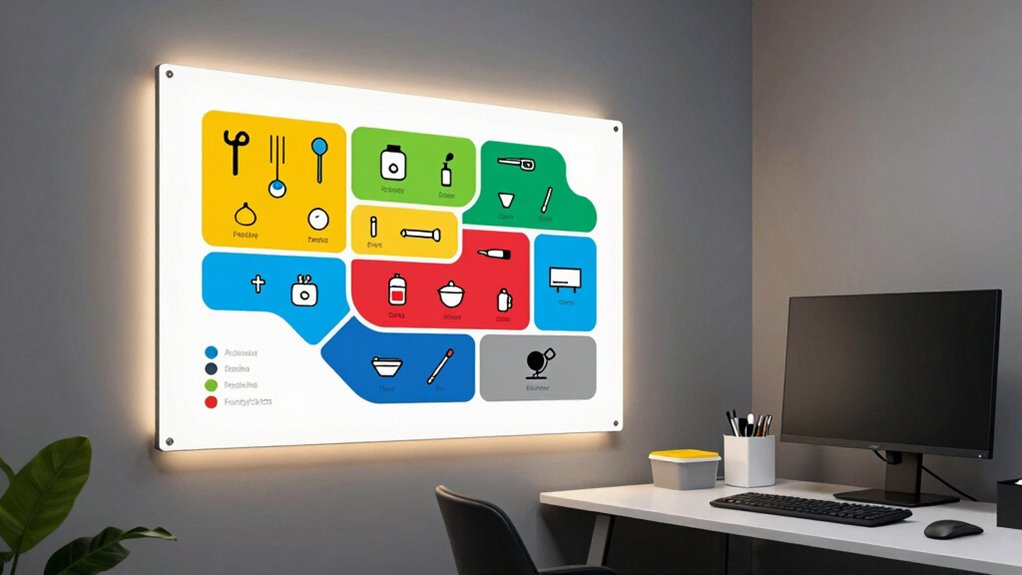
A well-organized workstation zone map is essential for maximizing efficiency and safety in any workspace. When your tools and materials are strategically placed, you save time, reduce frustration, and minimize the risk of injury. To achieve this, you need to think about how to arrange your workspace so everything you frequently use is within easy reach. This involves understanding the concept of zones—areas designated for specific tasks and items—and optimizing each for accessibility and functionality. Incorporating ergonomic principles into your layout can further enhance comfort and prevent strain during extended work sessions.
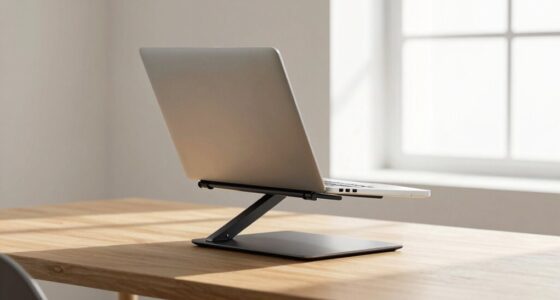
Start by identifying your primary work zone, where most of your daily tasks happen. This zone should contain your ergonomic accessories—things like adjustable chairs, supportive footrests, and monitor stands—that help maintain good posture and reduce strain. Position your keyboard, mouse, and monitor in this zone so you can work comfortably without stretching or twisting. Incorporate ergonomic accessories that promote proper alignment, making long hours less taxing on your body. When these items are thoughtfully arranged, you’ll notice improved focus and decreased discomfort.
Create a primary work zone with ergonomic accessories for comfort, alignment, and increased focus.
Next, consider your storage solutions. Use drawers, shelves, and containers to keep less-used items out of your immediate reach while ensuring your most-needed tools are front and center. For example, stationery or frequently used files should be stored within arm’s reach of your primary work zone. This prevents unnecessary movement and keeps your workspace uncluttered. Label your storage solutions clearly to quickly locate items, saving you time and mental energy. Additionally, implementing workspace organization strategies ensures that your workspace remains tidy and efficient over time. Recognizing the importance of workspace ergonomics can help further refine your layout for maximum comfort and productivity. Paying attention to cloud server solutions can also facilitate easier access and sharing of digital resources across your workspace.
Your secondary zones should include areas for less frequently accessed items, such as backups, specialized tools, or reference materials. These can be placed on higher shelves or in cabinets to keep your main workspace clean and focused. Remember, an organized workspace isn’t just about placing items randomly; it’s about creating a logical flow that minimizes movement and streamlines your tasks. Incorporating storage hierarchy principles can help you prioritize what belongs where based on usage frequency.
Finally, think about the overall layout. Keep your workspace open enough to move freely, but organized enough so everything has a designated spot. Use visual cues like color-coded labels or marked zones to reinforce the organization. Regularly review and adjust your workstation zone map as your tasks evolve or new tools are introduced. When you maintain a clear and efficient layout, you’ll find it easier to stay productive and safe—your workspace becomes a well-oiled machine, helping you work smarter, not harder.
ergonomic keyboard and mouse stand
As an affiliate, we earn on qualifying purchases.
As an affiliate, we earn on qualifying purchases.
Frequently Asked Questions
How Can I Customize My Workstation Zone Map?
You can customize your workstation zone map by adjusting it for ergonomic placement and using color coding. Start by identifying your most-used items and place them within easy reach to reduce strain. Use different colors to designate zones for tools, supplies, and personal items, making it easier to locate what you need quickly. Regularly update your map as your tasks or preferences change, ensuring your workspace stays efficient and comfortable.
What Tools Are Needed to Create a Zone Map?
To create a zone map, you need basic tools like a measuring tape, a marker, and sticky notes or labels. Incorporate ergonomic accessories to optimize comfort and efficiency, and consider storage solutions to keep tools organized. Use the measuring tape for precise zones, labels or sticky notes for clear demarcations, and ergonomic accessories to make sure easy access. Gathering these tools helps you design a practical, efficient workspace tailored to your needs.
How Does a Zone Map Improve Productivity?
A zone map improves your productivity by promoting ergonomic design and space optimization. It helps you organize your workspace so essential tools and materials are within easy reach, reducing unnecessary movement and strain. With a well-planned zone map, you can work more efficiently, stay focused, and minimize fatigue, leading to smoother workflows and faster task completion. This strategic approach guarantees your workspace supports your comfort and performance throughout the day.
Can the Zone Map Be Adjusted Over Time?
Yes, you can adjust the zone map over time to enhance ergonomic benefits and optimize material organization. As your work habits evolve or new equipment arrives, reposition items to maintain comfort and efficiency. Regularly reassessing your workspace ensures everything remains within reach, reducing strain and improving productivity. Flexibility in the zone map permits you to adapt to changing needs, creating a more comfortable and organized environment that supports your workflow.
Is There Software to Help Design Workstation Zones?
Yes, there’s software to help design ergonomic workstation zones and optimize space. Tools like SketchUp, AutoCAD, and ergonomic-specific apps enable you to create detailed layouts focused on ergonomic design and space efficiency. These programs allow you to visualize and adjust workstation zones, ensuring everything is within easy reach. Using such software helps you improve comfort, reduce strain, and maximize productivity by making precise adjustments tailored to your workspace needs.

WALI Computer Monitor Stand for Desk, Adjustable Laptop Riser, up to 44 lbs
- Large Metal Shelf: Fits most screens, laptops, printers
- Supports Up to 44 lbs: Heavy-duty metal construction
- Non-slip Rubber Pads: Prevents slipping and surface damage
As an affiliate, we earn on qualifying purchases.
As an affiliate, we earn on qualifying purchases.
Conclusion
By organizing your workspace with a clear zone map, you create a well-oiled machine where everything’s within arm’s reach. Think of it as a personal GPS, guiding you effortlessly through your tasks. When your tools and supplies are perfectly placed, your productivity soars like a bird in flight. Remember, a tidy workstation isn’t just neat—it’s your secret weapon for staying focused and efficient. Make your zone map your best friend, and watch your work flow smoothly like a gentle stream.
As an affiliate, we earn on qualifying purchases.
As an affiliate, we earn on qualifying purchases.