
If you work from home regularly and handle sensitive documents, you’ll likely need a good printer, shredder, and labeler to stay organized, protect privacy, and boost productivity. Casual users may only need a basic printer, while high-volume or secure environments benefit from laser printers and cross-cut shredders. Labelers keep your workspace tidy and efficient. To find out which tools match your specific needs, keep exploring the options and tips that follow.

Get comfort and recovery gear delivered free — and shop member deals
- Fast, free delivery on millions of items
- Access to Prime Big Deal Days deals on October 6–7
- Prime Video, Amazon Music and more included
Key Takeaways
- Choose a printer based on workload: laser for high volume, inkjet for casual printing.
- Shredders are essential for those handling sensitive or confidential documents regularly.
- Labelers benefit users needing organized filing systems and quick item identification.
- Remote workers should prioritize compact, versatile equipment to maximize limited space.
- Match equipment to daily tasks and space availability for an efficient, secure home office setup.
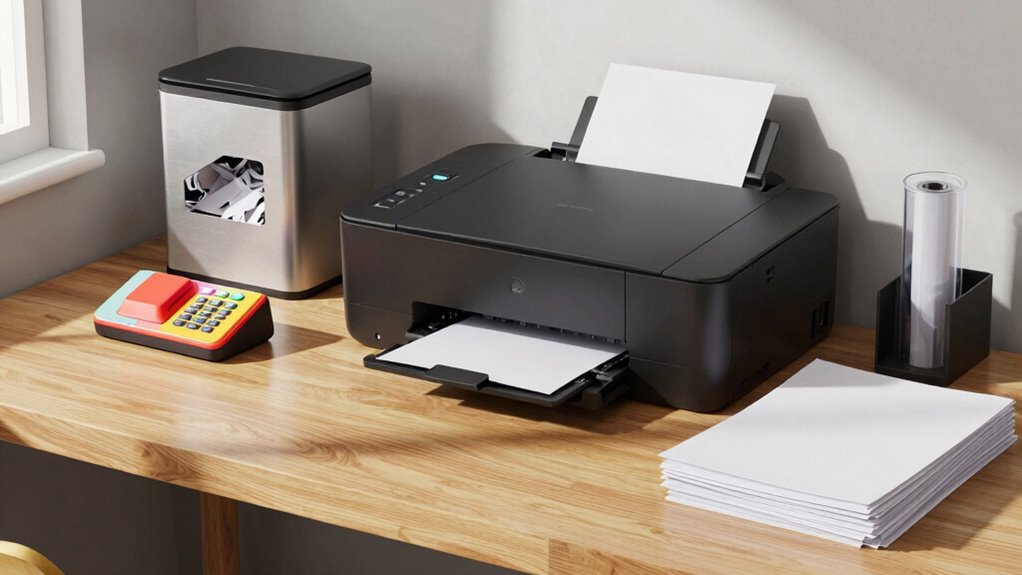
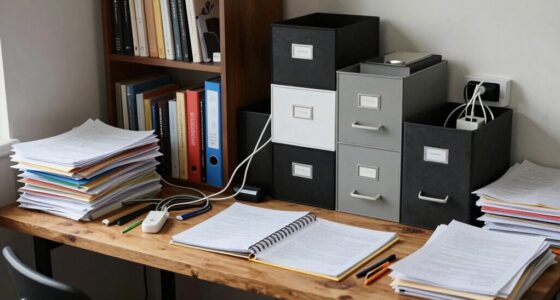
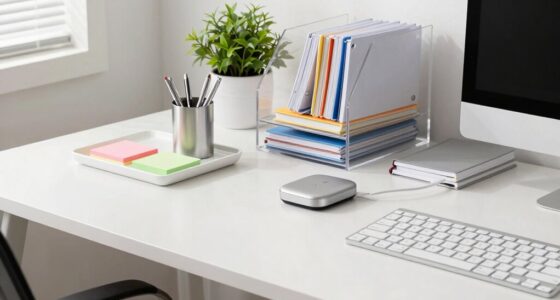
Setting up a home office requires more than just a desk and chair; having the right printers, shredders, and labelers can make your workflow more efficient and secure. When you’re working remotely, it’s vital to focus on remote work essentials that streamline your daily tasks and keep your workspace organized. The right equipment isn’t just about convenience — it’s about creating a system that minimizes clutter and maximizes productivity. Office organization tips often emphasize having the right tools within arm’s reach, and that includes choosing the appropriate printer, shredder, and labeler for your needs.
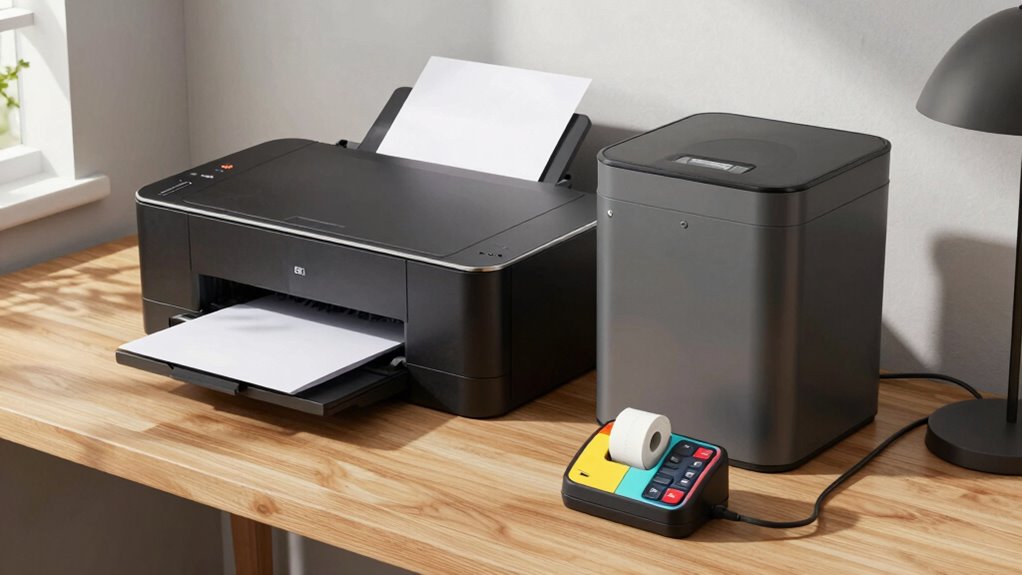
If you handle a lot of documents, a reliable all-in-one printer can save you time and space. Look for models that combine printing, scanning, and copying functions, especially if you often need to digitize paper files. An inkjet printer might suit casual use, but if you print frequently or in high volume, a laser printer offers faster speeds and better efficiency. Think about your typical workload and select a printer that matches it, so you avoid unnecessary interruptions or expenses down the line.
Shredders are often overlooked but are essential for maintaining privacy and security. If you deal with sensitive personal or business information, investing in a shredder makes sense. Cross-cut shredders provide a higher level of security by turning documents into tiny pieces, preventing any risk of data theft. Office organization tips recommend keeping your shredder in a convenient location — not hidden away — so you’re more likely to use it regularly, reducing clutter and protecting confidential info. Additionally, document security is crucial for safeguarding your personal and professional data. Having a dedicated secure disposal method further enhances your ability to protect sensitive information effectively.
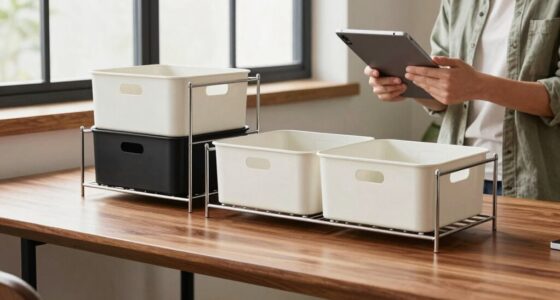
Labelers might seem like a luxury, but they considerably improve your home office’s organization. With a good labeler, you can clearly mark files, storage bins, and supplies, making it easier to find what you need quickly. This not only saves time but also keeps your workspace tidy and professional-looking. If you manage a lot of paperwork or supplies, a labeler becomes a worthwhile investment. It’s a small tool that pays off by making your entire workday smoother.
Ultimately, whether you need all three or just one depends on your specific work style. Consider your daily tasks, the volume of documents you handle, and how much space you have. Carefully selecting the right printers, shredders, and labelers helps you stay organized and secure, transforming your home office into a productive, clutter-free environment. When you prioritize these remote work essentials, you set yourself up for success every day.
laser printer for high volume printing
As an affiliate, we earn on qualifying purchases.
As an affiliate, we earn on qualifying purchases.
Frequently Asked Questions
Are There Eco-Friendly Options for Home Office Printers?
Yes, eco-friendly options for home office printers exist. You can choose printers that use eco-friendly ink, which reduces harmful emissions and waste. Solar-powered printers are another great choice, as they harness renewable energy and cut down on electricity use. By opting for these environmentally conscious printers, you help reduce your carbon footprint while still meeting your printing needs efficiently.
How Long Do Shredder Blades Typically Last?
Shredder blades typically last between 1 to 5 years, depending on your shredder’s capacity and how often you use it. If you frequently shred large quantities, you’ll need to replace blades more often. Keep an eye on shredder noise or paper jams, which signal it’s time for blade replacement. Proper maintenance and avoiding overloading can extend blade life, saving you time and money.
Can Labelers Print in Multiple Languages?
Yes, labelers can print in multiple languages, making your label customization a breeze across different regions. Think of your labeler as a multilingual translator, effortlessly switching between languages to meet your needs. This feature is perfect if you’re managing international shipping or catering to diverse audiences. With multilingual printing, your labels become more versatile, professional, and tailored—helping your business communicate clearly and efficiently worldwide.
What Security Features Should I Look for in Shredders?
You should look for shredders with strong security features like cross-cut or micro-cut shredding for better privacy protection. Shredder safety is vital—choose models with safety locks, auto shut-off, and safety sensors to prevent accidents. These features guarantee your sensitive documents are thoroughly destroyed and protect you from identity theft, while also keeping your workspace safe. Prioritize shredders that balance security with ease of use for maximum privacy protection.
Are Wireless Printers Suitable for Small Home Offices?
Yes, wireless printers work well for small home offices. They provide convenience with wireless connectivity, allowing you to print from multiple devices without cables. Just make certain the printer’s compatibility with your devices and Wi-Fi network. Wireless printers are perfect for simplifying setup and saving space, making them an ideal choice for small, streamlined workspaces. You’ll enjoy effortless printing without the mess of tangled cords or complicated connections.
cross cut paper shredder for sensitive documents
As an affiliate, we earn on qualifying purchases.
As an affiliate, we earn on qualifying purchases.
Conclusion
Now that you know what each device offers, it’s clear you don’t have to bite off more than you can chew. Pick what suits your needs, whether it’s a printer for documents, a shredder for security, or a labeler for organization. Remember, trying to do everything at once can be like juggling flaming torches—better to focus on what truly makes your home office run smoothly. Choose wisely, and keep your workspace running like a well-oiled machine.
label maker for home office organization
As an affiliate, we earn on qualifying purchases.
As an affiliate, we earn on qualifying purchases.
Fall Picks
fall essentials
As an affiliate, we earn on qualifying purchases.