TL;DR

Get comfort and recovery gear delivered free with Prime
- Fast, free delivery on millions of items
- Prime Video, Amazon Music and more included
- Member-only deals all year
BetterWispr has been introduced as a free, open-source dictation app for Macs running macOS 14 or later. The developer says speech can be transcribed locally with installed models, without an account or cloud transcription fallback; features include optional text cleanup, per-app styles and meeting notes.
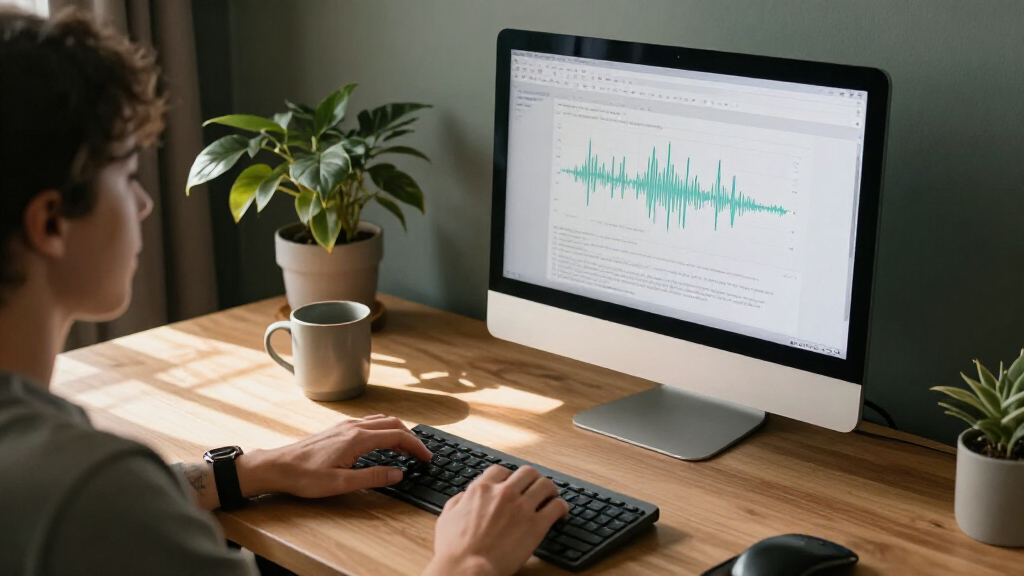
BetterWispr has introduced a free, open-source dictation app for Macs running macOS 14 or later, letting users speak into a shortcut and place a transcript in the app they are using. Its developer says speech processing runs on the Mac using installed models, with no account or cloud transcription fallback.
The app’s standard workflow is to focus a text field, hold Option + Space while speaking, then release the keys to transcribe. Users can choose a toggle mode or set another keyboard shortcut. BetterWispr says transcription starts after recording stops, rather than appearing word by word as the user speaks. If an app blocks automatic insertion, the transcript can be copied from the dashboard.
BetterWispr lists nine built-in model options from Apple Speech, Parakeet and Whisper. Model language coverage varies: the site says Parakeet includes English, Japanese and 25 European languages, while Whisper offers broader multilingual recognition. Users can also configure Sarvam AI, Smallest AI or an OpenAI-compatible API. Those external connections are optional; the site says they send dictation to the selected provider if configured.
Other features include optional cleanup and app-specific writing styles. Light cleanup removes English filler words, repetitions and false starts; Medium also edits for clarity using a selected notes model; None retains every word. Styles can be set for categories such as email or personal chats. The app also offers meeting transcription, voice commands, personal vocabulary hints and a local history of raw and corrected text. The developer says meeting summaries can be generated on-device with Apple Intelligence or Ollama.
Local Dictation Without a Subscription
BetterWispr brings together speech input and editing controls in a desktop tool that its developer describes as free and open source under Apache 2.0. For Mac users who want dictation without a paid subscription or account, that licensing and pricing model may make the app worth evaluating. Its availability as open-source software also lets users inspect the code or build it themselves, according to the project site.
The local-processing approach is relevant to people who prefer not to send routine voice recordings to a transcription service. The developer says models run on the Mac and that there is no cloud transcription fallback. That does not mean every possible feature is necessarily local: the site identifies optional third-party API connections, and says the user’s chosen provider receives dictation when those connections are used. Users should check their model and settings before relying on the app for sensitive material.
There are practical trade-offs. The app requires microphone and accessibility permissions for recording and inserting text, and Apple Speech also requires speech-recognition permission. Automatic insertion may be blocked by secure fields or particular apps. Performance and language support also depend on the Mac, model and installed assets; the developer recommends Apple Silicon but does not provide independent performance testing in the supplied material.
As an affiliate, we earn on qualifying purchases.
How the Mac Workflow Works
BetterWispr is presented as a Mac-only tool, with macOS 14 as its minimum supported operating system and Apple Silicon recommended for local model inference. Users install a speech model and its required assets before relying on offline transcription. The developer says models download when users choose to install them, then can work offline where the selected model and language assets support it.
The app is designed to send text to the active application rather than requiring users to dictate inside a separate editor. It uses a shortcut to record, then transcribes after recording ends. The product page’s typing-time graphic is explicitly labeled an illustration, not a benchmark; its stated comparison uses simulated typing at 40 words per minute and speaking at 150 words per minute, with time allowed for transcription. It should not be read as a measured speed test.
BetterWispr says it stores dictations and both raw and corrected text in local history, which users can turn off. The site also describes updates through GitHub Releases using Sparkle, with installation dependent on an EdDSA signature match. These are developer-provided product descriptions, not independent security or performance assessments.
“Speech stays on your Mac.”
— BetterWispr, product website
local speech recognition app for Mac
As an affiliate, we earn on qualifying purchases.
As an affiliate, we earn on qualifying purchases.
Performance and Privacy Details
The supplied product information does not include independent testing of transcription accuracy, processing speed, battery impact or resource use. It also does not specify results across different Mac models, accents, recording conditions or supported languages. The site’s illustration is expressly not a benchmark, so prospective users will need to test the app with their own setup and speech.
The developer describes local processing and says there is no cloud transcription fallback, but the source does not provide a third-party security review or technical audit of the implementation. It lists optional services and API connections, but does not detail every data flow for each configuration. Language availability also varies by model, and the product says cleanup, styles and voice commands work in English. The launch material does not establish how the app performs in other languages or when a target application blocks pasting.
As an affiliate, we earn on qualifying purchases.
Install, Test and Review the Code
Readers can check the project’s GitHub repository and release page for the source code, installation instructions, updates and issue reporting, as described by the developer. The product site says users should complete a welcome guide, grant the required permissions and install a local speech model before dictating.
The immediate next step for interested Mac users is to test a selected model with their own language, hardware and target apps, while reviewing whether optional cleanup or external API settings suit their needs. The source material gives no schedule for future releases or independent evaluations, so further claims about accuracy, performance and security remain to be established.
As an affiliate, we earn on qualifying purchases.
Key Questions
Is BetterWispr free?
The developer says BetterWispr is free and licensed under Apache 2.0, with no dictation subscription, account or API key required for its local-model workflow. Downloaded model files use storage on the Mac.
Does BetterWispr send recordings to the cloud?
The project says its built-in local models run on the Mac and that there is no cloud transcription fallback. However, users can configure external providers, and the site says dictation is sent to the chosen provider when those connections are used.
Which Macs and languages does it support?
BetterWispr requires macOS 14 or later, with Apple Silicon recommended. Language support depends on the selected model: the site lists Parakeet options for Japanese and 25 European languages, broader multilingual coverage for Whisper, and Apple Speech support based on locale and installed assets.
Does it show words as I speak?
No. The product information says transcription begins after recording stops. Users hold the shortcut while speaking and release it to finish; the transcript is then inserted into the active app where possible.
Can I keep my exact wording?
Yes. The developer says users can set cleanup to None to retain every word. Light cleanup removes English filler words, repeats and false starts, while Medium also edits for clarity using a selected notes model.
Source: hn
Columbus Day / Indigenous Peoples' Day Picks
long weekend sales
As an affiliate, we earn on qualifying purchases.