
Before buying a standing desk, identify your devices—laptops, monitors, chargers—and plan cable lengths and types accordingly. Consider desks with built-in cable management features like grommets or trays, and position your power strip close for easy access. Use cable clips or sleeves to keep cords organized and protect against damage. For added flexibility, incorporate wireless accessories and leave slack for future devices. To learn more, discover how to optimize your workspace for safety and efficiency.

Get comfort and recovery gear delivered free — and shop member deals
- Fast, free delivery on millions of items
- Access to Prime Big Deal Days deals on October 6–7
- Prime Video, Amazon Music and more included
Key Takeaways
- Assess your device types, locations, and cable needs to ensure proper integration with the desk’s features.
- Choose a desk with built-in cable management options like grommets, trays, or channels.
- Plan power strip placement for easy access and minimal cable length.
- Identify the best routing paths to prevent tangling and protect cables from damage.
- Leave enough slack in cables to allow desk adjustments and future device additions.
If you’re considering buying a standing desk, planning your cable management in advance can save you headaches later. You want your workspace to be tidy and functional, so thinking about how you’ll handle cables from the start is vital. Start by evaluating the devices you’ll connect—laptops, monitors, wireless accessories, chargers, and other peripherals. Knowing what you’ll need helps you determine the length and number of cables involved, which influences where you’ll position your power strip and how you’ll route your cables. Wireless accessories, like Bluetooth keyboards or wireless mice, reduce cable clutter, but you’ll still need to plan for charging cables or USB receivers, so keep those in mind when organizing your space.
Planning cable management early ensures a tidy, functional workspace with minimal hassle later.
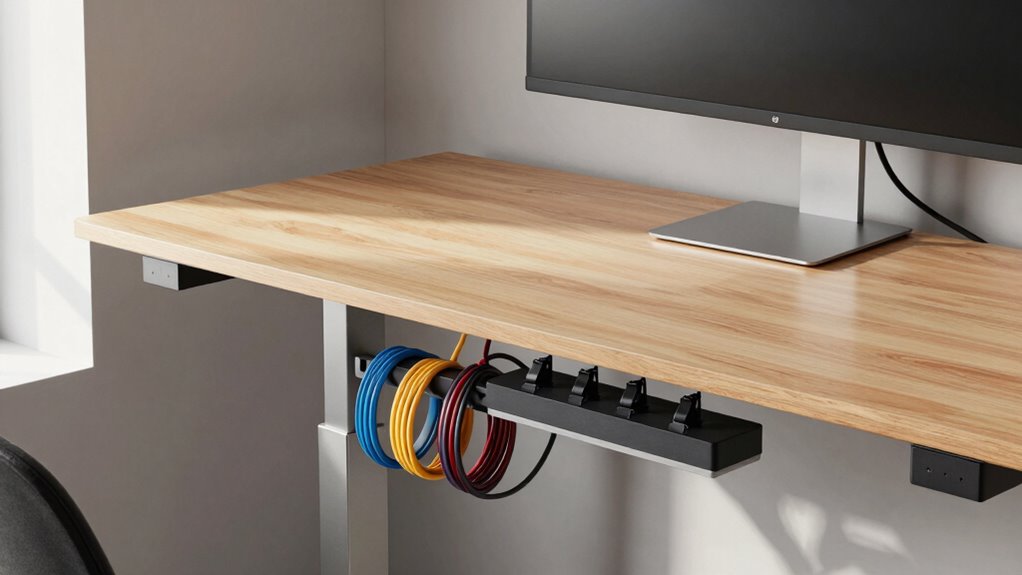
Next, consider your power strip placement. Placing your power strip close to your desk minimizes cable length and keeps power cords out of sight. Mounting it underneath the desk or on the back edge can prevent cables from sprawling across your workspace. Make sure the power strip has enough outlets for all your devices, including future additions. Using a surge-protected strip adds safety and protects your electronics. When positioning the strip, think about accessibility—it’s helpful to have it within reach, so you can easily unplug or switch off devices without crawling under your desk.
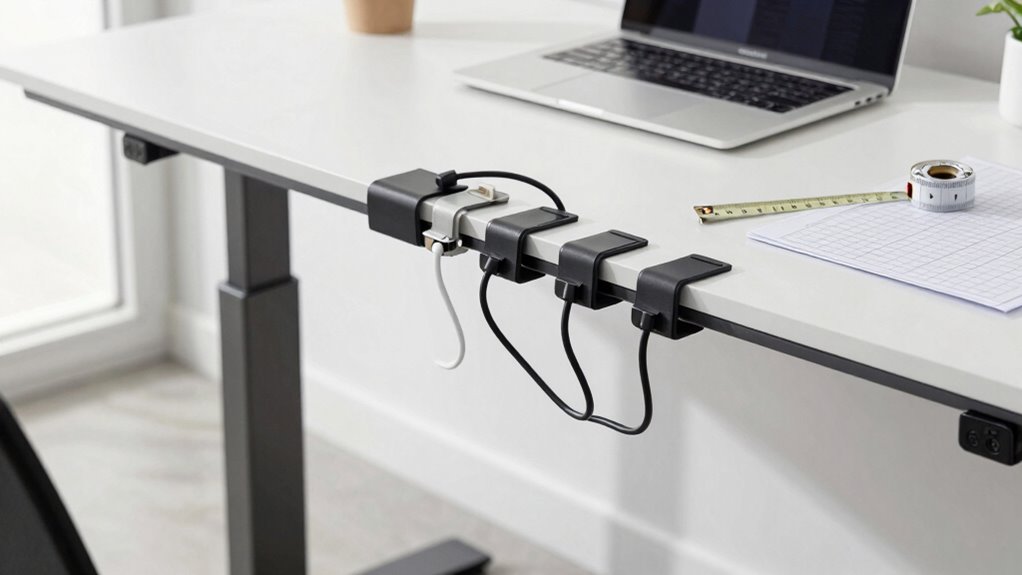
Routing cables efficiently is vital for a clutter-free setup. Use cable clips, adhesive channels, or sleeves to run cables along the legs or underside of your desk, keeping them from tangling or hanging loosely. This approach not only looks cleaner but also prevents accidental disconnections or damage when adjusting your standing height. For wireless accessories, keep their receivers in a central location on your desk to avoid signal issues, and consider using short USB extension cables if needed. This keeps the receivers close to their devices without adding unnecessary cable length. Additionally, incorporating cable management features into your desk can greatly simplify this process. Proper cable routing also helps prevent cable damage, ensuring longevity and safety of your setup. Being aware of cable management techniques can make future adjustments easier and more efficient.
Finally, think about future-proofing your setup. Choose a desk with built-in cable management features like grommet holes or cable trays. These features help you keep cables organized and out of sight. When planning, always leave some slack in cables for movement and adjustments, especially since standing desks often change height frequently. Properly managing cable routing and considering wireless devices can significantly enhance the overall functionality and appearance of your workspace. By considering wireless accessories, properly placing your power strip, and organizing cables thoughtfully, you’ll create a clean, efficient workspace that makes switching between sitting and standing smooth and stress-free. Planning ahead now will save you time and frustration later, ensuring your new standing desk not only looks good but functions flawlessly.
standing desk cable management tray
As an affiliate, we earn on qualifying purchases.
As an affiliate, we earn on qualifying purchases.
Frequently Asked Questions
Can Cable Management Solutions Be Customized for Different Desk Sizes?
Yes, cable management solutions can be customized for different desk sizes. You can choose from various customizable solutions like adjustable cable trays, clips, and sleeves that fit your specific desk size. Measure your desk carefully, then select options that accommodate your workspace. Customizable solutions guarantee your cables stay organized without clutter, regardless of desk dimensions, making your setup neat, efficient, and tailored to your needs.
What Are the Best Budget-Friendly Cable Management Options?
You can find budget-friendly cable management options like cable sleeves, clips, and adhesive cable organizers that effectively conceal cables without breaking the bank. These budget accessories help you achieve cable concealment and keep your workspace tidy. Look for simple solutions like zip ties or under-desk trays, which are affordable and easy to install. With these options, you can maintain a clean, organized desk without spending much.
How Do I Prevent Cable Damage Over Time?
You can prevent cable damage over time by regularly inspecting for signs of wear, especially at connector points. Using protective sleeves or cable clips reduces strain and prevents cable wear, extending connector longevity. Avoid tight bends and excessive pulling, which stress cables. Investing in quality cables and replacing worn ones promptly also safeguards your setup. Proper cable management guarantees your cables stay functional longer, saving you from future replacements and frustrating outages.
Are Wireless Charging Options Compatible With Cable Management?
Wireless charging options are generally compatible with cable management, especially if your desk includes built-in wireless charging pads. You can hide the charging pads’ cables using cable channels or clips for clean charging integration. Just guarantee your devices support wireless compatibility, and position the chargers strategically to avoid clutter. Proper cable management helps maintain a sleek look while ensuring your wireless charging setup remains functional and organized.
How Often Should I Inspect and Update My Cable Organization?
You should inspect and update your cable organization every few months to guarantee cable safety and maintain aesthetic considerations. Regular checks help you spot loose or damaged cables, preventing hazards. Updating your setup keeps your workspace tidy and visually appealing. Additionally, adjusting cable management as your equipment changes ensures safety and enhances the overall look, making your workspace safer and more organized over time.
under desk cable clips and sleeves
As an affiliate, we earn on qualifying purchases.
As an affiliate, we earn on qualifying purchases.
Conclusion
Remember, a tidy workspace isn’t just about looks—it’s about efficiency and safety. Planning your cable management before buying a standing desk guarantees you avoid clutter and hassle later on. Think of it like building a strong foundation before constructing a house; it sets the stage for everything else to fall into place smoothly. By taking this step now, you’ll enjoy a cleaner, more organized workspace that keeps you focused and productive every day.
power strip with surge protection for desk
As an affiliate, we earn on qualifying purchases.
As an affiliate, we earn on qualifying purchases.
wireless keyboard and mouse combo
As an affiliate, we earn on qualifying purchases.
As an affiliate, we earn on qualifying purchases.
Fall Picks
fall essentials
As an affiliate, we earn on qualifying purchases.