
Keyboard trays can greatly improve your comfort when properly adjusted, helping you maintain neutral wrist positions and reduce strain on your neck, shoulders, and back. They only help if you set them up correctly, such as adjusting height to keep elbows close and wrists straight. However, a tray won’t solve ergonomic issues if misaligned or used improperly. If you want to learn how to maximize your tray’s benefits, keep exploring these key principles.
Key Takeaways
- Keyboard trays improve ergonomics when properly adjusted to maintain neutral wrist and elbow positions.
- They do not resolve ergonomic issues if set up incorrectly or used without proper alignment.
- Trays help prevent musculoskeletal discomfort when they support correct posture and body positioning.
- They are ineffective if users assume installation alone ensures ergonomic benefits without proper adjustments.
- Proper ergonomic principles and individual adjustments are essential for trays to provide long-term health benefits.
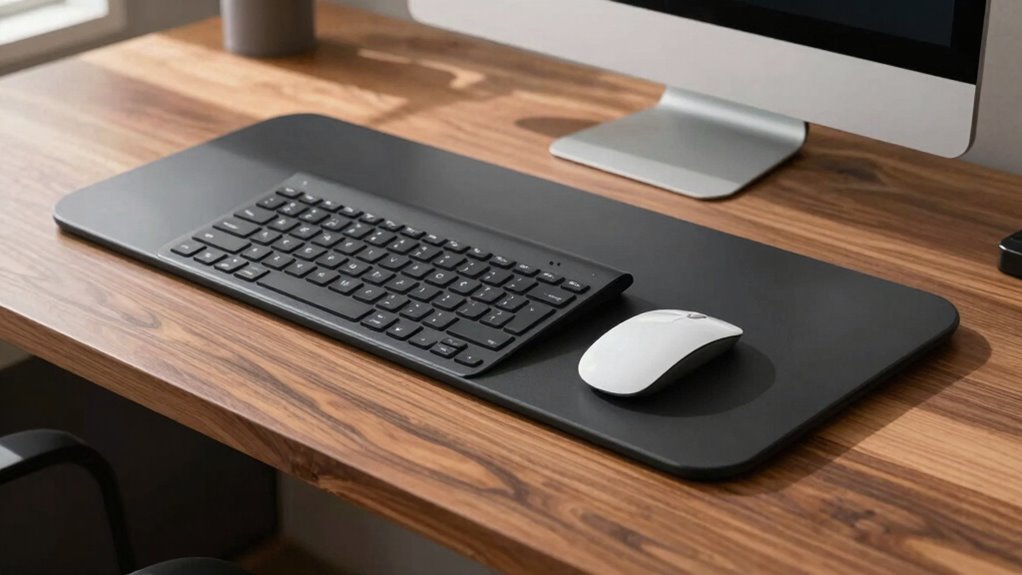
Keyboard trays are a practical addition to any workstation, offering a comfortable and ergonomic way to position your keyboard. When used correctly, they can notably improve your posture and reduce strain on your wrists, shoulders, and neck. The ergonomic benefits of a keyboard tray are well-documented, helping you maintain a neutral wrist position and promoting better spinal alignment. This can prevent discomfort and long-term musculoskeletal issues caused by poor ergonomic setups. However, many people have common misconceptions about keyboard trays. Some believe that simply adding a tray will automatically solve all ergonomic problems, but this isn’t always true. The effectiveness of a keyboard tray depends on how well it’s adjusted to your body and how you use it.
One common misconception is that a keyboard tray is only necessary if you’re experiencing pain. In reality, ergonomic benefits extend beyond pain relief; they improve comfort and prevent injury before symptoms develop. If your workstation is not set up properly, even the best tray won’t provide much benefit. It’s essential to adjust the tray height so that your elbows are close to your body and your wrists are in a straight, neutral position. If the tray is too high or too low, it can lead to awkward postures, negating the ergonomic advantages. Many underestimate the importance of positioning and think that just having a tray is enough. Proper setup and awareness are key to reaping the full benefits. Additionally, understanding ergonomic principles can help you optimize your workspace for better health and comfort. Recognizing body positioning as a fundamental aspect of ergonomic setup can significantly enhance your overall comfort and prevent issues. Moreover, familiarizing yourself with adjustable features can help ensure your workspace is tailored to your needs for maximum ergonomic benefit. Being aware of correct alignment can further improve your ergonomic setup and prevent strain. A well-informed approach to ergonomic workspace adjustment can truly maximize the benefits of a keyboard tray and promote long-term comfort.
adjustable keyboard tray for ergonomic setup
As an affiliate, we earn on qualifying purchases.
As an affiliate, we earn on qualifying purchases.
Frequently Asked Questions
Are Keyboard Trays Suitable for Ergonomic Health?
Keyboard trays can be suitable for ergonomic health if they promote proper ergonomic posture and provide wrist support. When used correctly, they help keep your wrists straight and reduce strain, preventing discomfort and injury. However, if a tray is too high, low, or poorly positioned, it can cause poor posture and wrist tension. Always adjust your tray to maintain a neutral wrist position and keep your elbows at a comfortable angle for ideal ergonomic benefits.
How Do I Clean and Maintain a Keyboard Tray?
Think of cleaning your keyboard tray like a vintage typewriter—cherish and maintain it. For cleaning tips, regularly wipe down with a damp cloth and use compressed air to remove dust. Follow maintenance routines by inspecting for loose parts and tightening screws. Avoid harsh chemicals that could damage surfaces. Keep your tray in good shape, and it’ll serve you well, just like a treasured relic.
Can Keyboard Trays Accommodate Different Keyboard Sizes?
Yes, keyboard trays can accommodate different keyboard sizes, especially if they feature adjustable height and depth settings. Look for trays with adjustable height to customize your position for comfort, and consider material options like sturdy plastic or metal for durability. These features help guarantee your keyboard fits well, providing ergonomic support whether you’re using a compact or larger keyboard, making your workspace more comfortable and versatile.
What Is the Typical Lifespan of a Keyboard Tray?
A typical keyboard tray lasts around 5 to 10 years, depending on the materials used and usage frequency. If you choose durable materials like steel or high-quality plastic, it’ll last longer. Proper installation tips, such as securely attaching the tray and avoiding excessive weight, can extend its lifespan. Regularly checking for wear and tear guarantees you get the most from your keyboard tray, making it a worthwhile investment.
Are There Budget-Friendly Keyboard Tray Options Available?
Think of budget-friendly keyboard trays as hidden gems in a treasure chest. You can find affordable options that fit your needs without breaking the bank, like basic models or secondhand finds. If you’re crafty, DIY solutions become your treasure map—using materials like repurposed furniture or adjustable mounts. These budget options help you customize your workspace comfortably, proving that good ergonomics don’t always come with a hefty price tag.
ergonomic keyboard tray with wrist support
As an affiliate, we earn on qualifying purchases.
As an affiliate, we earn on qualifying purchases.
Conclusion
So, next time you consider a keyboard tray, remember—it might just be the solution you need, or it could bring unexpected discomfort. Will it enhance your comfort or complicate your workflow? The choice is yours, but don’t rush—sometimes the smallest adjustments make the biggest difference. Stay tuned, because what you discover could change the way you work forever. Are you ready to find out if a keyboard tray is truly your perfect fit?
As an affiliate, we earn on qualifying purchases.

Lamicall Clear Acrylic Cell Phone Stand, Office Desk Decor Accessories
- Wide Compatibility: Fits 4-8 inch smartphones with cases
- Premium Acrylic Material: Durable, stylish, and scratch-resistant
- Stable and Non-Slip: Rubber pads prevent slipping and scratches
As an affiliate, we earn on qualifying purchases.
As an affiliate, we earn on qualifying purchases.