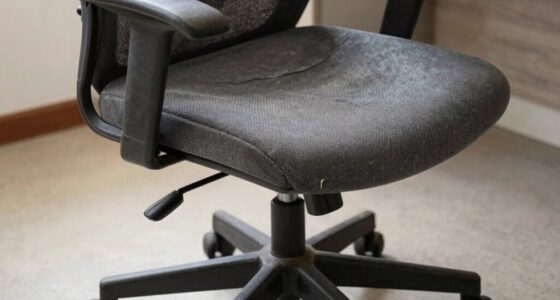

Lowering your chair without considering proper ergonomic principles can actually lead to poor posture, neck strain, and uncomfortable muscle tension. If you lower it too much, you might slouch or lean forward, putting extra stress on your back and shoulders. Instead, focus on maintaining a balanced setup where your feet are flat, knees are at a comfortable angle, and your workspace supports your body’s natural alignment. Keep exploring to discover how to optimize your workspace and stay comfortable all day.

Get comfort and recovery gear delivered free — and shop member deals
- Fast, free delivery on millions of items
- Access to Prime Big Deal Days deals on October 6–7
- Prime Video, Amazon Music and more included
Key Takeaways
- Excessively lowering the chair can cause slouching and forward leaning, increasing strain on neck, shoulders, and back.
- Proper ergonomics require more than just seat height adjustment; other factors like monitor and keyboard position matter.
- Incorrect height adjustments may lead to muscle tension, poor circulation, and discomfort over time.
- Feet should be flat on the floor with knees at a 90-degree angle for optimal posture, not just lowered seating.
- Balancing seat height with overall workspace setup ensures better spinal alignment and reduces strain.
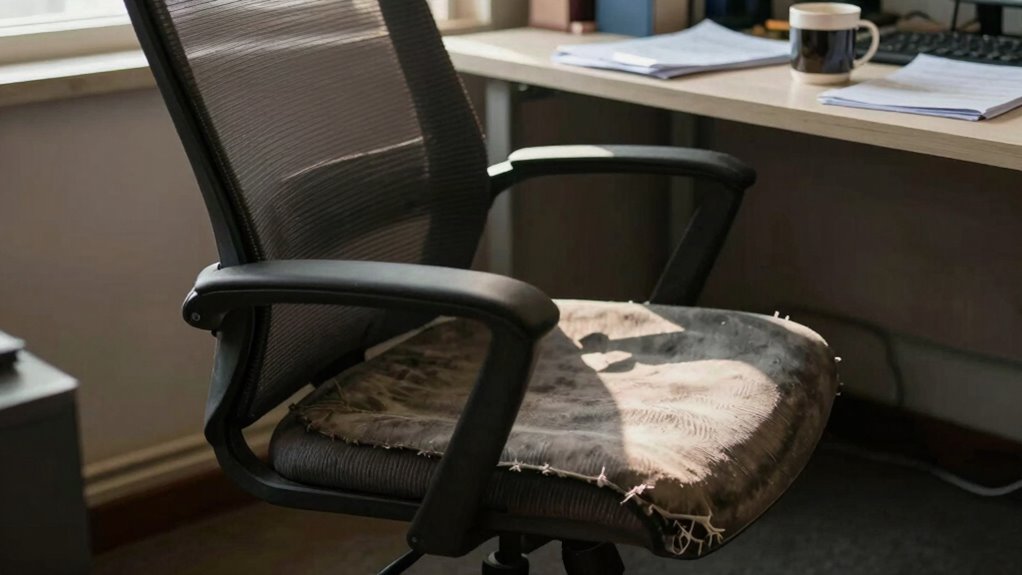
Adjusting your chair’s height might seem like the simplest way to fix discomfort, but it’s not always the best solution. Many people believe that lowering the chair will automatically improve comfort or correct back pain, but this stems from common ergonomics misconceptions. The truth is, proper posture techniques involve more than just changing the seat height. It’s about understanding how your entire workspace supports your body and promotes healthy alignment. Simply lowering your chair without considering other factors can sometimes worsen discomfort or create new problems.
The misconception that lowering your chair will make your workstation more ergonomic often leads to improper posture. When you lower the seat too much, you might find yourself slouching or leaning forward to reach your keyboard or monitor comfortably. This strained position puts unnecessary stress on your neck, shoulders, and lower back. Instead of alleviating discomfort, it can increase muscle tension and reduce circulation. Proper ergonomics involve adjusting your chair so your feet rest flat on the floor, your knees are at a 90-degree angle, and your hips are slightly higher than your knees. Achieving this balance typically requires fine-tuning the height along with other adjustments, not just lowering it. Additionally, understanding ergonomics misconceptions can help prevent common mistakes and promote a healthier workspace.
Incorporating proper posture techniques means paying attention to your entire setup. Your monitor should be at eye level, your keyboard close enough that your elbows stay relaxed and close to your sides, and your lower back supported by the chair’s lumbar curve. Making these adjustments in unison helps maintain spinal alignment and minimizes fatigue. If lowering the chair causes you to crane your neck or hunch your shoulders, you’re not following proper posture techniques. Instead, you should aim to create a workspace where all elements align harmoniously, reducing strain throughout the day. Recognizing the importance of workspace ergonomics can further enhance comfort and prevent long-term issues. Maintaining awareness of body alignment principles ensures a more sustainable and comfortable working environment.
ergonomic office chair with lumbar support
As an affiliate, we earn on qualifying purchases.
As an affiliate, we earn on qualifying purchases.
Frequently Asked Questions
Can Adjusting the Chair Height Prevent Neck Strain?
Adjusting your chair height can help prevent neck strain if it aligns your monitor at eye level and keeps your shoulders relaxed. Make sure your lumbar support supports your lower back, promoting good posture. Also, set your armrests so your arms rest comfortably without elevating your shoulders, which reduces tension. Proper chair height, combined with correct lumbar support and armrest positioning, helps maintain a healthy neck and prevents strain during long periods of work.
Are There Alternative Solutions to Lowering the Chair?
Yes, there are alternative solutions besides lowering your chair. You can improve comfort by adding seat cushioning, which supports your hips and reduces strain. Adjusting the armrests to suit your height guarantees proper arm positioning, relieving shoulder tension. These modifications help maintain a healthy posture without compromising your neck or back, making your workspace more ergonomic and comfortable overall.
How Does Chair Height Affect Overall Posture?
You might think lowering the chair is the silver bullet, but it’s not always the case. Your posture depends on proper chair height, which affects your back, neck, and shoulders. Using ergonomic accessories and maintaining posture awareness helps prevent strain and discomfort. When your chair’s height is just right, it keeps your feet flat on the floor and hips level, making sure your entire posture stays aligned and comfortable, avoiding unnecessary pain.
What Are Signs I Need a Different Ergonomic Setup?
You need a different ergonomic setup if you notice discomfort, poor foot support, or your feet don’t rest flat on the floor. Also, if your desk isn’t aligned with your chair height, causing strain on your shoulders or neck, it’s time to adjust. Proper foot support and desk alignment are essential for comfort and good posture. If these issues persist, consider customizing your workspace for better ergonomics.
Does Chair Height Impact Long-Term Back Health?
Your chair height is like the foundation of your workspace, directly impacting your back health. When you adjust it properly, you guarantee lumbar support aligns with your lower back and your feet rest comfortably on the floor. Poor height can strain your spine over time, causing discomfort and long-term issues. Keep your feet flat, knees at a 90-degree angle, and lumbar support engaged to protect your back in the long run.
adjustable monitor stand for eye level
As an affiliate, we earn on qualifying purchases.
As an affiliate, we earn on qualifying purchases.
Conclusion
Sometimes, lowering your chair feels like a quick fix, a Band-Aid on a deeper wound. But just like trimming a tree won’t stop the roots from running deep, changing the height alone won’t solve underlying issues. Instead, listen to your body’s quiet whispers and seek true balance. When you address the root cause, you’re planting seeds for lasting comfort—transforming your workspace from a temporary fix into a sanctuary of well-being.
ergonomic keyboard and mouse set
As an affiliate, we earn on qualifying purchases.
As an affiliate, we earn on qualifying purchases.
As an affiliate, we earn on qualifying purchases.
Fall Picks
fall essentials
As an affiliate, we earn on qualifying purchases.