
Before buying a standing desk, measure your standing height from floor to elbows when relaxed, and note the distance from your eyes to your screen. Check that monitor height aligns with your eye level, and make certain your workspace is wide enough for your keyboard and mouse. Also, assess foot clearance and that your knees stay slightly bent when standing comfortably. Taking these measurements helps create an ergonomic setup—stay with us to get detailed tips on each step.

Get comfort and recovery gear delivered free with Prime
- Fast, free delivery on millions of items
- Prime Video, Amazon Music and more included
- Member-only deals all year
Key Takeaways
- Measure your standing height from the floor to elbows to determine appropriate desk height.
- Check eye level to ensure the monitor top is at or slightly below eye level.
- Assess available workspace dimensions to ensure sufficient surface area for essentials.
- Confirm foot clearance and knee bend when standing comfortably at the desired desk height.
- Consider overall body posture to ensure ergonomic alignment and reduce strain.
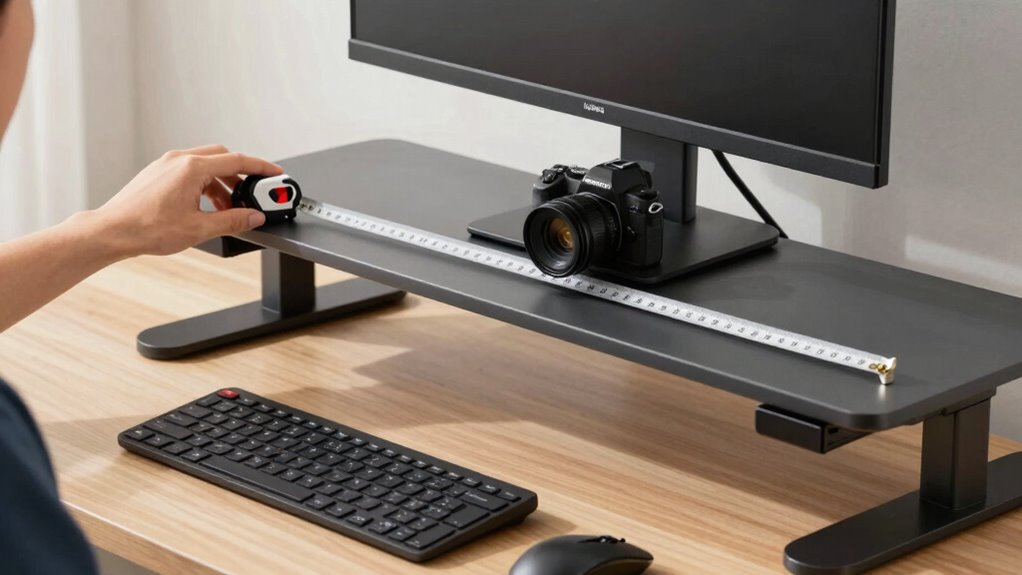
Setting up a standing desk correctly is vital to guarantee comfort and prevent strain during long periods of use. Before you buy a standing desk, you need to take precise measurements to confirm it fits your body and workspace perfectly. The key is to focus on establishing an ergonomic posture, which means your desk setup supports your natural body alignment and reduces fatigue. One of the first steps is to measure your standing height, specifically the distance from the floor to your elbows when your arms are relaxed at your sides. This measurement is essential because it guides the desk height adjustment, ensuring your elbows are at a comfortable 90-degree angle when typing or using a mouse. When your desk height aligns with this measurement, you minimize shoulder and neck strain, promoting a healthier posture.
Measuring your standing height ensures your desk is set for optimal ergonomic comfort and posture.
Next, consider your monitor placement. Measure the distance from your eyes to the screen when you’re standing comfortably. Ideally, your monitor should be positioned so that the top of the screen is at or slightly below eye level. This prevents you from tilting your head up or down, which can cause neck discomfort over time. To get this right, measure the height of your monitor and compare it with your eye level. If the desk height is adjustable, you can fine-tune it to match these measurements, ensuring your screen remains at eye level during long work sessions.
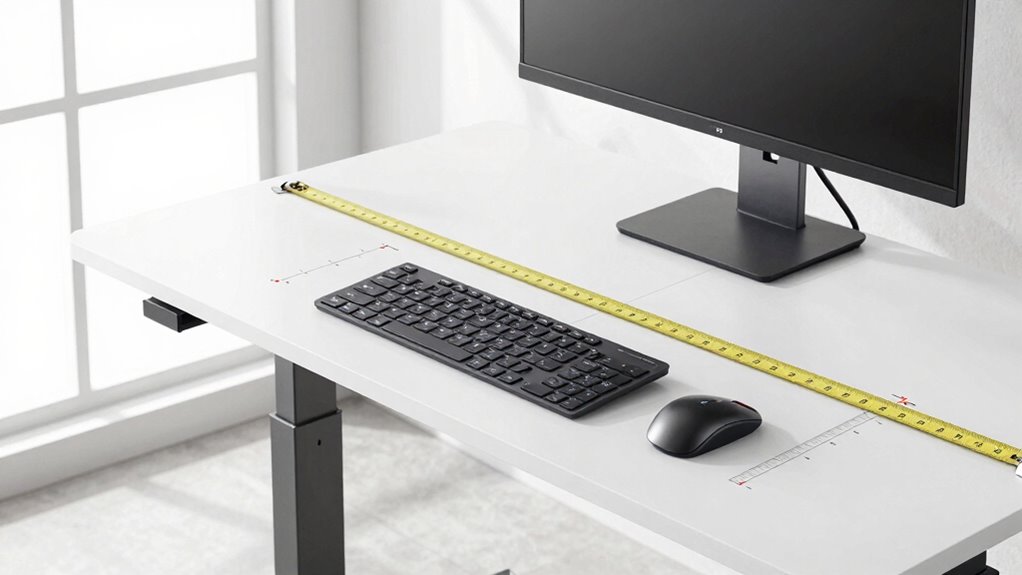
Additionally, you should measure your workspace dimensions to determine the available surface area for your standing desk. Make sure the desk fits comfortably within your designated area without crowding or forcing you into awkward positions. Take note of the width and depth, so you can select a desk that provides enough space for your keyboard, mouse, and any other essentials.
Finally, don’t forget to measure your foot clearance and comfort. Stand naturally and note the space around your feet to ensure the desk height allows you to stand with your knees slightly bent and your feet flat on the floor. If you plan to use a standing mat, factor in its height as well, since it can slightly elevate your standing position. Understanding ergonomic principles is crucial to selecting a standing desk that not only fits your body but also supports an ergonomic posture, making your workday healthier and more comfortable.
adjustable standing desk for ergonomic setup
As an affiliate, we earn on qualifying purchases.
As an affiliate, we earn on qualifying purchases.
Frequently Asked Questions
How Do I Measure My Arm Reach for a Standing Desk?
To measure your arm reach for a standing desk, extend your arm straight out to the side, palm facing forward. Keep your shoulder relaxed and measure from your shoulder to your fingertips. This guarantees your workspace ergonomics support an ergonomic posture, preventing strain. Proper arm reach helps you position your keyboard and mouse comfortably, reducing fatigue and promoting a healthier, more productive workspace.
What Height Should My Monitor Be Relative to My Eye Level?
You should position your monitor so the top of the screen is at or slightly below your eye level to support ergonomic posture. This setup reduces neck strain and promotes comfortable workspace customization. Adjust the monitor height based on your seated or standing position, ensuring your neck stays relaxed and your eyes look slightly downward. Proper monitor placement helps you maintain good posture and prevents long-term discomfort during work.
How Do I Account for Different Footwear When Measuring?
Shoes can add a surprising amount of height, so always consider footwear variations when measuring. It’s a good idea to measure with the shoes you plan to wear most often, or to measure barefoot and then add the typical shoe height. This helps make certain your standing desk setup remains comfortable regardless of footwear changes, preventing strain or awkward postures that can develop from inconsistent measurements.
Should I Consider Desk Depth for Comfortable Arm Movement?
Yes, you should consider desk depth for comfortable arm movement. An ergonomic posture depends on having enough space to rest your arms comfortably while your shoulders stay relaxed. The desk material can influence your comfort too—softer materials may offer a slight give, while harder surfaces provide stability. Measure your arm reach and choose a depth that allows you to maintain a natural, relaxed arm position, preventing strain during prolonged use.
How Often Should I Re-Measure My Setup as I Change Work Habits?
You should re-measure your setup every three to six months, especially when you change work habits. Studies show that over 70% of users notice discomfort due to improper positioning within this timeframe. Regularly check ergonomic accessories and desk shape considerations to guarantee comfort and productivity. As your work style evolves, adjusting your setup helps prevent strain, so stay proactive in maintaining a suitable ergonomic environment.
monitor height stand for eye level
As an affiliate, we earn on qualifying purchases.
As an affiliate, we earn on qualifying purchases.
Conclusion
Now that you know what measurements to take before setting up your standing desk, aren’t you excited to create a workspace tailored just for you? Ensuring your desk and accessories fit perfectly will make standing more comfortable and help prevent strain. Remember, taking these steps now means you’ll enjoy a healthier, more productive workday. So, why not start measuring today and get ready to stand taller and work smarter?
ergonomic keyboard and mouse tray
As an affiliate, we earn on qualifying purchases.
As an affiliate, we earn on qualifying purchases.
standing desk mat with foot support
As an affiliate, we earn on qualifying purchases.
As an affiliate, we earn on qualifying purchases.
Fall Picks
fall essentials
As an affiliate, we earn on qualifying purchases.