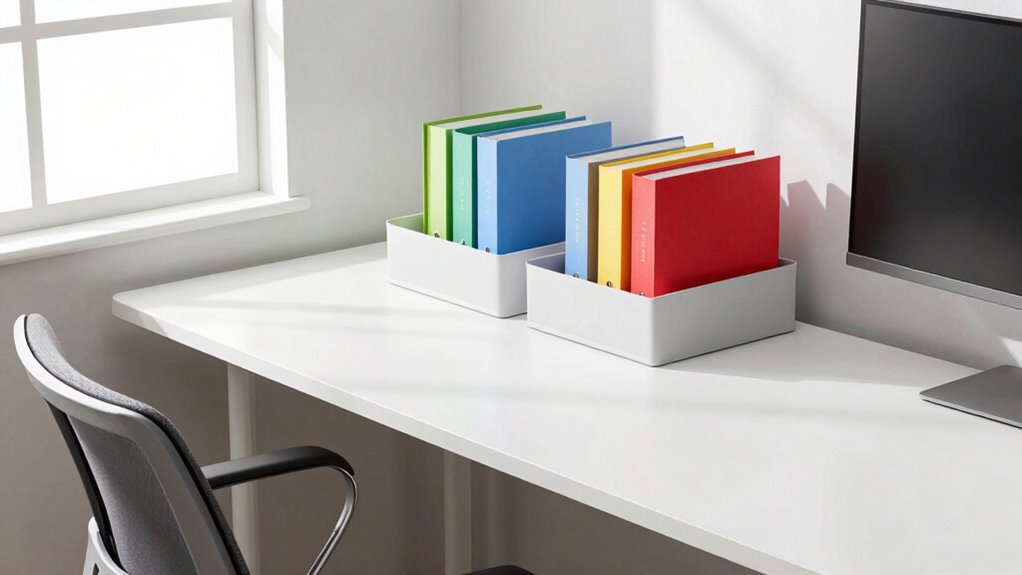

Proper desk storage can surprisingly improve your ergonomics by keeping your essentials within easy reach, reducing unnecessary stretching and awkward positions. When your workspace is organized, you prevent clutter from causing distractions and awkward contortions to find items. Efficient storage also helps maintain correct monitor height and placement, supporting better posture. By minimizing movement and strain, you’ll feel more comfortable and focused throughout your day. To discover simple ways to optimize your workspace for better health, keep exploring these tips.
Key Takeaways
- Proper desk storage keeps essential items within arm’s reach, reducing unnecessary stretching and awkward postures.
- Organized storage minimizes clutter, helping maintain correct monitor height and ergonomic workspace setup.
- Well-designed storage limits the need for repetitive movements, decreasing strain on shoulders and back.
- Clear surfaces prevent distractions, allowing for focused work and better ergonomic positioning.
- Sustainable storage practices encourage mindful organization, promoting long-term ergonomic health and comfort.
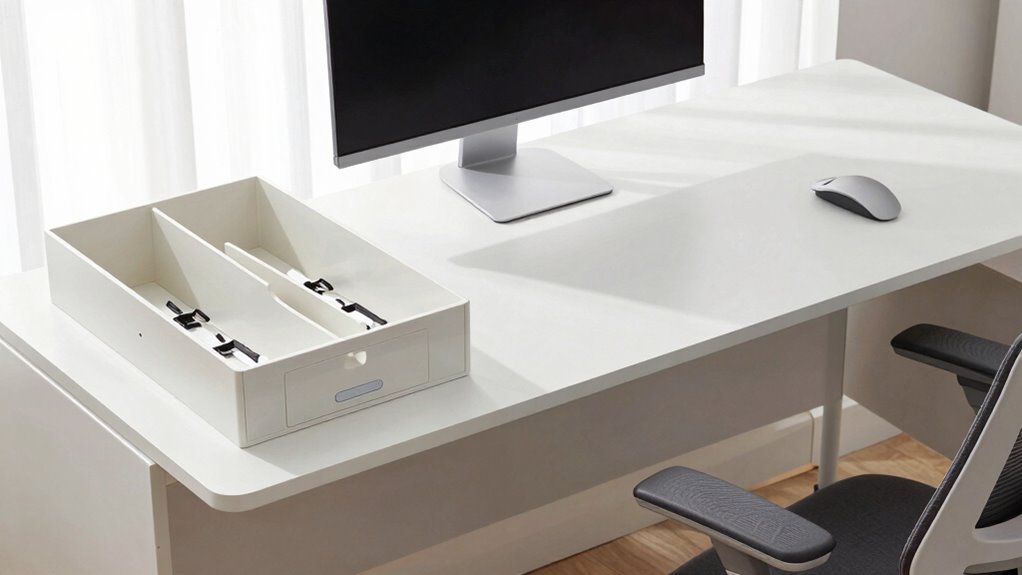
A well-organized desk not only boosts your productivity but also enhances your comfort throughout the workday. When your workspace is tidy and structured, it’s easier to focus, but the benefits go beyond just mental clarity. Proper desk storage can substantially improve your ergonomic setup, making your entire work experience more comfortable and efficient. One of the key elements in achieving this is effective cable management. Tangled cords and cables can create clutter that disrupts your workspace flow, forcing you to stretch or twist awkwardly to reach outlets or devices. By managing cables neatly—using clips, sleeves, or under-desk trays—you reduce the risk of accidental pulls, trips, or strain. This organized approach helps keep your workspace free of hazards and unnecessary movement, allowing you to maintain a more natural, comfortable posture. Additionally, incorporating sustainable storage solutions not only supports eco-friendly practices but also encourages a more mindful approach to workspace organization. Proper storage techniques can also prevent ergonomic strain by reducing unnecessary movements and awkward postures. Storage organization plays a pivotal role in maintaining an ergonomic environment because it minimizes the need to reach or bend repeatedly for supplies. Implementing effective storage can further streamline your workflow and reduce repetitive motion, which is crucial for long-term comfort. When everything has its designated spot—whether it’s pens, notebooks, or tech accessories—you avoid unnecessary twisting or stretching that can cause discomfort over time. For example, keeping frequently used items within arm’s reach reduces the strain on your shoulders and back. It also encourages better posture because you’re less likely to lean forward or hunch over trying to grab something from a distant corner of your desk. This kind of strategic storage setup supports a more neutral sitting position, which is essential for preventing fatigue and musculoskeletal issues. Moreover, well-thought-out storage solutions help you keep your workspace clear of clutter, which can be a source of distraction and stress. When your desk surface is free from excess items, you’re more likely to maintain proper monitor height and positioning. Your screen should be at eye level, and your keyboard and mouse should be positioned to keep your wrists straight. Having sufficient storage means you’re less inclined to pile papers or miscellaneous items haphazardly, which can push your monitor out of ideal alignment and cause neck strain. Organizing your desk with appropriate storage options—such as drawers, shelves, or desktop organizers—ensures that everything you need is readily accessible without sacrificing ergonomic principles. Proper workspace organization also promotes better circulation and reduces fatigue, leading to a healthier and more comfortable work environment.
As an affiliate, we earn on qualifying purchases.
Frequently Asked Questions
How Does Desk Storage Impact Long-Term Posture?
Desk storage directly impacts your long-term posture by reducing clutter and encouraging better organization. When you use ergonomic accessories and proper storage solutions, you prevent reaching and twisting, which can cause strain over time. By keeping essential items within easy reach and maintaining a tidy workspace, you promote good posture habits, minimize discomfort, and support your overall ergonomic health in the long run.
Can Cluttered Desk Storage Cause Ergonomic Issues?
Cluttered desk storage can turn your workspace into a tangled web, causing ergonomic issues. When cables are disorganized, they pull your posture down, leading to strain. Poorly stored desk accessories force you into awkward positions, increasing discomfort. Proper cable management and designated storage prevent this chaos, helping you maintain better posture. A tidy desk isn’t just neat; it’s a foundation for ergonomic comfort and productivity.
What Materials Are Best for Ergonomic Desk Storage Solutions?
You should choose storage materials that balance durability and aesthetic appeal, like high-quality plastics, wood, or metal. Durable materials guarantee your storage lasts, reducing the need for replacements, while aesthetic appeal keeps your workspace inviting. Opt for smooth surfaces, sturdy construction, and finishes that resist scratches and stains. These choices help maintain an organized, ergonomic workspace, minimizing strain and improving comfort during long work hours.
How Often Should I Reorganize My Desk Storage for Optimal Ergonomics?
You should reorganize your desk storage every few months to maintain ideal ergonomics. Regular workspace organization helps guarantee storage remains accessible and clutter-free, reducing strain and improving efficiency. As your tasks and equipment change, adjusting your storage setup keeps essential items within easy reach, minimizing unnecessary movements. By staying proactive with storage accessibility, you create a more comfortable and productive workspace that adapts to your evolving needs.
Does Desk Storage Influence Mental Focus and Productivity?
Yes, desk storage influences your mental clarity and productivity. When your workspace is organized, you experience less stress, making it easier to focus on tasks. Proper storage reduces clutter, helping you feel more in control and clear-headed. This mental clarity boosts your efficiency and creativity. By keeping essentials within reach and minimizing distractions, you can work more effectively, leading to better results and a calmer, more focused mindset.
cable management clips and sleeves
As an affiliate, we earn on qualifying purchases.
As an affiliate, we earn on qualifying purchases.
Conclusion
Incorporating smart desk storage isn’t just about tidiness—it can boost your ergonomics more than you’d expect. When your essentials are within easy reach, you spend less time stretching or twisting awkwardly, reducing strain. Did you know that cluttered desks can increase stress levels by up to 40%? So, take a moment to organize your workspace; it’s a simple change that can profoundly improve your comfort and productivity throughout the day.
As an affiliate, we earn on qualifying purchases.
As an affiliate, we earn on qualifying purchases.