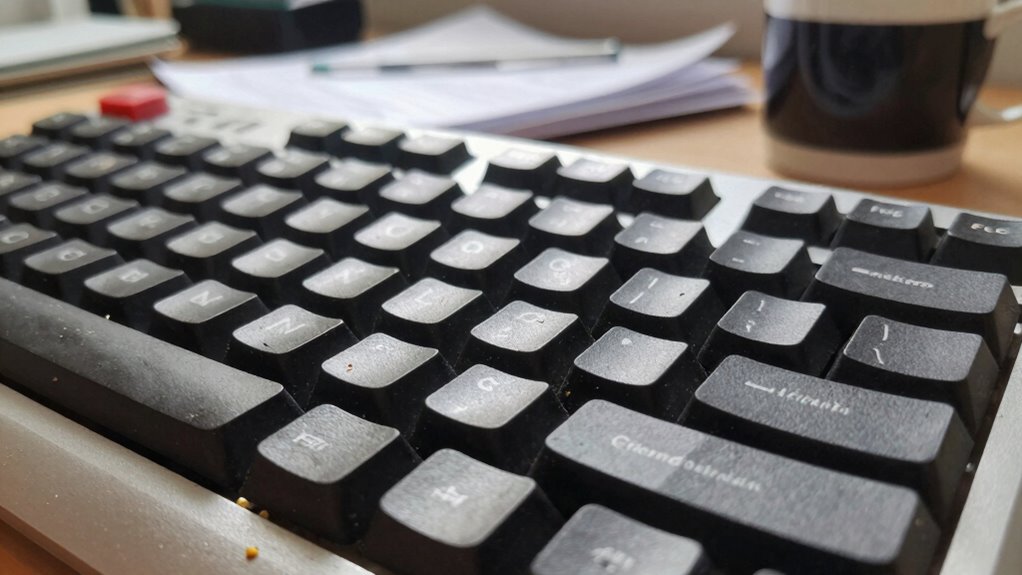

Poor keyboard placement can silently cause discomfort during long work sessions. Positioning your keyboard too high, low, or too close makes you hunch forward or strain your wrists. Reaching too far or twisting your wrists puts unnecessary stress on your muscles and joints. Without proper ergonomic adjustments, you risk fatigue, pain, and injury over time. Small changes in height, angle, and support can make a big difference—if you keep exploring, you’ll discover how to prevent these issues before they worsen.

Get comfort and recovery gear delivered free — and shop member deals
- Fast, free delivery on millions of items
- Access to Prime Big Deal Days deals on October 6–7
- Prime Video, Amazon Music and more included
Key Takeaways
- Placing the keyboard too high or low causes wrist strain and awkward postures over extended periods.
- Positioning the keyboard too close or too far leads to hunching or reaching, increasing shoulder and neck fatigue.
- Ignoring proper ergonomic adjustments results in prolonged wrist twisting and finger overextension.
- Failing to use wrist supports or proper padding allows gradual development of discomfort and repetitive strain injuries.
- Neglecting regular workspace reassessment and breaks causes cumulative stress and long-term musculoskeletal issues.

Proper keyboard placement is essential for maintaining comfort and preventing strain during extended typing sessions. When you neglect to make ergonomic adjustments, you risk developing discomfort that can slowly turn into chronic pain. One common mistake is positioning your keyboard too high or too low, which forces your wrists into awkward angles. Instead, aim to keep your keyboard at a height where your elbows are roughly at a 90-degree angle, allowing your forearms to stay parallel to the ground. This simple adjustment markedly reduces unnecessary stress on your wrists and shoulders. Incorporating wrist support accessories, such as padded wrist rests, can further help keep your wrists in a neutral position. These accessories act as a buffer, preventing your wrists from bending upward or downward, especially during long typing marathons.
Proper keyboard height and wrist support prevent strain and promote comfort during long typing sessions.
Many people overlook the importance of proper placement, assuming that once the keyboard is on the desk, it’s in the right position. But you should regularly reassess your setup to confirm it aligns with your body’s natural posture. Small ergonomic adjustments can make a big difference, like tilting the keyboard slightly or adjusting its distance from your body. If your keyboard is too close, you might hunch forward; if it’s too far, you’ll reach excessively, straining your shoulders. Keep your hands comfortably centered over the keys to avoid overextending your fingers or twisting your wrists. Additionally, ensuring your workspace is ergonomically optimized can help prevent long-term issues related to improper placement. Regularly adjusting your setup can also prevent fatigue, especially during extended work hours. Paying attention to proper ergonomic positioning can also help you avoid unnecessary strain. Being mindful of keyboard height and angle can further enhance comfort and reduce strain.
Furthermore, neglecting wrist support accessories often leads to fatigue and strain. Without proper support, your wrists may sag or bend unnaturally, increasing the risk of repetitive strain injuries like carpal tunnel syndrome. Using padded wrist rests or ergonomic keyboards designed with built-in wrist support can help maintain a neutral wrist position. These accessories are especially beneficial during prolonged work sessions, as they reduce pressure and support blood flow. Recognizing the importance of ergonomic design can help you choose equipment that better supports your posture and health.
Lastly, don’t forget to take regular breaks and stretch your hands and wrists. Even with ideal placement, continuous typing can cause fatigue. Adjusting your setup to include ergonomic considerations and wrist support accessories isn’t just about comfort; it’s a proactive approach to safeguarding your long-term health. Proper placement might seem minor, but it quietly prevents the pain and discomfort that can derail your productivity over time.
ergonomic keyboard with adjustable height
As an affiliate, we earn on qualifying purchases.
As an affiliate, we earn on qualifying purchases.
Frequently Asked Questions
How Can I Identify My Ideal Keyboard Height?
To identify your ideal keyboard height, start by adjusting it so your elbows stay close to your body and form about a 90-degree angle. Your typing posture should be relaxed, with wrists straight and not strained. Check the keyboard angle—if you need to tilt it, do so gently to avoid wrist pain. Test different heights and angles until your hands feel comfortable and your posture remains natural during long typing sessions.
What Are the Signs of Poor Keyboard Placement?
Did you know poor keyboard placement can cause up to 75% of repetitive strain injuries? Signs of bad keyboard placement include discomfort in your wrists and shoulders, a keyboard too high or low, and a keyboard posture that forces your wrists into an awkward angle. You might also notice fatigue or pain after long typing sessions. Keep your wrists aligned and maintain a comfortable wrist angle to prevent strain and stay productive.
Does Keyboard Placement Affect Wrist Health Significantly?
Yes, your keyboard placement considerably affects wrist health. Poor positioning can cause wrist strain, leading to discomfort and potential injuries over time. When your keyboard isn’t at the right height or angle, it reduces typing comfort and forces your wrists into awkward positions. To prevent this, keep your wrists straight and relaxed, and place your keyboard at a height that allows your elbows to stay close to your body, promoting better wrist health during long work sessions.
How Often Should I Adjust My Keyboard Position?
You should adjust your keyboard position whenever you notice discomfort or misalignment. Aim for a comfortable keyboard tilt that keeps your wrists in a neutral position, preventing strain. Check your wrist alignment regularly, especially during long work sessions, and make small adjustments to maintain proper ergonomics. Ideally, review your setup at least once a week, ensuring your keyboard remains at the right height and tilt to support healthy wrist movements.
Are Ergonomic Keyboards Better for Long Sessions?
Ergonomic keyboards are game-changers for long sessions, literally transforming your typing experience. Their innovative keyboard design encourages a natural typing posture, drastically reducing strain and fatigue. Unlike traditional keyboards, they promote a healthier wrist alignment and minimize repetitive stress injuries. If you spend hours at your desk, investing in an ergonomic keyboard can mean the difference between suffering in silence and comfortably powering through your workday.
As an affiliate, we earn on qualifying purchases.
Conclusion
By now, you realize that tiny mistakes in keyboard placement can slowly sabotage your work, turning long sessions into a nightmare. If you ignore proper positioning, you might as well be hammering nails with a feather — it’s that disastrous. Fixing these errors takes seconds but pays off in endless comfort and efficiency. Don’t let poor setup turn your productivity into a sinking ship. Adjust your keyboard today and keep your work sessions smooth, pain-free, and almost effortless!
ergonomic keyboard with wrist support
As an affiliate, we earn on qualifying purchases.
As an affiliate, we earn on qualifying purchases.
keyboard tilt stand for ergonomic setup
As an affiliate, we earn on qualifying purchases.
As an affiliate, we earn on qualifying purchases.
Evergreen bestsellers Picks
bestsellers
As an affiliate, we earn on qualifying purchases.