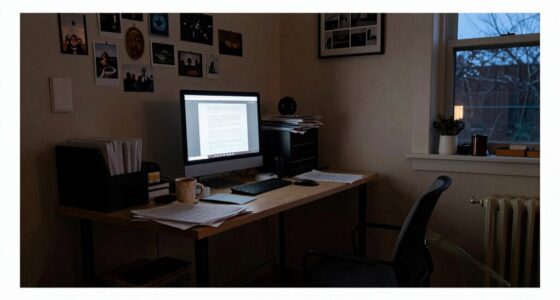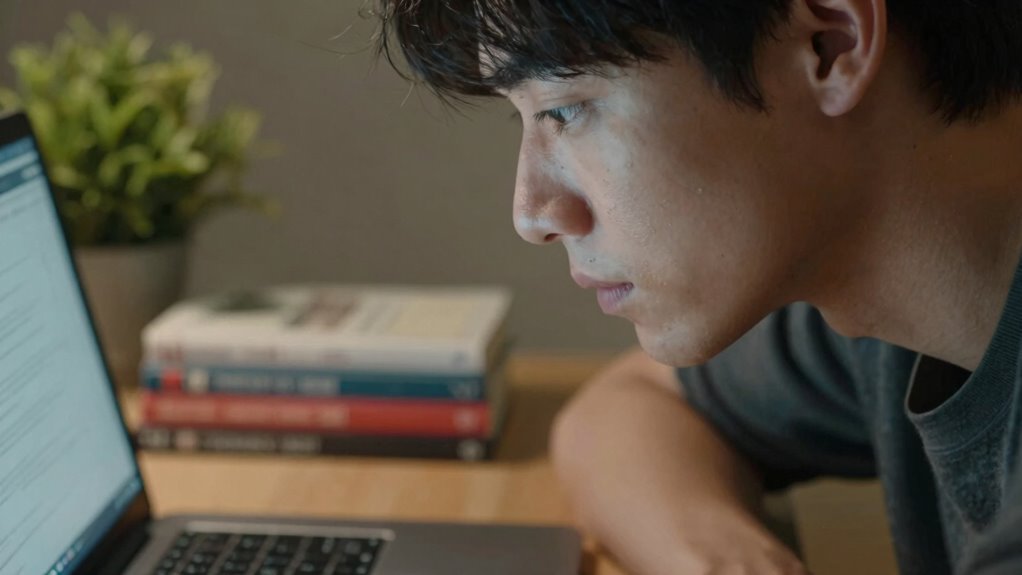

Your webcam angle influences how you sit because it affects your posture, framing, and overall presence on camera. When the angle isn’t right, you might sit too close, too far, or at an uncomfortable tilt, which can distort your features or create shadows. Adjusting your sitting position to match your webcam angle helps maintain good posture and a natural look. Keep exploring to discover how small changes can make a big difference in your video appearance.

Get comfort and recovery gear delivered free — and shop member deals
- Fast, free delivery on millions of items
- Access to Prime Big Deal Days deals on October 6–7
- Prime Video, Amazon Music and more included
Key Takeaways
- A tilted webcam can cause you to adjust your sitting position to stay centered in the frame.
- Changes in angle may lead to poor lighting, prompting posture adjustments for better visibility.
- An improper webcam angle can distort your appearance, influencing how you sit to appear more natural.
- To maintain proper framing, you might shift your sitting height or angle, affecting overall posture.
- Different angles can create visual imbalance, encouraging you to modify your sitting position for comfort and professionalism.
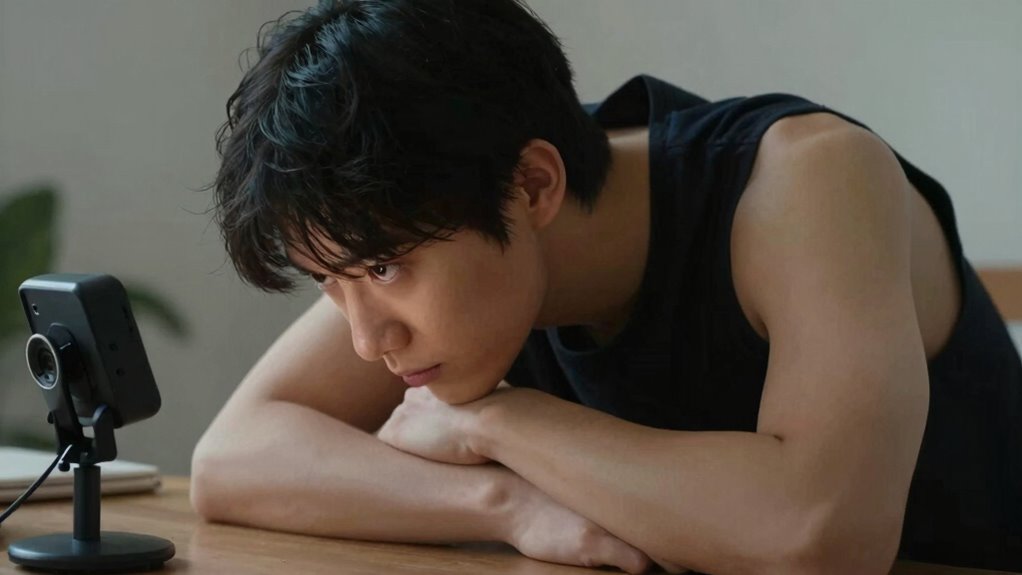
When it comes to video calls and recordings, your webcam angle and sitting position play a vital role in how you appear on camera. The angle of your webcam influences not just your framing but also how your lighting setup interacts with your face and surroundings. If the camera is tilted too high or too low, it can cast unflattering shadows or wash out your features, making your face look unnatural or unprofessional. To ensure your lighting setup complements your sitting position, adjust the camera so that it captures your face evenly, with light falling softly across your features. This way, you’ll avoid harsh shadows or overexposure that can distract viewers or obscure your expressions. Remember, the right lighting enhances background visibility too. A well-placed light source, combined with a suitable webcam angle, makes your background elements clear without overshadowing you or creating distracting glare. Proper lighting setup is essential for achieving a balanced and professional appearance on camera. Additionally, paying attention to camera placement can help optimize your overall video quality and presentation. Maintaining a consistent camera angle can also improve your on-camera presence and make your videos look more polished. Your sitting position influences how well your background is seen and how natural you appear on camera. Sitting too close can cause your face to look distorted, while sitting too far away might make your features appear small and difficult to see. When you sit at an optimal distance, the webcam can frame you correctly, allowing viewers to see your face clearly without feeling overwhelmed or disconnected. The angle from which you view the camera matters just as much. If the webcam is too low, it can give the impression that you’re looking up from beneath, which isn’t very flattering. Conversely, a camera set too high might make you seem distant or disconnected. Adjust your sitting height and angle so that the camera is at eye level. This position creates a natural perspective, making eye contact more effective and establishing a stronger connection with your audience. Your posture also impacts how you sit relative to the webcam angle. Sitting upright with your shoulders back helps you stay within the frame and maintain good lighting conditions. It encourages a professional appearance and ensures your face remains well-lit and visible. If you slouch or lean away from the camera, you risk losing clarity and making your background less visible. Small posture adjustments can make a significant difference in how professional and engaging your video calls appear, helping you make a better impression every time you sit down in front of the camera. Ultimately, your sitting position and webcam angle are interconnected. By paying attention to these details, you can optimize your background visibility, improve your lighting setup, and present yourself more confidently on camera.
As an affiliate, we earn on qualifying purchases.
Frequently Asked Questions
How Does Lighting Affect Webcam Angles and Sitting Posture?
Lighting effects can influence your webcam angles and sitting posture by causing glare or shadows that make you adjust your position. When lighting is uneven, you might lean forward or shift to find a better angle, impacting your posture impacts. Bright lights behind you may force you to tilt your head or sit awkwardly to avoid glare, while good lighting encourages natural, comfortable sitting positions, reducing strain and promoting better posture.
Can Webcam Angles Influence How Others Perceive Your Professionalism?
Ever wonder if your webcam angle influences how others see your professionalism? Absolutely. A well-placed camera tilt and thoughtful framing composition can make you appear more confident and credible. When you position your webcam at eye level and frame your face properly, you project assurance. Conversely, a poorly angled shot might seem careless. So, pay attention to your camera setup—it’s a subtle way to enhance your professional image during virtual interactions.
What Ergonomic Tips Complement Webcam Positioning for Long Meetings?
To stay comfortable during long meetings, make certain your ergonomic chair supports good posture, and adjust your monitor height so your eyes are level with the top of the screen. Keep your feet flat on the floor, and use a keyboard and mouse at a natural angle. Position your webcam at eye level to avoid neck strain, and take regular breaks to stretch and reset your posture.
Are There Specific Webcam Angles Better for Video Conferencing Privacy?
Yes, certain webcam angles enhance your privacy during video calls. Position your camera slightly above eye level, facing downward, to keep sensitive areas out of view and minimize privacy concerns. Avoid low or wide-angle shots that reveal more than intended. Proper camera positioning guarantees a professional appearance while protecting your privacy, giving you confidence during meetings. Adjust your webcam angle regularly to maintain control over what others see.
How Often Should I Adjust My Webcam Angle During a Session?
You should adjust your webcam angle only when necessary to maintain camera stability and guarantee your framing stays consistent. During a session, check your camera setup every 10-15 minutes to avoid unnecessary movements. Frequent adjustments can cause distractions and disrupt your focus. Aim for a stable, well-positioned angle from the start, and make minor tweaks only when your posture or environment changes considerably to keep your video professional and steady.
As an affiliate, we earn on qualifying purchases.
Conclusion
So, next time you notice your webcam angle shifting, remember it’s more than just a technical quirk—it influences how you sit and feel during calls. Picture yourself adjusting your posture to match the camera’s perspective, like aligning a mirror to see your best self. When you’re mindful of this unseen influence, you can sit more comfortably and confidently, turning a simple video setup into a tool that subtly shapes your presence and mindset.
As an affiliate, we earn on qualifying purchases.
As an affiliate, we earn on qualifying purchases.
Fall Picks
fall essentials
As an affiliate, we earn on qualifying purchases.