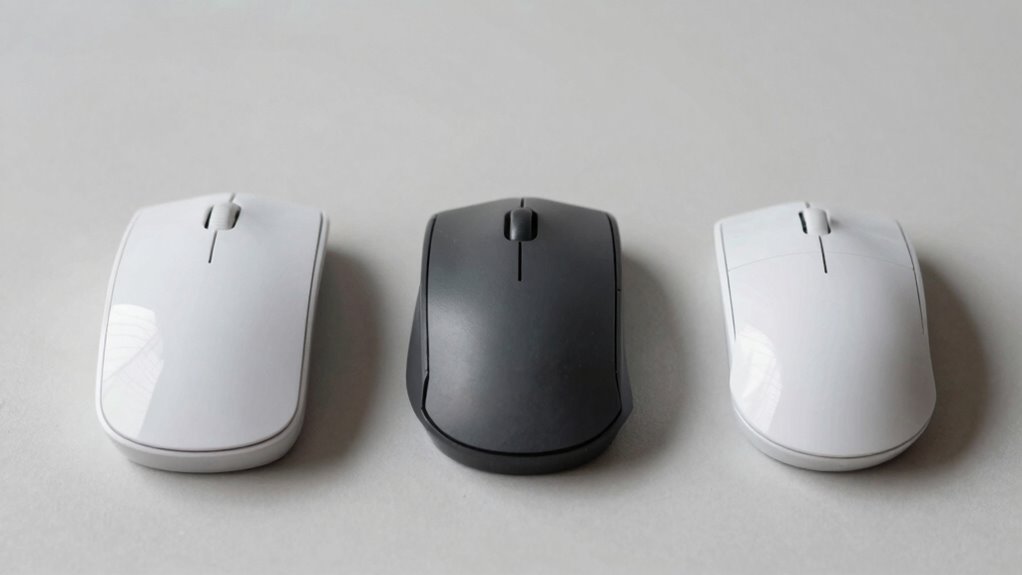

Vertical mice promote a natural handshake position, reducing wrist twisting and preventing strain, especially useful for long hours. Trackballs stay stationary, offering precise control without moving your arm, ideal for limited desk space. Standard mice are common but may cause discomfort over time due to unnatural wrist positions. Each type suits different tasks or comfort needs — if you keep exploring, you’ll discover which one fits your work style best.

Get comfort and recovery gear delivered free — and shop member deals
- Fast, free delivery on millions of items
- Access to Prime Big Deal Days deals on October 6–7
- Prime Video, Amazon Music and more included
Key Takeaways
- Vertical mice promote a natural handshake posture, reducing wrist strain compared to standard mice.
- Trackballs require minimal hand movement, offering precise control without moving the device across a surface.
- Standard mice involve lateral hand movements, which can cause more wrist twisting and discomfort over time.
- Vertical mice and trackballs are often preferred for ergonomic benefits, especially during extended use.
- The control and accuracy of each device depend on sensor quality, with advanced tech enhancing precision across all types.
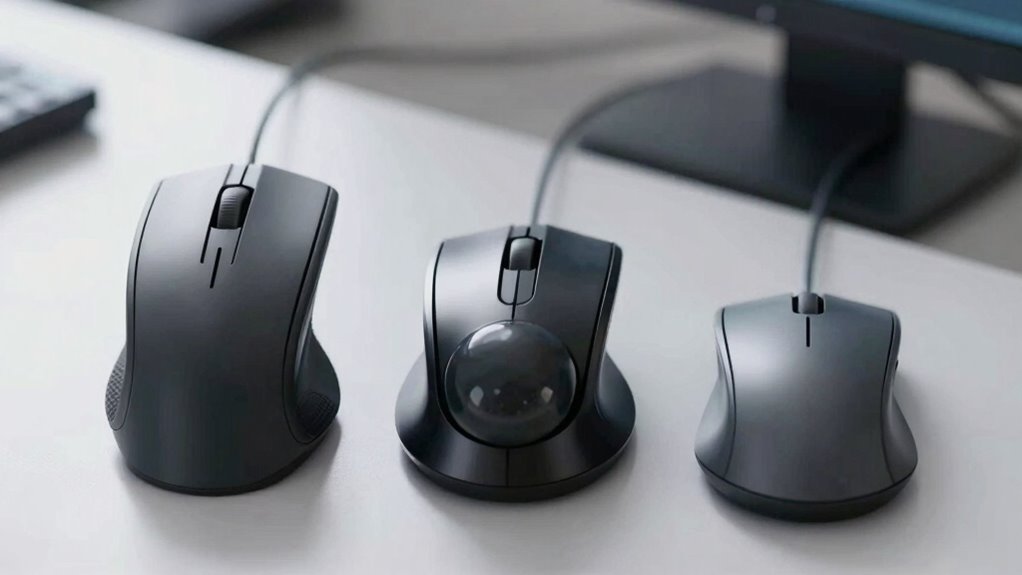
Vertical mice are designed to promote a more natural hand position. Instead of twisting your wrist, you hold the mouse in a handshake posture. This ergonomic benefit reduces strain on your wrist and forearm, which can help prevent repetitive strain injuries like carpal tunnel syndrome. Because of their shape, vertical mice encourage better posture and comfort, especially for those who spend hours working at a computer daily. While they might take some time to get used to, once you adapt, you’ll likely notice less fatigue and discomfort. In terms of precision control, many vertical mice offer comparable sensitivity to standard mice, making them suitable for tasks that require accuracy, such as graphic design or detailed editing. Additionally, ergonomic design in vertical mice can contribute significantly to reducing long-term discomfort. Moreover, some models include customizable buttons and features that enhance productivity for specific tasks. It’s worth noting that the adaptation period for vertical mice can vary depending on the user’s familiarity with similar devices. Furthermore, advancements in sensor technology have improved the responsiveness and accuracy of vertical mice, making them even more appealing for professional use. A user-friendly interface in some models helps new users adjust more quickly.
ergonomic vertical mouse for wrist pain
As an affiliate, we earn on qualifying purchases.
As an affiliate, we earn on qualifying purchases.
Frequently Asked Questions
Are Vertical Mice Suitable for Gaming?
Vertical mice are generally not ideal for gaming because they prioritize ergonomic benefits over gaming performance. You might find them comfortable for long periods, but their design can limit quick, precise movements essential for gaming. If you’re serious about gaming, standard mice or specialized gaming mice often provide better responsiveness and control. So, while vertical mice offer ergonomic advantages, they may not meet the demands of fast-paced gaming.
How Do Trackballs Impact Desk Space?
Using a trackball can be a game-changer for your desk space efficiency. They take up markedly less room because you don’t need to move the entire device—just the ball. This compact design pairs well with ergonomic features, reducing wrist strain. You can keep your workspace tidy and comfortable, making it easier to stay focused. In short, a trackball helps you work smarter, not harder, with less clutter.
Can Standard Mice Be Ergonomic?
Yes, standard mice can be ergonomic if they feature an ergonomic design that promotes a natural hand posture. Look for models with a contoured shape, cushioned grip, and adjustable sensitivity to reduce strain. An ergonomic standard mouse encourages proper hand positioning, minimizes wrist stress, and supports long-term comfort during extended use. Choosing the right design helps prevent repetitive strain injuries and enhances overall productivity.
Which Device Is Best for Users With Wrist Pain?
Think of this as your own personal “James Bond” gadget—an ergonomic device. For wrist pain, a vertical mouse or trackball with ergonomic design is your best bet. These mice keep your wrist in a natural position, reducing wrist strain. Unlike standard mice, they prevent awkward angles, making long hours easier on your wrist. Choose one with good support, and you’ll feel the difference in comfort and pain reduction.
Are Wireless Options Available for All Types?
Yes, wireless options are available for all types, including vertical mice, trackballs, and standard mice. Wireless compatibility is common, offering convenience and reducing cable clutter. However, wired mice often have advantages like lower latency and consistent power, making them ideal for precise tasks. When choosing, consider your needs—wireless models provide freedom of movement, while wired options may deliver more reliable performance.
precision trackball mouse for desk space
As an affiliate, we earn on qualifying purchases.
As an affiliate, we earn on qualifying purchases.
Conclusion
Choosing between vertical mice, trackballs, and standard mice depends on what feels most comfortable for you. Each offers its own gentle way of easing strain and enhancing your experience. By exploring these options, you might find a more natural rhythm in your daily tasks. Remember, finding the right fit isn’t about sacrifice but about softly aligning your tools with your needs, creating a smoother, more harmonious connection every time you use your device.
ergonomic computer mouse for long hours
As an affiliate, we earn on qualifying purchases.
As an affiliate, we earn on qualifying purchases.
professional ergonomic mouse with customizable buttons
As an affiliate, we earn on qualifying purchases.
As an affiliate, we earn on qualifying purchases.
Fall Picks
fall essentials
As an affiliate, we earn on qualifying purchases.