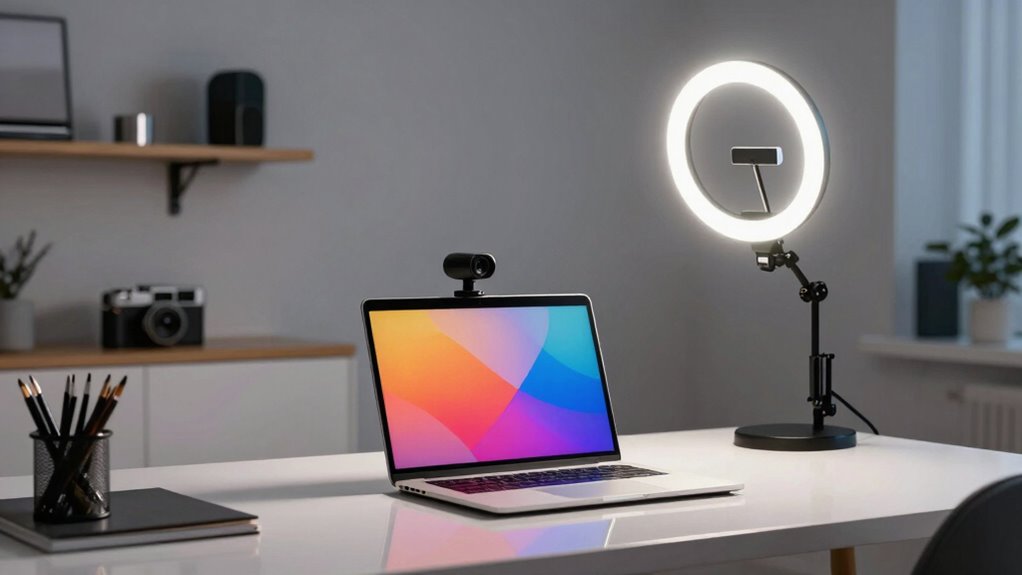

To set up effective webcam lighting, focus on balancing ambient light with a primary light source, like a ring light, placed slightly above eye level. Use adjustable lights to control brightness and avoid glare or shadows, especially on glasses. Warm or cool tones can create different moods, so choose what suits your environment and goals. Keep experimenting until your face is evenly lit and natural-looking. Stay tuned for tips to perfect your setup and boost your video quality further.
Key Takeaways
- Position the main light slightly above eye level and facing the subject for even facial illumination.
- Keep ring lights at a proper distance to prevent glare and reflections, especially on glasses.
- Balance ambient lighting to avoid face washout or harsh shadows, ensuring a natural look.
- Use adjustable brightness and color temperature to match natural light and create a flattering environment.
- Ensure background lighting complements face lighting without causing distractions or blending.
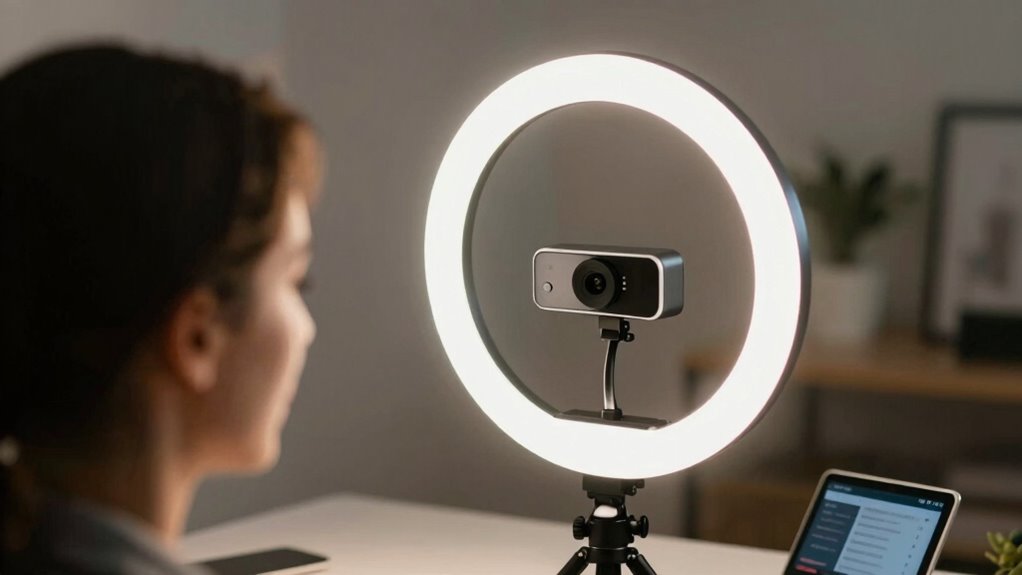
Good lighting can make or break your video quality, especially when using a webcam. When setting up your space, paying attention to your studio setup is essential. A well-designed studio not only enhances your appearance but also guarantees your viewers stay engaged. One of the most important aspects of this setup is managing ambient lighting. Too much ambient light can wash out your face, while too little can leave you in shadows. Striking the right balance is key. You want your environment to be bright enough to illuminate your features clearly but not so harsh that it causes glare or creates unflattering shadows. Experiment with the placement of windows and lights to optimize natural ambient lighting, and supplement with artificial sources if needed.
Balancing ambient light is key to clear, flattering webcam video. Adjust windows and lights for optimal illumination.
Next, consider where you position your webcam relative to your light sources. Ideally, you want your main light to be facing you, slightly above eye level, to mimic natural sunlight and create a flattering look. If you’re using a dedicated studio setup, invest in adjustable lights so you can control brightness and direction. Ring lights are popular for this reason—they cast even, soft light that minimizes shadows and highlights your facial features. When combined with ambient lighting, a ring light can dramatically improve your overall video quality. It’s best to keep the ring light at a distance that evenly lights your face without causing glare or reflections on your glasses if you wear them.
Your choice of lighting should also consider the color temperature and brightness. A warmer tone (around 3200K) gives a cozy feel, while cooler tones (around 5600K) mimic daylight and look more professional. Adjust the brightness to suit your environment; too bright can be harsh, and too dim can hide your expressions. Many ring lights come with adjustable settings, making it easier to find that perfect balance. Remember, your goal is to create a natural, flattering look that enhances your expressions and makes your viewers feel connected. Understanding light placement and how it affects shadows can help you achieve a more professional appearance, especially when paired with proper light positioning.
Additionally, consider the overall lighting environment to ensure your background complements your face lighting without causing distractions. Properly lighting your background can help create depth and prevent your face from blending into the background. Ultimately, your setup should be simple but effective. Use a mix of ambient lighting to set the mood and a ring light or other supplemental sources for focused illumination. Keep experimenting until your face is evenly lit, with no distracting shadows or glare. When your lighting is right, your webcam will capture your true colors and expressions, elevating your video calls, streams, or recordings to a professional level. Proper lighting isn’t just about aesthetics; it’s about making your presence felt clearly and confidently.

Anautin Ring Light for Video Conference Lighting,360°Adjustable,Portable LED Video Conference Lighting for Monitor,Laptop&Desktop Computer,Streaming Light for Zoom Meetings, Selfie Makeup, Video Calls
【Universal Clip-On Design for Laptop & Desktop Screens】 This ring light for computer can attach smoothly to screens…
As an affiliate, we earn on qualifying purchases.
As an affiliate, we earn on qualifying purchases.
Frequently Asked Questions
How Do I Choose the Right Color Temperature for My Ring Light?
You should choose a color temperature that enhances color accuracy and sets the right mood. For natural, true-to-life images, aim for around 5,500K to 6,500K, which mimics daylight. If you want a warmer, cozy vibe, go for 3,000K to 4,000K. Adjust based on your environment and the mood you wish to create, ensuring your lighting complements your skin tone and overall scene.
Can I Use Natural Light Instead of a Ring Light?
Imagine your webcam as a lighthouse, guiding viewers through ambient illumination. Yes, you can use natural light instead of a ring light, but be mindful of shadow reduction. Natural light varies throughout the day, so aim for soft, even lighting. Position yourself near a window, and avoid direct sunlight to prevent harsh shadows. Balance ambient illumination carefully to keep your face well-lit and professional.
What Power Source Is Best for Portable Webcam Lighting Setups?
You should choose a portable webcam lighting setup with a reliable battery source that offers high battery efficiency, ensuring longer use without frequent recharges. Look for lights with power adaptability, allowing you to connect to different power sources like USB, batteries, or portable power banks. This flexibility helps you stay mobile and adapt to various environments, making your setup more convenient, especially when you’re on the go or working in different locations.
How Do I Prevent Glare or Reflections on Glasses?
Imagine your glasses are mirrors catching sunlight; to prevent glare, you need to tame their reflection like a skilled artist. Use anti-glare coatings to diffuse light and reduce reflections effectively. Position your light source at a slight angle, avoiding direct reflections into your eyes. Adjust the ring light’s brightness and angle, and consider reflection reduction filters. These steps help create a clear, glare-free view, enhancing your webcam experience effortlessly.
What Are the Best Mounting Options for Different Camera Setups?
You should prioritize camera positioning and choose mounting accessories that suit your setup. For a stable, adjustable hold, use a tripod or a flexible mount. If you need a permanent solution, wall mounts or clamp mounts work well. Desk stands are perfect for quick adjustments, while ceiling mounts offer a clean look. Select the right mounting accessories based on your space, camera type, and desired angle to guarantee the best footage.
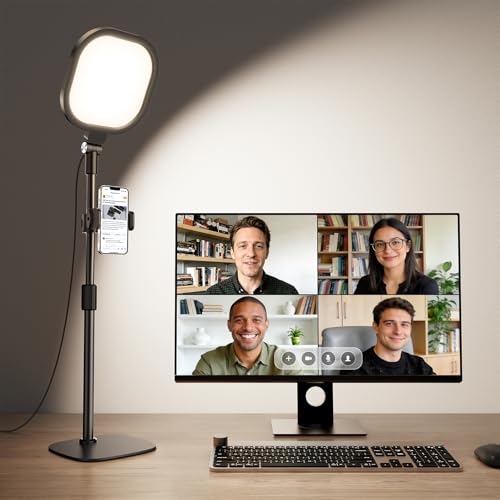
Zoom Lighting for Computer, Adjustable Desk Lighting for Video Calls, 30 Light Modes Video Conference Light, Desk Ring Light with Stand for Webcam, Meetings, Live Stream, Home Office. CRI 97.8
Uniform and Soft Illumination: LitONES desk video conference light utilizes advanced edge-lit technology, delivering even and gentle lighting…
As an affiliate, we earn on qualifying purchases.
As an affiliate, we earn on qualifying purchases.
Conclusion
Think of your webcam setup as the spotlight on your best performance. With the right lighting, your face becomes a canvas painted in clarity and warmth, capturing attention like a magnet. Ring lights and proper setup don’t just illuminate—they tell your story with brilliance and confidence. So, experiment, adjust, and shine brightly—because your presence deserves the perfect glow, turning every video call into a moment of genuine connection and enchanting charm.

Torjim Softbox Photography Lighting Kit, 16'' x 16'' Professional Softbox Lighting Kit with 85W 3000-7500K LED Bulbs, Studio Lights for Photography/Video Recording/Live Streaming/Portraits Shooting
【Illuminate Your Creativity】 Torjim softbox lighting kit is made of high-quality PET fabric and a foldable nylon cover,…
As an affiliate, we earn on qualifying purchases.
As an affiliate, we earn on qualifying purchases.
Anautin Ring Light for Video Conference Lighting,360°Adjustable,Portable LED Video Conference Lighting for Monitor,Laptop&Desktop Computer,Streaming Light for Zoom Meetings, Selfie Makeup, Video Calls
【Universal Clip-On Design for Laptop & Desktop Screens】 This ring light for computer can attach smoothly to screens…
As an affiliate, we earn on qualifying purchases.
As an affiliate, we earn on qualifying purchases.