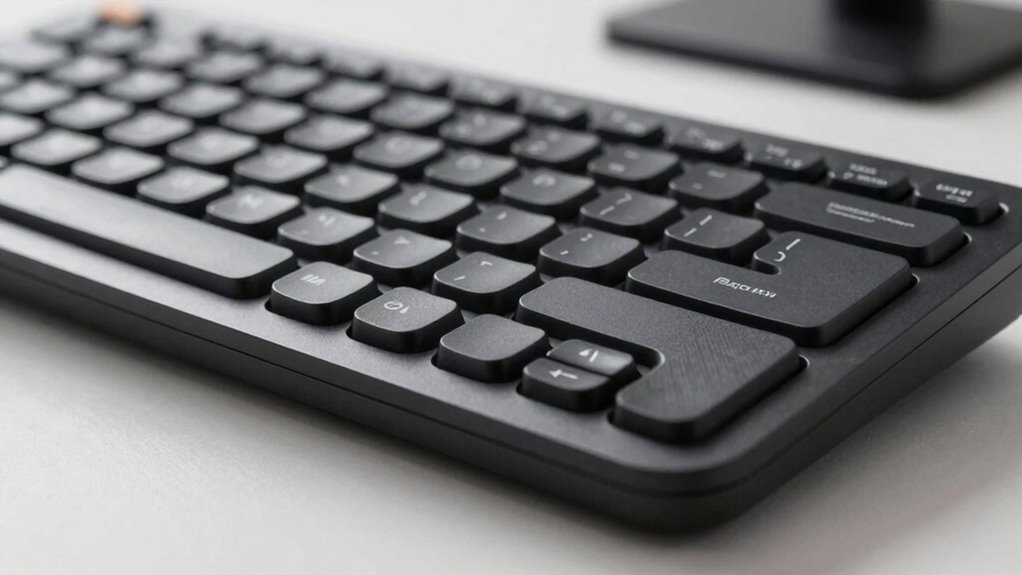

A better ergonomic keyboard feels right because it supports natural hand placement, reducing strain and fatigue. Features like split designs, angled or curved keys, and adjustable wrist rests help keep your wrists in neutral positions and prevent awkward movements. Soft cushioning and customizable height or tilt let you tailor the setup, enhancing comfort during long use. If you keep exploring, you’ll find more ways to choose a keyboard that truly fits your needs.

Get comfort and recovery gear delivered free with Prime
- Fast, free delivery on millions of items
- Prime Video, Amazon Music and more included
- Member-only deals all year
Key Takeaways
- Proper hand placement and split key design reduce strain and improve natural finger movement.
- Built-in or adjustable wrist supports maintain neutral wrist positioning, preventing fatigue.
- Cushioning materials in wrist rests absorb pressure, enhancing comfort during extended use.
- Customizable height and tilt options allow personalized ergonomic adjustments for optimal alignment.
- Overall ergonomic principles promote natural movement, reducing long-term injury risk and increasing comfort.
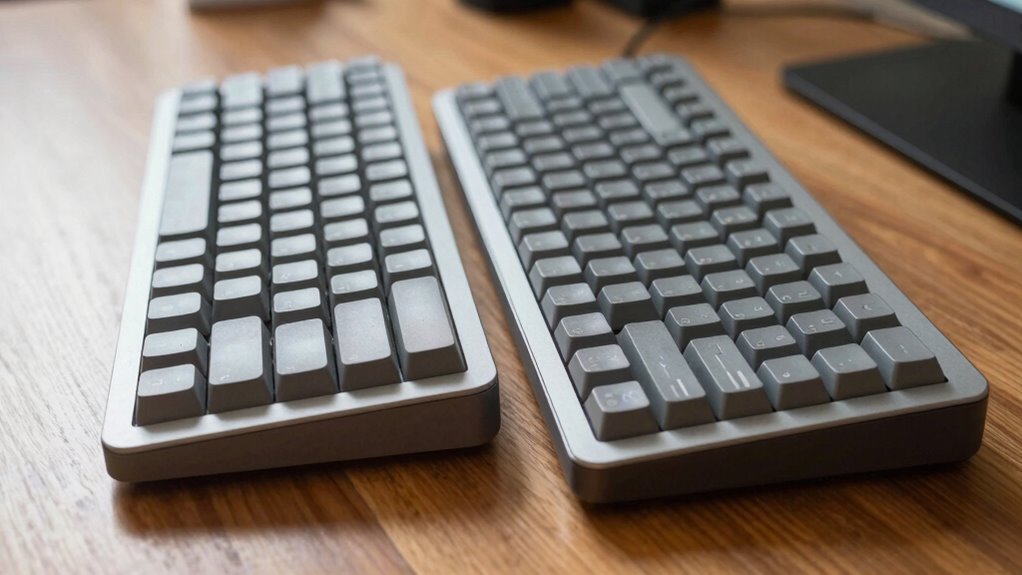
If you spend long hours typing, an ergonomic keyboard can substantially reduce strain and improve comfort. The key to this comfort lies in thoughtful design elements that promote proper hand placement and provide effective wrist support. When your hands rest naturally on the keyboard, you avoid unnecessary tension in your fingers, wrists, and forearms. Ergonomic keyboards are crafted to encourage a relaxed, neutral hand position, which minimizes fatigue and the risk of repetitive strain injuries. Proper hand placement means your wrists stay in a comfortable, straight line rather than bending upward or downward, which can cause discomfort over time.
Many ergonomic models feature a split design, allowing your hands to rest at shoulder-width apart, aligning your wrists more naturally. This separation helps prevent inward twisting of your forearms, reducing strain. Additionally, the keys are often angled or curved to match the natural arc of your fingers, further supporting proper hand placement. When your fingers can reach keys without stretching or awkward movements, you increase typing efficiency and decrease fatigue.
Wrist support is another critical aspect that influences how a keyboard feels during extended use. A good ergonomic keyboard offers built-in or adjustable wrist rests that cradle your wrists in a neutral position. This support prevents your wrists from bending upward or downward, which can cause pain or nerve compression over time. When your wrists are well-supported, you remove the need to tense your muscles or adjust your hands constantly, allowing you to type more comfortably and for longer periods. Wrist support is a fundamental ergonomic feature that directly impacts comfort and injury prevention.
The material and cushioning of the wrist rest matter as well. Soft, firm padding provides a comfortable surface that absorbs some of the pressure from your wrists, reducing the risk of developing soreness or repetitive strain injuries like carpal tunnel syndrome. Some keyboards even offer adjustable height and tilt options, letting you customize the angle to suit your ergonomic needs. When you can fine-tune these settings, you’re more likely to maintain proper hand placement and wrist alignment, which directly influences how good a keyboard feels during hours of use.
Additionally, ergonomic design principles play a vital role in creating a keyboard that aligns with natural hand movements, making prolonged use more comfortable. When you prioritize these features, you’re not only improving comfort but also promoting better long-term health. When your hands and wrists are properly supported, the chances of developing discomfort or injury decrease significantly.
In the end, the best ergonomic keyboard is one that encourages a natural hand position and offers reliable wrist support, making your typing experience more comfortable and less taxing. By paying attention to these design features, you can greatly reduce discomfort and boost your productivity, whether you’re working, gaming, or just browsing. The right keyboard doesn’t just feel better—it also helps protect your long-term health.
As an affiliate, we earn on qualifying purchases.
Frequently Asked Questions
How Do I Choose the Right Ergonomic Keyboard for My Needs?
To choose the right ergonomic keyboard, focus on maintaining proper keyboard posture and wrist alignment. Look for a design that promotes a natural hand position, reducing strain. Consider adjustable features like tilt and height, so you can customize comfort. Test different styles to see which feels most comfortable for your wrist and posture. A well-chosen keyboard minimizes fatigue and boosts productivity, making your typing experience more comfortable and efficient.
Are Ergonomic Keyboards Suitable for Gaming or Fast Typing?
Think of an ergonomic keyboard as a well-tuned race car—built for comfort but capable of quick, precise moves. Yes, they’re suitable for gaming and fast typing, especially if you prioritize gaming comfort and reduce strain. While some models excel at long sessions, others might sacrifice speed for comfort. Choose a design that balances your need for rapid typing and gaming precision, ensuring you stay ahead without sacrificing comfort.
What Materials Are Used in High-Quality Ergonomic Keyboards?
High-quality ergonomic keyboards often use durable materials like high-grade plastics, aluminum, and sometimes silicone for key switches, guaranteeing long-lasting performance. These materials not only provide excellent material durability but also enhance aesthetic appeal with sleek finishes and modern designs. You’ll notice that premium keyboards combine sturdy construction with attractive looks, making them both functional and stylish. This careful selection of materials guarantees your keyboard stays reliable and visually appealing over time.
Can Ergonomic Keyboards Prevent Carpal Tunnel Syndrome?
Yes, ergonomic keyboards can help prevent carpal tunnel syndrome by promoting proper wrist positioning and hand alignment. They reduce strain on your wrists, encourage natural hand movements, and minimize repetitive stress. By supporting a neutral wrist posture and aligning your hands comfortably, ergonomic designs decrease pressure on the median nerve, lowering your risk of developing carpal tunnel syndrome. Consistent use fosters healthier typing habits and long-term comfort.
How Do I Properly Adjust an Ergonomic Keyboard for Comfort?
To properly adjust your ergonomic keyboard for comfort, start by aligning it at a height where your elbows are at a 90-degree angle. Use ergonomic wrist support to keep your wrists straight and relaxed. Adjust the keyboard tilt to reduce wrist strain, ensuring your hands stay in a neutral position. Regularly reposition your hands and take breaks to maintain comfort and prevent strain during extended typing sessions.
As an affiliate, we earn on qualifying purchases.
Conclusion
Choosing the right ergonomic keyboard can substantially boost your comfort and productivity. Did you know that studies show users experience a 20% reduction in wrist strain with ergonomic designs? By paying attention to key features like split layouts and adjustable angles, you can find a keyboard that feels better for your hands. Remember, investing in comfort isn’t just about convenience — it’s about protecting your long-term health and making your workday more enjoyable.
ergonomic keyboard with tilt adjustment
As an affiliate, we earn on qualifying purchases.
As an affiliate, we earn on qualifying purchases.
ergonomic keyboard for long typing sessions
As an affiliate, we earn on qualifying purchases.
As an affiliate, we earn on qualifying purchases.
Halloween Picks
halloween
As an affiliate, we earn on qualifying purchases.