
Your monitor choice impacts your comfort just as much as clarity because an ergonomic design supports proper posture, reducing strain on your neck, shoulders, and eyes. Features like adjustable height, tilt, and color calibration help prevent fatigue and eye discomfort during long work sessions. When you pick the right monitor, you improve both your health and productivity. Keep exploring to discover how the right setup can make a real difference in your daily work experience.

Get comfort and recovery gear delivered free with Prime
- Fast, free delivery on millions of items
- Prime Video, Amazon Music and more included
- Member-only deals all year
Key Takeaways
- An ergonomic monitor supports proper posture, reducing physical strain and discomfort during extended use.
- Adjustable features like height and tilt enable personalized comfort, preventing neck and eye fatigue.
- Color calibration ensures visual clarity while minimizing eye strain and fatigue over long work sessions.
- Proper monitor choice, combined with ergonomic accessories, promotes a healthier, distraction-free workspace.
- A well-designed monitor enhances both visual accuracy and physical comfort, boosting productivity and well-being.
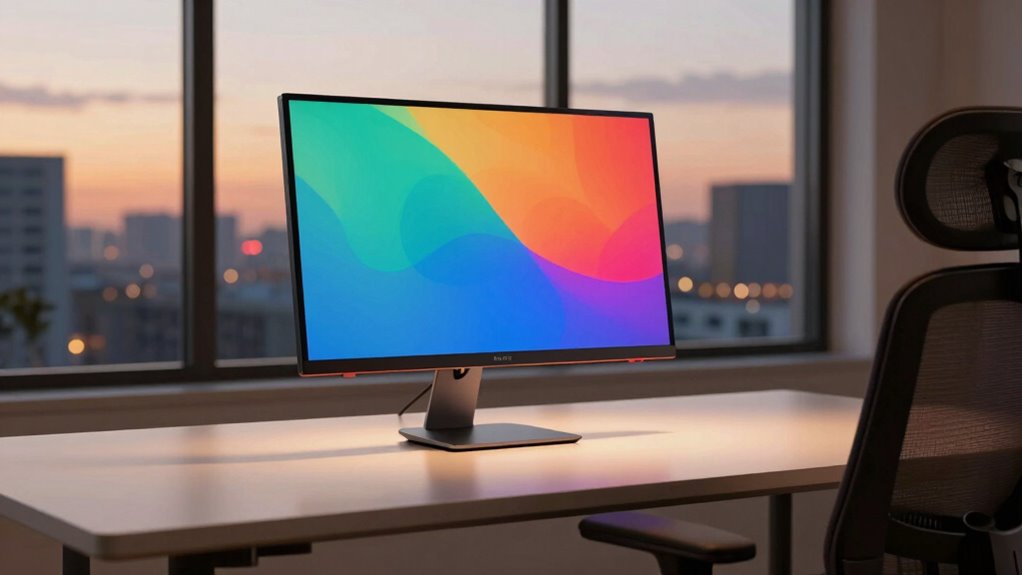
Have you ever considered how much your monitor choice can impact your daily productivity and comfort? When you spend hours at your desk, the right monitor isn’t just about sharp images and vivid colors—it’s about creating a setup that supports your well-being and efficiency. An ergonomic design plays a vital role here. A monitor with adjustable height, tilt, and swivel allows you to maintain proper posture, reducing strain on your neck, shoulders, and eyes. Choosing a screen that positions your eyes at the ideal level prevents you from hunching forward or craning your neck, both of which can lead to discomfort over time. Ergonomic features aren’t just luxuries; they’re essentials for anyone who aims to work comfortably for extended periods.
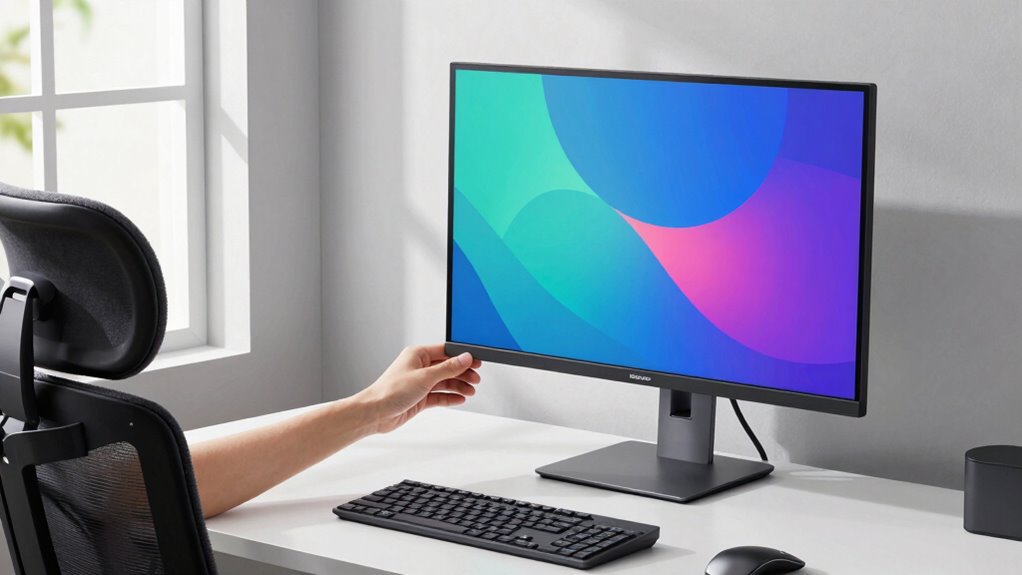
An adjustable monitor supports better posture, reducing strain and enhancing long-term comfort during extended work hours.
Color calibration is another key aspect that often gets overlooked, but it profoundly affects your work quality and eye comfort. When your monitor is properly color calibrated, images, videos, and text appear as intended, which is especially important if you work in design, editing, or any visual-heavy task. Accurate color representation means you won’t strain your eyes trying to decipher blurry or mismatched tones. Additionally, a well-calibrated display reduces eye fatigue, as your eyes don’t have to constantly compensate for color inconsistencies or overly bright screens. This calibration can be fine-tuned to match ambient lighting conditions, further enhancing comfort and clarity throughout your workday. Proper monitor calibration also helps maintain consistent color accuracy over time, ensuring your work remains precise. Regularly adjusting your display’s settings can also help you stay aligned with the latest ergonomic standards for optimal comfort. Incorporating display calibration tools can further improve your setup by making calibration easier and more accurate.
Beyond just visual clarity, a monitor’s ergonomic design and color calibration work together to prevent physical discomfort and visual fatigue. When your setup promotes good posture, you’re less prone to headaches, back pain, or eye strain. Properly calibrated colors lessen the need to squint or adjust your viewing angle excessively, which can cause unnecessary stress on your eyes. It’s about creating a harmony between visual accuracy and physical ease, so you can focus on your tasks without distraction or discomfort. Recognizing the importance of visual ergonomics can lead to a more mindful and health-conscious workspace. Using ergonomic accessories, such as monitor stands or adjustable arms, can further optimize your setup for comfort and health.
Choosing a monitor with these features isn’t just about luxury—it’s about investing in your health and productivity. A monitor that’s ergonomically designed encourages better posture, while accurate color calibration ensures your work looks true-to-life and reduces eye strain. Together, they form a foundation that supports your well-being and helps you perform at your best. Ultimately, the right monitor isn’t just a display; it’s a tool that enhances your daily work experience, making every hour at your desk healthier, more comfortable, and more efficient.
Products Worth Considering

Philips Hue Large Smart Light Tube, Black – White and Color Ambiance LED Color-Changing Light – 1 Pack

Ring Battery Doorbell Plus, Satin Nickel

Philips Hue Bridge Pro Smart Lighting Hub
As an affiliate, we earn on qualifying purchases.
Frequently Asked Questions
How Does Monitor Size Affect Long-Term Eye Comfort?
A larger monitor can improve your eye comfort over the long term because it reduces eye strain caused by squinting or leaning forward, especially if you choose one with high screen resolution. Keep an eye on brightness levels to prevent glare, which can cause fatigue. Proper monitor size and resolution help you maintain a comfortable viewing distance, while adjusting brightness minimizes eye strain during extended use.
What Role Does Monitor Stand Adjustability Play in Comfort?
Adjustable monitor stands play a vital role in your comfort by allowing you to set the perfect monitor height, reducing neck and eye strain. When your stand offers stability, you can move and position your monitor confidently without wobbling or slipping. Proper monitor height aligns with your eye level, promoting good posture, while stand stability guarantees you can adjust your setup easily and securely, making long hours more comfortable.
Are Curved Monitors Better for Reducing Eye Strain?
A curved monitor can reduce eye strain by aligning with your natural field of view, minimizing neck and eye movements. For example, a gamer noticed less eye fatigue after switching to a curved display with high refresh rate and color accuracy. The curve helps maintain consistent focus, especially during long sessions, making it easier on your eyes. This design supports both clarity and comfort, especially when working with detailed visuals or fast-paced content.
How Do Different Screen Coatings Impact Eye Comfort?
Different screen coatings markedly impact your eye comfort. Anti-reflective coatings reduce glare, making it easier to view your monitor without straining your eyes, especially in bright environments. They also decrease reflections that can cause discomfort and fatigue. By choosing a monitor with glare reduction features and quality anti-reflective coatings, you’ll enjoy clearer visuals and less eye strain, helping you work longer and more comfortably throughout the day.
Can Monitor Placement Influence Overall Ergonomic Health?
Yes, monitor placement greatly influences your ergonomic health. You should position your monitor to maintain proper desk ergonomics, keeping the top of the screen at or slightly below eye level. Adjust for lighting conditions to reduce glare and eye strain. Proper placement minimizes neck and eye strain, promotes better posture, and enhances comfort during long hours. Regularly check your setup to guarantee it remains ideal for your ergonomic well-being.
Conclusion
Choosing the right monitor isn’t just about sharp images; it’s about creating a comfortable space where your eyes can rest and your focus can flourish. Think of your monitor as the window to your world—if it’s blurry or harsh, your view becomes distorted and strained. Picking wisely guarantees your work and play stay smooth sailing, not choppy waters. Remember, a well-chosen monitor is the anchor that keeps your comfort steady, even in the busiest seas.