To save your neck by noon, do a quick desk reset by adjusting your monitor to eye level, relaxing your shoulders, and stretching your neck side to side. Stand up for a minute or two to move your muscles and improve posture. Set hourly reminders to stretch or walk briefly, preventing tension from building. Incorporating these simple steps can keep discomfort at bay and boost your focus—stick around to explore more easy tips.

Get comfort and recovery gear delivered free — and shop member deals
- Fast, free delivery on millions of items
- Access to Prime Big Deal Days deals on October 6–7
- Prime Video, Amazon Music and more included
Key Takeaways
- Perform a quick neck tilt and shoulder roll to release tension and realign posture.
- Use ergonomic accessories like a monitor stand to maintain eye level and proper alignment.
- Take brief standing or stretching breaks every hour to prevent stiffness and promote circulation.
- Adjust your chair for 90-degree knee bends and keep feet flat to support good posture.
- Set reminders to reset your posture regularly and incorporate movement into your routine before noon.
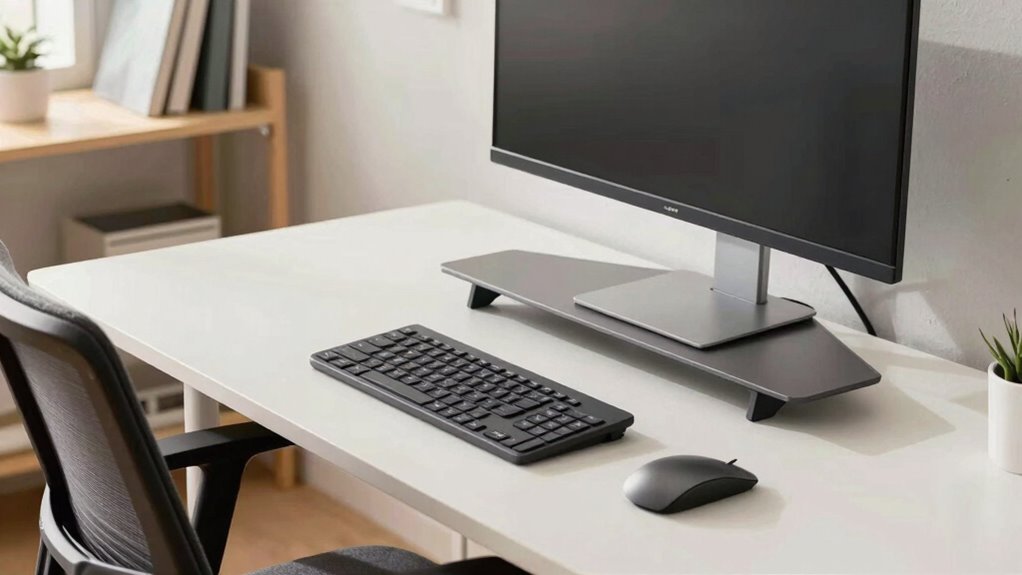
If you spend hours at your desk, you’ve probably experienced neck strain that can ruin your day. It’s a common problem, often caused by poor posture and the lack of ergonomic accessories that support your body properly. But the good news is, a quick, low-effort desk reset can make a big difference—especially if you do it by noon. This simple routine helps realign your body, refresh your focus, and prevent discomfort from building up.
A quick desk reset by noon can improve posture, boost focus, and prevent neck discomfort.
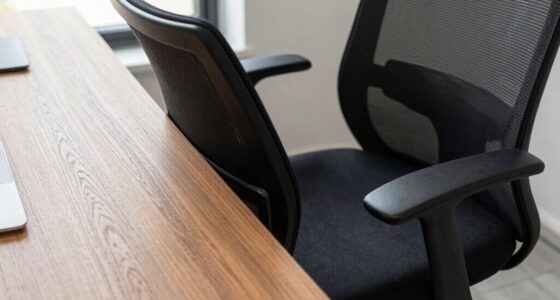
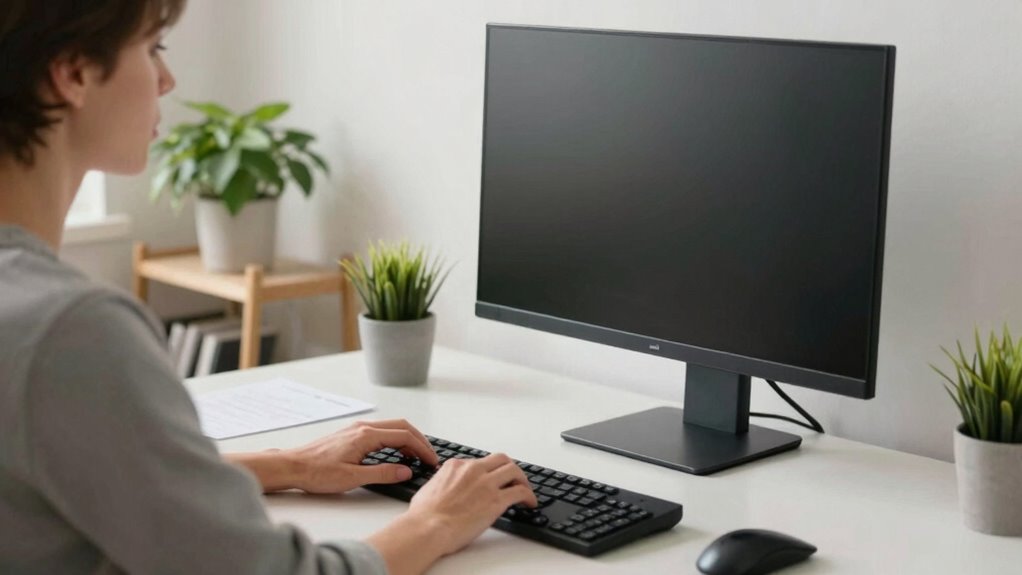
The key is to incorporate a few easy adjustments into your daily routine. First, take a moment to evaluate your current setup. Is your monitor at eye level? Are your shoulders relaxed, and your back supported? If not, you can fix these issues with minimal effort. Use ergonomic accessories like a monitor stand to raise your screen to eye level, preventing you from tilting your head forward or downward. Adjust your chair height so your feet rest flat on the floor, and your knees are at a 90-degree angle. These small changes promote better posture awareness, which is crucial for avoiding neck strain.
Once your workspace is optimized, practice a quick stretching routine. Stand up, and gently tilt your head from side to side, holding each stretch for a few seconds. Roll your shoulders backward to loosen tension, and stretch your arms overhead to open up your chest. These movements don’t take long but help counteract the stiffness that creeps in after hours of sitting. Incorporating ergonomic principles into your workspace can significantly reduce the risk of discomfort. Additionally, staying mindful of your posture habits throughout the day can make a noticeable difference in preventing pain.
Another simple but effective trick is to set a timer or reminder every hour. When it goes off, stand up, do a quick stretch, or walk around for a minute. This not only breaks the monotony but also encourages posture awareness. Small habits like these keep your muscles engaged and prevent the buildup of tension that leads to neck pain. Remember, consistency is key—these short resets can become a natural part of your work routine.
As an affiliate, we earn on qualifying purchases.
Frequently Asked Questions
How Often Should I Perform the Desk Reset During the Day?
You should perform the desk reset every hour to maintain ergonomic posture and prevent strain. Incorporate quick stretching routines during each reset to loosen tight muscles and improve circulation. These frequent breaks help you stay comfortable and focused, reducing neck and shoulder pain. Consistently resetting your workspace encourages better posture habits throughout the day, making it easier to stay productive and avoid long-term discomfort.
Can This Reset Help With Chronic Neck Pain?
Chronic neck pain affects 30% of adults, and this reset can definitely help. By incorporating posture correction and ergonomic tips during your reset, you realign your spine and reduce tension. Regularly practicing these simple adjustments during your day improves your overall posture, alleviating strain and discomfort. This low-effort reset isn’t a cure-all but can be a valuable part of your strategy to manage and prevent chronic neck pain effectively.
What Tools or Accessories Are Needed for the Reset?
To perform the reset, you’ll need ergonomic accessories like an adjustable chair, a sit-stand desk, and a monitor riser to promote proper posture correction. These tools help align your neck and spine, reducing strain. Additionally, using a supportive keyboard and mouse can improve comfort. With these accessories, you’ll easily adjust your workspace to maintain better posture throughout the day, preventing pain and enhancing productivity.
Is This Reset Suitable for Standing Desks?
Yes, this reset suits standing desks perfectly. It aligns with ergonomics principles by encouraging posture correction and reducing strain. You can easily adapt the reset to your standing setup by adjusting your monitor height and foot position, promoting better spinal alignment. Incorporating this reset into your routine helps prevent discomfort, supports healthy ergonomics, and guarantees you maintain proper posture throughout the day, whether sitting or standing.
How Long Does Each Reset Take to Be Effective?
Think of each reset as a quick tune-up for your neck. Usually, it takes about 2-3 minutes of performing neck stretches and adjusting ergonomic pillows to see noticeable relief. Consistency is key—doing these resets regularly keeps your neck comfortable and reduces strain. Even a brief pause during your workday can prevent discomfort from building up, making your day more productive and pain-free.
As an affiliate, we earn on qualifying purchases.
Conclusion
By taking just a moment to reset your desk, you’re not only preventing neck pain but also giving yourself a fresh start. This simple habit keeps your posture in check and your mind clear—proof that sometimes, less is more. Don’t wait till it’s too late; nip those aches in the bud before they become a thorn in your side. After all, a little effort now can save you from a lot of trouble down the line.
As an affiliate, we earn on qualifying purchases.
As an affiliate, we earn on qualifying purchases.
Fall Picks
fall essentials
As an affiliate, we earn on qualifying purchases.