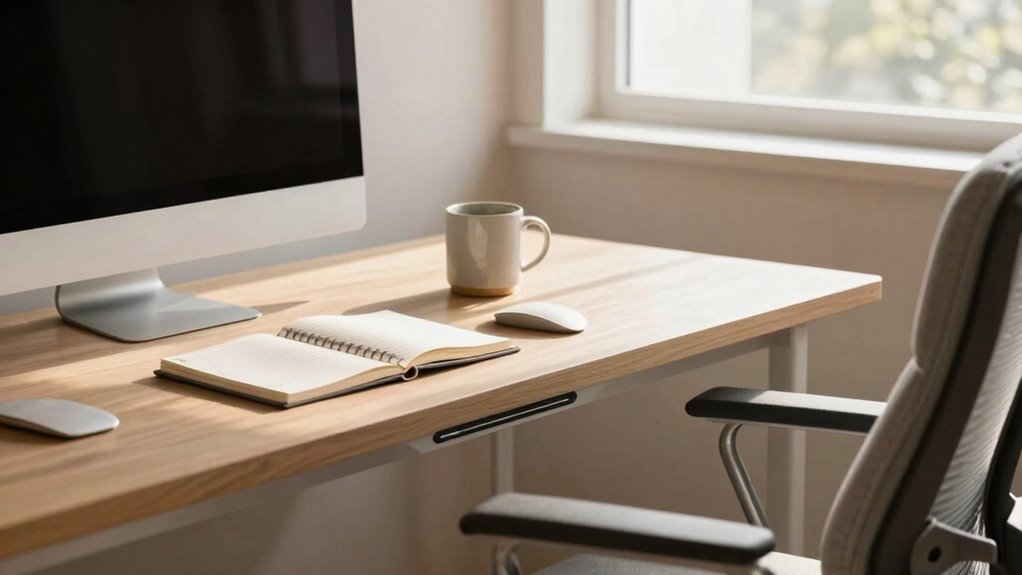

The Reach Zone Rule helps you instantly make your desk more comfortable by keeping your most-used items—like your keyboard, mouse, phone, and essential documents—right within arm’s reach. This setup minimizes stretching, twisting, and unnecessary movements, reducing strain and boosting productivity. By organizing your workspace with ergonomic principles, you’ll feel more relaxed and focused throughout the day. To discover simple tips on achieving the perfect setup, keep exploring how this rule transforms your workspace.

Get comfort and recovery gear delivered free — and shop member deals
- Fast, free delivery on millions of items
- Access to Prime Big Deal Days deals on October 6–7
- Prime Video, Amazon Music and more included
Key Takeaways
- Keep frequently used items within arm’s reach, roughly from elbow to fingertips, to prevent unnecessary stretching.
- Position your monitor at eye level directly in front to avoid neck strain and improve comfort.
- Arrange keyboard and mouse at a comfortable height, close to your body, to maintain proper posture.
- Declutter your workspace regularly to ensure essential items are easily accessible within the Reach Zone.
- Use ergonomic furniture adjustments, like an adjustable chair, to maintain relaxed arms and proper body alignment.
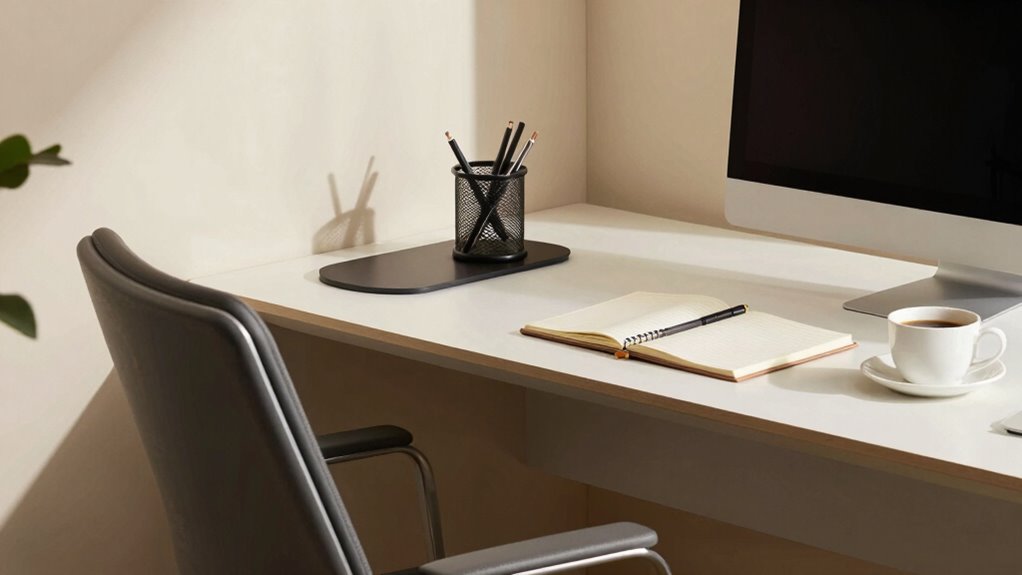
The Reach Zone Rule is a simple yet powerful concept that can dramatically improve your productivity and decision-making. It’s all about positioning your most-used items within easy arm’s reach, so you don’t waste time or strain yourself reaching across your desk. When you focus on ergonomic adjustments and workspace organization, you create a setup that not only feels more comfortable but also keeps you efficient throughout the day. By carefully arranging your workspace, you reduce unnecessary movements, minimize fatigue, and prevent long-term strain injuries. Incorporating design thinking insights into your workspace layout can help you identify the most effective organization strategies. Start by evaluating your current desk layout. Identify the items you use most frequently—your keyboard, mouse, phone, and essential documents. These should all be within your reach without stretching or twisting your body. Keep your mouse and keyboard directly in front of you at a comfortable height to avoid hunching or overextending your arms. When you organize your workspace, think about placing your frequently used tools in the Reach Zone, which extends roughly from your elbow to your fingertips when your arms are relaxed. Items outside this zone can cause you to lean forward or stretch awkwardly, leading to discomfort over time. Adjust your ergonomic setup to support this organization. Invest in an adjustable chair that allows you to keep your feet flat on the floor and your hips at a 90-degree angle. Elevate your monitor to eye level to prevent neck strain, and position it directly in front of you within the Reach Zone. Keep your keyboard and mouse at a height where your elbows are close to your sides and your wrists are straight. This minimizes tension and keeps your posture aligned. Workspace organization isn’t just about placing items in the right spots; it’s also about maintaining a clutter-free environment. Clear away unnecessary things that clutter your desk and distract you from your main tasks. Use organizers, trays, or drawers to keep small items tidy and out of sight, which enhances workspace efficiency. Regularly reassessing your workspace and ergonomic principles can help you make continuous improvements for long-term comfort and efficiency. Understanding the science of ergonomics can guide you in making more informed choices about your workspace setup, leading to better posture and overall well-being. When your workspace is organized, you’ll find it easier to access what you need quickly and maintain focus.
As an affiliate, we earn on qualifying purchases.
Frequently Asked Questions
Does the Reach Zone Rule Apply to Standing Desks?
Yes, the reach zone rule applies to standing desks too. When you customize your workspace with ergonomic accessories, you guarantee that frequently used items stay within your ideal reach. This minimizes strain and boosts comfort. Adjust your standing desk height and organize your essentials, so they’re easy to access without overreaching. Proper workspace customization helps you maintain good posture, whether you’re sitting or standing, making your entire setup more ergonomic and comfortable.
How Often Should I Adjust My Desk for Comfort?
You should adjust your desk regularly—roughly every 30 to 60 minutes—so your body stays comfortable and avoids strain. Picture yourself sitting at a desk with ergonomic accessories and adjustable furniture, seamlessly shifting to find that perfect position. This keeps your muscles relaxed and your mind alert. Frequent adjustments help maintain good posture, prevent discomfort, and make your workspace feel more personalized and supportive throughout your workday.
Can the Reach Zone Rule Prevent Posture Problems?
Yes, the reach zone rule can help prevent posture problems by encouraging you to keep frequently used items within arm’s reach. By using ergonomic accessories like keyboard stands or document holders, you reduce unnecessary stretching and strain. Maintaining posture awareness means you’ll naturally avoid slouching or overreaching, supporting healthier habits. This simple rule promotes better ergonomics, minimizes discomfort, and helps prevent long-term musculoskeletal issues.
Is the Reach Zone Rule Suitable for Small Workspaces?
When it comes to small workspaces, the reach zone rule can be a double-edged sword. You want to keep essentials within arm’s reach, but limited space may make this tricky. Luckily, ergonomic accessories and workspace customization help you optimize your setup. With thoughtful arrangement, you can follow the reach zone rule without clutter, making your desk more comfortable and efficient. It’s all about working smarter, not harder.
What Tools Can Help Measure My Reach Zone Accurately?
You can use ergonomic assessments and reach zone guidelines to measure your reach zone accurately. Tools like a tape measure, ruler, or even a flexible measuring tape help you determine your arm’s length and comfortable reach. Some ergonomic software or apps also provide virtual assessments. By applying these tools, you guarantee your workspace aligns with ergonomic standards, reducing strain and increasing comfort during work.
As an affiliate, we earn on qualifying purchases.
Conclusion
By applying the Reach Zone Rule, you instantly create a more comfortable workspace because you’re minimizing unnecessary movement and reducing strain. This theory holds true because keeping essential items within arm’s reach streamlines your tasks and prevents fatigue. When you test this rule, you’ll notice how much easier and more efficient your work becomes. It’s a simple change that proves how small adjustments can make a big difference in comfort and productivity.
keyboard and mouse ergonomic set
As an affiliate, we earn on qualifying purchases.
As an affiliate, we earn on qualifying purchases.
As an affiliate, we earn on qualifying purchases.
Fall Picks
fall essentials
As an affiliate, we earn on qualifying purchases.