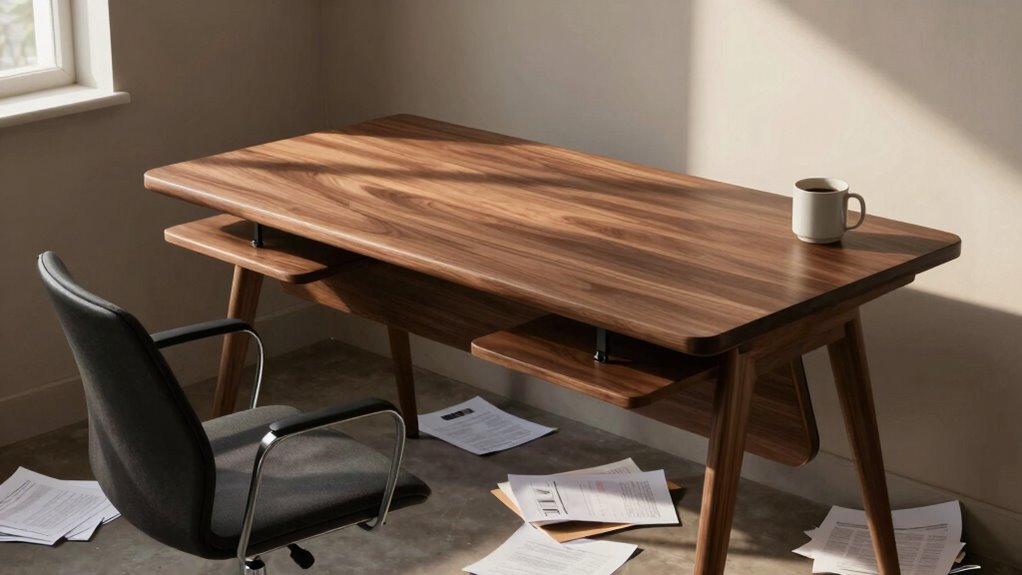
Even if your desk is set to the right height, you might still feel uncomfortable because other ergonomic factors matter too. Your chair position impacts your arm and leg angles, while monitor placement affects neck comfort. Poor lighting, unsupportive accessories, or slouching can also cause strain. A proper workspace requires more than just adjusting the desk—adjustments need to work together. If you want to understand how to optimize your entire setup, keep exploring.
Key Takeaways
- Ergonomics involves multiple factors; correct desk height alone doesn’t ensure overall comfort.
- Improper chair positioning or seat height can cause discomfort despite an ideal desk height.
- Monitor placement at eye level is crucial; poor positioning can lead to neck strain regardless of desk height.
- Inadequate lighting and visual ergonomics can cause eye strain, making the workspace feel uncomfortable.
- Poor posture habits and lack of ergonomic accessories can undermine a well-adjusted desk setup.
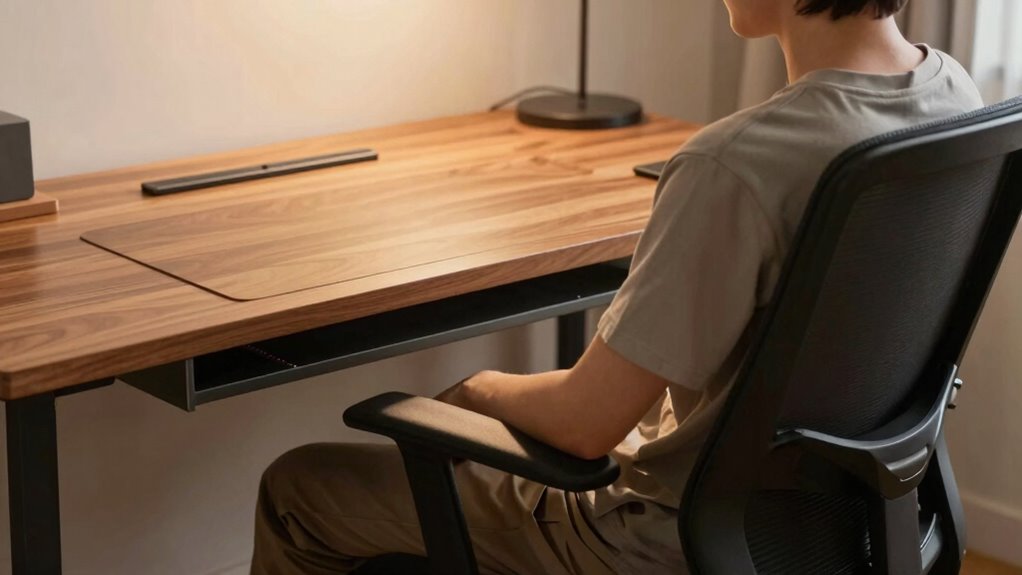
Have you ever adjusted your desk to the perfect height only to still feel uncomfortable or off? It’s more common than you might think. Even when your workspace looks right on paper, subtle issues with ergonomic adjustments can cause discomfort, making your entire workday less productive and more painful. The truth is, setting your desk to the “right” height is just one piece of the puzzle. Your workspace ergonomics involve a combination of factors, including your chair position, monitor placement, and even how you rest your arms. If any of these aren’t aligned correctly, you’ll likely feel that something’s just not right, despite the desk height being ideal.
The problem often lies in overlooking how your body interacts with your workspace. For example, if your chair height isn’t adjusted properly, your arms might be at an awkward angle, or your feet might not be flat on the floor. This can create tension in your shoulders and neck, even if your desk is at a perfect height. Ergonomic adjustments aren’t just about one element—they require a holistic approach that considers your entire setup. When your workspace ergonomics aren’t *best suited*, you might find yourself constantly shifting, stretching, or experiencing fatigue, which defeats the purpose of a well-placed desk. Ensuring proper monitor placement is equally important to prevent strain and discomfort. Additionally, paying attention to workspace organization can help reduce unnecessary movements and improve overall comfort. Being mindful of proper ergonomic principles can further enhance your comfort and prevent long-term issues.
Another common oversight is monitor placement. Even if your desk height feels right, if your screen isn’t at eye level, you’ll strain your neck and eyes, leading to discomfort over time. Proper ergonomic setup encourages you to keep your monitor about an arm’s length away and at eye level, reducing strain and encouraging a more natural posture. If your monitor is too low or too high, it doesn’t matter how well your desk is positioned—you’ll still feel off. Additionally, proper lighting can reduce glare and eye strain, further enhancing your workspace comfort.
You should also consider your posture and how you’re sitting throughout the day. Sometimes, even fine-tuning your desk height can’t compensate for poor posture habits. Sitting in a slouched position or leaning forward can cause discomfort that no ergonomic adjustment can fix. Maintaining an upright, relaxed posture, with your back supported and your feet flat, is *crucial* for long-term comfort. Ergonomic accessories like footrests or lumbar supports can help create a more ergonomic workspace. Paying attention to these details can significantly improve your overall comfort and productivity.
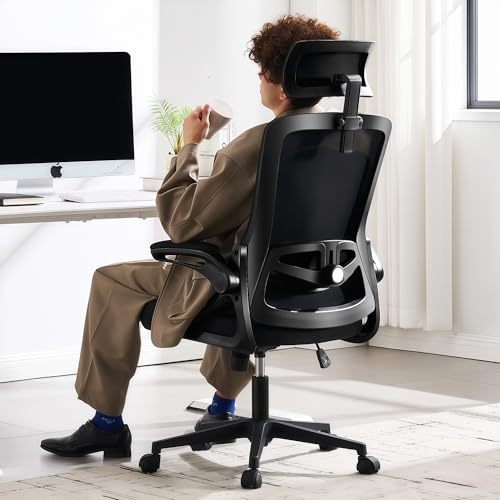
Fizzin Office Chair Mesh Computer Chairs with Adjustable Lumbar Support
- Ergonomic Design for Comfort: Supports head, back, hips, and arms
- Fully Adjustable Features: Seat height, headrest, backrest, armrests
- Customizable Lumbar Support: Adjusts 1 inch forward/backward, 3.15 inches up/down
As an affiliate, we earn on qualifying purchases.
As an affiliate, we earn on qualifying purchases.
Frequently Asked Questions
How Do I Know if My Chair Height Is Correct?
You can tell if your chair height is correct when your feet are flat on the floor and your knees are at a 90-degree angle. Your hips should be level with or slightly higher than your knees. Use ergonomic accessories like lumbar supports if needed to enhance posture correction. Adjust your chair so your elbows rest comfortably at desk height, reducing strain and ensuring proper alignment for long-term comfort.
Can Desk Materials Affect Comfort Despite Proper Height?
Surprisingly, your desk materials can sabotage comfort even if the height’s perfect. Ergonomic materials and a smooth desk surface texture matter more than you think. If your desk feels cold, hard, or sticky, it can cause discomfort or fatigue, regardless of height. Choosing a desk with quality, ergonomic materials helps promote long-term comfort, making your workspace feel right—no matter how perfect the height initially seems.
What Are Signs My Desk Setup Is Causing Strain?
If your desk setup causes strain, you might notice discomfort in your neck, shoulders, or back, even with proper height. You could feel eye strain or wrist pain from poor ergonomics. To fix this, use ergonomic accessories like adjustable chairs and monitor stands, and practice posture awareness. Regular breaks and stretching also help prevent strain, ensuring your workspace remains comfortable and supportive.
How Often Should I Adjust My Desk or Chair?
You should adjust your desk or chair whenever you notice discomfort or if your posture shifts. Regularly, about once a month, check your ergonomic accessories and make small tweaks to maintain proper posture correction. Pay attention to signs like neck strain or back pain, which indicate it’s time to readjust. Staying proactive helps prevent strain and keeps your workspace ergonomic, ensuring comfort during long work sessions.
Does Desk Shape Influence Comfort Beyond Height?
Ever wonder if desk shape affects comfort beyond height? It definitely does. An ergonomic design guarantees your workspace supports your posture, reducing strain. The shape influences how you reach, type, and view your screen, which impacts comfort. Plus, a well-thought-out shape enhances visual appeal, making your space inviting. So, choosing the right desk shape isn’t just about looks—it’s about creating a comfortable, efficient workspace that fits your needs perfectly.

WALI Computer Monitor Stand for Desk, Adjustable Laptop Riser, up to 44 lbs
- Large Plastic Shelf: 14.6 x 9.3 inches, supports up to 44 lbs
- Non-slip Rubber Pads: Prevents slipping and surface damage
- Adjustable Height: Raises devices by 4.5, 5.3, or 6.1 inches
As an affiliate, we earn on qualifying purchases.
As an affiliate, we earn on qualifying purchases.
Conclusion
Even if your desk hits the perfect height, it might still feel off—like sitting on a chair that looks right but sinks just a little too much. It’s the subtle shifts, the slight tilt of your elbows or the way your wrists rest, that create an invisible tug of discomfort. So, tune into these silent signals, adjust your setup, and find that perfect harmony. Because when your workspace feels right, your entire day flows smoother, like a well-oiled machine.

MOSISO Wrist Rest Support for Mouse Pad&Keyboard Set, Antique Green
- Keyboard Wrist Rest Size: 17.32 x 3.15 inches
- Mouse Pad Size: 9.65 x 8.66 inches
- Coaster Diameter: 3.9 inches
As an affiliate, we earn on qualifying purchases.
As an affiliate, we earn on qualifying purchases.

Airlonv LED Desk Lamp with Clamp, 17" Stepless Dimming Light, Black
- Stepless Dimming and Color Adjustment: Adjust brightness from 1% to 100% and change color temperature from 2700K to 6500K
- 360° Adjustable Flexible Gooseneck: Full control over light direction with durable, heat-dissipating material
- Long Lifespan and Heat Dissipation: Made of aluminum and ABS for up to 60,000 hours of use
As an affiliate, we earn on qualifying purchases.
As an affiliate, we earn on qualifying purchases.