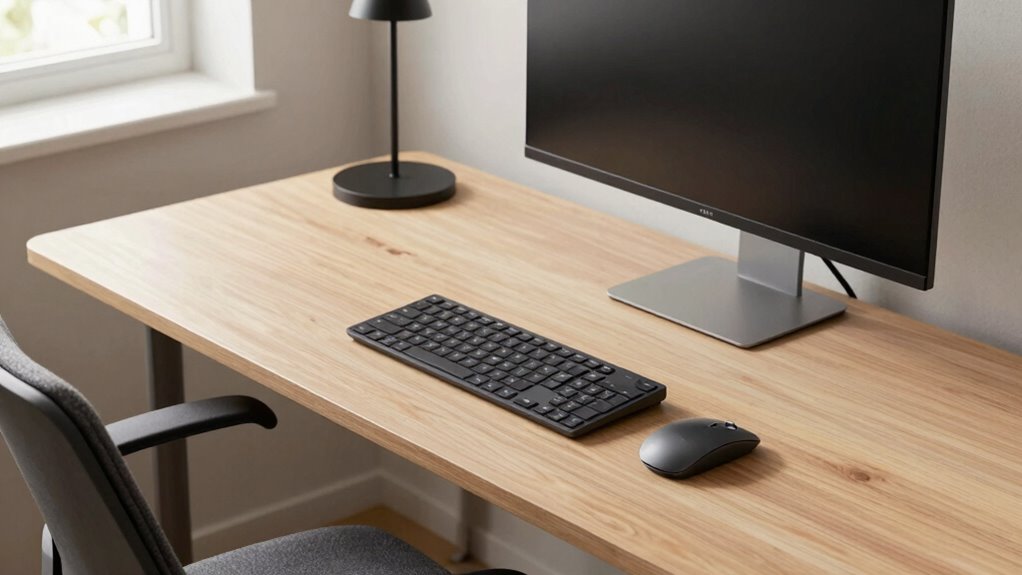

To build a better desk setup around reach zones, position your monitor directly in front at eye level and keep your keyboard and mouse within arm’s reach to minimize strain. Store frequently used items nearby and less-used tools further away, following ergonomic principles. Use cable organizers and maintain a tidy workspace to boost efficiency. Setting up this way supports natural movements and reduces fatigue. Keep exploring for more tips to optimize your workspace further.
Key Takeaways
- Identify and organize frequently used tools within your natural reach zone to minimize stretching and strain.
- Position your monitor at eye level directly in front to promote proper posture and reduce neck discomfort.
- Use cable management solutions to keep cords tidy and prevent clutter that can obstruct easy access.
- Arrange less-used items outside of reach zones to maintain a clean, efficient workspace.
- Incorporate ergonomic accessories and adjust your chair and desk height for optimal alignment within reach zones.
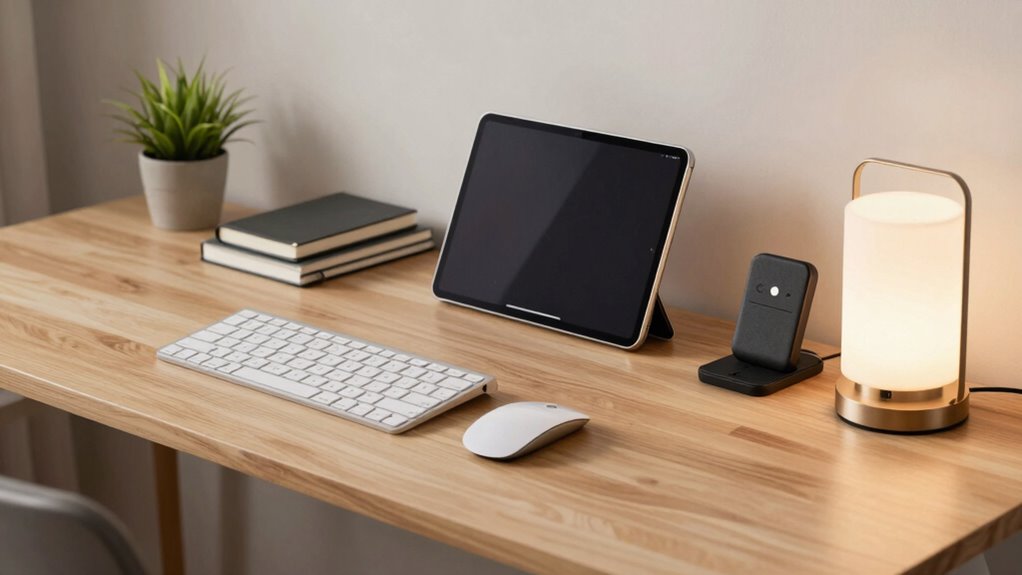
Creating an efficient desk setup starts with understanding your reach zones—those areas where you can comfortably access your tools without stretching or straining. This understanding is essential because it helps you position your workspace elements according to ergonomic principles, reducing fatigue and preventing repetitive strain injuries. When you arrange your monitor, keyboard, mouse, and other frequently used items within these zones, you optimize comfort and efficiency. Keep in mind that your reach zones aren’t static; they vary depending on your height, arm length, and sitting posture. Take the time to measure and observe your natural movements to find the best layout for your needs. Additionally, considering your body mechanics can help further tailor your setup to support long-term comfort and health.
Arrange your tools within reach zones to boost comfort, reduce strain, and enhance ergonomic efficiency.
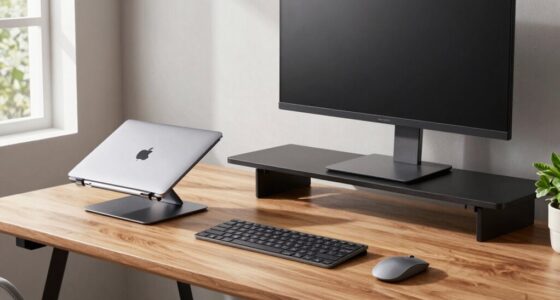
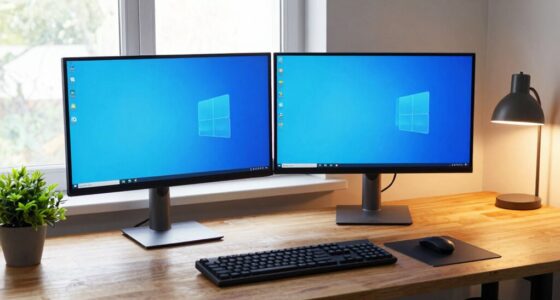
Once you’ve identified your reach zones, focus on positioning your most-used tools within arm’s length. Your monitor should be directly in front of you at eye level to prevent neck strain. The keyboard and mouse should be close enough to use comfortably without reaching forward or to the side, which can lead to shoulder tension. Less frequently used items, like reference materials or stationery, can be placed further away or in designated storage spaces. By aligning your setup with ergonomic principles, you create a workspace that supports your body’s natural movements, promoting better posture and reducing discomfort over long periods. Proper workspace organization also plays a key role in maintaining a clutter-free environment that fosters productivity. Ensuring your ergonomic principles are followed can further enhance your comfort and prevent injury over time. Incorporating ergonomic accessories, such as adjustable stands or wrist supports, can further improve your setup’s comfort and adaptability. Additionally, maintaining proper posture throughout your work sessions can significantly reduce strain and fatigue.
Cable management is another critical aspect of building a functional desk setup. Poorly managed cables clutter your workspace, making it harder to find what you need and increasing the risk of tripping or damaging cords. Use cable organizers, clips, or sleeves to keep cords tidy and out of the way. Position power strips and outlets strategically so you don’t have to stretch or crawl under your desk to connect devices. Proper cable management not only creates a cleaner look but also minimizes distractions and hazards, allowing you to focus more on your work.
Incorporating effective cable management also complements your reach zone strategy. When cables are organized, you can more easily position your devices within comfortable reach without worrying about tangled cords or limited mobility. This setup encourages a seamless workflow, where everything you need is accessible and well-maintained. Remember, a tidy workspace isn’t just visually appealing — it’s essential for maintaining ergonomic health and operational efficiency. By combining a thoughtful arrangement based on reach zones with smart cable management, you build a desk environment that’s comfortable, productive, and sustainable in the long run.
As an affiliate, we earn on qualifying purchases.
Frequently Asked Questions
How Do I Measure My Reach Zones Accurately?
To measure your reach zones accurately, start by practicing good ergonomic principles and maintaining proper posture. Use a tape measure or a ruler to mark the maximum comfortable reach on your desk while seated. Keep your arms relaxed and close to your body. Pay attention to your spatial awareness by noting where your hands naturally rest without straining. Adjust positions until your workspace fits within these comfortable reach zones for peak ergonomics.
What Ergonomic Accessories Improve Reach Zone Efficiency?
Ironically, the best ergonomic accessories for reach zone efficiency are those that make everything easily accessible—like adjustable monitor arms, keyboard trays, and task lighting. Following ergonomic principles, choose accessories that reduce strain and encourage proper posture. Opt for a mouse with ergonomic design, a document holder, and a wrist rest to keep everything within reach. Smart accessory selection transforms your workspace into a zone where efficiency and comfort collide effortlessly.
How Often Should I Reorganize My Desk Setup?
You should reorganize your desk setup whenever your workflow or comfort needs change, typically every few months. Personalization tips can help you tailor your space to fit your habits better, while aesthetic considerations keep your workspace inviting. Regular updates guarantee your tools are within reach, boosting productivity and reducing strain. Pay attention to how you feel during work—if something feels off, it’s time for a fresh setup.
Can Adjustable Furniture Enhance Reach Zone Comfort?
Ever wonder if adjustable furniture can truly boost your comfort? It definitely can, especially with reach zone customization. By using adjustable desks and chairs, you can tailor your setup to fit your body perfectly, reducing strain and increasing productivity. These pieces let you easily change heights and positions, ensuring everything stays within easy reach. This flexibility means you’re more comfortable and efficient, making your workspace work better for you.
What Common Mistakes Should I Avoid in Reach Zone Design?
You should avoid cluttering your workspace aesthetics by placing too many items in your reach zones, which can hinder efficiency. Poor cable management can create hazards and distracts from an organized look. Make certain essential tools are within easy reach, but keep cables tidy using clips or sleeves. This approach maintains a clean, functional setup that enhances comfort and productivity, preventing frustration caused by unnecessary reaching or tangled cords.
ergonomic keyboard and mouse pad
As an affiliate, we earn on qualifying purchases.
As an affiliate, we earn on qualifying purchases.
Conclusion
By organizing your desk around reach zones, you create a more efficient and comfortable workspace. Research shows that minimizing unnecessary movements boosts productivity and reduces fatigue. When you place your essential items within easy reach, you’ll find yourself working more smoothly and enjoying your setup more. Trust the theory that strategic placement enhances focus and comfort—because a well-designed desk isn’t just about looks, it’s about working smarter, not harder.
As an affiliate, we earn on qualifying purchases.
As an affiliate, we earn on qualifying purchases.