
You can improve your desk setup without spending a dime by making simple adjustments. Start by organizing your workspace and removing clutter to boost comfort and efficiency. Use existing objects like books or sturdy boxes to elevate your monitor to eye level, reducing neck strain. Adjust your chair so your feet are flat and knees are at 90°, and set armrests to keep shoulders relaxed. Keep cables tidy and regularly reassess your setup for ongoing comfort—there’s more you can do to optimize your space.

Get comfort and recovery gear delivered free — and shop member deals
- Fast, free delivery on millions of items
- Access to Prime Big Deal Days deals on October 6–7
- Prime Video, Amazon Music and more included
Key Takeaways
- Adjust your chair and monitor height using existing furniture or books to promote proper ergonomic positioning.
- Organize cables and cords with household items to improve safety and workspace tidiness.
- Reconfigure your workspace layout to enhance comfort and efficiency without purchasing new equipment.
- Declutter regularly to maintain a clean, distraction-free environment that boosts productivity.
- Continually assess and fine-tune your setup for sustained comfort and ergonomic health.
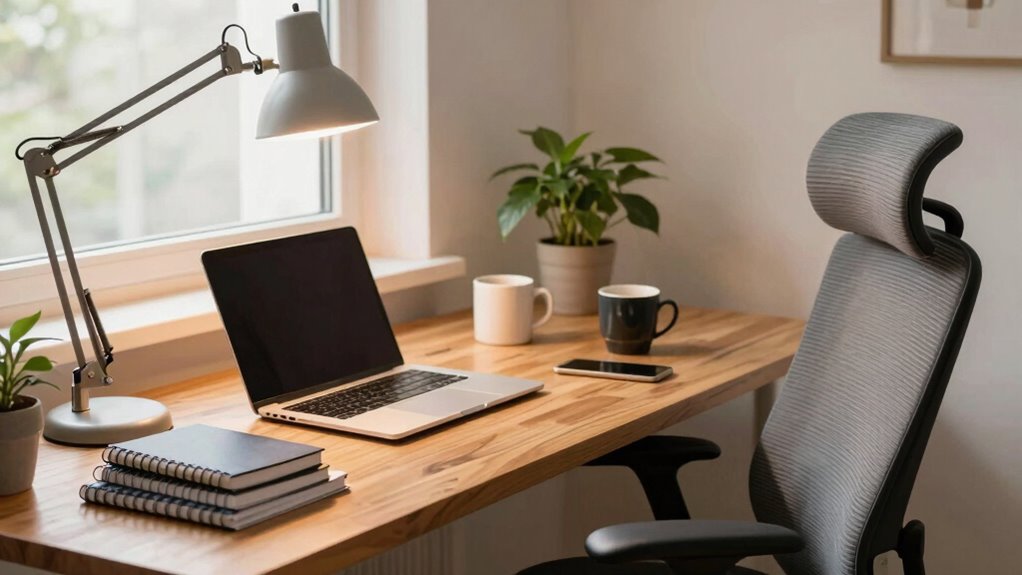
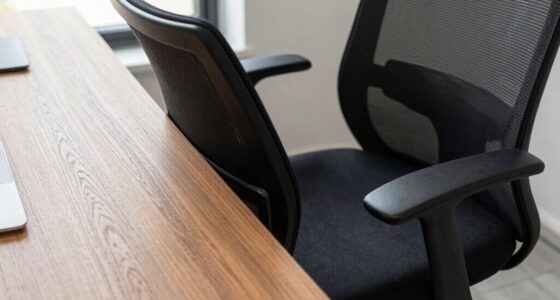
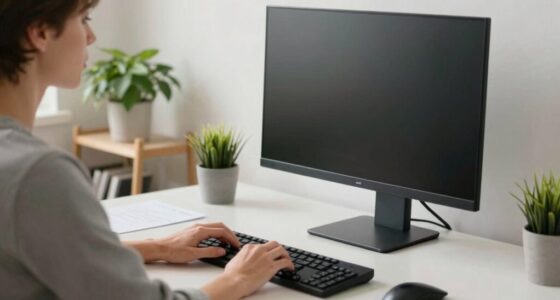
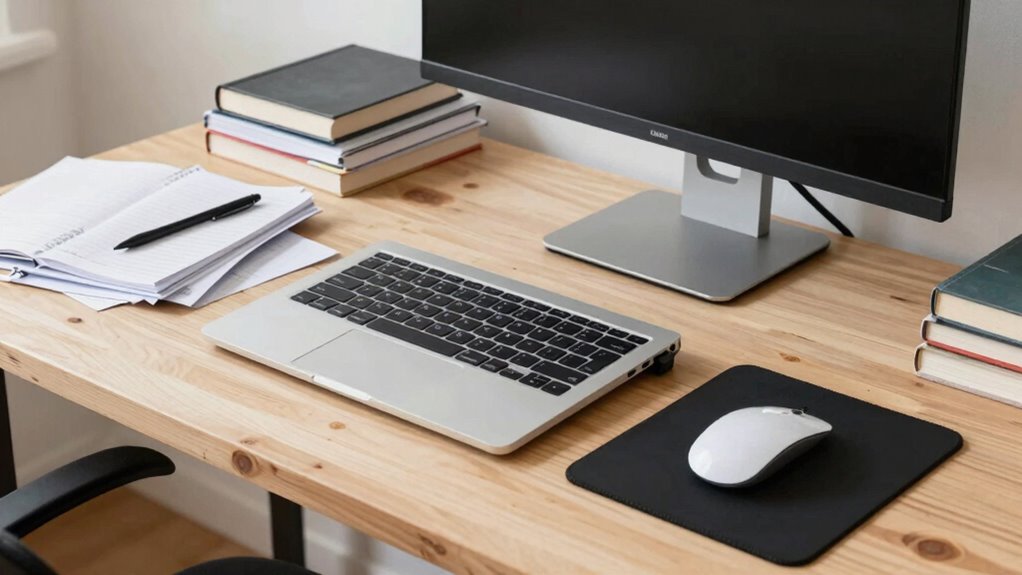
If your desk setup feels uncomfortable or cluttered, the good news is you can improve it without spending a dime. Small changes can make a big difference, especially when it comes to ergonomic adjustments. Start by assessing your current position. Adjust your chair height so your feet rest flat on the floor and your knees are at a 90-degree angle. Your hips should be level with or slightly higher than your knees. If your chair has adjustable armrests, set them so your shoulders stay relaxed and your elbows rest comfortably at your sides. Ensure your monitor is at eye level to prevent neck strain—use books or sturdy objects to elevate it if necessary. Keep the monitor about an arm’s length away to reduce eye fatigue. These small ergonomic adjustments can significantly boost comfort and reduce strain during long work sessions. Incorporating ergonomic principles into your workspace setup can further enhance your comfort and prevent long-term injuries. Paying attention to workspace organization can help you maintain a clutter-free and more productive area. Proper cable management not only makes your setup look cleaner but also improves safety and accessibility, making your work environment more efficient. Additionally, understanding cable organization can help you identify the best methods for arranging your cords and connections. Keeping your workspace clean and organized regularly is also a crucial part of maintaining a healthy and efficient environment, ensuring everything remains in its proper place and reducing clutter.
As an affiliate, we earn on qualifying purchases.
Frequently Asked Questions
How Can I Improve Desk Ergonomics Without Purchasing New Furniture?
You can improve your desk ergonomics by adjusting your current setup. Use ergonomic accessories like cushions or wrist rests to support your posture. Elevate your monitor with books or risers to guarantee it’s at eye level, or switch to an adjustable monitor stand if available. These small tweaks can reduce strain, boost comfort, and make your workspace more ergonomic without spending a dime.
What Quick Fixes Can I Implement Using Household Items?
You can quickly improve your desk setup using household items by adjusting your monitor positioning and desk height. Use sturdy books or boxes to raise your monitor to eye level, reducing neck strain. For desk height, place items like stacked magazines or cardboard beneath your keyboard or mouse to find a more comfortable joint angle. These simple fixes help you achieve better ergonomics without spending a dime.
Are There Any Exercises to Reduce Discomfort From My Current Setup?
You can reduce discomfort by practicing posture correction exercises like shoulder rolls and chin tucks regularly. Incorporate stretching routines focusing on your neck, shoulders, and back to relieve tension. Make sure to sit upright, keep your feet flat on the floor, and take short breaks every 30 minutes to stand and stretch. These simple movements help alleviate strain and improve your overall comfort without needing to buy anything.
How Can I Organize Cables and Accessories Without Buying Storage Solutions?
Think of your desk as a bustling city, where cable management and accessory organization are the traffic rules. Use binder clips to bundle cables, securing them along the desk edge. Repurpose empty jars or boxes to hold accessories like pens and chargers. Velcro strips can keep cords tidy and within reach. These simple, creative solutions keep your workspace organized, making it easier to focus and boosting your productivity.
What Lighting Adjustments Can Enhance My Workspace Without Extra Costs?
You can enhance your workspace lighting by maximizing natural illumination and adjusting ambient lighting. Open blinds or curtains to let in more daylight, reducing reliance on artificial light. Use lighter-colored walls or reflective surfaces to bounce natural light around. If you have a desk lamp, position it to complement ambient light, avoiding glare. These simple adjustments create a brighter, more comfortable environment without spending extra money.
As an affiliate, we earn on qualifying purchases.
Conclusion
So, before you rush out to buy new gear, take a moment to tweak what you already have. Sometimes, a simple rearrangement or a little improvisation is like giving your desk a fresh coat of paint—transforming chaos into calm. Remember, the solution often lies just beneath your fingertips, waiting to be uncovered. With a little creativity, your workspace can become a sanctuary of productivity, all without spending a dime.
As an affiliate, we earn on qualifying purchases.
As an affiliate, we earn on qualifying purchases.
Halloween Picks
halloween
As an affiliate, we earn on qualifying purchases.