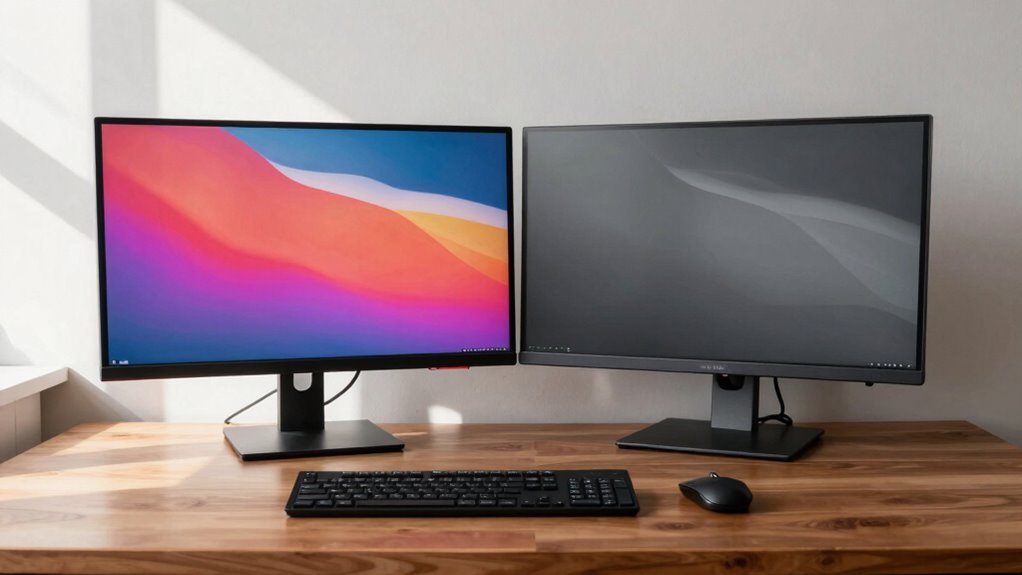

Just because your monitors are symmetrical doesn’t mean your workspace is ergonomically sound. Proper comfort depends on correct positioning, like adjusting monitor height to eye level and aligning brightness with your environment. Symmetry can look neat but overlook individual needs, such as neck or eye strain. You’ll find that balancing aesthetics with personalized adjustments makes a real difference. Staying mindful of these details can improve your comfort—there’s more to uncover to make your setup healthier and more efficient.

Get comfort and recovery gear delivered free — and shop member deals
- Fast, free delivery on millions of items
- Access to Prime Big Deal Days deals on October 6–7
- Prime Video, Amazon Music and more included
Key Takeaways
- Symmetrical monitor placement may look neat but doesn’t ensure correct ergonomic height or angle for individual comfort.
- Proper ergonomic support depends on individual adjustments like monitor height, tilt, and distance, not symmetry.
- Eye comfort relies on calibration and brightness settings, which are independent of monitor alignment.
- Focusing solely on symmetry can neglect essential ergonomic factors like chair height and posture.
- A balanced workspace prioritizes functional ergonomic adjustments over aesthetic symmetry for long-term health.
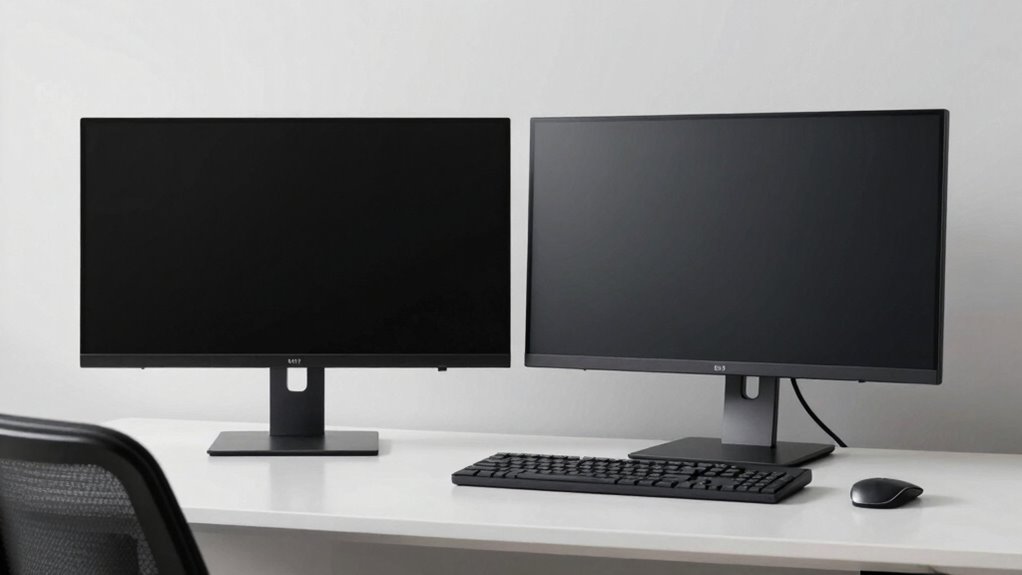
When setting up your workspace, paying attention to monitor symmetry and ergonomics can considerably boost comfort and productivity. Symmetry often seems like an obvious goal—aligning your monitors to create a balanced look might make your workspace feel more organized, but it doesn’t necessarily translate to better ergonomic support. A monitor perfectly centered in front of you might look neat, but if the screen isn’t set up correctly in terms of color calibration and screen brightness, your eyes and neck can still suffer over time. Visual comfort depends on more than just symmetry; it requires adjusting your display to suit your eyes’ needs.
Prioritize ergonomic display adjustments like color calibration and brightness over mere monitor symmetry for true comfort.
For instance, color calibration plays a significant role in reducing eye strain. If your monitor’s colors are off, your eyes work harder to interpret images and text, leading to fatigue. Even if your monitors are perfectly aligned, poorly calibrated screens can cause discomfort, especially during long work sessions. Proper color calibration ensures that tones are consistent across screens, which minimizes eye fatigue and improves clarity. Additionally, screen brightness needs to be adjusted to match your ambient lighting conditions. A screen that’s too bright or too dim can cause strain, regardless of how symmetrical your setup is. Balancing brightness levels with your environment helps your eyes focus comfortably without unnecessary effort.
While a symmetrical setup might look good visually, it can sometimes ignore the importance of individual ergonomic needs. For example, if one monitor is slightly higher than the other, even if they’re aligned symmetrically in relation to each other, you might find yourself constantly tilting your head or adjusting your posture. True ergonomic comfort involves positioning each monitor at eye level and at a distance where you can view the screen without straining your neck or eyes. Ergonomic positioning is crucial for long-term comfort and can significantly impact your overall well-being during extended work periods. Symmetry doesn’t account for these nuances—your workspace should prioritize functional alignment over aesthetic uniformity.
Furthermore, focusing solely on symmetry can distract you from adjusting other crucial ergonomic factors. Your chair height, keyboard placement, and monitor tilt all influence comfort. If your monitors are symmetrical but your chair is too low or your keyboard is not aligned with your natural typing position, you won’t reap the full ergonomic benefits. A balanced workspace considers multiple elements—monitor height, tilt, and distance, alongside proper calibration of visual settings—rather than symmetry alone. Ensuring your setup is ergonomically optimized helps prevent discomfort and long-term strain.
In the end, good ergonomics isn’t just about how your monitors look but how they support your health and efficiency. Symmetry contributes to a tidy appearance, but it shouldn’t come at the expense of personalized adjustments like color calibration and screen brightness. Prioritize settings that reduce eye strain and support natural posture, and remember that a well-balanced, ergonomic setup is about function first, aesthetics second.
ergonomic monitor stand adjustable
As an affiliate, we earn on qualifying purchases.
As an affiliate, we earn on qualifying purchases.
Frequently Asked Questions
How Do Individual Differences Affect Monitor Placement?
Your personal preferences and visual acuity considerably influence ideal monitor placement. If you prefer a wider field of view or have specific visual needs, you might need to adjust your monitor position slightly off-center or at a different height. Everyone’s comfort varies, so consider your own visual clarity and how your eyes naturally align when setting up your workspace. Tailoring your monitor placement helps reduce strain and enhances overall ergonomics.
Can Symmetry Impact Long-Term Eye Health?
Symmetry in monitor placement can impact your eye health, but it’s not the only factor. If your monitors are perfectly symmetrical but poorly aligned or at an uncomfortable height, you might still experience eye strain and visual fatigue over time. To protect your long-term eye health, focus on proper monitor positioning—like viewing distance and angle—rather than symmetry alone. Comfort and ergonomic adjustments are key to reducing eye strain.
Are There Specific Tasks That Benefit More From Asymmetrical Monitors?
A picture is worth a thousand words, especially for tasks like graphic design or video editing. You’ll benefit from asymmetrical monitors when focusing on specific areas, enhancing monitor aesthetic and brand consistency. This setup allows you to customize your workspace for better focus and comfort, especially if you need to compare multiple screens or prioritize certain content. Just remember, asymmetry isn’t one-size-fits-all—it’s about what works best for your tasks.
How Does Desk Space Influence Monitor Positioning Choices?
Your desk space greatly influences your monitor positioning choices, especially if you deal with desk clutter or aim for better workspace organization. If your desk is limited, you might need to place monitors asymmetrically or stack them to maximize space. Clear clutter and organize your workspace first, then position your monitors where they’re easily accessible without crowding, ensuring comfort and efficiency while working.
What Role Does Monitor Height Play in Ergonomic Comfort?
Think of monitor height as the foundation of ergonomic comfort; if it’s too high or low, your neck and eyes suffer. You prefer symmetry and monitor aesthetics, but correct height guarantees balanced posture, reducing strain. When your monitor’s top aligns with your eye level, you maintain natural neck alignment. Prioritize adjustable stands to customize height, making your workspace both visually appealing and ergonomically sound, so comfort takes center stage.
As an affiliate, we earn on qualifying purchases.
Conclusion
Remember, just because your monitor is perfectly symmetrical doesn’t guarantee better ergonomics. It’s a common misconception that symmetry always leads to comfort, but individual needs vary. Focusing on adjustable features like height, tilt, and distance is more important than symmetry alone. Don’t assume that a balanced look equals a healthier setup; instead, prioritize personalized adjustments that support your posture and reduce strain for truly ergonomic benefits.
As an affiliate, we earn on qualifying purchases.
As an affiliate, we earn on qualifying purchases.
Fall Picks
fall essentials
As an affiliate, we earn on qualifying purchases.