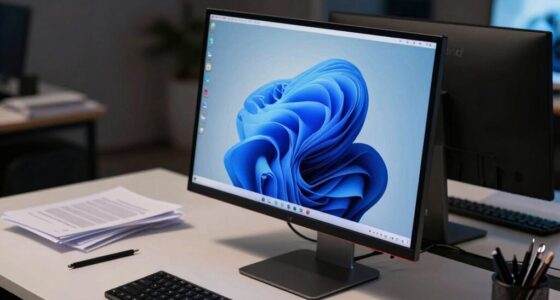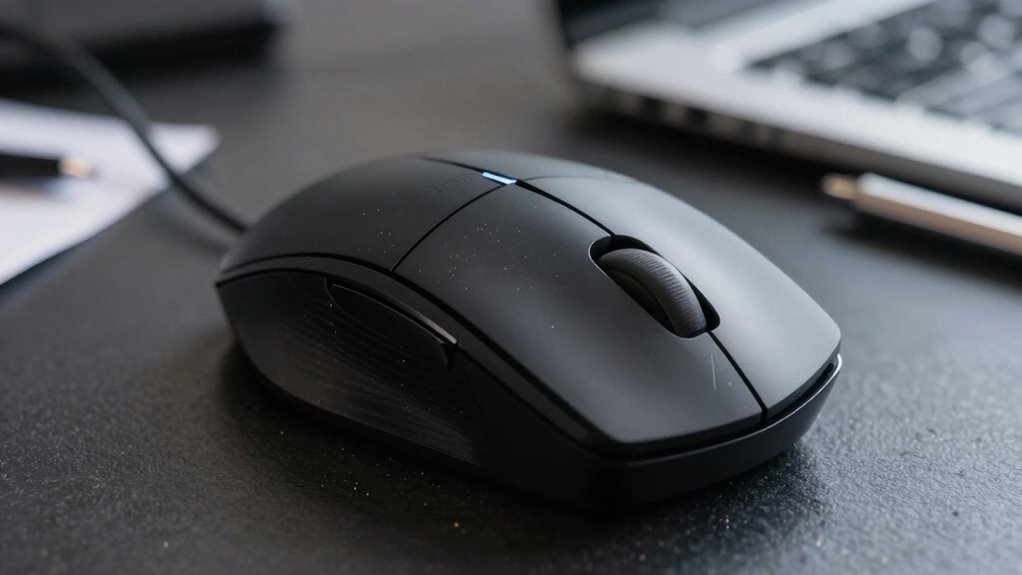

Having enough mouse space is more important than most desk buyers realize because it directly affects your ergonomic comfort, control, and productivity. Proper space allows your arm and wrist to stay relaxed, reducing strain and preventing injuries. It also helps you move the cursor smoothly and accurately, especially during detailed tasks. An organized, unobstructed workspace keeps you focused and minimizes frustration. If you keep exploring, you’ll discover how optimizing your mouse area can transform your workspace.

Get comfort and recovery gear delivered free with Prime
- Fast, free delivery on millions of items
- Prime Video, Amazon Music and more included
- Member-only deals all year
Key Takeaways
- Adequate mouse space ensures ergonomic posture, reducing strain and preventing long-term injuries.
- Proper space allows smooth cursor control, enhancing precision for detailed tasks.
- Sufficient area minimizes awkward reaching, promoting relaxed arm and wrist positions.
- Well-organized space boosts productivity by reducing clutter and improving workspace efficiency.
- Correct mouse pad placement supports consistent movement, improving comfort and task accuracy.
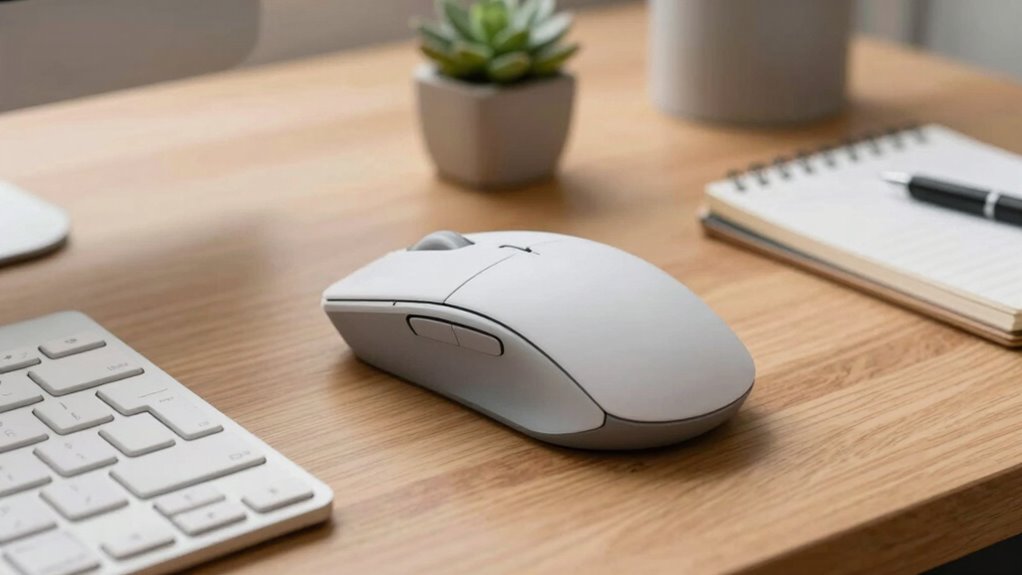
When it comes to using a computer mouse, the space around it isn’t just a minor detail—it can considerably impact your comfort and efficiency. The area you designate for your mouse influences your ergonomic posture, which is essential for preventing strain and injury over time. If your mouse space is cramped or poorly arranged, you might find yourself reaching awkwardly, twisting your arm, or stretching your wrist unnaturally. These movements can lead to discomfort, fatigue, and even long-term repetitive strain injuries. Conversely, a well-allocated mouse space allows your arm and wrist to stay in a natural, relaxed position, reducing tension and supporting healthier posture habits. Ensuring your workspace is ergonomically optimized can significantly enhance your overall comfort and productivity.
Beyond comfort, the space around your mouse directly affects cursor precision. When your mouse has ample room to move freely, you gain better control and accuracy. Limited space forces you to make small, choppy movements, which can hinder productivity, especially during tasks requiring detailed work like graphic design or data entry. Having a dedicated, unobstructed area enables smooth, fluid motions, making it easier to position the cursor exactly where you want it. This improves your overall workflow and minimizes frustration caused by erratic or sluggish cursor responses. Additionally, a clutter-free environment supports efficient task switching, helping you stay focused and organized during your work sessions. A properly arranged workspace can also reduce the risk of accidental slips or misclicks, further enhancing precision. Proper placement of your mouse pad is also crucial, as it provides a consistent surface that promotes comfortable movement and reduces strain. Maintaining a consistent workspace layout can help reinforce good ergonomic habits and improve your overall efficiency.
Products Worth Considering

Levoit Core 400S-P Smart Air Purifier for Large Rooms (Up to 1,718 sq ft)

Dyson V15 Detect Cordless Vacuum

eufy Security Video Doorbell E340, Dual Cameras, 2K FHD, 8GB Local Storage
As an affiliate, we earn on qualifying purchases.
Frequently Asked Questions
How Does Mouse Space Affect Gaming Performance?
More mouse space directly boosts your gaming performance by allowing smoother, more precise movements. When you have enough room, your wireless connectivity stays stable, reducing lag or disconnections. Plus, with adjustable mouse DPI settings, you can customize sensitivity for quick turns or precise aiming. Without ample space, your accuracy suffers, and you may struggle to react swiftly. So, prioritize a spacious setup to maximize your gaming potential.
What Is the Ideal Mouse Space for Ergonomic Comfort?
The ideal mouse space for ergonomic comfort is at least 4 to 6 inches of free space beside your mouse, allowing your arm to stay relaxed and maintain ergonomic posture. Keep your workspace organized so your mouse has enough room to move naturally without strain. This setup reduces fatigue, improves precision, and helps prevent repetitive strain injuries, making your gaming or work sessions more comfortable and efficient.
Can Insufficient Mouse Space Cause Wrist Strain?
Yes, insufficient mouse space can cause wrist strain. When you lack enough room, you might restrict wrist flexibility and force awkward hand positioning, leading to discomfort over time. This cramped setup can cause you to stretch or twist your wrist unnaturally, increasing strain and fatigue. Ensuring ample mouse space allows for natural movement, helps maintain proper hand positioning, and reduces the risk of wrist pain during prolonged computer use.
Does Mouse Size Influence Required Space?
Yes, mouse size influences the required space, especially when considering your mouse pad and desk clearance. Larger mice need more room to move comfortably, preventing restrictions that can cause strain. Smaller mice fit into tighter spaces but might require more precise control. You should choose a mouse that matches your desk clearance and guarantees smooth movements, reducing the risk of discomfort during long use. Proper space enhances efficiency and comfort.
How Do Different Desk Materials Impact Mouse Movement?
Think of your desk as a dance floor for your mouse—its material influences every move. Smooth wooden surfaces glide effortlessly, while glass or metal can cause more resistance. The material’s durability guarantees consistent tracking, and its aesthetic appeal can inspire your workspace vibe. Different desk materials impact mouse movement by either providing a slick, seamless glide or a slightly sticky surface, so choose wisely to keep your mouse dancing smoothly across your desk.
Conclusion
Remember, giving your mouse enough space isn’t just about comfort—it can boost your productivity and reduce strain. Did you know that users with proper mouse space are 25% less likely to experience repetitive strain injuries? That’s a huge difference! So, next time you set up your workspace, make sure your mouse has plenty of room to move. A simple change like this can make your daily work much more comfortable and enjoyable.