Many people make five common screen height mistakes at home. They place their screens too high or low, causing neck and eye strain. Failing to use adjustable monitor features can lead to poor positioning. Off-center placement and improper viewing distances add to discomfort. Ignoring ergonomic principles or lacking supportive chairs worsens long-term pain. If you keep these issues in mind, you’ll discover how to set up your workspace for maximum comfort and better health.

Get comfort and recovery gear delivered free with Prime
- Fast, free delivery on millions of items
- Prime Video, Amazon Music and more included
- Member-only deals all year
Key Takeaways
- Positioning screens too high or too low causes neck and eye strain, disrupting comfortable viewing.
- Failing to use adjustable monitor stands prevents precise ergonomic height alignment.
- Placing monitors off-center or at improper angles leads to neck twisting and discomfort.
- Ignoring optimal visual distance increases eye fatigue and reduces comfort during extended use.
- Overlooking ergonomic supports like chairs and adjustable components compromises overall posture health.
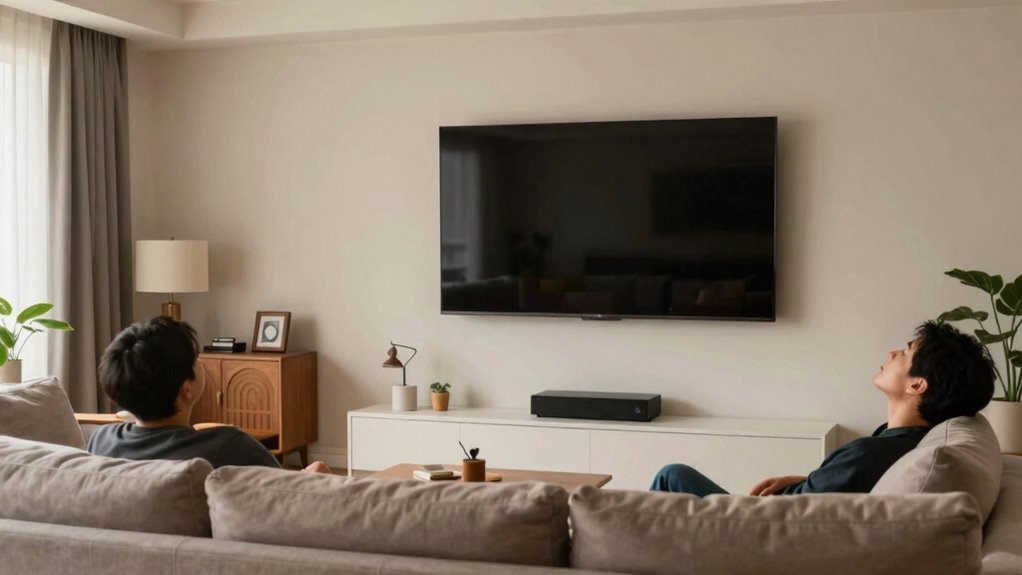
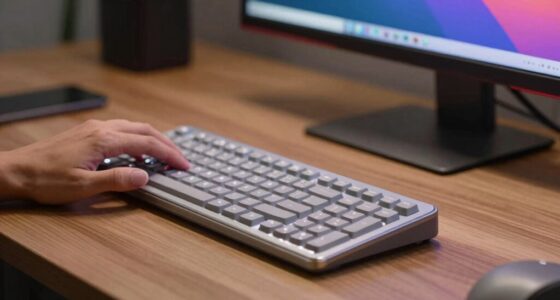
When it comes to setting up your screens at home, many people overlook how essential proper height is for comfort and eye health. One of the biggest mistakes you might make is neglecting ergonomic positioning, which directly impacts how comfortably you work and how well your eyes stay aligned with the screen. If your monitor is too high or too low, you risk straining your neck, shoulders, and eyes. Ideally, your screen should be positioned so that your eyes are level with the top third of the display. This setup ensures your visual alignment is correct, reducing fatigue and minimizing the need to tilt your head up or down. Many people tend to place screens too low, causing them to look downward constantly, which can lead to neck pain over time. Conversely, raising the monitor too high forces you to look up, putting strain on your neck and shoulders. Proper visual alignment isn’t just about comfort; it’s about maintaining good posture and preventing long-term musculoskeletal issues.
Another common mistake is ignoring the adjustable features of your monitor or workspace. Without the ability to fine-tune the height, you might end up with a position that’s only roughly correct, which isn’t optimal. You should be able to adjust your screen height so that it matches your eye level precisely. If your monitor is fixed and can’t be adjusted, you might have to resort to makeshift solutions like stacking books or using stands, which often don’t provide stable or precise positioning. This compromises ergonomic positioning and can lead to discomfort during extended use. Also, ensure that your monitor is directly in front of you, not off to the side, to avoid twisting your neck. Proper placement keeps your head and neck aligned with your spine, preventing strain. Paying attention to visual distance ensures your eyes are comfortable and reduces fatigue over time. Adjusting your workspace to account for ergonomic principles can further improve comfort and prevent strain during prolonged screen time. Creating a workspace that is adjustable and adaptable allows you to customize your setup to better suit your individual needs, which is crucial for maintaining healthy posture during long periods of work. Additionally, considering ergonomic chair support can help maintain proper spinal alignment and reduce overall fatigue.
Products Worth Considering

TCL 65 Inch QM8L Series SQD-Mini LED QLED 4K Smart Google TV

eufy Security Floodlight Camera E340 with AC Cable, Dual-Lens

Ring Floodlight Cam 4K Pro (2nd Gen), Wired Outdoor Security Camera, Black
As an affiliate, we earn on qualifying purchases.
Frequently Asked Questions
How Do I Measure the Correct Screen Height for My Space?
To measure the correct screen height, start by positioning the TV at eye level when seated. Use a tape measure to find this height from the floor to your eyes, then mark that spot on the wall. Install wall anchors for secure mounting and guarantee proper cable management so wires stay hidden and organized. Double-check measurements before securing the mount, and you’ll enjoy a comfortable, clutter-free viewing experience.
What Are the Best Mounting Options for Various Wall Types?
For different wall types, you should choose the right mounting options. Use wall anchors for drywall to guarantee stability, and toggle bolts for heavier or hollow walls. Consider cable management solutions like clips or conduits to keep cords organized and hidden, preventing clutter. Always check your wall’s material before mounting, and select appropriate anchors and hardware to secure your TV safely and maintain a clean look.
How Can I Adjust Screen Height for Different Activities?
You can adjust screen height for different activities by optimizing your screen placement to match your ergonomic setup. Use adjustable mounts or stands to raise or lower your monitor so that the top of the screen is at eye level, reducing neck strain. For tasks like gaming or detailed work, position the screen closer and at a slight angle. Switching between sitting and standing desks can also help maintain proper ergonomics during varied activities.
What Safety Precautions Should I Consider When Installing Screens?
When installing screens, you should follow safety guidelines to prevent injuries. Make sure the screen frame firmly to avoid it falling, and wear safety gloves and goggles during installation. Use a stable ladder if needed, and ensure the area is clear of obstacles. Double-check that all fasteners are tight and properly aligned. These precautions help protect you from potential accidents and ensure your screens stay securely in place.
How Does Screen Height Impact Viewing Comfort and Eye Health?
Did you know that improper screen height can cause up to 70% of eye strain complaints? When your screen is too high or low, it disrupts your posture alignment, leading to neck and eye discomfort. To prevent this, you should position your screen so the top is at eye level, reducing strain and promoting better posture. Proper screen height keeps your eyes comfortable, helping you work longer without fatigue.
Conclusion
By avoiding these five screen height mistakes, you create a home that’s more comfortable, more functional, and more inviting. You adjust your screens for better posture, reduce eye strain, and enhance your overall well-being. You prioritize your health, your productivity, and your happiness. You make mindful choices, set better habits, and enjoy your space more fully. In the end, it’s about creating a home that works for you—one screen height at a time.