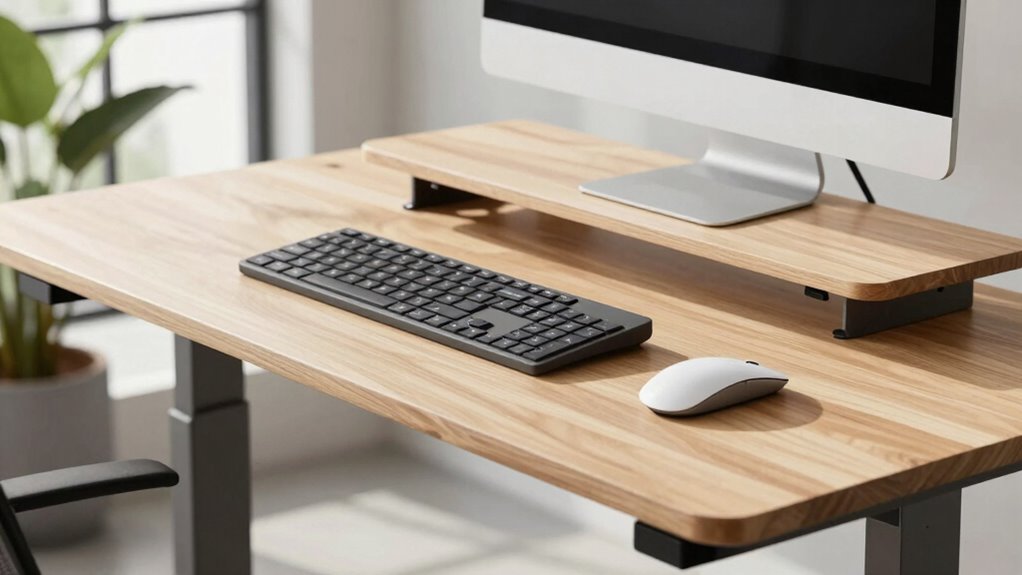

When you switch from sitting to standing, your keyboard height changes because your body’s alignment shifts. Standing requires a taller keyboard position so your elbows stay close to 90°, your wrists are straight, and your shoulders stay relaxed. If the keyboard is too low or high, it can cause strain or discomfort. Understanding these adjustments helps you maintain good posture, prevent injuries, and stay comfortable throughout your work. Keep going to discover how to set it just right.

Get comfort and recovery gear delivered free — and shop member deals
- Fast, free delivery on millions of items
- Access to Prime Big Deal Days deals on October 6–7
- Prime Video, Amazon Music and more included
Key Takeaways
- Standing alters your body’s alignment, requiring a higher keyboard position to maintain neutral wrists and elbows.
- Changes in posture and joint angles when standing impact optimal keyboard height for comfort.
- Standing activates different muscle groups, influencing the need for adjustable keyboard height to prevent strain.
- Proper setup involves re-evaluating keyboard height to keep shoulders relaxed and wrists straight while standing.
- Ergonomic principles recommend adjusting keyboard height when standing to maintain proper posture and reduce fatigue.
adjustable standing desk keyboard tray
As an affiliate, we earn on qualifying purchases.
As an affiliate, we earn on qualifying purchases.
Why Proper Keyboard Height Matters When Standing at Your Desk
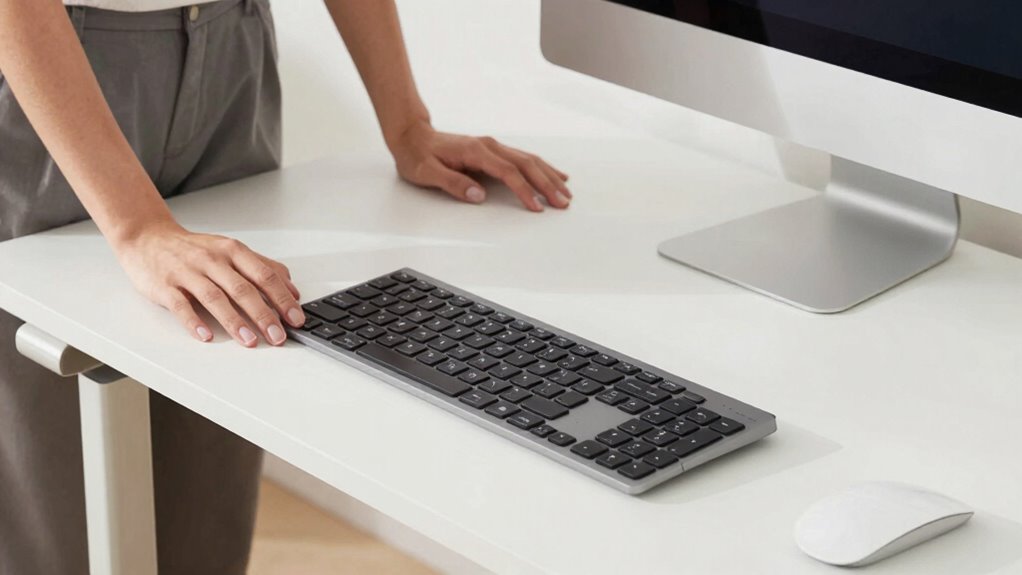
Standing at your desk can boost energy and reduce back pain, but if your keyboard isn’t at the right height, it can lead to discomfort and strain. Proper keyboard height is essential for maintaining ergonomic alignment, which helps prevent repetitive strain injuries and muscle fatigue. When your keyboard is too high or too low, your shoulders may hunch or your wrists bend unnaturally, causing discomfort over time. Adjusting your keyboard to match your elbow height ensures your arms stay relaxed and your wrists remain straight. This alignment minimizes tension in your neck, shoulders, and wrists, promoting comfort during long periods of standing. Ergonomic principles guide optimal workstation setup, ensuring long-term comfort and health. Additionally, regularly adjusting your workspace can help maintain proper posture as your body adapts to standing work, preventing issues like musculoskeletal discomfort. Being mindful of your posture throughout the day can further enhance ergonomic benefits and reduce strain. Incorporating ergonomic accessories such as wrist rests can also support proper alignment and comfort during standing work.
ergonomic keyboard for standing desk
As an affiliate, we earn on qualifying purchases.
As an affiliate, we earn on qualifying purchases.
How Your Body Aligns Differently When Standing vs. Sitting

Because your body aligns differently when you’re standing compared to sitting, it’s important to understand these distinctions to maintain proper ergonomics. When standing, your posture awareness shifts: your spine should be straight, shoulders relaxed, and head aligned over your hips. Muscle engagement increases in your core, legs, and back to support this upright position. Conversely, sitting often leads to slouching or leaning forward, which can cause strain and misalignment. Standing promotes a more natural alignment of your joints, reducing pressure on your lower back. Being mindful of how your body naturally aligns helps you adjust your standing desk setup accordingly. Additionally, understanding ergonomic principles can guide you in optimizing your workspace for comfort and health. Proper desk height is crucial for maintaining this alignment and preventing discomfort. By actively engaging your muscles and maintaining awareness of your posture, you can prevent discomfort and improve overall ergonomic health when switching between sitting and standing. Recognizing posture awareness as a key factor can help you make real-time adjustments for better comfort.
standing desk keyboard height riser
As an affiliate, we earn on qualifying purchases.
As an affiliate, we earn on qualifying purchases.
Factors That Affect Your Standing Keyboard Height
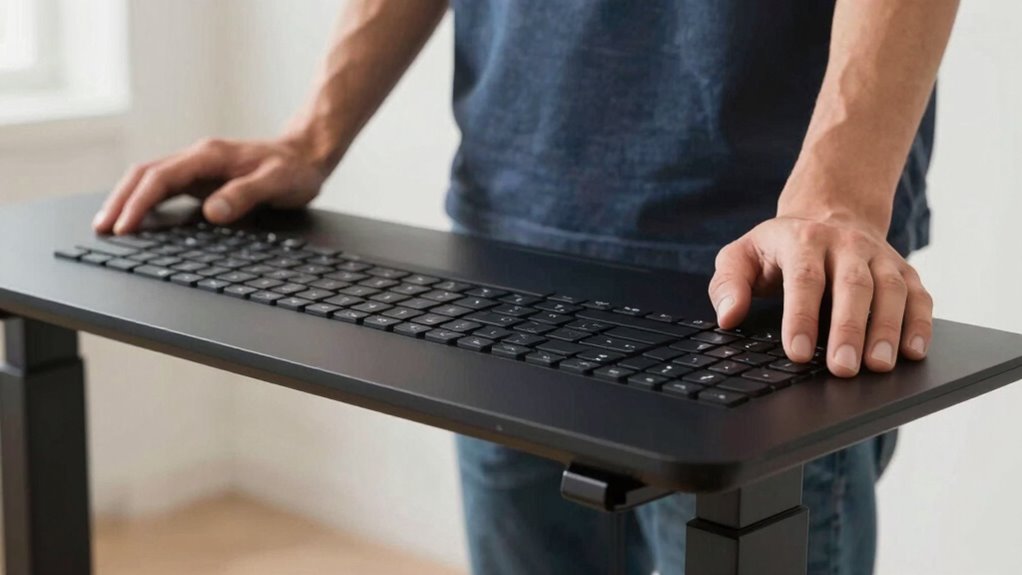
Your standing keyboard height depends on several factors, like how adjustable your desk is and your posture. If your desk isn’t flexible, finding the right height can be more challenging. Making sure your setup promotes comfort helps prevent strain and improves your overall ergonomics. Additionally, cable management solutions can influence your workspace organization and comfort, indirectly affecting your ergonomic setup. Proper gear maintenance also ensures your equipment remains in optimal condition, contributing to a safer and more efficient workspace. Furthermore, understanding ergonomic standards for workstation setup can help you optimize your environment further, especially considering different health considerations such as pre-existing conditions or specific ergonomic needs. Regularly reviewing adjustability features can help you maintain an ideal keyboard height as your needs evolve.
Adjustable Desk Height
Adjustable desk height plays a crucial role in setting the ideal standing keyboard position, as several factors influence how high or low your desk should be. Your preferred keyboard placement directly impacts comfort and efficiency, making it essential to customize your desk height accordingly. Proper desk ergonomics ensure your forearms are parallel to the ground and your wrists remain neutral, reducing strain. When adjusting your desk, consider your body’s proportions, such as arm length and shoulder height, to find the optimal height. An adjustable desk allows you to fine-tune the workspace, promoting better posture and reducing fatigue. Remember, the right height balances comfort with functionality, so take the time to set your desk to suit your unique ergonomic needs. Maintaining a clean and organized space can also contribute to a more efficient work environment. Additionally, understanding ergonomic principles can help you make better adjustments to support long-term comfort. Being aware of posture alignment can further enhance your ergonomic setup and reduce discomfort over time.
Posture and Comfort
Posture and comfort are key factors that influence the ideal standing keyboard height. Your desk posture directly impacts how comfortable you feel and how well you prevent strain. When standing, ensure your elbows are at a 90-degree angle and your wrists are straight to maintain ergonomic comfort. If your keyboard is too high or low, you might hunch or extend your arms awkwardly, leading to discomfort and fatigue. Focus on aligning your shoulders, neck, and wrists to avoid tension. Proper posture supports sustained focus and reduces the risk of musculoskeletal issues. Adjusting your keyboard height to match your natural arm position helps you stay comfortable throughout the day. Additionally, considering heat buffering techniques can help prevent discomfort caused by prolonged standing and improve overall ergonomic health. Incorporating ergonomic adjustments can further enhance your comfort and reduce strain during extended periods of standing. To optimize your setup, it’s also beneficial to periodically change positions to avoid stiffness and promote circulation. Incorporating ergonomic principles into your workspace setup can lead to better posture and reduced discomfort. Being mindful of posture awareness can help you maintain correct positioning and prevent long-term issues. Prioritizing ergonomic comfort guarantees you maintain good posture and minimize strain while standing and working.
ergonomic wrist rest for standing desk
As an affiliate, we earn on qualifying purchases.
As an affiliate, we earn on qualifying purchases.
How to Adjust Your Keyboard Height on a Standing Desk for Comfort
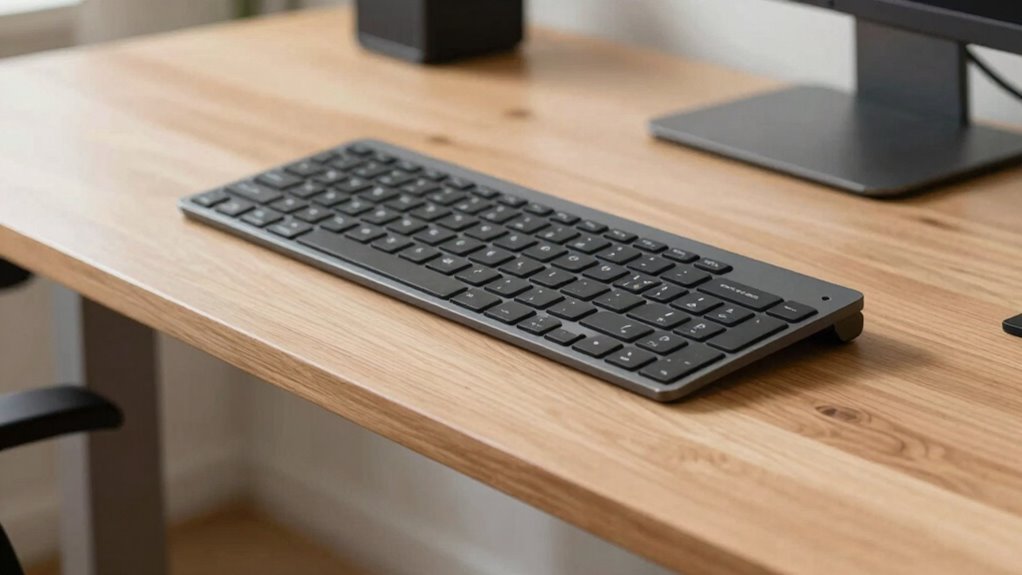
To guarantee maximum comfort while working at a standing desk, you need to set your keyboard to the right height. Start by adjusting the keyboard tilt to keep your wrists straight and prevent strain. A slight negative tilt can help reduce wrist extension, supporting better wrist comfort and reducing fatigue. Your keyboard should be positioned so that your elbows are close to your sides and form about a 90-degree angle. This promotes proper wrist support, preventing awkward bending. Confirm the keys are at a height where your hands can rest lightly on the keyboard without reaching up or down. Regularly check your wrist position, making small adjustments to maintain a neutral, relaxed posture. Proper height and tilt promote comfort, helping you stay productive and avoid discomfort. Additionally, using anti-fatigue mats can help reduce overall fatigue when standing for extended periods. Being aware of early warning signs related to musculoskeletal discomfort can also help you adjust your setup before pain develops. Incorporating ergonomic accessories like wrist rests can further enhance comfort and support proper positioning. Remember that proper posture throughout your workday is essential to prevent strain and maintain comfort. Maintaining awareness of body mechanics can also contribute to long-term comfort and health during standing work.
Common Mistakes When Setting Your Standing Keyboard Height
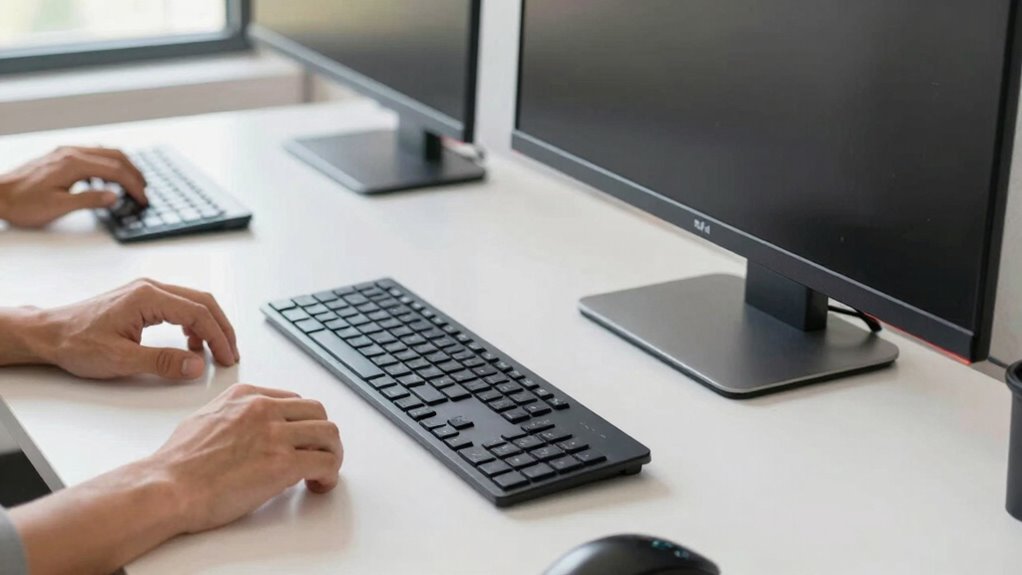
Many people make the mistake of not paying attention to their elbow position, which can lead to discomfort over time. Ignoring proper wrist alignment also causes strain and increases the risk of injury. To set your keyboard height correctly, you need to avoid these common pitfalls and focus on maintaining proper posture. Additionally, proper ergonomic setup can help prevent fatigue and long-term issues by ensuring your workspace encourages healthy habits. Being aware of ergonomic principles can further optimize your workspace for comfort and safety.
Incorrect Elbow Positioning
One common mistake when setting your standing keyboard height is placing your elbows too high or too low, which can lead to discomfort and strain. Incorrect elbow positioning affects your overall arm alignment, increasing tension in your shoulders and neck. To avoid this, focus on maintaining a natural elbow angle around 90 degrees. Proper arm positioning ensures your forearms are parallel to the ground, reducing fatigue.
- Keep your elbows close to your sides to prevent overreaching
- Adjust your keyboard height so your elbows form a relaxed, 90-degree angle
- Avoid leaning forward or slouching, which disrupts proper arm positioning
Ignoring Wrist Alignment
Have you considered how your wrists align when setting your standing keyboard height? Ignoring wrist alignment can lead to discomfort and strain over time. Poor ergonomic positioning causes your wrists to bend or twist unnaturally, increasing the risk of repetitive strain injuries. To avoid this, ensure your wrists are straight and in line with your forearms while typing. Adjust your keyboard height so your hands hover comfortably above the keys, without excessive angle or extension. Maintaining proper ergonomic positioning helps distribute pressure evenly and reduces fatigue. Don’t overlook wrist alignment when customizing your standing desk setup. Small adjustments can make a significant difference in comfort and long-term health, preventing unnecessary pain and promoting healthier typing habits.
Ergonomic Tips to Stay Comfortable While Standing and Working
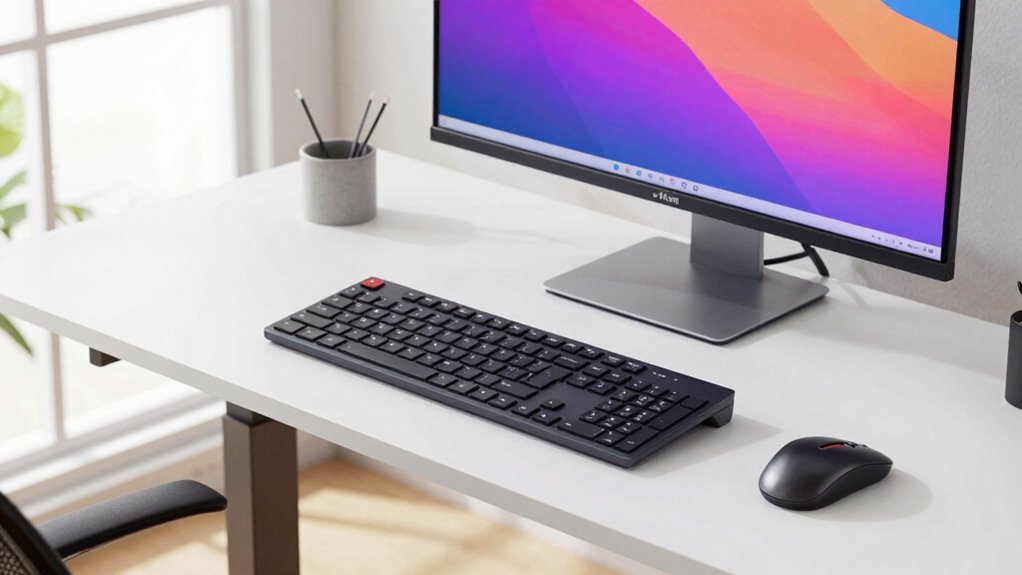
To stay comfortable while standing and working, paying attention to your ergonomic setup is essential. Proper keyboard placement ensures your wrists remain neutral, reducing strain. Maintaining adequate wrist support helps prevent fatigue and discomfort during long hours. Focus on these tips to improve your posture:
- Place your keyboard at elbow height, allowing your arms to rest comfortably at your sides.
- Use wrist supports or pads to keep your wrists straight and supported.
- Keep your keyboard close enough to avoid reaching, minimizing shoulder and arm tension.
Tools and Accessories to Help You Find the Perfect Keyboard Height
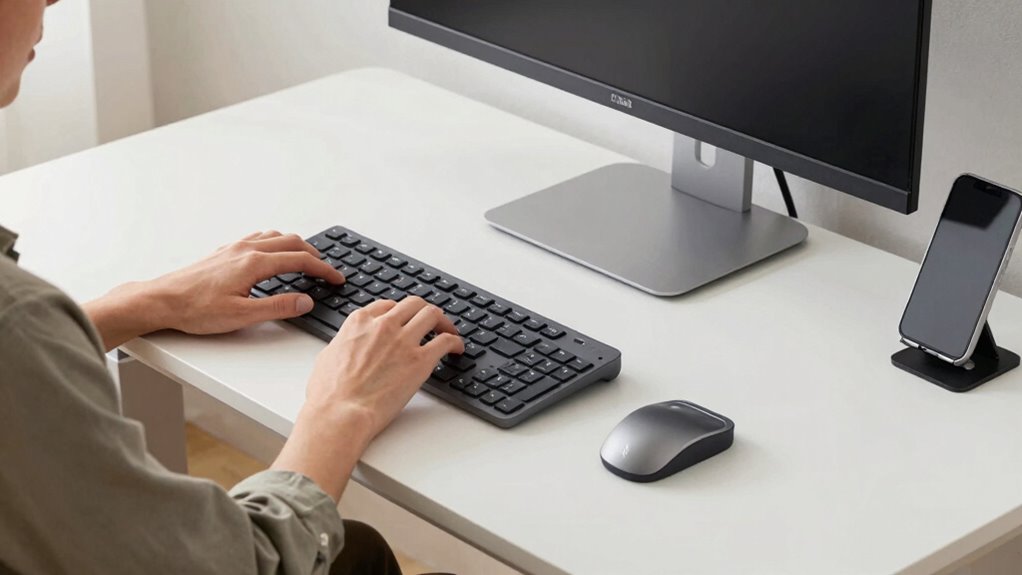
Using the right tools can make finding the perfect keyboard height much easier. Adjustable keyboard stands and ergonomic accessories help you customize your setup for maximum comfort. With these options, you can create a healthier, more efficient workspace tailored to your needs.
Adjustable Keyboard Stands
Adjustable keyboard stands are essential tools that allow you to customize your workspace for maximum comfort and ergonomics. They help you find the ideal keyboard placement, ensuring your elbows stay close to your body and your wrists remain straight. With these stands, you can easily switch between sitting and standing positions, maintaining proper desk ergonomics. Features to look for include height adjustability, stability, and portability.
- Easy height adjustments for personalized positioning
- Stable support to prevent wobbling during use
- Compact design for seamless workspace integration
Using an adjustable keyboard stand ensures your keyboard height aligns with your standing or sitting position, reducing strain and promoting better posture. This simple tool makes it easier to create an ergonomic setup tailored to your needs.
Ergonomic Accessories for Comfort
Finding the right keyboard height can be challenging, but ergonomic accessories make it easier to achieve a comfortable setup. Keyboard tilt adjustments help you find the ideal angle, reducing strain on your wrists and shoulders. By customizing the tilt, you can maintain a natural, relaxed posture that adapts to your work style, whether sitting or standing. Wrist supports are essential accessories that provide cushioning and stabilization, preventing discomfort during extended typing sessions. They help keep your wrists in a neutral position, reducing the risk of repetitive strain injuries. Combining adjustable keyboard tilt with quality wrist supports creates a supportive environment that promotes comfort and productivity. These accessories allow you to fine-tune your setup, ensuring your keyboard height feels natural and ergonomic, no matter how often you shift between sitting and standing.
Signs Your Keyboard Height Needs Re-Adjustment
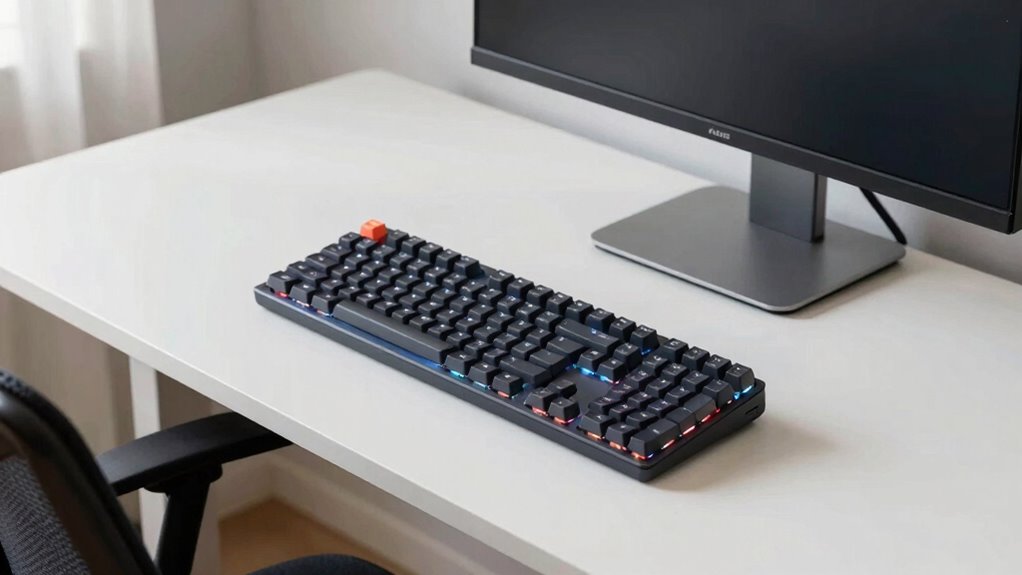
If your keyboard height isn’t properly set, you’ll likely notice discomfort or strain during extended use. Poor keyboard posture can lead to aches in your wrists, shoulders, or neck, indicating it’s time to adjust. Pay attention to these signs:
- You find yourself reaching or hunching, disrupting your typing ergonomics
- Your wrists feel sore or fatigued after a short period
- Your shoulders or neck tense up, indicating your keyboard is too high or low
These issues suggest your keyboard height isn’t aligned with your natural arm position. Maintaining proper keyboard posture is essential for comfort and preventing injury. Regularly reassess your setup to ensure your elbows stay close to a 90-degree angle, and your wrists remain neutral during work sessions.
Why Proper Keyboard Position Boosts Productivity and Prevents Injury
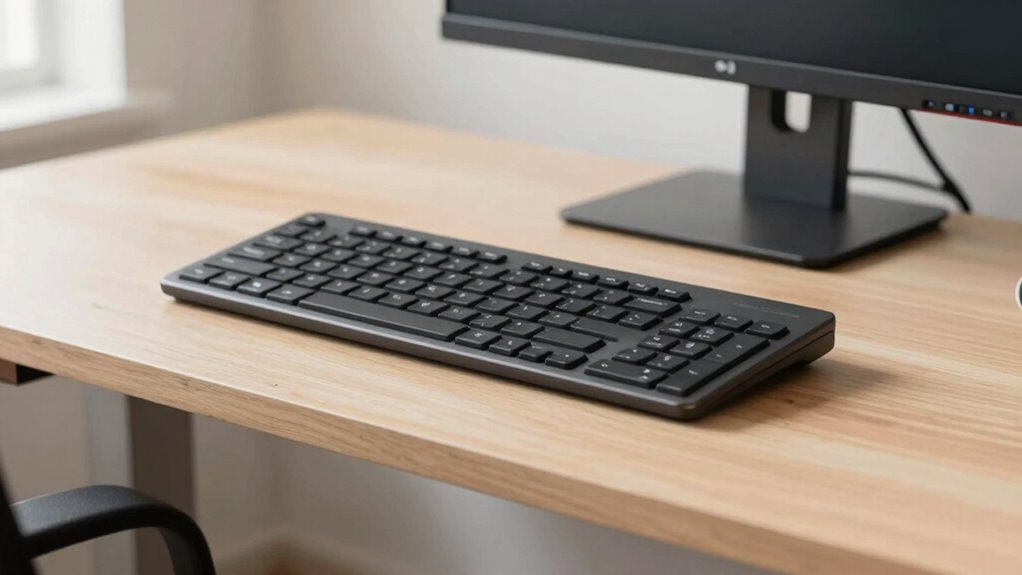
Maintaining proper keyboard position directly enhances your productivity by allowing you to work more comfortably and with less interruption. Good keyboard ergonomics reduces strain, preventing injuries like carpal tunnel syndrome and repetitive stress injuries. When you customize your desk setup, you ensure your keyboard is at the right height and angle, supporting natural wrist alignment. Proper positioning keeps your forearms parallel to the floor, minimizes tension, and allows for smoother typing. Consider these factors:
| Aspect | Benefit |
|---|---|
| Adjustable height | Fits your body and reduces fatigue |
| Wrist support | Prevents strain and repetitive injuries |
| Desk customization | Creates an ergonomic workspace tailored to you |
| Keyboard angle | Promotes neutral wrist posture |
| Comfort and focus | Boosts efficiency and reduces errors |
Troubleshooting Your Standing Desk Setup for Better Ergonomics
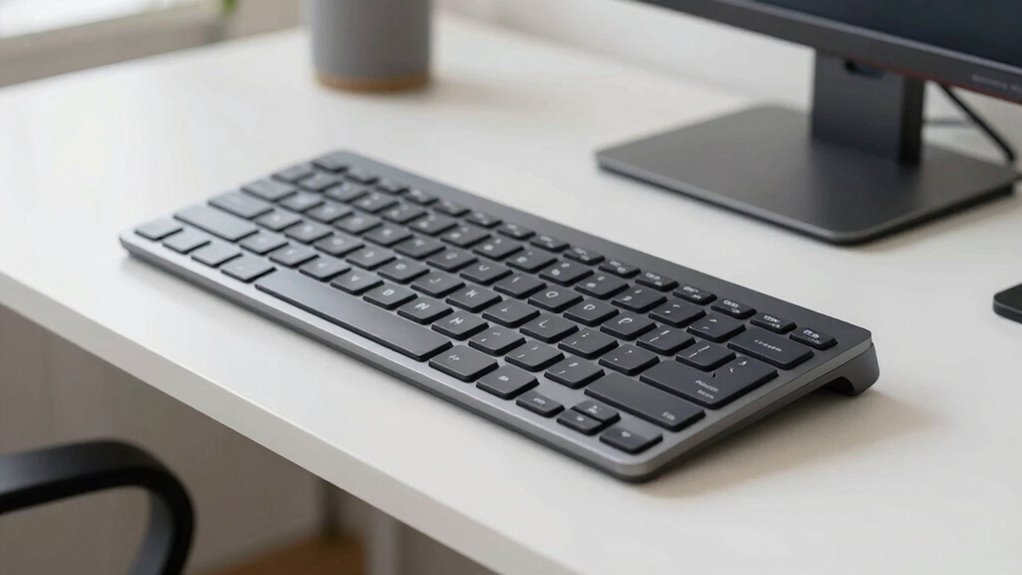
To optimize your standing desk setup for better ergonomics, you need to identify and correct common issues that can cause discomfort or strain. Start by evaluating your keyboard ergonomics—ensure your keyboard is at a height that keeps your elbows close to a 90-degree angle. Check your posture correction techniques to avoid slouching or leaning forward.
- Adjust your desk height so your wrists stay straight and your shoulders relaxed
- Use an anti-fatigue mat to reduce pressure on your legs and improve stability
- Position your monitor at eye level to prevent neck strain and promote proper alignment
Frequently Asked Questions
How Often Should I Readjust My Standing Desk Keyboard Height?
You should readjust your standing desk keyboard height whenever you notice your wrists aren’t in a neutral position or your shoulders feel strained. Aim to maintain an ergonomic posture, keeping wrists straight and elbows close to your sides. Regularly checking and tweaking the height helps prevent discomfort and promotes good wrist positioning. Typically, readjust every hour or as needed based on your comfort and posture shifts during prolonged standing.
Can My Keyboard Height Vary Throughout the Day?
Imagine you’re working all day, and your keyboard height shifts slightly as you stand or sit. Yes, your keyboard height can vary throughout the day. This affects ergonomic wrist positioning, so you might need to modify the keyboard tilt or height to stay comfortable. Regular tweaks ensure your wrists stay in a neutral position, preventing strain and promoting good posture during different tasks or postures.
Does Keyboard Type Affect the Optimal Height Setting?
Yes, your keyboard type affects the most suitable height setting. Mechanical keyboards, for example, often require a slightly higher position for ergonomic posture, while membrane keyboards might sit lower. Ensuring wrist support is essential, so adjust the height to keep your wrists straight and relaxed. This way, you maintain comfort and reduce strain, regardless of your keyboard type, whether you’re standing or sitting.
How Does My Footwear Influence Keyboard Height Adjustments?
Your footwear impact is like a hidden weight on your posture, especially regarding shoe height. When you wear shoes with thicker soles, it raises your foot level, prompting you to adjust your keyboard height higher to maintain comfort. Conversely, barefoot or thin-soled shoes lower your foot position, making you lower your keyboard. Always consider your shoe height when setting your standing desk to avoid strain and stay ergonomic.
Is There a Recommended Maximum or Minimum Keyboard Height?
There isn’t a strict maximum or minimum keyboard height, but ergonomic standards suggest your keyboard should be positioned so your elbows are at a 90-degree angle and your wrists stay straight. Adjust the height and tilt to prevent strain, ensuring your hands are slightly below your elbows. Keep the keyboard tilt minimal to avoid awkward wrist positions. Prioritize comfort and alignment, and regularly adjust as needed for ideal ergonomics.
Conclusion
Remember, your standing desk is a tool to support your well-being, not a barrier. When you find the perfect keyboard height, it’s like tuning an instrument—you create harmony between comfort and productivity. Keep adjusting until your setup feels natural, so your body can dance freely through the workday. After all, an ergonomic workspace isn’t just a setup; it’s a portrait of your health and focus, waiting to be perfected.
Evergreen bestsellers Picks
bestsellers
As an affiliate, we earn on qualifying purchases.