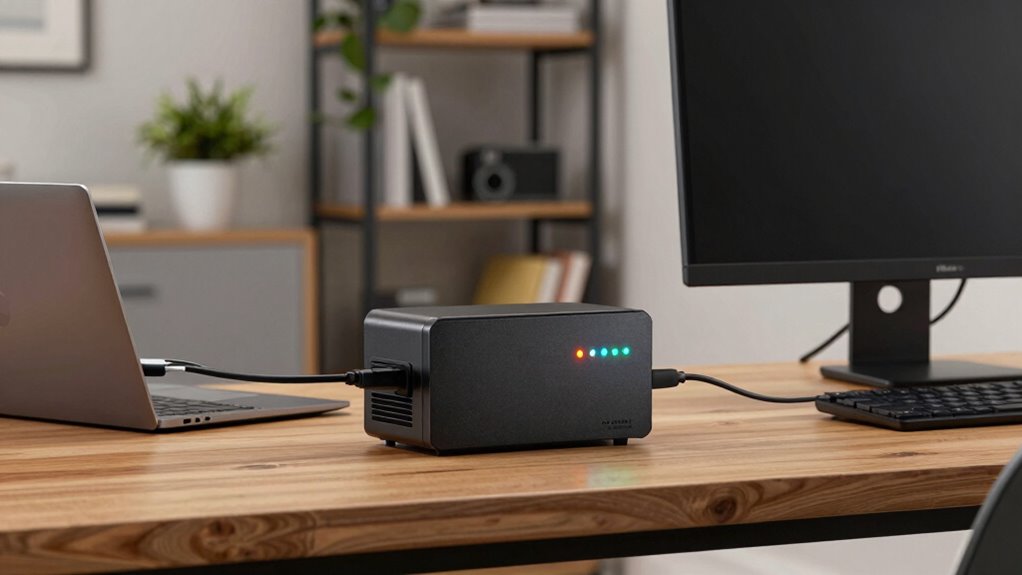

To protect your home office, you should understand that UPS battery backups provide essential backup power during outages, preventing work disruptions and safeguarding sensitive equipment from electrical surges and faults. Regularly maintaining and monitoring your UPS guarantees reliable performance and longer battery life. Choosing a model with the right capacity and surge protection features is key. Keep learning to discover how to maximize your UPS’s effectiveness and keep your setup safe and efficient.
Play games included with Prime
Start a Prime free trial and play with Amazon Luna on your devices.
As an affiliate, we earn on qualifying purchases.
Key Takeaways
- Ensure the UPS provides adequate backup time for your critical devices during power outages.
- Look for models with built-in surge protection to safeguard equipment from voltage spikes.
- Regularly maintain and test the UPS battery to ensure reliable performance when needed.
- Select a UPS with capacity slightly above your total device wattage for safety margin.
- Monitor battery health and replace batteries promptly to prevent unexpected failures.

Have you ever experienced a sudden power outage that disrupted your work or caused data loss? If so, you know how frustrating it can be to lose hours of work or risk damaging sensitive equipment. That’s where UPS battery backups come into play. These devices act as a safeguard, providing you with enough time to save your work and shut down devices properly. But understanding how they work and what to look for is essential to making the right choice, especially as a home office user.
One of the most critical aspects of a UPS is power surge protection. Power surges happen unexpectedly and can severely damage your electronics, including computers, routers, and printers. A good UPS doesn’t just provide backup power; it also shields your devices from these dangerous voltage spikes. Look for models that specify surge protection features to guarantee your equipment remains safe during electrical storms or electrical faults. This added layer of security can save you money in repairs or replacements while keeping your data secure.
Battery maintenance is another crucial consideration. The UPS relies on its internal battery to keep your devices running during outages. Over time, batteries degrade, reducing backup duration and reliability. Regular battery maintenance isn’t just recommended; it’s necessary. Many UPS units come with software that can alert you when the battery needs replacing or if there are issues with the power supply. Scheduling periodic checks or replacements can extend the lifespan of your UPS and ensure it performs when you need it most. Proper maintenance also involves keeping the unit in a cool, dry environment to prevent overheating and prolong battery life.
Choosing the right UPS involves balancing capacity with your specific needs. For a home office, it’s tempting to opt for a smaller device, but underestimating your power requirements can leave you unprotected during an outage. Consider the total wattage of your critical devices and select a UPS with a slightly higher capacity to guarantee ample backup time. Additionally, look for models with user-friendly interfaces, clear display panels, and easy battery replacement procedures to simplify maintenance.
Ultimately, a UPS battery backup is an investment in your peace of mind. It prevents data loss, protects your equipment, and minimizes downtime during electrical issues. By prioritizing power surge protection and diligent battery maintenance, you can guarantee your home office remains productive and safeguarded against unexpected power problems. Understanding these core aspects, including battery lifespan, helps you make informed decisions, so you’re always prepared—no matter what the electrical grid throws your way. Regularly monitoring your battery health can help prevent unexpected failures and extend its effectiveness over time.
UPS battery backup for home office
As an affiliate, we earn on qualifying purchases.
As an affiliate, we earn on qualifying purchases.
Frequently Asked Questions
How Long Do UPS Batteries Typically Last Before Replacement?
You can expect UPS batteries to last about 3 to 5 years before needing replacement. This battery lifespan varies depending on usage, temperature, and maintenance. To guarantee reliable backup power, follow a regular replacement schedule, usually around every 3 to 4 years, even if the battery seems fine. Monitoring the UPS’s performance helps catch issues early, preventing unexpected shutdowns and maintaining your home office’s productivity.
Can UPS Backups Support Multiple Devices Simultaneously?
Yes, UPS backups can support multiple devices simultaneously, but you need to check their load capacity first. Overloading can lead to power surges, risking damage to your equipment. To protect your devices, make certain your UPS has enough outlets and capacity for all your gadgets. Remember, proper battery recycling helps extend your UPS’s lifespan. Always unplug unused devices during a power surge to prevent unnecessary drain and maintain backup efficiency.
What Are the Maintenance Requirements for UPS Battery Backups?
You need to regularly check your UPS battery backups, especially after power surges, to prevent unexpected failures. Unlike recycling your old batteries responsibly, neglecting maintenance can cause reduced backup time or failure. Keep the batteries clean and guarantee ventilation, and replace them every 3-5 years. Proper maintenance ensures your system stays reliable, much like recycling cares for the environment—both keep your home office running smoothly.
How Do I Choose the Right UPS Capacity for My Home Office?
To choose the right UPS capacity, first consider your home office’s power needs, including your computer, monitor, and essential devices. Think about the battery lifespan and how long you want backup power during outages. Select a UPS with a power capacity that exceeds your total device wattage, giving you enough runtime and room for future expansion. This guarantees your equipment stays protected and operational when power fluctuates.
Are There Any Safety Concerns With Using UPS Batteries?
Are UPS batteries ticking time bombs? Not if you handle them right. Safety concerns include potential fire hazards and proper battery disposal. You shouldn’t ignore manufacturer guidelines or expose batteries to extreme heat. Always dispose of old batteries responsibly at designated facilities to prevent environmental harm or fire risks. Regularly check for damage, leaks, or corrosion—these signs can help you avoid accidents and keep your home office safe.
surge protector UPS for computers
As an affiliate, we earn on qualifying purchases.
As an affiliate, we earn on qualifying purchases.
Conclusion
A UPS battery backup is your home office’s lifeline during power outages, protecting your equipment and keeping you productive. Think of it as a safety net that catches you when the lights go out, preventing costly data loss and hardware damage. By investing in the right UPS, you’re not just buying a device—you’re securing peace of mind. Don’t wait for the storm to hit; prepare now and keep your work flowing smoothly, no matter what.
UPS with battery monitoring software
As an affiliate, we earn on qualifying purchases.
As an affiliate, we earn on qualifying purchases.
high capacity UPS for multiple devices
As an affiliate, we earn on qualifying purchases.
As an affiliate, we earn on qualifying purchases.
Fall Picks
fall essentials
As an affiliate, we earn on qualifying purchases.