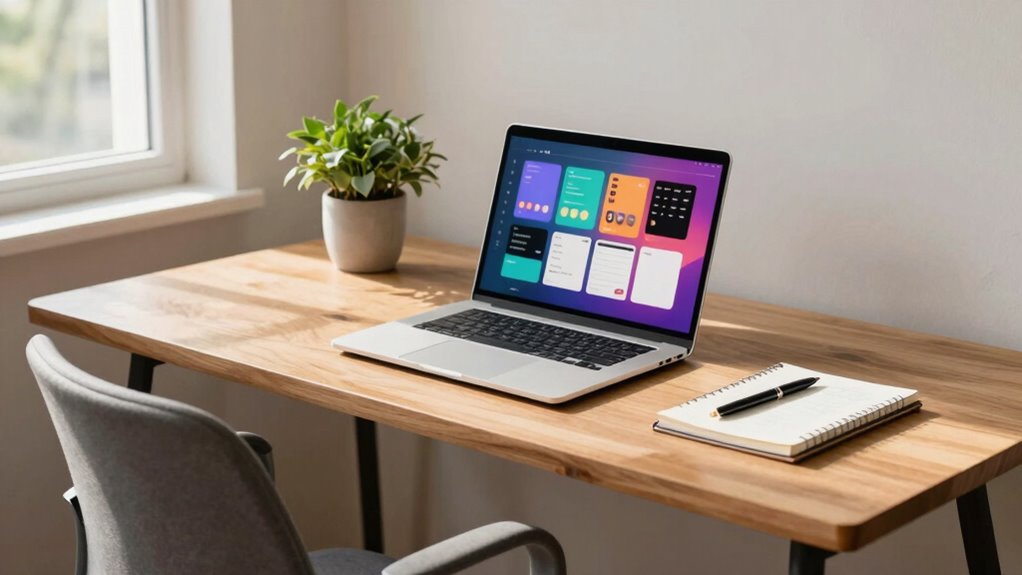
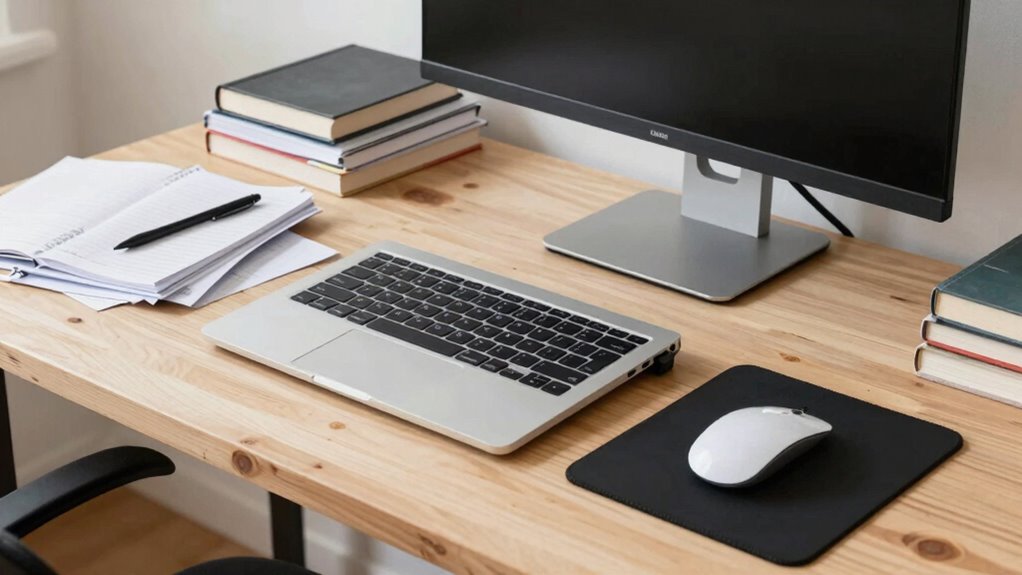
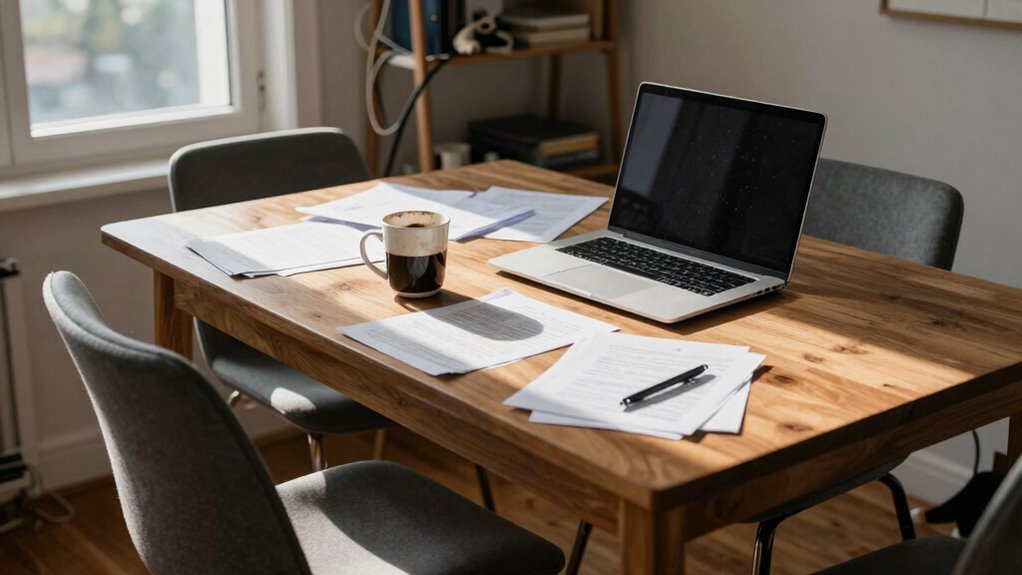
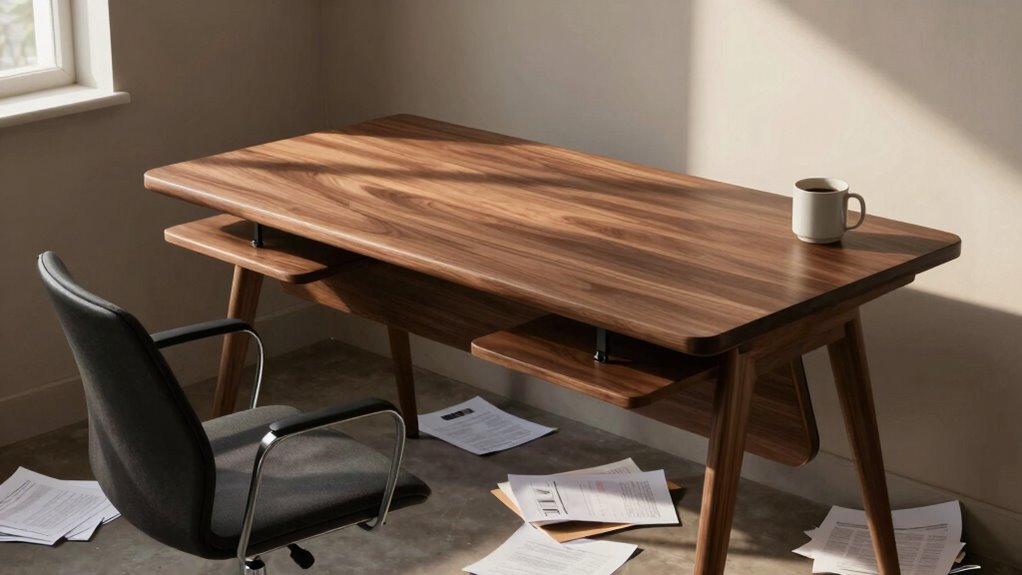
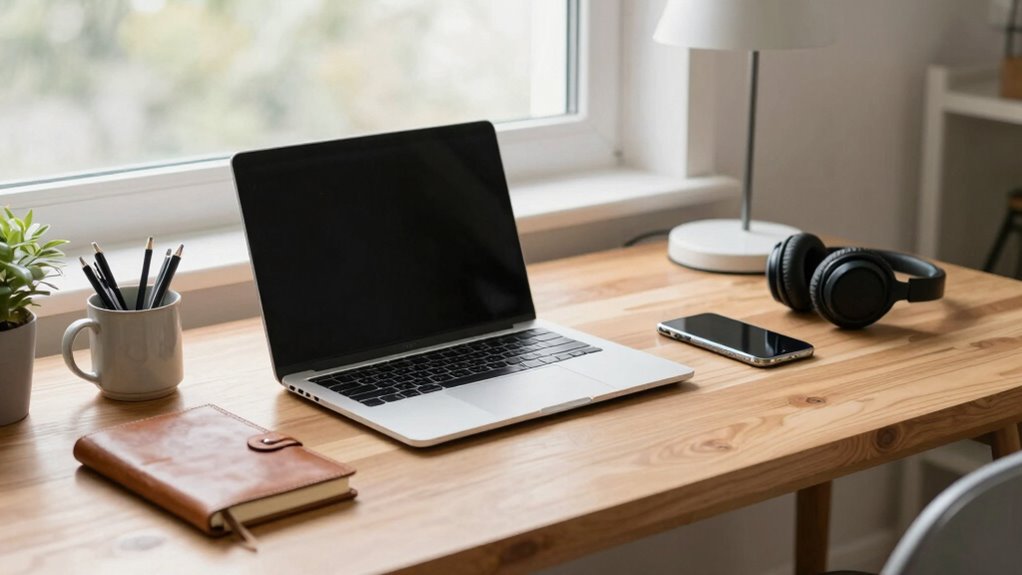
Many deep desks lead to leaning and discomfort, but simple adjustments can help you maintain proper posture and stay productive.
Browsing Category
Home Office Setup
20 posts
Video Call Lighting: Stop Looking Washed Out With One Simple Setup
Boost your video call appearance with one simple lighting trick—discover how to avoid looking washed out and look your best every time.
Cable Pull Points: The Hidden Tension That Warps Your Setup
Stay alert to hidden cable pull points that can cause damage and performance issues, and discover how to protect your setup effectively.
Monitor Mount Placement: Why the Clamp Location Matters More Than You Think
The clamp location on your monitor mount greatly affects stability, safety, and…
Keyboard Angle: Flat vs Negative Tilt vs Positive Tilt (What Changes)
K choosing between flat, negative, or positive keyboard tilt impacts wrist comfort and health—discover which angle best supports your typing.
Desk Edge Pressure: The Forearm Irritation Nobody Blames on the Table
Neck and arm discomfort from desk edge pressure often goes unnoticed; discover how to prevent forearm irritation before it worsens.
Trackpad vs Mouse: Which One Usually Creates More Fatigue?
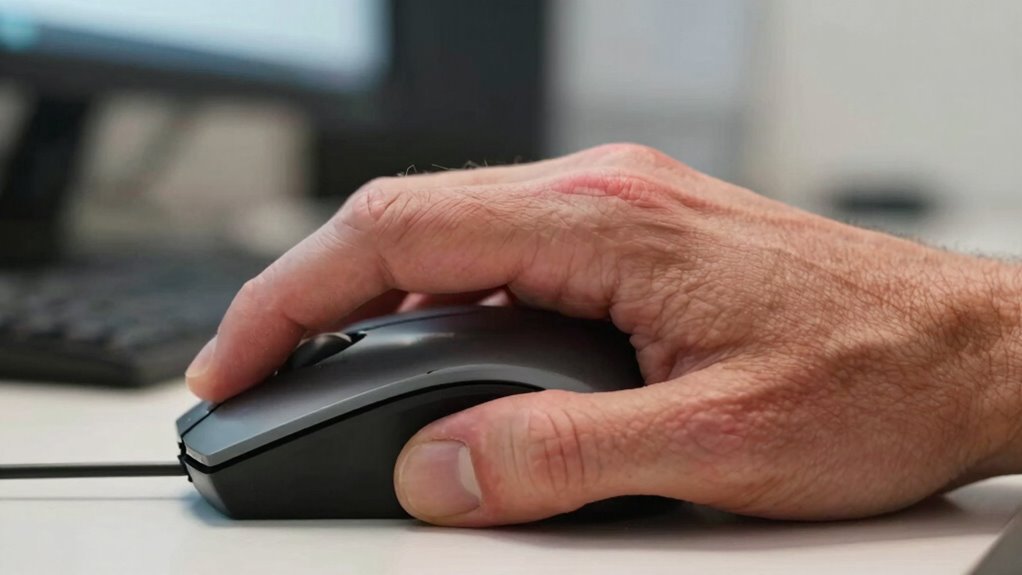
Using a mouse usually causes more hand fatigue over extended periods compared…
The 20-20-20 Rule—And Why Most People Misuse It
When used correctly, the 20-20-20 rule can prevent eye strain, but many people misuse it—here’s how to get it right.
Font Scaling 101: Make Text Easier to Read Without Messing Up Layout
Great font scaling techniques ensure readability and layout integrity—discover essential tips to enhance your typography without sacrificing design quality.
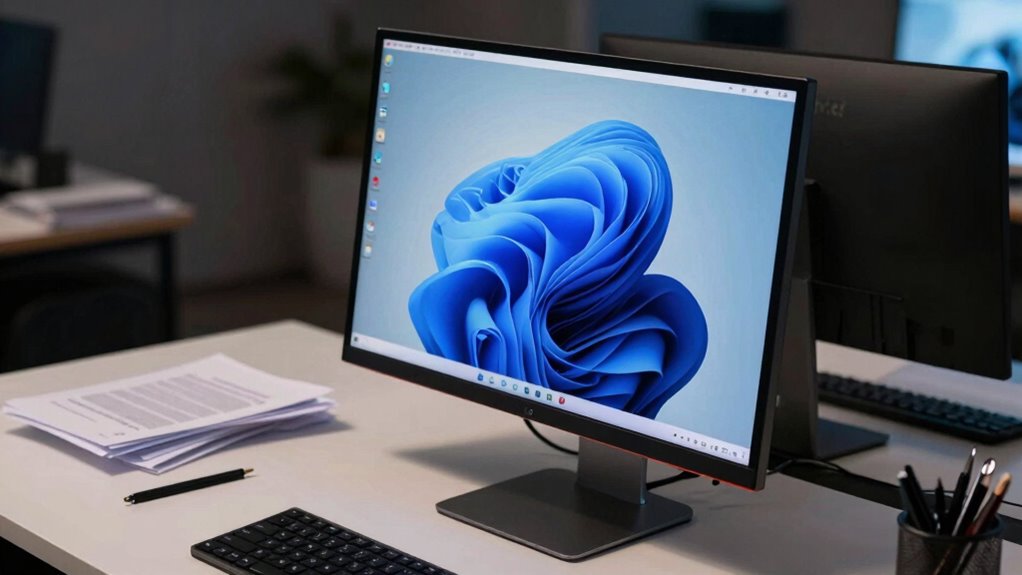
Your Monitor Is Too Low If You Keep Doing This With Your Chin
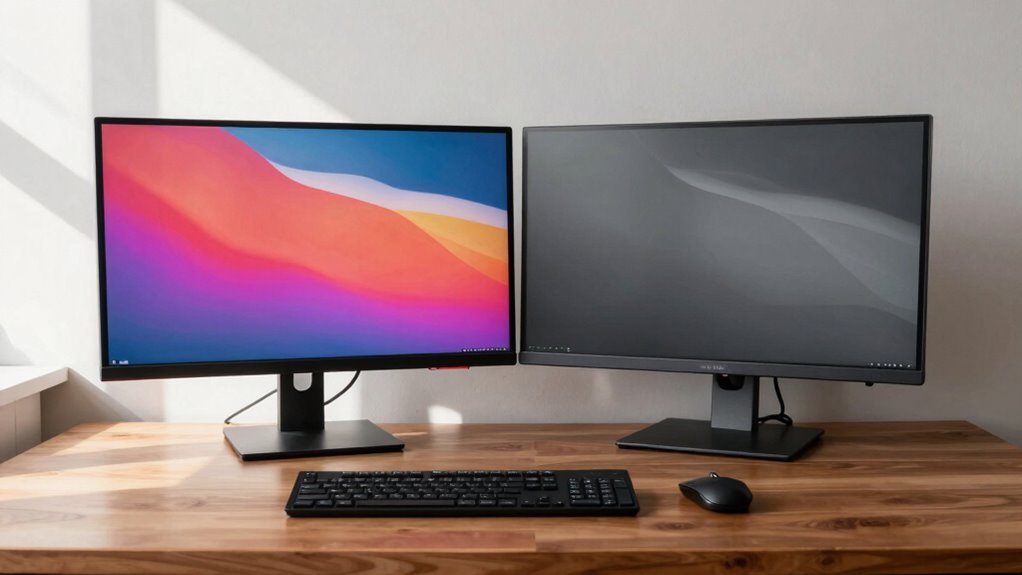
Stay alert to your chin position; if you keep tilting or lowering it, your monitor may be too low, causing discomfort you need to fix.